Teaching Strategies
Connect Units, Skills, Objectives, and Lessons in One Curriculum View
See how KiwiBee connects curriculum pacing, lesson objectives, and assigned skills in one role-aware view.
KiwiBee TeamSep 1, 20263 min read
KiwiBee uses optional Google Analytics, Google Ads, and Meta Pixel cookies to understand adult visitors, measure completed sign-ups, and improve campaigns. Essential cookies always stay on. OpenAI’s ChatGPT Ads Pixel also measures page views and completed enquiries after advertising consent, and may use hashed contact details for matching. Privacy policy
KiwiBee Education Blog
Practical guidance for school leaders and teachers, from connected management workflows to classroom strategies and printable resources.
93 posts
Fresh classroom reflections and practical resources.
Page 2 / 4
See how KiwiBee connects curriculum pacing, lesson objectives, and assigned skills in one role-aware view.
Paste a class list, review how each name was split, correct the rows, and submit only an authorized roster batch in KiwiBee.
Learn how an independent teacher can select one class, paste one student per line, review roster changes, and save only the intended enrollment updates.
Use KiwiBee Schedule Mapping to place curriculum lessons onto a published teaching week while preserving the lesson, class, and timetable context.
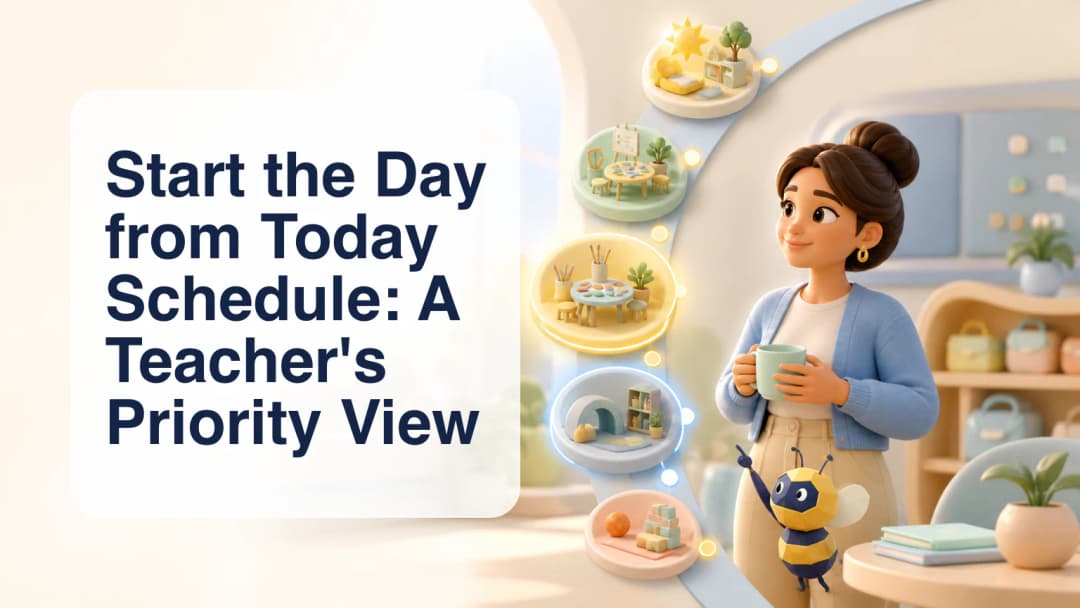
Use Today Schedule to review the organization-local day, identify the current or next class, and open the right authorized lesson context.
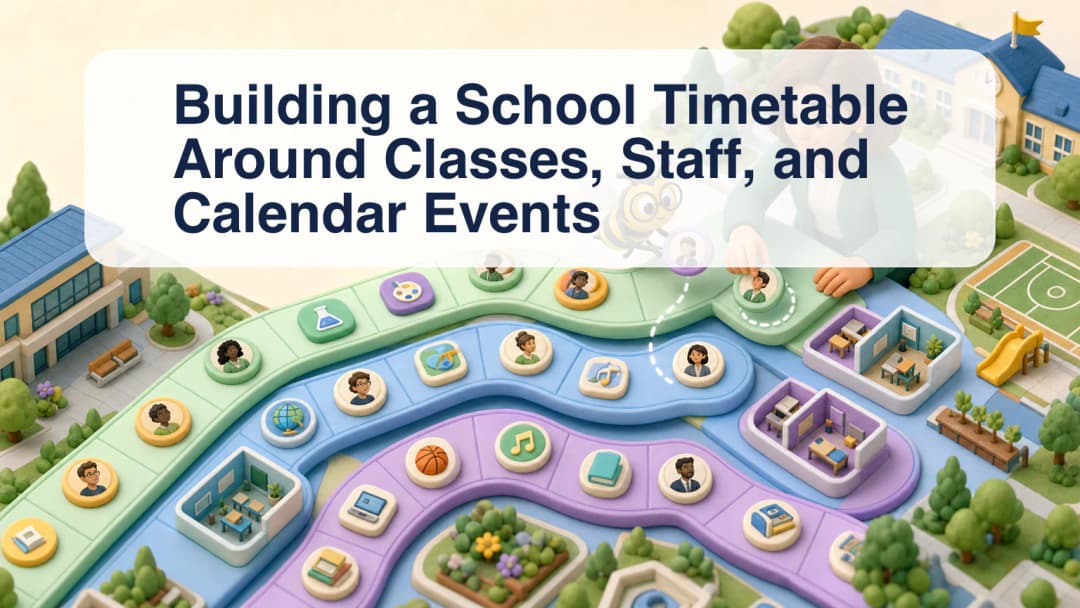
Follow a scoped timetable workflow that connects classes, curricula, teachers, assistants, calendar audiences, leave, cover, and session records.
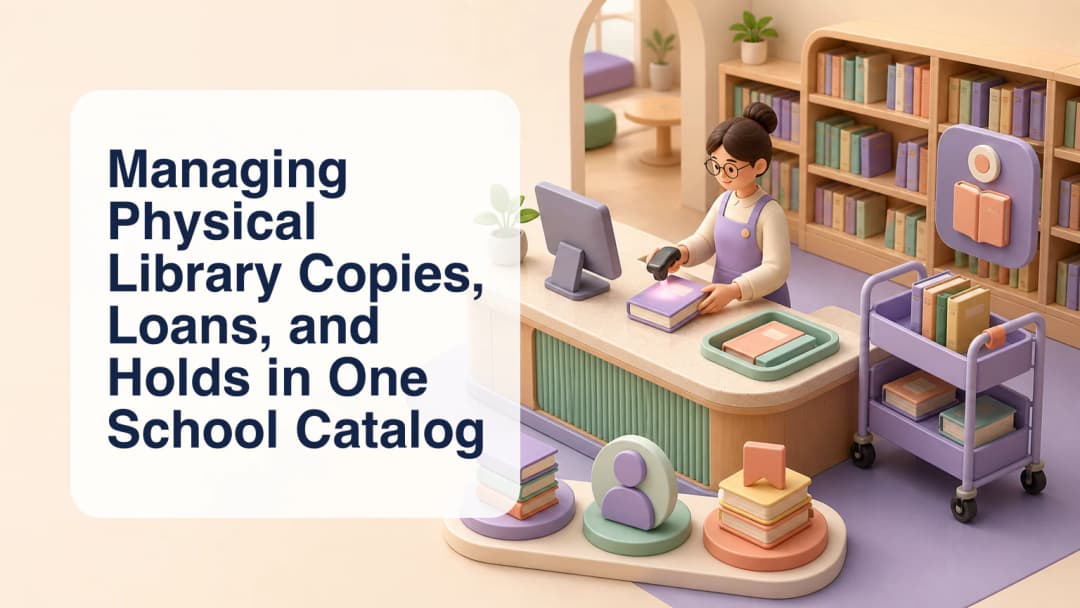
See how a scoped school library catalog can separate titles from physical copies and connect circulation, holds, members, staged imports, and reports.
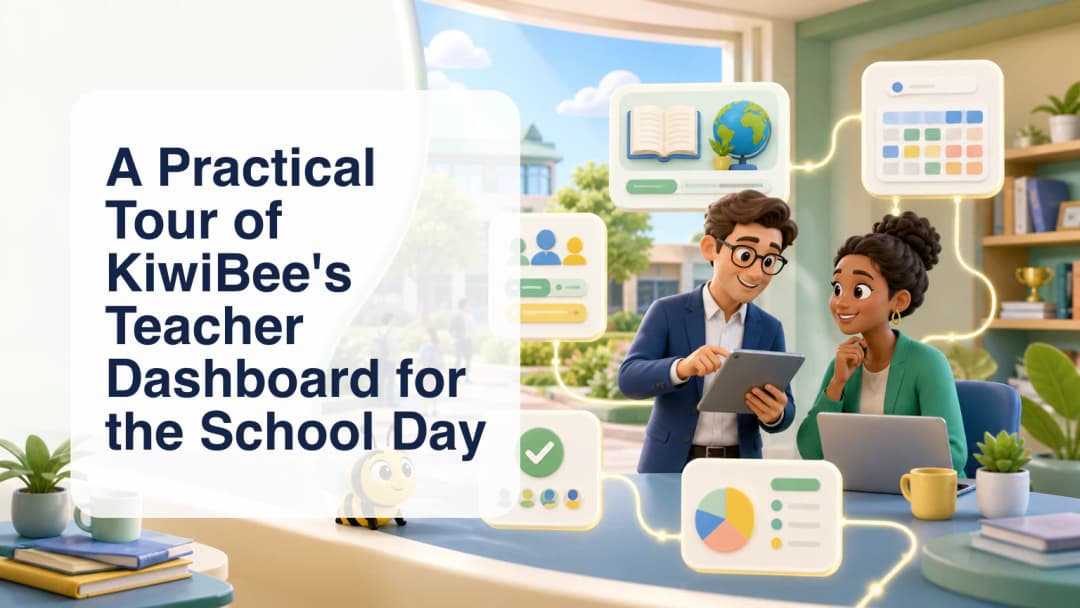
See how KiwiBee brings a teacher’s schedule, classes, curriculum resources, assignments, reporting, and communication into one role-aware workspace.
Learn how selected class, curriculum, and lesson context can guide editable AI-assisted lesson resources while the teacher remains the reviewer.
Turn a teacher-identified learning need into a scoped homework draft, select the intended students, review every detail, and confirm before assignment.
See why attendance belongs to an exact scheduled class occurrence and how ClassSpark supports complete registers and accountable corrections.
Explore a formative assessment flow that keeps uploaded evidence, AI suggestions, teacher review, and confirmed gradebook use as distinct steps.
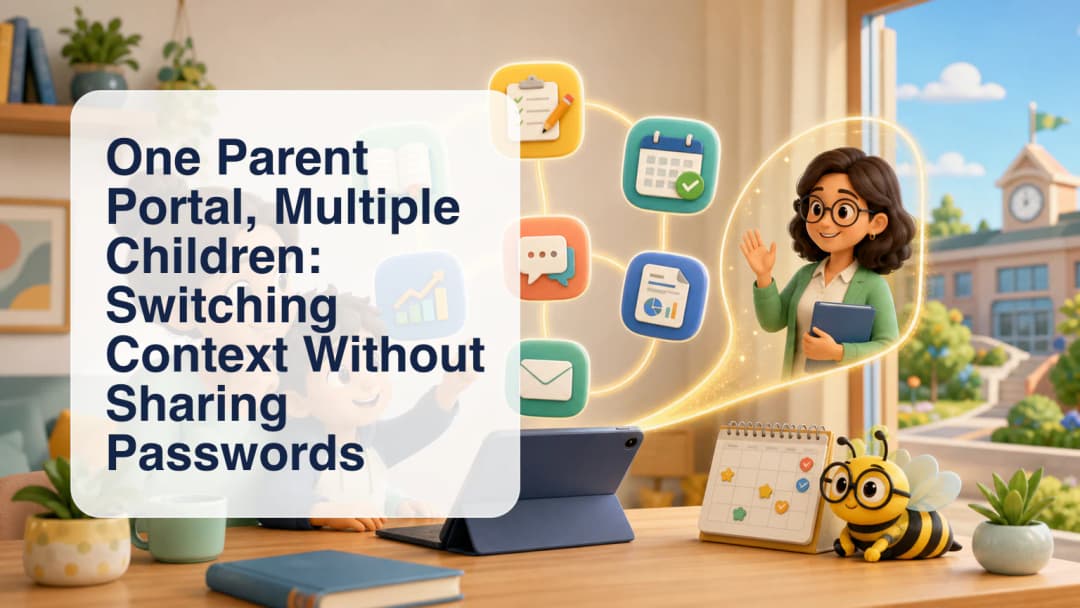
See how a verified parent can select among linked children and enter a child’s student view without collecting or sharing the child’s password.
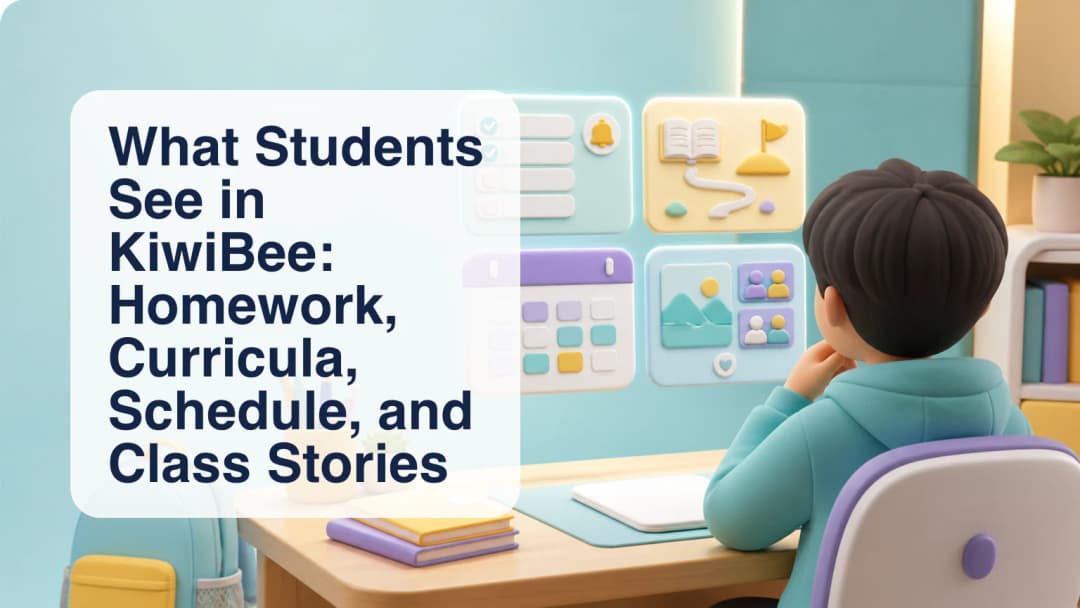
Tour the current KiwiBee student experience across upcoming homework, active curricula, today’s schedule, timetable, calendar, and Class Stories.
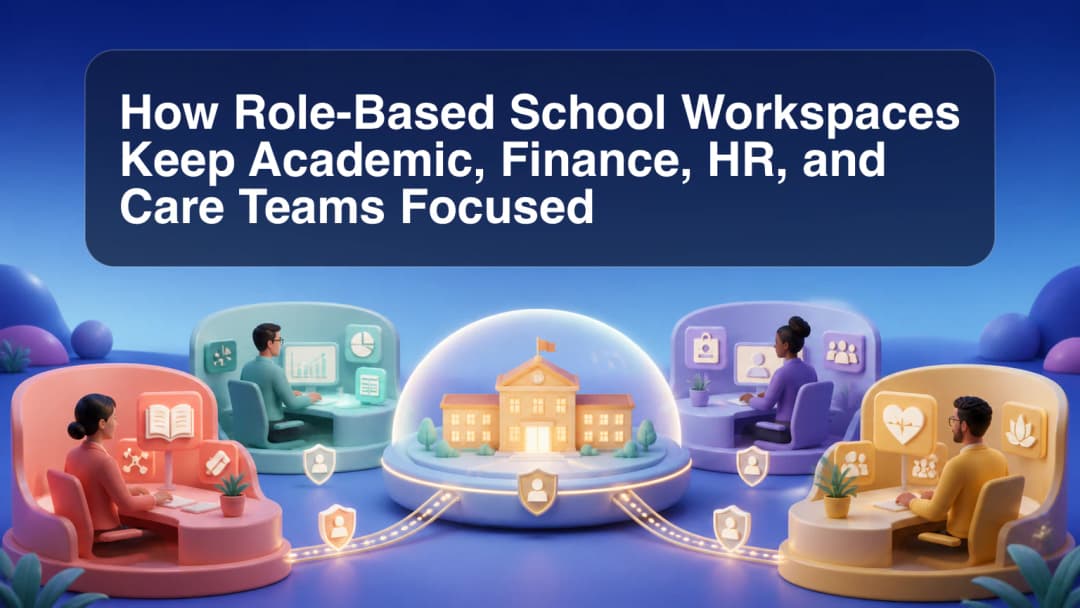
Learn how role, organization, school scope, and enabled modules shape focused KiwiBee workspaces instead of exposing one universal school menu.
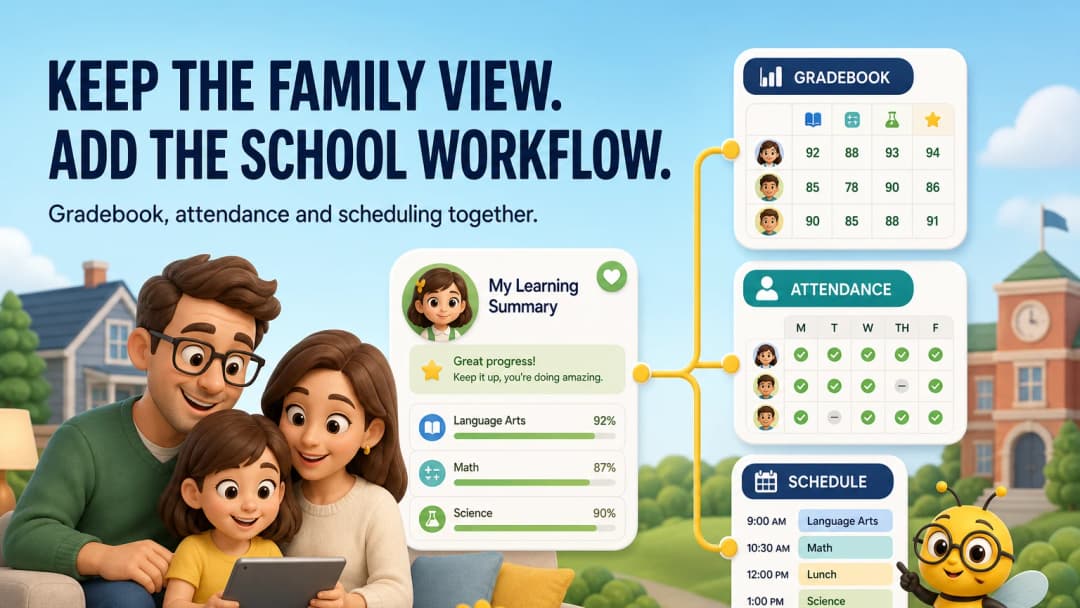
When a school outgrows a portfolio-first workflow, the next platform must preserve family visibility while adding reliable operations.
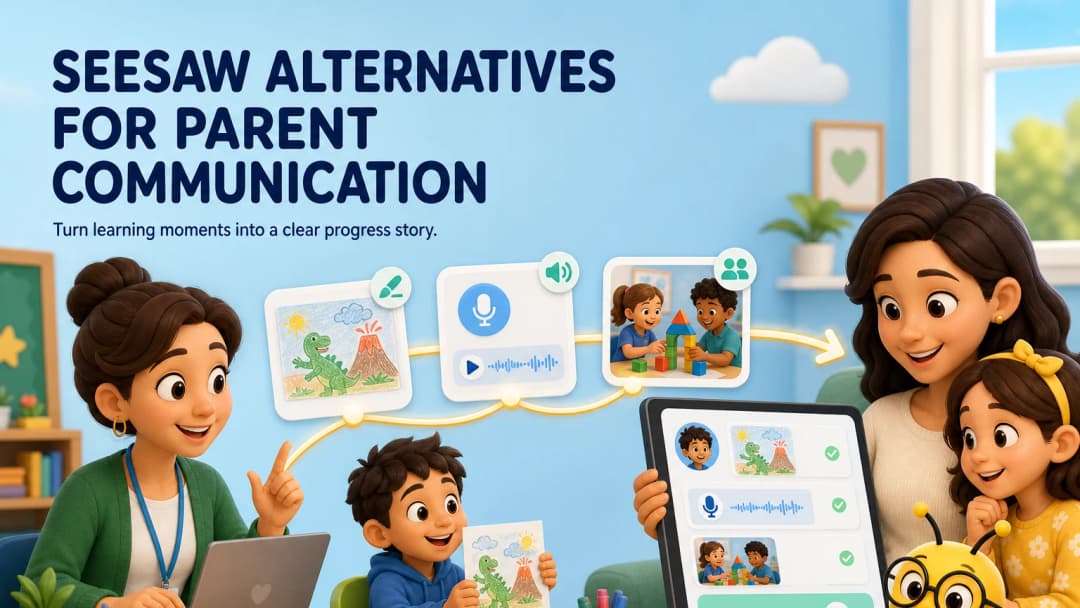
Seesaw is excellent at making elementary learning visible. Schools may need an alternative when the requirement extends into broader operations and teacher tools.
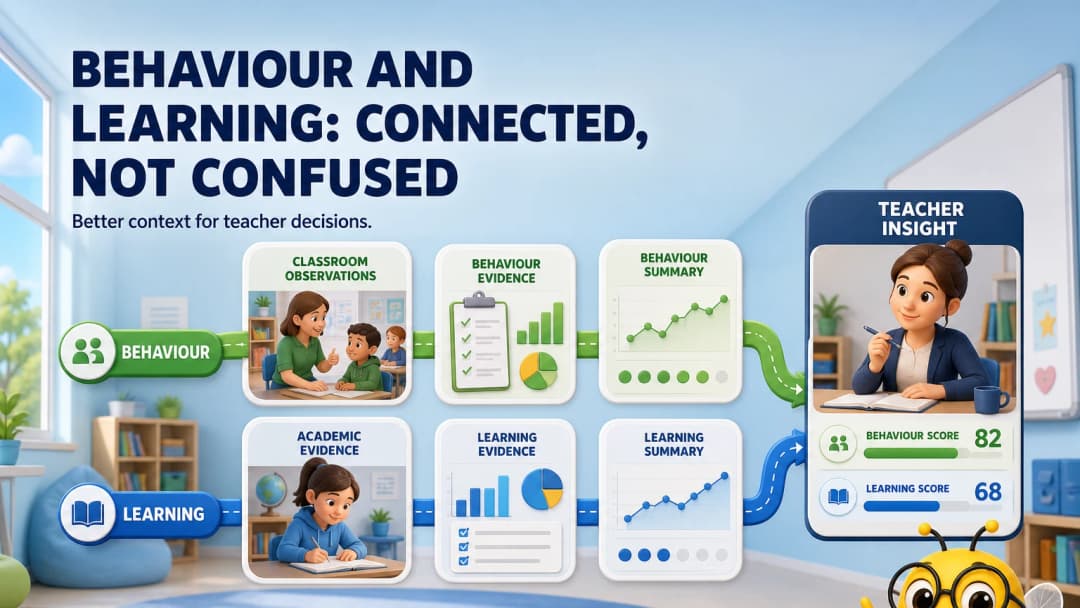
The goal is not to turn behaviour into a grade. It is to help teachers see classroom routines and learning evidence in the right context.
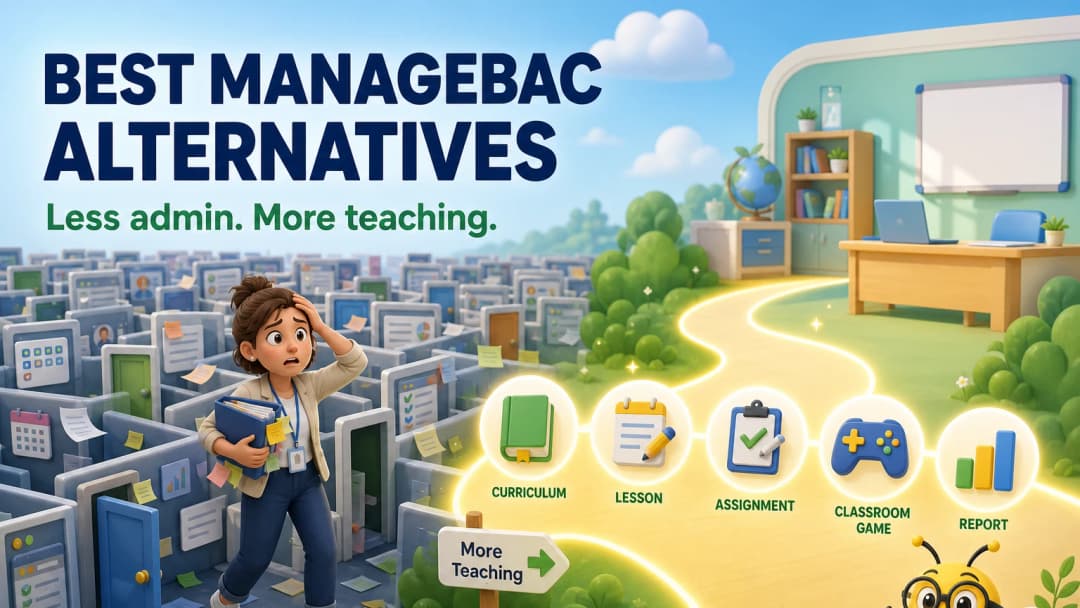
A fair comparison of ManageBac alternatives for schools that want strong curriculum support without losing the everyday teacher workflow.
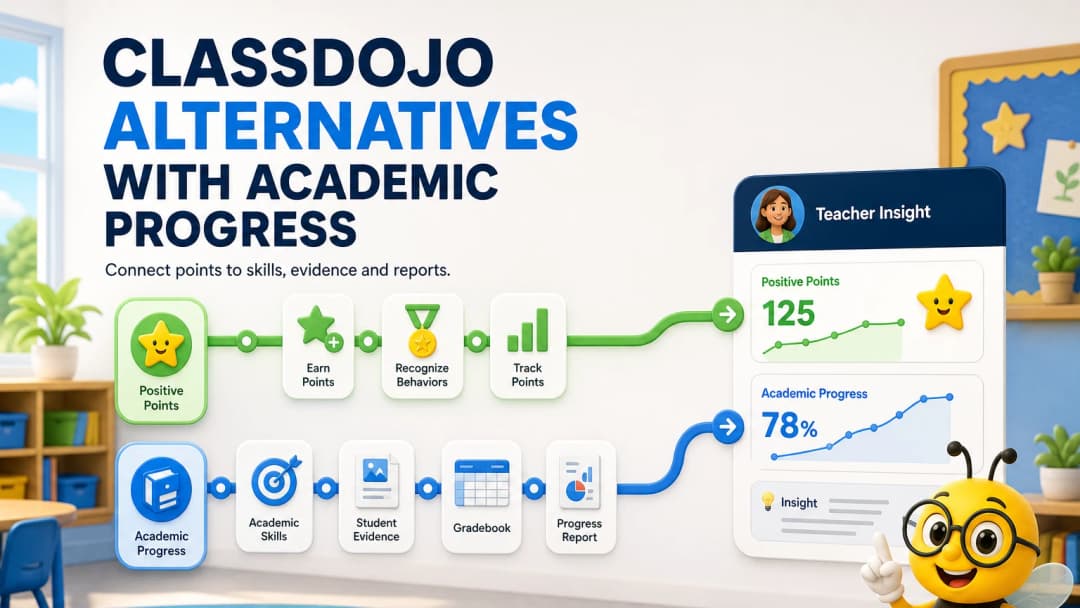
ClassDojo is strong for points and family connection. These alternatives go further into curriculum, grading and academic progress.
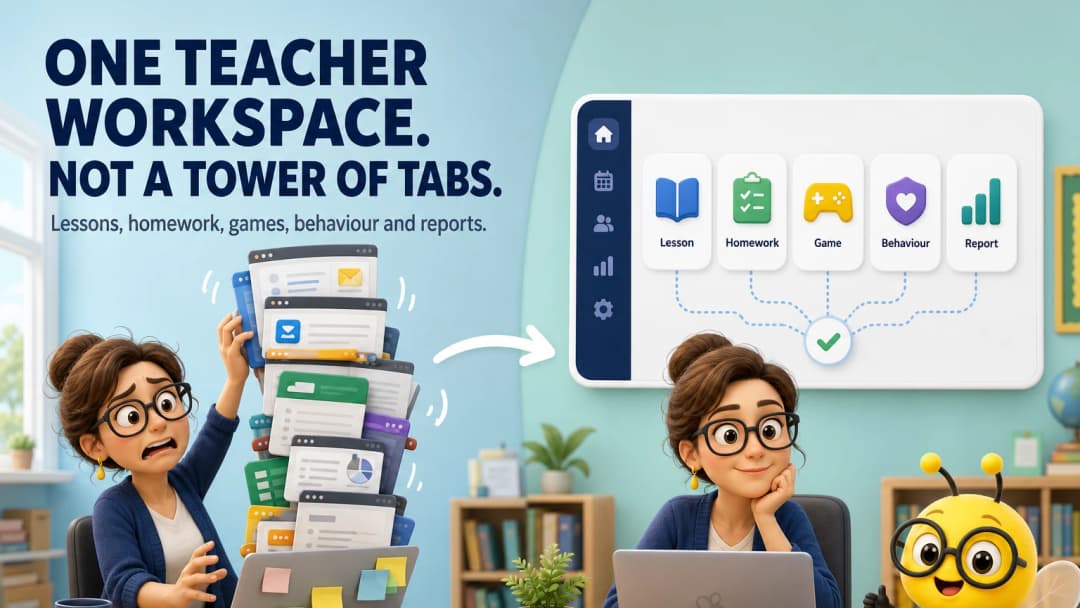
For many teachers, the problem is not Google Classroom itself. It is the timer, game, behaviour, curriculum and reporting tabs surrounding it.
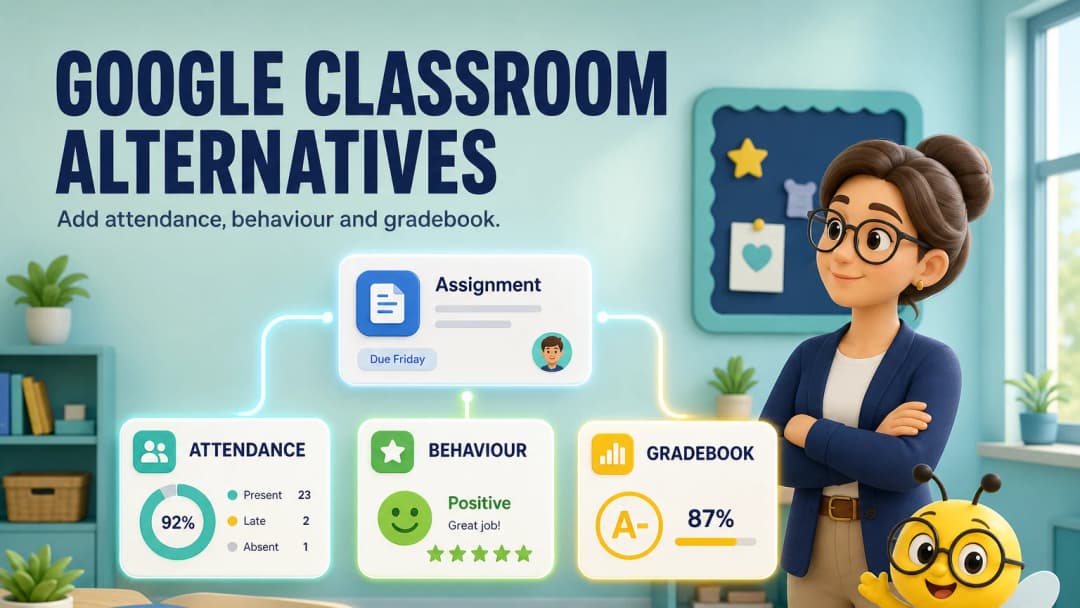
Google Classroom is excellent for simple coursework. Schools often look beyond it when they need teaching, classroom management and school records to connect.
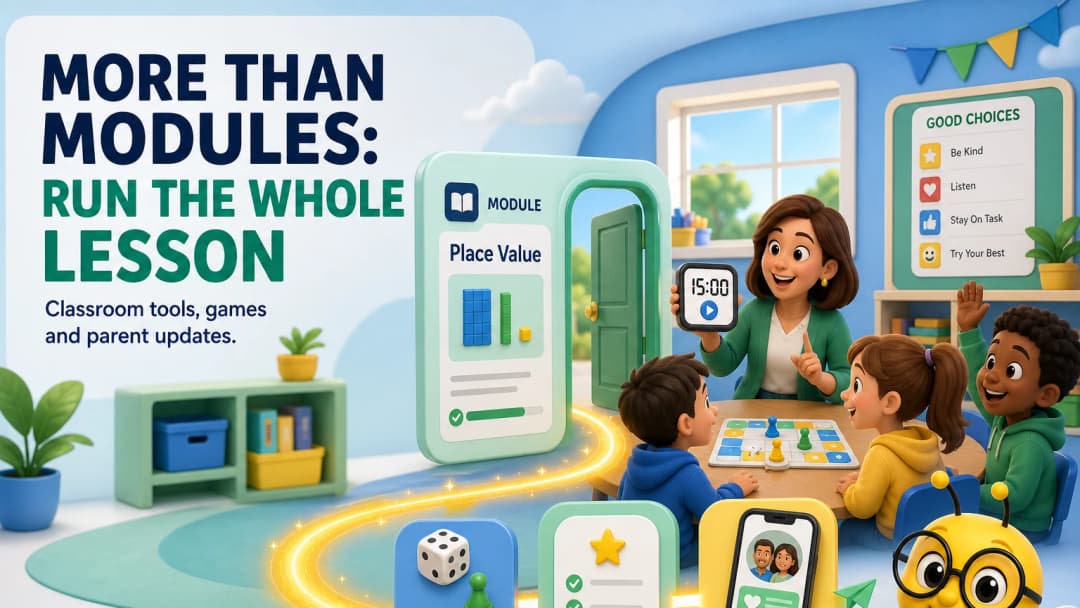
Course delivery is only one part of teaching. This comparison follows the teacher from the lesson screen into the live classroom and family update.
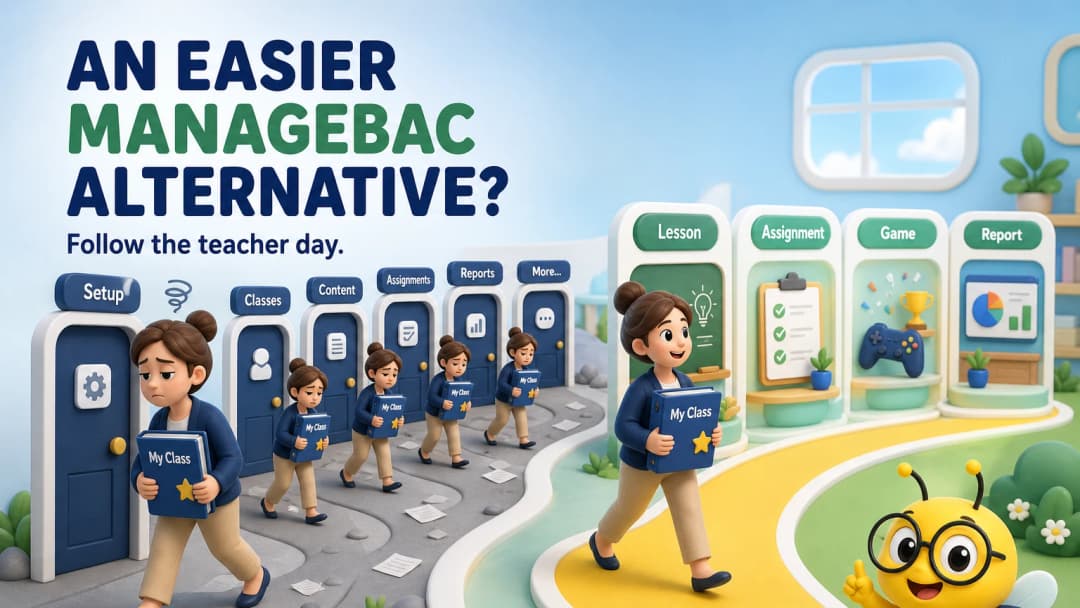
Ease is not a shorter feature list. It is reaching the next teaching task without losing your class, lesson or student context.
 Home
Home All solutions
 Pricing
 About us
 KiwiBee for Non-profits
 Events & webinars
 For big organisations
 For schools
 For centers
 For team leaders
 For teachers
 AI and resources
 Resources
 Printable worksheets
 Lesson Packs
 Interactive simulations
 Teacher tools
 AI studio
 Ideas and research