From Skill Gaps to Targeted Homework: A Teacher-Reviewed Workflow
 By KiwiBee Team
Last updated August 30, 2026
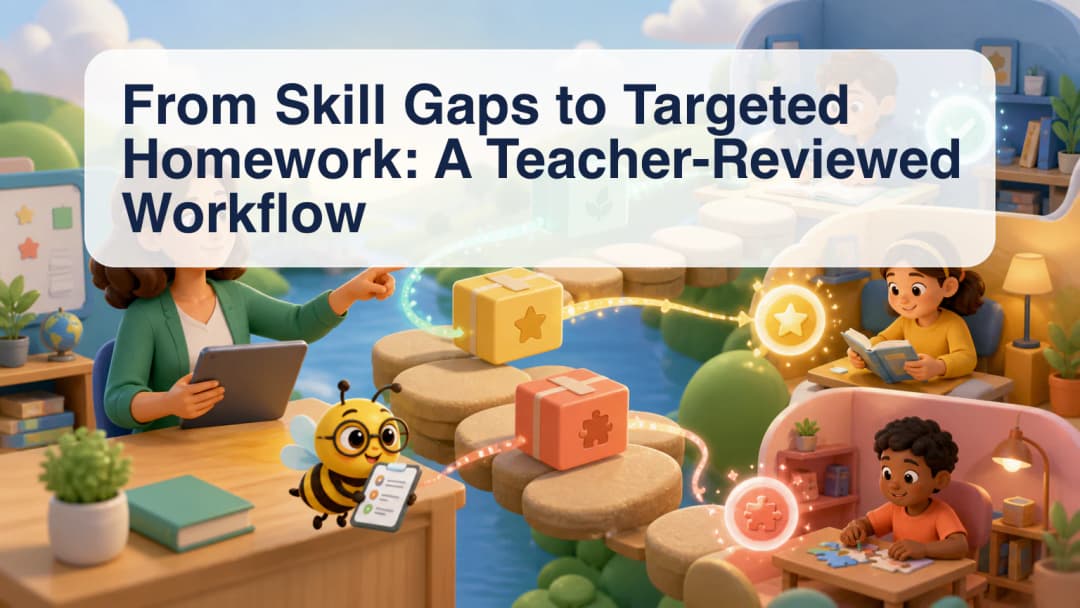
A targeted homework workflow begins with a teacher’s evidence, not an automatic assignment. A teacher may notice a gap through classwork, observation, or information in the gradebook workspace. KiwiBee can then help prepare a homework draft around selected lesson context and selected students, while keeping the final choice with the teacher.
Define the need in teaching terms
Start by describing the specific practice students need. “More fractions” is broad; “compare fractions with unlike denominators using visual models” gives a clearer target. Add the class or lesson context, expected format, number of items, and any constraints that matter for the assignment.
The assistant can use the selected generation targets and lesson context to prepare a draft. That support should not be confused with automatic diagnosis. The teacher identifies the learning need and decides whether homework is the appropriate response.
Choose recipients deliberately
Targeting does not mean silently sending different work to students. In KiwiBee’s documented homework flow, the teacher selects the intended recipients. That may be a class, a smaller selected group, or individual students, depending on the available setup and the teacher’s decision.
Before assignment, check that the selection is correct and that the task is fair, understandable, and accessible. A useful review includes the instructions, questions, answer expectations, due date, attempt settings, student workload, and any resources students will need. The homework workflow provides the surrounding assignment context.
Confirm only after review
KiwiBee’s homework assistant separates drafting from writing. A tool can read relevant context or prepare a proposed assignment, but a write action is gated by explicit confirmation. This boundary is important: a conversational request should not become student work until the teacher has reviewed both the content and the recipients.
A practical sequence is:
- Identify the skill or concept that needs more practice.
- Select the lesson context and intended students.
- Generate or draft the requested number and type of activities.
- Edit language, difficulty, examples, and instructions.
- Recheck recipients and assignment settings.
- Confirm the assignment only when it is ready.
After assignment, the workflow returns to ordinary teaching practice. Review completion and student responses, give appropriate feedback, and decide whether the next step is reteaching, another example, a conversation, or no further homework. The assistant prepares options; it does not interpret the whole learner or choose the instructional response.
Teachers can also record why a particular group received the task. A brief note tied to observed work or a reviewed gradebook entry makes the decision easier to revisit. It supports consistent follow-up without turning one score into a permanent label or assuming that every student with a similar result needs identical practice.
The workflow supports differentiation as a professional decision; it does not guarantee that every draft is perfectly personalized or that an assignment will produce a particular learning gain. Follow up through the school’s normal review and assessment practices. Create an account to explore the available homework tools.
Explore the platform
Continue with KiwiBee
Choose the KiwiBee workspace or resource library that fits what you need next.
 For big organisations
 For schools
 For centers
 For team leaders
 For teachers
 AI and resources
 Printable worksheets
 Interactive simulations
 Teacher tools
 AI studio
 Ideas and research