For team leaders
 For team leaders
Turn team oversight into practical support for teachers.
Team leaders bring team insight, schedules, planning approvals, members, classes, Gradebook, evidence, student reports, chat, meetings, leave, and tasks into one role-scoped workflow.



In plain language
What is teacher team management software?
It is a daily oversight workspace for the teachers a team leader supports, connecting schedules, lesson-plan approvals, classes, evidence, reports, development, meetings, leave, and delegated tasks.
How the work flows
Follow the team leader's day
Move from overview to useful teacher support without rebuilding the story.
- 1
Review the day
Open the team dashboard, schedule, classes, and work needing attention.
- 2
Check planning
Review lesson plans and approvals against the context available to the team.
- 3
Inspect evidence
Use class activity, Gradebook visibility, reports, and progress evidence to understand the need.
- 4
Coordinate support
Connect development, meetings, leave, and delegated tasks to clear follow-up.
The friction
When teacher support becomes status chasing
The leader sees activity, but not enough context to help.
- Schedules and plan approvals are checked in different places.
- Class evidence and reports arrive after the moment for support.
- Development, meetings, leave, and tasks compete for attention.
The outcome
With oversight connected to the teacher's day
Team leadership becomes practical support rather than another reporting layer.
- Plans, schedules, classes, and evidence tell one story.
- Reports and development needs lead to visible next steps.
- Meetings, leave, and tasks stay coordinated around the team.
Real KiwiBee product proof
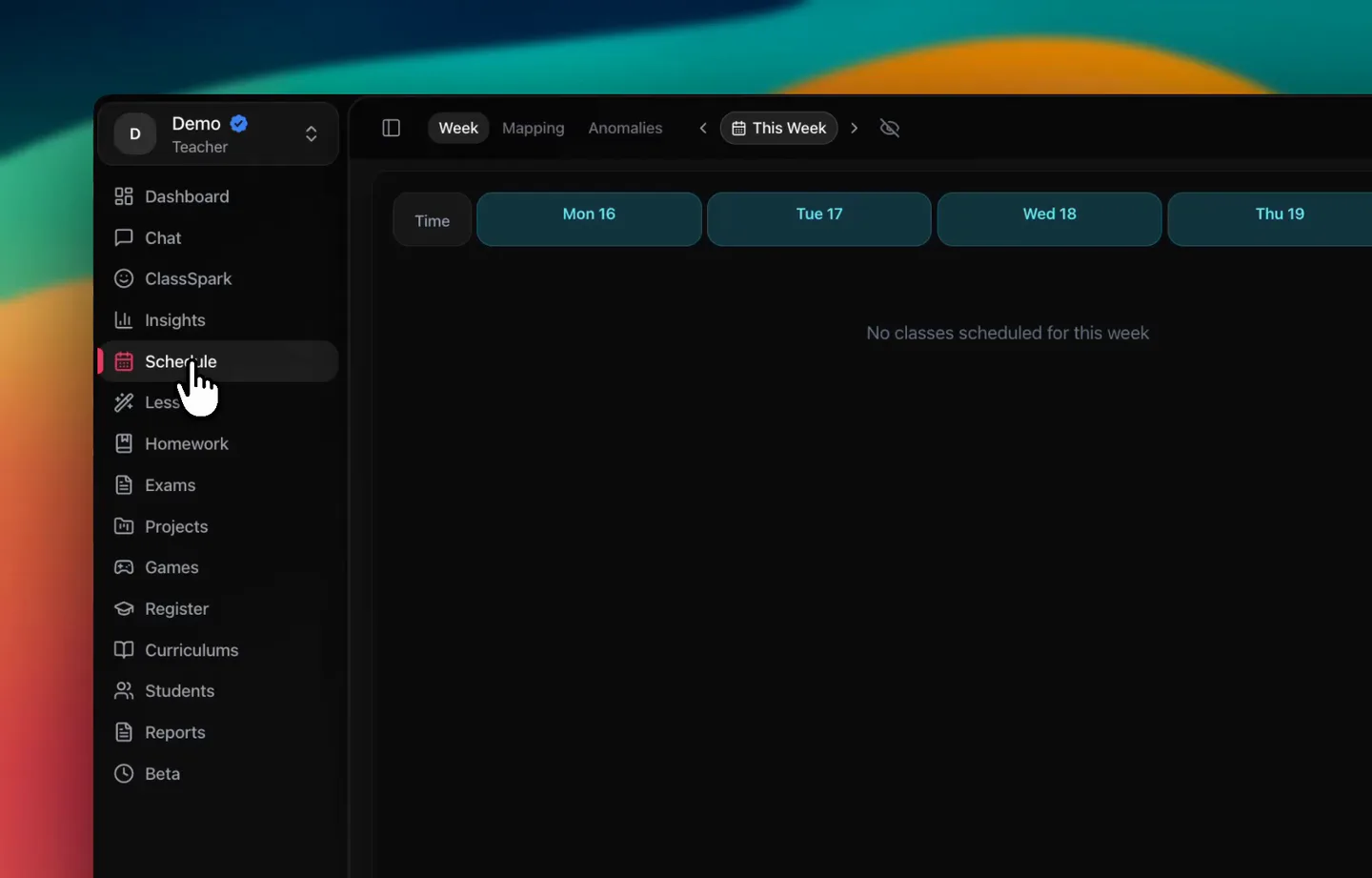
Daily context before follow-up
A real KiwiBee role workspace showing schedule and class context available before a leader acts.
Verified KiwiBee workflows
The team context leaders need every day
These workflows are live in the current Team Leader dashboard, not future placeholders.


Questions from this workplace
Teacher team management questions
Answers for leaders responsible for day-to-day teacher support.
What does a team leader manage in KiwiBee?
Verified workflows include the team dashboard, schedules, lesson-plan approvals, classes, Gradebook and evidence context, reports, development, meetings, leave, and delegated tasks.
Can team leaders review lesson plans?
Yes. Lesson-plan visibility and approval are part of the verified team-leader workflow within the assigned scope.
Can a team leader see every teacher in the school?
No. Visibility follows the team and authority assigned to that leader rather than opening unrelated school data.
How does KiwiBee connect evidence to support?
Class context, Gradebook visibility, reports, and progress evidence can be reviewed alongside development, meetings, and follow-up tasks.
Does this replace the teacher workspace?
No. The team-leader page supports oversight; teachers retain their own workspace for preparation, teaching, assessment, resources, reporting, and communication.
Keep exploring
Move to the next scope without leaving the platform.
These adjacent workplace pages explain how KiwiBee changes as responsibility moves across the learning community.
School department management for academic leaders
Lead teams, curriculum, lesson planning, gradebooks, and delegated work.
Explore this workplace
All-in-one teacher workspace for the school day
Teach, plan, manage classes, assess learning, and keep families connected.
Explore this workplace
AI school management for K–12 schools
Manage people, classes, timetables, policies, tasks, and progress.
Explore this workplaceA workspace that fits your scope
See KiwiBee around the work your team already does.
Tell us how your learning community is structured and we will show you the role-scoped workflow that fits.
 Home
Home All solutions
 Pricing
 About us
 KiwiBee for Non-profits
 Events & webinars
 For big organisations
 For team leaders
 AI and resources
 Resources
 Printable worksheets
 Interactive simulations
 Teacher tools
 AI studio
 Ideas and research