How Role-Based School Workspaces Keep Academic, Finance, HR, and Care Teams Focused
 By KiwiBee Team
Last updated August 30, 2026
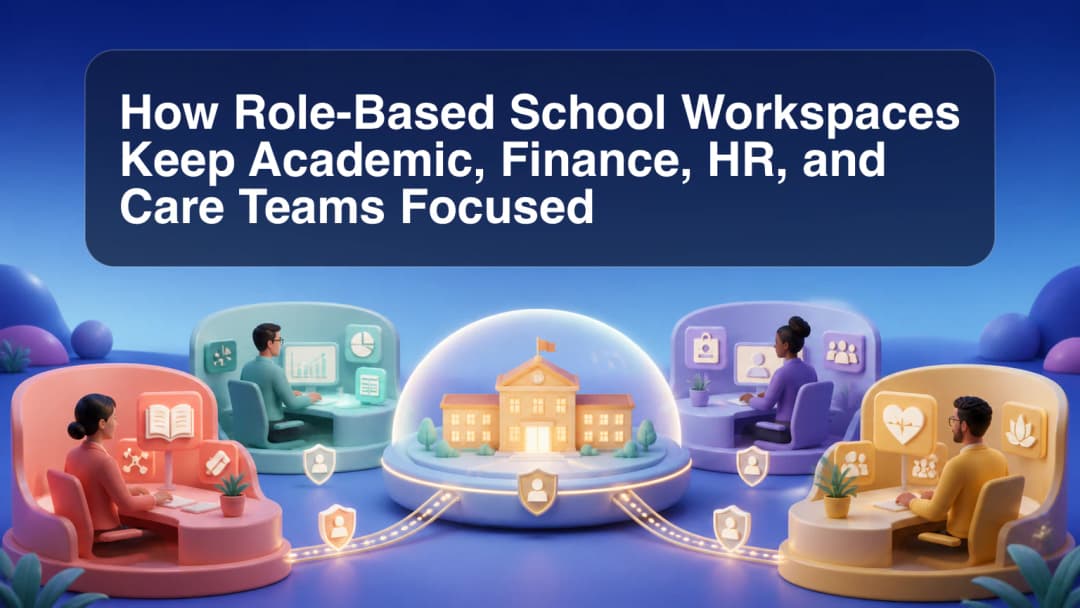
A role based school management system should not give every employee the same navigation and hope policy will sort itself out later. KiwiBee shapes workspaces around the signed-in role, organization, school or campus scope, and enabled modules. The result is a different operational starting point for academic, administrative, finance, HR, and other assigned teams.
Access begins with role and scope
The Admin workspace includes school-building and people-access tools alongside operational pages such as Students, Reports, Timetable, Gradebook, Billing, and Usage where the administrator has the required authority. People & Access follows the organization’s hierarchy and omits capabilities that the acting administrator is not allowed to grant.
This is not just menu tidiness. A user’s active canonical role and assigned scope help determine which organization, campus, school, department, team, or class context can be used. The roles and user management overview explains the access model within the broader school management platform.
Focus finance and HR on their responsibilities
The Finance workspace can surface student, package, billing, messaging, and session-related work according to the organization’s billing configuration. Several finance pages are currently grouped under Coming Soon rather than offered as top-level active navigation, and payroll responsibility has moved into the HR workspace. Schools should assess the pages actually enabled for their setup instead of assuming an unlimited finance suite.
The HR workspace has its own dashboard, staff directory, contracts, attendance, performance, qualifications, leave, payroll, staff sessions, My HR, and messaging paths. Scope still matters: a school-restricted HR role receives a safer subset where modules do not yet have school-aware boundaries, while organization-wide HR can receive broader operations. Recruitment remains unavailable rather than presenting a placeholder pipeline as live data.
Apply the same rule to academic and care work
Academic users receive teaching or leadership tools attached to their assignment rather than Finance or HR authority. Care-related access follows the same principle only where the relevant role and module have been assigned and configured. The label “care team” does not mean every organization automatically receives a universal care workspace.
When planning roles, school owners can ask:
- What job does this person perform?
- Which organization, campus, schools, teams, or classes belong to that job?
- Which modules are active and ready for that scope?
- Which actions may the person view, create, approve, or administer?
- What should happen if scope cannot be verified?
Review assignments when staff change jobs, schools, or teams, and remove authority that is no longer required. Role design is an ongoing governance task, not a one-time onboarding checkbox.
KiwiBee’s documented boundaries favor a fail-closed result when authority or scope is unavailable. Some Admin and cross-role pages are deferred or placed under Coming Soon, so role assignment should be reviewed against current product configuration. Contact KiwiBee to discuss a workspace model for your organization.
Explore the platform
Continue with KiwiBee
Choose the KiwiBee workspace or resource library that fits what you need next.
 For big organisations
 For schools
 For centers
 For team leaders
 For teachers
 AI and resources
 Printable worksheets
 Interactive simulations
 Teacher tools
 AI studio
 Ideas and research