Best Google Classroom Alternatives With Gradebook, Attendance and Behaviour
Google Classroom is excellent for simple coursework. Schools often look beyond it when they need teaching, classroom management and school records to connect.
 By KiwiBee Team· Education Team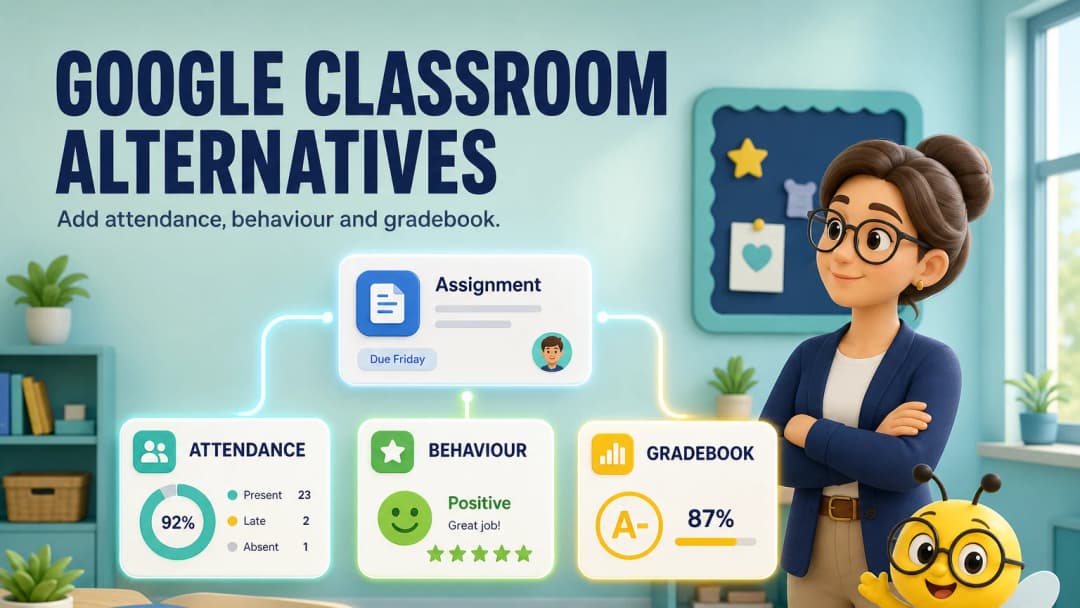
Google Classroom is simple by design
Google Classroom helps teachers create, distribute and grade work inside Google Workspace. Its current product includes rubrics, feedback tools, analytics, integrations and grade export to selected SIS products. That familiarity is a major advantage, not a weakness.
Schools tend to search for alternatives when “simple coursework” is no longer the whole requirement. They need attendance, behaviour, curriculum, reporting, school scheduling or family views to connect with the work.
Alternatives by priority
| Need | Platform to consider |
|---|---|
| Deep online courses | Canvas |
| K–12 LMS and integrations | Schoology |
| Elementary portfolios and families | Seesaw |
| Open customization | Moodle |
| Connected teacher and classroom workflow | KiwiBee |
How KiwiBee expands the teacher workspace
KiwiBee keeps Lessons, Assignments, Games, Reports, Class Story, Gradebook, Curriculums, Students and ClassSpark inside one teacher navigation system.
The live ClassSpark view showed the class roster beside attendance, timer, picker, formations, wellbeing and behaviour tools. Gradebook exposed class, curriculum and formative-section controls. Reports exposed class, student and daily/weekly/termly controls. The key advantage is that these are not unrelated products reached from different vendor portals.
Explore gradebook, classroom management, and reports.
Where Google Classroom remains the better choice
Choose Google Classroom when fast adoption, Google Docs workflows, no-cost fundamentals and simple assignment distribution are the main requirements. Its official product continues to add AI and analytics capabilities, so comparisons should use the edition your school would actually buy.
KiwiBee is more relevant when the school wants an integrated teacher and school workspace rather than Classroom plus separate attendance, behaviour, games and reporting tools.
A migration-safe pilot
Do not begin by moving every class. Select one grade team and map:
- student and guardian accounts;
- one week of assignments;
- one attendance cycle;
- one behaviour routine;
- one reporting period;
- export and retention requirements.
Keep Google Classroom as the source of truth until the pilot is verified.
Do not underestimate Google’s ecosystem advantage
Teachers may already have years of Drive materials, Docs feedback routines, Forms quizzes and guardian expectations. Any alternative must show how those assets are imported, linked or archived. It should also prove that collaborative editing and accessibility remain reliable. A broader feature set is not a win if teachers lose their most efficient existing practices. Score the cost of the current multi-tool stack against the disruption of change, then pilot only the workflows where connection creates a measurable benefit.
FAQ
Does Google Classroom have a gradebook?
Yes. It supports grade tracking, rubrics, grading periods and grade export or sync with selected SIS products depending on edition and setup.
Does Google Classroom take attendance?
Attendance is not the core Classroom workflow in the same way it is in a school management system. Schools commonly handle attendance elsewhere.
What makes KiwiBee different?
It connects coursework with ClassSpark attendance and behaviour, curriculum, games, gradebook and reports in the teacher’s persistent workspace.
Sources
Explore the platform
Continue with KiwiBee
Choose the KiwiBee workspace or resource library that fits what you need next.
 For big organisations
 For schools
 For centers
 For team leaders
 For teachers
 AI and resources
 Printable worksheets
 Interactive simulations
 Teacher tools
 AI studio
 Ideas and research