One Parent Portal, Multiple Children: Switching Context Without Sharing Passwords
 By KiwiBee Team
Last updated August 30, 2026
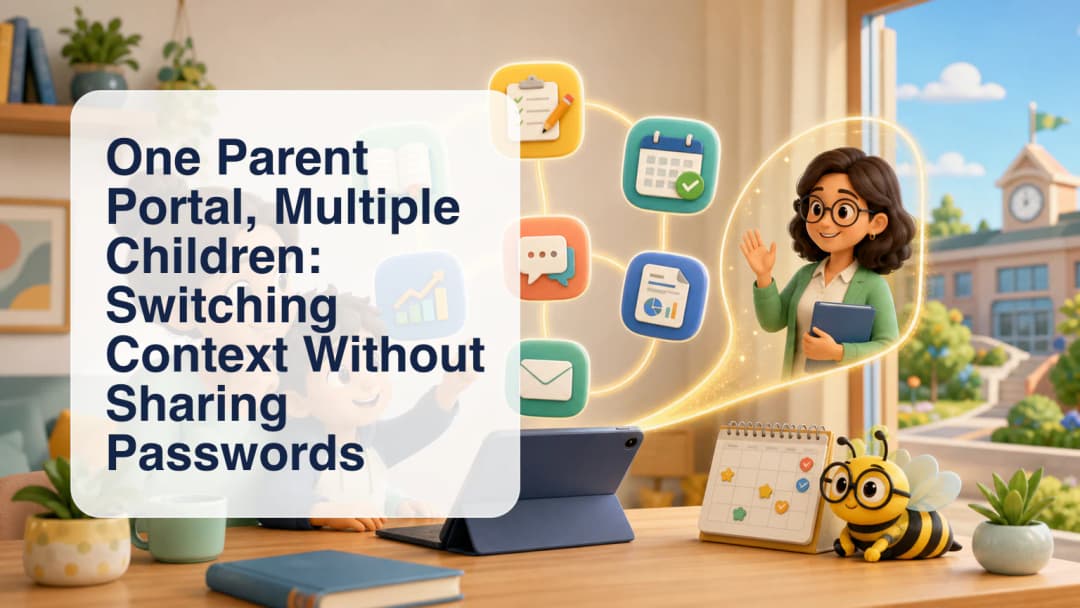
A multi child parent portal should make family access simpler without widening what a parent is allowed to see. KiwiBee starts from a verified parent-to-student relationship. When more than one child is linked to the signed-in parent, the parent can choose the relevant child and keep the portal focused on that relationship.
One parent home, child-specific context
The parent dashboard presents a selected-child view. Its home layout brings together upcoming homework and curricula, today’s schedule, and quick links, with communication available in the wider workspace. Parents can also reach areas such as Class Stories, grades, attendance, calendar, reports, meetings, and consent or privacy controls when those pages are available for their role and school setup.
The child selector changes which linked child the parent is viewing. It does not create access to a student outside the verified relationship. Organization, role, and school scope remain part of the access decision. The parent portal overview describes the family workspace, and Class Stories shows one way schools can share classroom updates with the intended audience.
Enter student context without a child password
KiwiBee also documents a Parent Student Account switcher. When a parent chooses to enter a linked child’s student experience, the server verifies the active parent session and the exact parent-student link before creating the child session. The parent does not need to know, collect, or type the student’s password.
Returning to the parent account ends that child session and restores the saved parent session. This is more than a visual filter: it is a session-backed change of context with a defined return path. Schools should still explain when the parent is in parent mode and when they are viewing as the linked student.
A clear routine for families
- Sign in with the parent account.
- Select a child from the verified linked-child list.
- Review that child’s relevant homework, curriculum, schedule, or school updates.
- Use the student-account switch only when the student view is actually needed.
- Return to the parent account before selecting another child or finishing.
The experience depends on the relationship records and permissions maintained by the school. A missing or incorrect link should be resolved by the school rather than worked around with shared credentials. No parent should expect to browse unrelated student records.
Schools can make the handoff clearer with simple family guidance: name the selected child prominently, explain the student-mode banner, and remind parents to return to parent mode on a shared device. These practices complement the relationship checks and help prevent ordinary context mistakes.
For schools evaluating family access, the useful question is whether identity, relationship, and context remain clear at every step. Contact KiwiBee to discuss the parent experience for your organization.
Explore the platform
Continue with KiwiBee
Choose the KiwiBee workspace or resource library that fits what you need next.
 For big organisations
 For schools
 For centers
 For team leaders
 For teachers
 AI and resources
 Printable worksheets
 Interactive simulations
 Teacher tools
 AI studio
 Ideas and research