Canvas Alternative With Classroom Management, Games and Parent Updates
Course delivery is only one part of teaching. This comparison follows the teacher from the lesson screen into the live classroom and family update.
 By KiwiBee Team· Education Team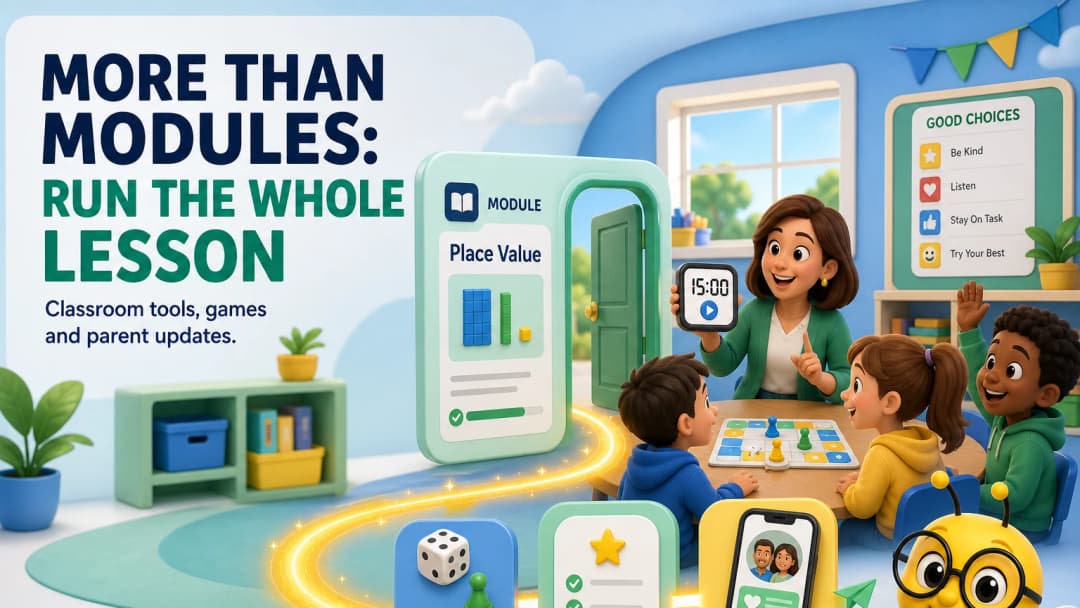
An LMS can organize the course and still leave the teacher juggling tools
Canvas is strong at course delivery: modules, assignments, communication, assessment and integrations. During a face-to-face lesson, however, teachers also need a timer, random picker, groups, attendance, behaviour routines, retrieval games and a way to share progress with families.
A useful Canvas alternative for K–12 should be judged on that whole classroom loop.
What KiwiBee adds around the lesson
KiwiBee’s persistent teacher navigation connects:
- Lessons for AI-assisted planning and editable templates;
- Assignments for multiple activity formats;
- Games for quick classroom practice;
- ClassSpark for attendance, timer, picker, formations, wellbeing and behaviour;
- Reports for daily, weekly and termly starting points;
- Class Story and the Parent Portal for family-facing updates.
In the live workspace, the selected class remained visible through the core lesson, assignment, game, report and classroom-management areas inspected. That continuity is the practical winning point: the teacher moves through the school day without repeatedly finding the class again.
See classroom management, classroom activities, and class stories.
Canvas may still be the stronger course platform
If your school needs sophisticated module sequencing, a large integration ecosystem, mature online-course delivery and institution-scale administration, Canvas may be the better fit. A connected classroom toolkit should not be mistaken for identical LMS depth.
The real decision is whether your school’s centre of gravity is structured online courses or the blended, minute-by-minute K–12 teaching day.
Test the transition points
During a pilot, focus on the moments where software usually breaks the flow:
- lesson plan to student activity;
- activity to live game;
- behaviour event to evidence;
- evidence to report;
- report to family update.
Ask teachers how often they copied information, changed tools or lost track of which class they were managing.
Engagement should produce useful evidence
Games and behaviour points are not valuable simply because students enjoy them. Ask whether the activity is tied to a learning goal, whether the teacher can see what students understood and whether the result informs the next task. Likewise, family updates should summarize meaningful progress rather than send every classroom event. KiwiBee’s connected design creates the opportunity for that evidence chain; schools still need clear pedagogical and communication policies to use it well.
FAQ
Does Canvas include communication tools?
Yes. Canvas supports communication within its course environment. The comparison here concerns how family updates and live classroom tools connect to the teacher’s broader day.
What games are available in KiwiBee?
The reviewed games workspace showed Word Search as a ready starting format and included library, preview and leaderboard areas.
Is classroom behaviour the same as academic grading?
No. They should remain distinct evidence types while being visible enough for a teacher to understand the whole learner.
Sources
Explore the platform
Continue with KiwiBee
Choose the KiwiBee workspace or resource library that fits what you need next.
 For big organisations
 For schools
 For centers
 For team leaders
 For teachers
 AI and resources
 Printable worksheets
 Interactive simulations
 Teacher tools
 AI studio
 Ideas and research