Building a School Timetable Around Classes, Staff, and Calendar Events
 By KiwiBee Team
Last updated August 30, 2026
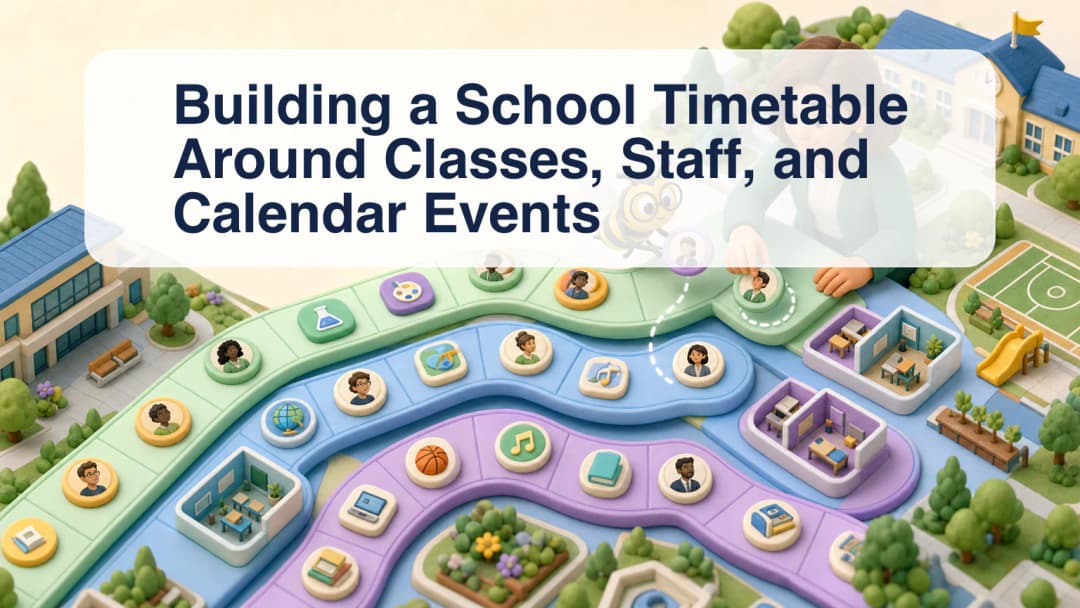
A school timetable workflow has to connect more than periods on a grid. Classes need curricula, teachers and teaching assistants need the right assignments, calendar events need the right audience, and leave or cover decisions can change who is expected in a room. KiwiBee gives schedulers a scoped workspace for coordinating those records.
Build from the school’s real resources
The manual scheduling workspace provides resource views for Classes, Curricula, Teachers, and TAs. A scheduler can use those views while assigning staff and class activity to the intended period. The server remains authoritative for organization, school, teacher, room, and student constraints; a visual drop is not permission to bypass scope rules.
That is why setup comes first. Confirm the active school, class definitions, staff assignments, curriculum links, rooms, and term structure before filling the timetable. The school scheduling overview provides the broader planning context, and the teacher schedule experience shows how planned work reaches teaching staff.
Treat calendars and timetables as related, not identical
A timetable describes recurring or scheduled teaching. A school calendar can also contain events, cancellations, and audience-specific notices. KiwiBee distinguishes student-and-family-visible events from internal staff or administrator events. Student and parent calendar views are filtered so internal entries are not simply exposed through the client interface.
Schedulers should therefore choose the audience deliberately. An internal operational note is not the same as a family announcement, even when both refer to the same date.
Coordinate change, leave, and session records
The scheduler workspace includes Today Schedule, timetable and manual scheduling tools, calendar, leave and cover coordination, and attendance-session records. A Schedule Changes surface may also be available when its feature flag and scope are configured. The scheduler can plan operational impact and cover, but employee leave approval belongs to the authorized leave workflow rather than becoming an informal timetable decision.
A reliable sequence is:
- Select the correct organization and school scope.
- Verify classes, curricula, staff, rooms, and term dates.
- Build or adjust scheduled periods using the resource views.
- Add calendar events with an explicit audience.
- Review leave and cover implications with the responsible role.
- Check Today Schedule and attendance-session records after changes.
Before publishing a change, record who owns the decision and who must be informed. A room change may affect teachers, students, families, attendance staff, and cover coordination in different ways. Using the appropriate schedule and calendar audience helps each group receive the operational detail intended for it.
Confirm the effective date so staff do not apply a change too early.
KiwiBee supports this coordination; it does not promise a perfectly optimized or automatically conflict-free timetable. Schools still need to review constraints, exceptions, policy, and downstream communication. Contact KiwiBee to discuss scheduling for your organization.
Explore the platform
Continue with KiwiBee
Choose the KiwiBee workspace or resource library that fits what you need next.
 For big organisations
 For schools
 For centers
 For team leaders
 For teachers
 AI and resources
 Printable worksheets
 Interactive simulations
 Teacher tools
 AI studio
 Ideas and research