What Students See in KiwiBee: Homework, Curricula, Schedule, and Class Stories
 By KiwiBee Team
Last updated August 30, 2026
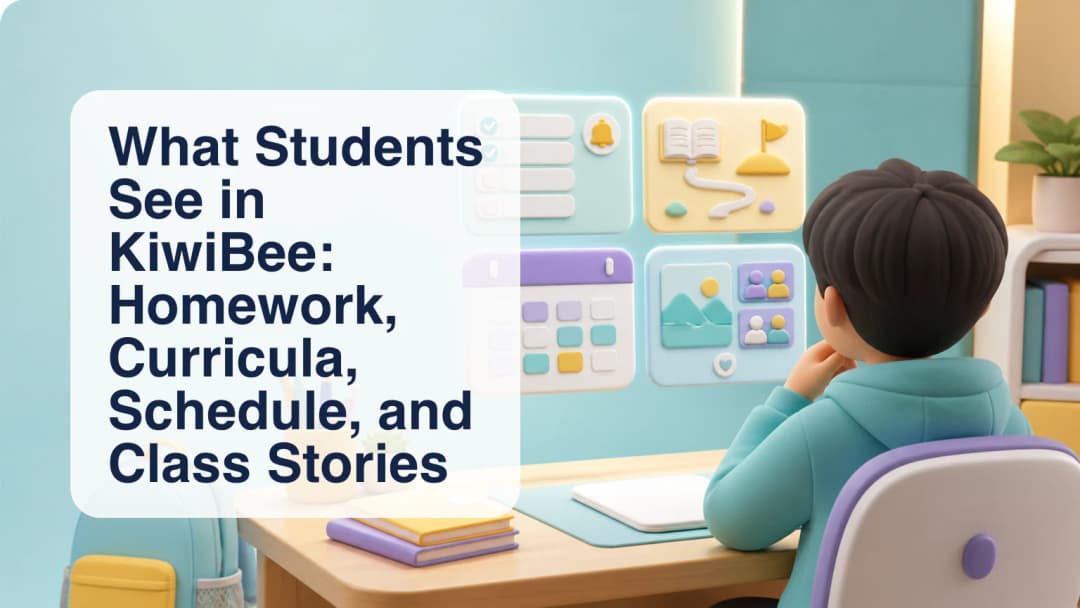
A student school dashboard should answer a few immediate questions: What do I need to do? What am I studying? What is happening today? Where are my class updates? KiwiBee’s current student home is organized around those practical needs rather than an all-purpose list of every possible school feature.
Upcoming homework and active curricula
The home view places Upcoming Homework and Curriculums together on the left. A student can open the existing homework flow from an upcoming item and use the curriculum area to reach the active curriculum content assigned through the school setup. These panels make work and learning context visible without claiming that the dashboard decides priorities for the student.
Homework rules still matter. Teachers control the assignment, and the student follows the attempt settings attached to it. Schools and teachers should explain due dates, expected work, feedback, and which completed attempt counts under their chosen configuration.
Today’s schedule and the wider calendar
Today’s Schedule appears alongside the learning panels. It can show the lesson time, subject, teacher, and room for the student’s scheduled classes. The visible navigation also provides a weekly timetable and a calendar, giving students different views of the same practical question: what is happening now and what is coming next?
The student dashboard overview explains this learner-facing starting point. Schools can connect it to their broader student management approach while keeping each student’s view scoped to their own account and organization.
Class Stories and useful destinations
Class Stories is an active student destination for classroom updates shared through that workflow. The home view also provides a curtain of external quick links configured in the current experience, including commonly used learning and productivity destinations. A link is a convenient route, not a claim that the external service is included with KiwiBee.
A sensible student routine is:
- Check Upcoming Homework for the work already assigned.
- Open Curriculums when lesson context or assigned curriculum material is needed.
- Review Today’s Schedule before the next class.
- Use Timetable or Calendar to plan beyond today.
- Read Class Stories for relevant classroom updates.
Current product boundaries are important. Student Library, Live Games, and ClassSpark are hidden from the student navigation, while Capybara AI and The Valley are presented as Coming Soon rather than launched student tools. Schools should evaluate the active dashboard on what students can use now, with visibility still depending on account, school configuration, and available data.
During onboarding, teachers can demonstrate the five-step routine with the student’s own account. This makes navigation expectations concrete and gives the school a chance to correct missing schedule, curriculum, or assignment data before students rely on it.
Create an account to explore the student experience available for your setup.
Explore the platform
Continue with KiwiBee
Choose the KiwiBee workspace or resource library that fits what you need next.
 For big organisations
 For schools
 For centers
 For team leaders
 For teachers
 AI and resources
 Printable worksheets
 Interactive simulations
 Teacher tools
 AI studio
 Ideas and research