Napkin AI: A Powerful Tool for Note-Taking, Brainstorming, and Infographics
An in-depth review of Napkin AI, an AI-powered tool that transforms notes into visual diagrams, infographics, and brainstorming canvases.
KiwiBee Education Blog
Practical guidance for school leaders and teachers, from connected management workflows to classroom strategies and printable resources.

An in-depth review of Napkin AI, an AI-powered tool that transforms notes into visual diagrams, infographics, and brainstorming canvases.

From laser pointers to self-inking stamps, discover five affordable gadgets that help kindergarten and primary teachers manage attention, deliver lessons, and give instant feedback.

A practical comparison of the top three presentation tools for teachers, including Canva, Google Slides, and PowerPoint, with honest pros and cons for each.

Group projects often become one student doing all the work while others watch. Research-backed strategies can fix that. Here is how to design teamwork activities that genuinely develop collaboration skills.

Kahoot and Blooket both gamify learning, but they take different approaches. Compare features, pricing, community, and long-term value to decide which platform fits your classroom best.

Practical pair work activities for primary English classes using word mats, dice games, spinners, and Snakes and Ladders to build speaking and vocabulary skills.

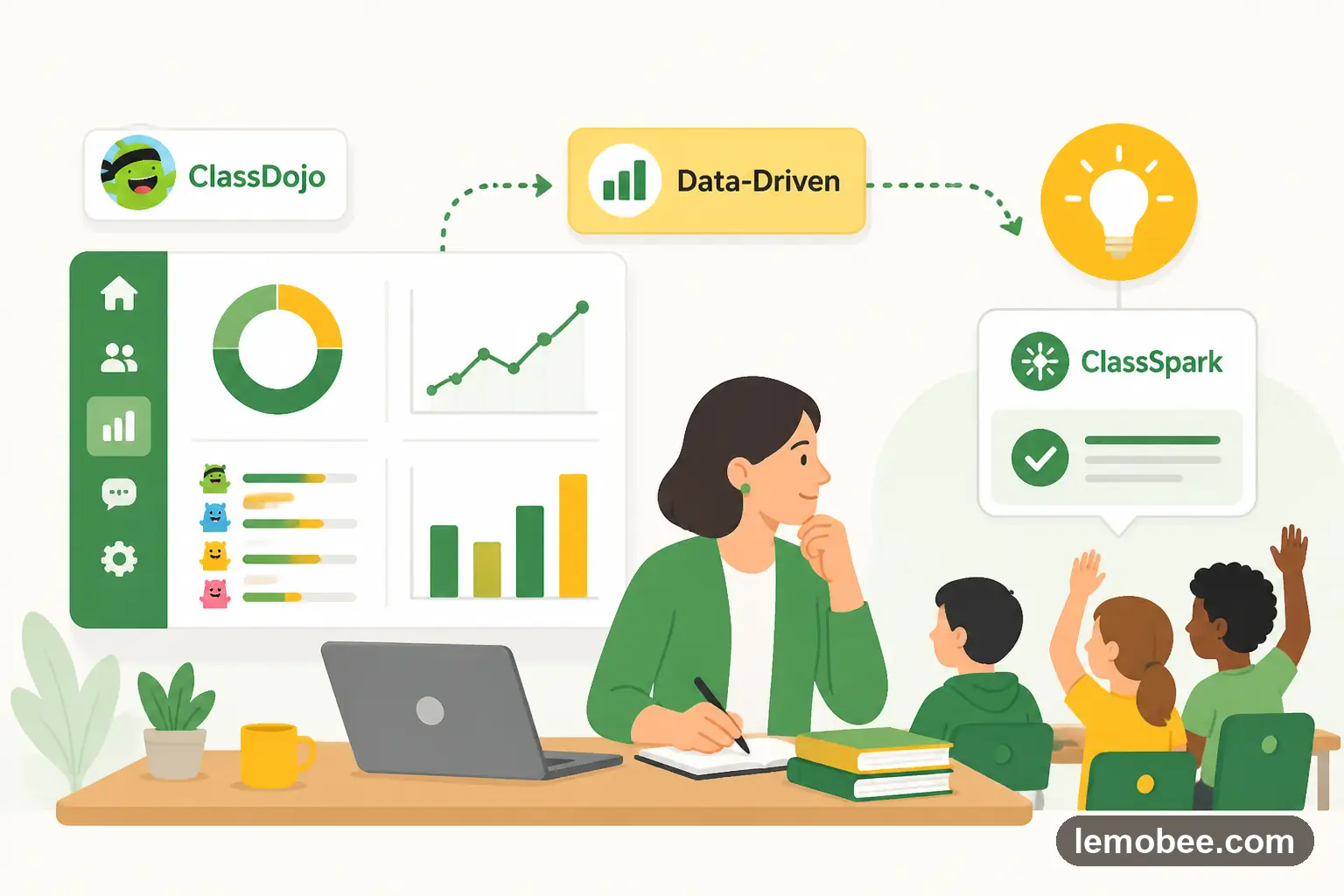
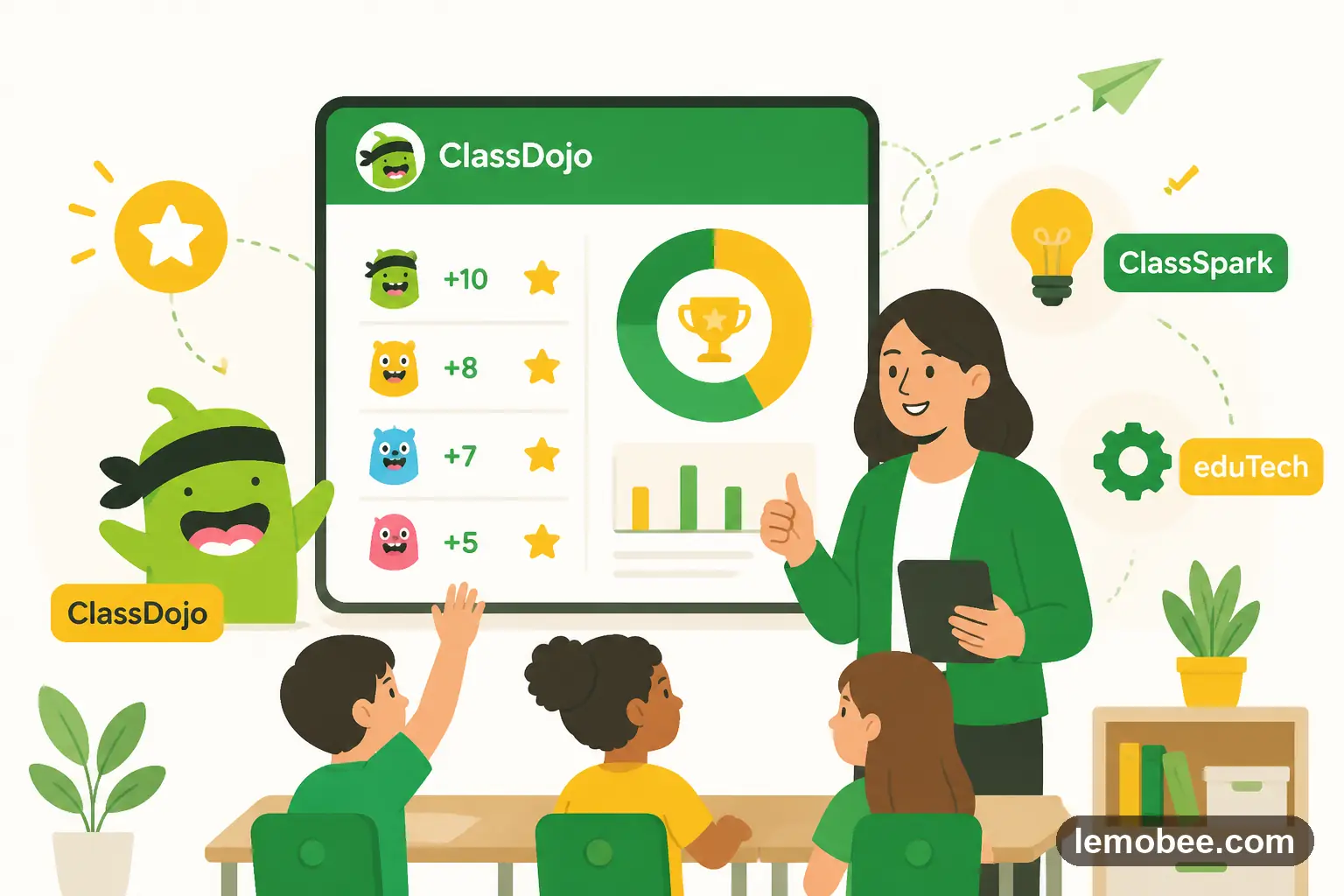
ClassDojo generates valuable data every day, but most teachers barely scratch the surface. Learn how to use behavior analytics for student reports, data-driven rewards, and intelligent team formation.

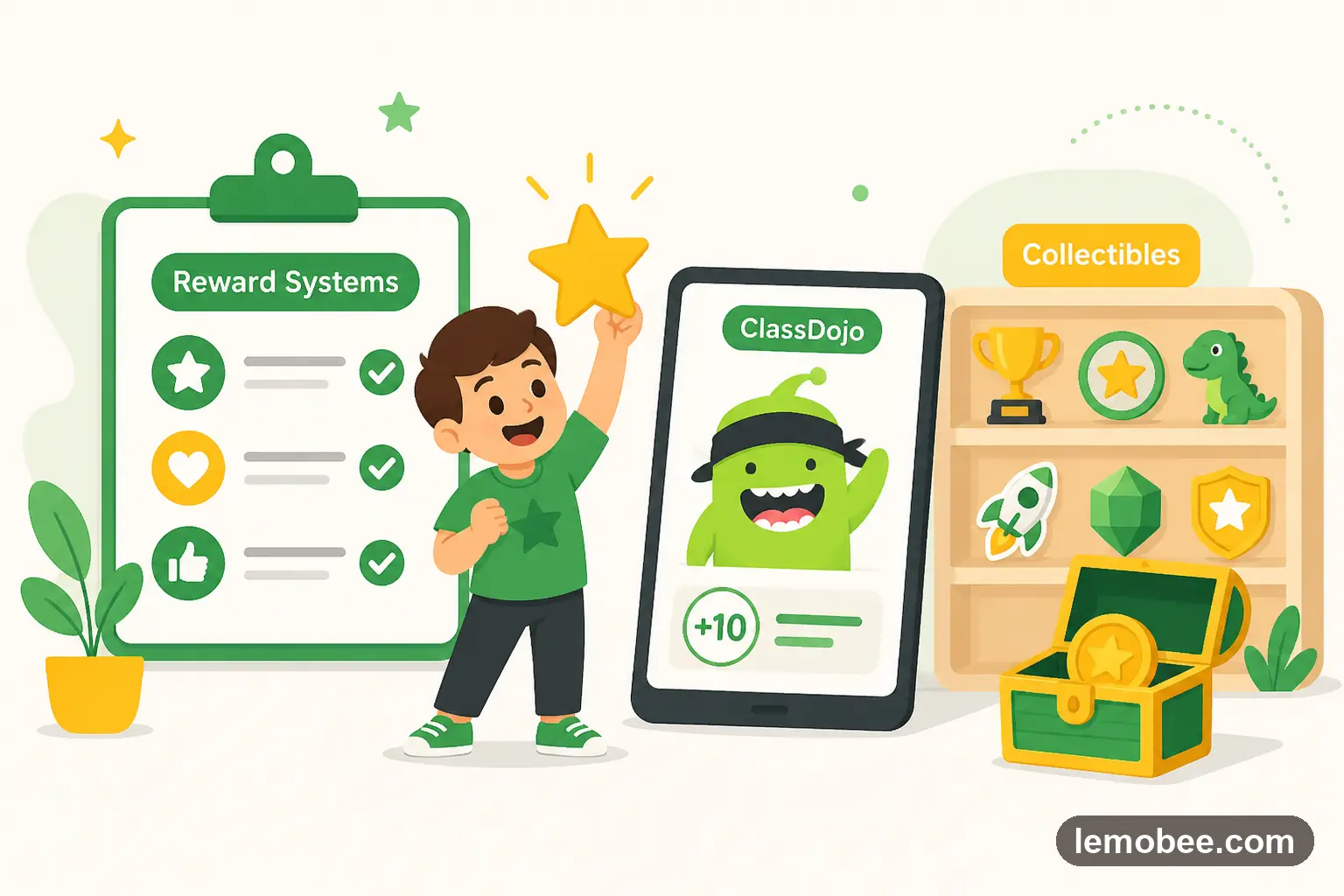
Compare ClassDojo's digital point system with collectible-based rewards like stickers, cards, and gems. Learn the pros, cons, and best practices for each approach.

From stickers and collectible cards to digital points, explore the best reward systems for kindergarten and primary classrooms that motivate without breaking the budget.

Excel, Google Sheets, Notion, Monday.com, or a purpose-built platform? We compare five tools for curriculum development and management to help you choose the right one for your school.

Go beyond the basics with image-based prompts, critical thinking questions, brainstorming games, Wordwall activities, and Total Physical Response warm-ups.

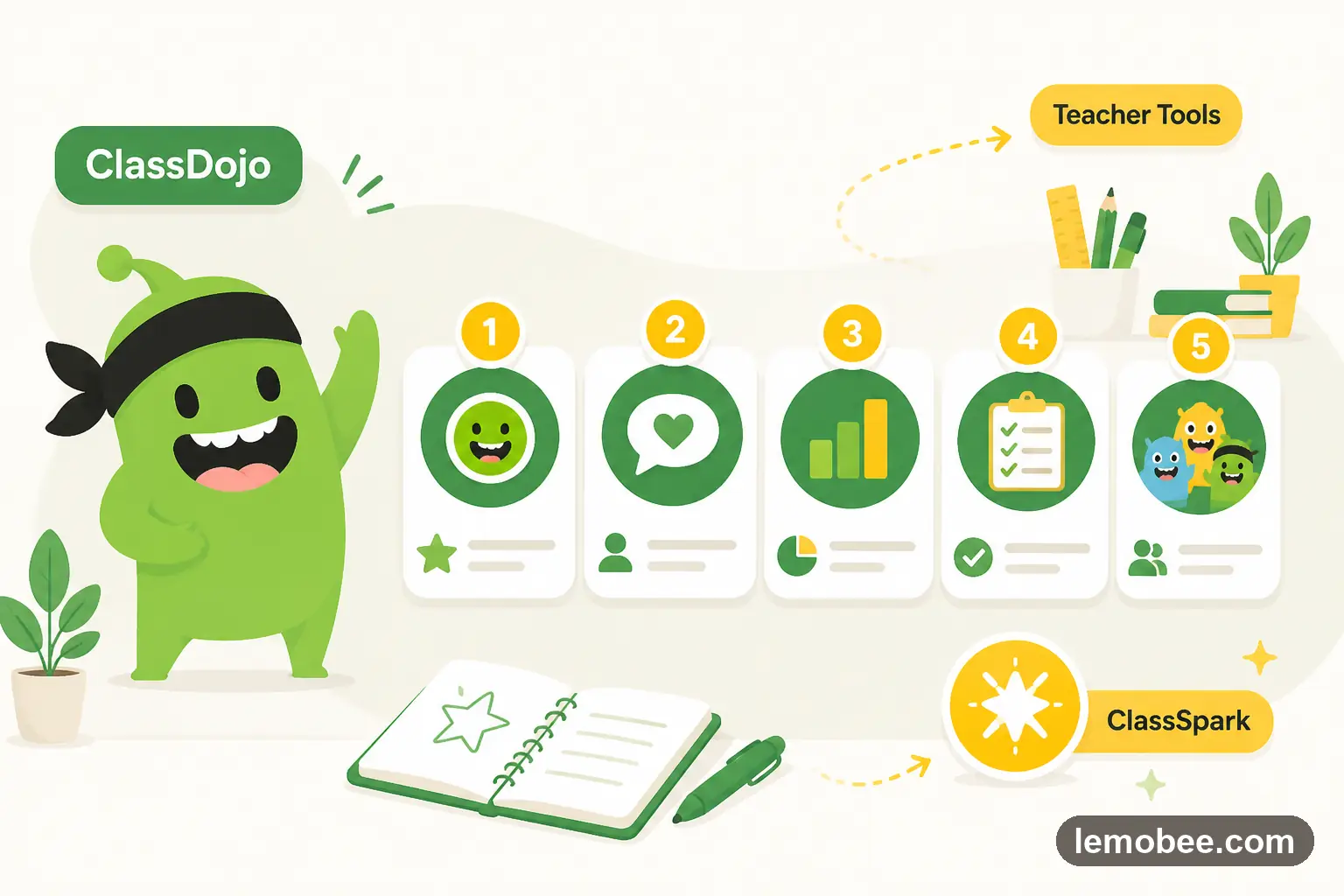
From the Random Student Selector to parent Chats, discover the five ClassDojo features teachers use most and how each one strengthens engagement, fairness, and communication in the classroom.

Explore video, image, question, and brainstorming warm-ups that activate prior knowledge and set the tone for engaged learning.

Discover three of the most effective brain break activities teachers use to reset student energy, improve focus, and make learning fun throughout the school day.

Your .edu email is worth more than you think. From Adobe Creative Cloud to free Canva Pro, here are six valuable discounts and freebies available to teachers and educators.

From classic drills to Hot Potato, discover eight flashcard games that make English vocabulary practice fun, interactive, and effective for young learners.

ClassDojo does not support drag-and-drop skill reordering. Discover a simple numbering workaround that gives you full control over skill order, plus learn about a platform that has solved this natively.

Go beyond the basics with advanced ClassDojo strategies including avatar customization as rewards, the Challenge Character concept for class-wide goals, and strategic attendance features that drive real behavior change.

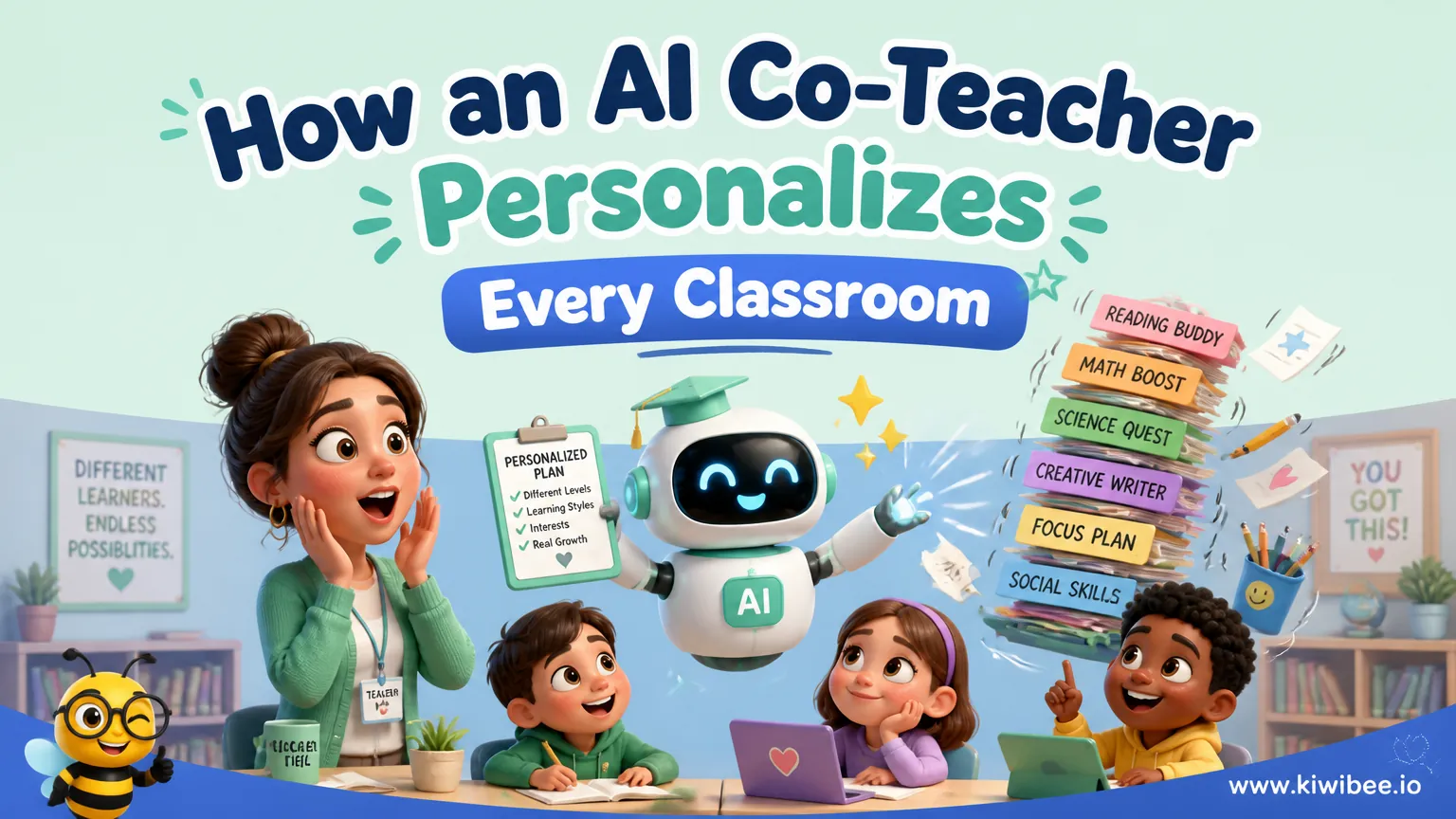
Discover how Ms. Saunders uses an AI planning assistant to map out weekly lessons, surface intervention groups, and keep families in the loop.

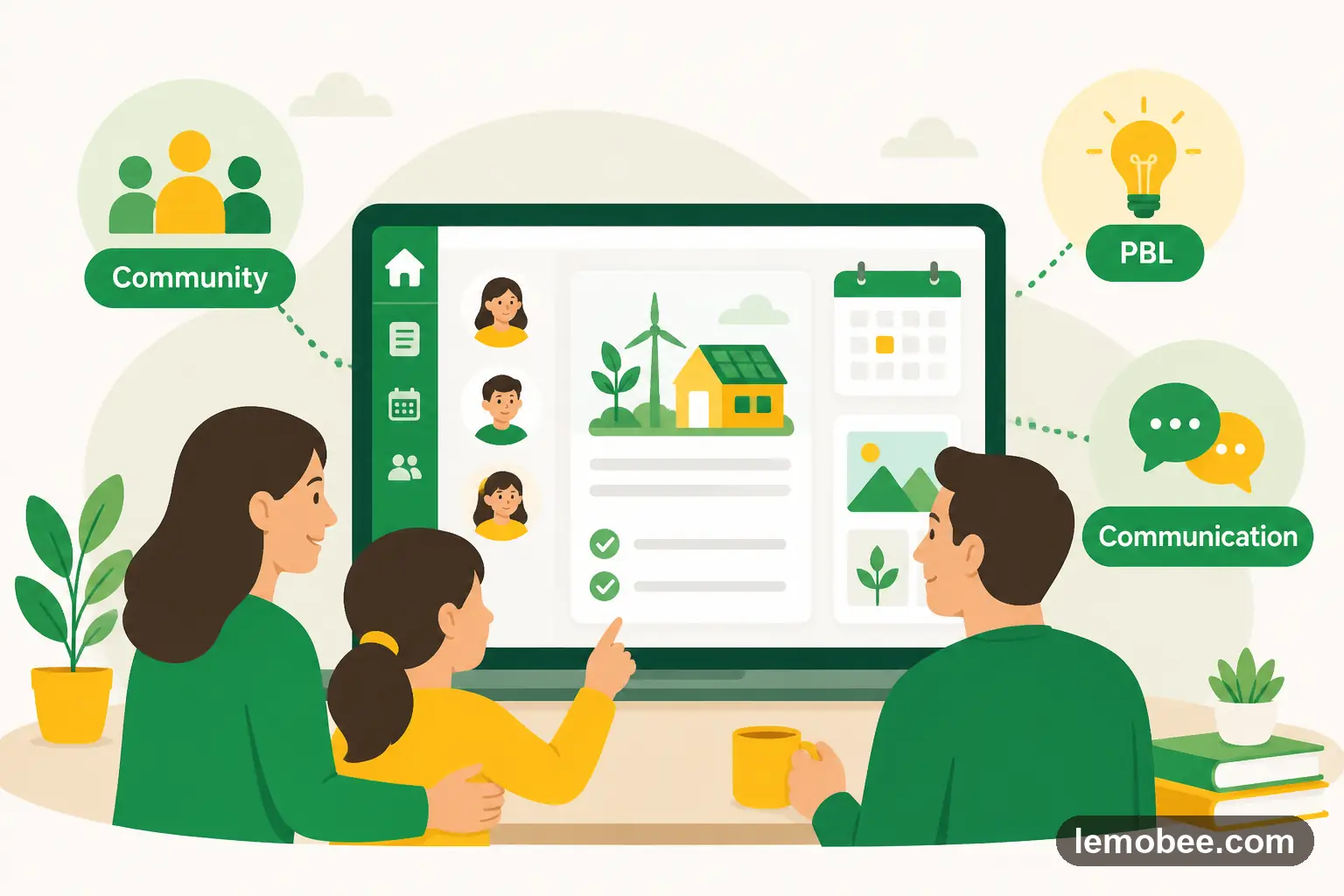
Follow a middle school team that launched a secure family portal to document PBL milestones, celebrate wins, and streamline conferencing.

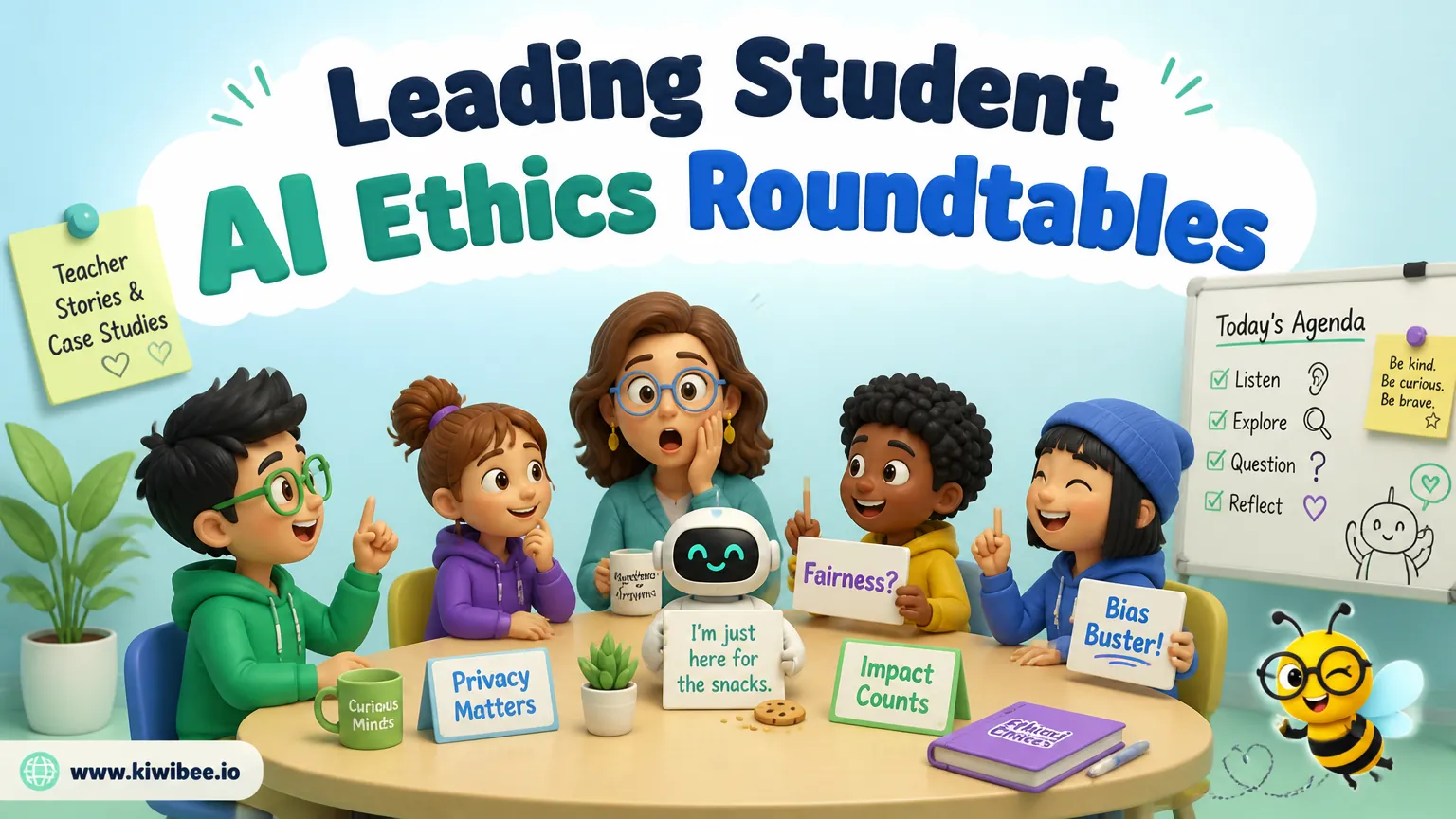
Facilitate meaningful AI ethics conversations with scenario cards, collaborative norms, and artifact-based reflection tasks.