Teacher software offers with an education email: what to check first
A July 2026 guide to educator eligibility, verification, and classroom fit
 By KiwiBee· KiwiBee
Last updated July 11, 2026

An education email can help you access teacher or student pricing, but it is not a universal pass. Eligibility often depends on where you work or study, whether you are in K-12 or higher education, how a workspace is set up, and whether you can complete ongoing verification.
That matters because offer pages, prices, and plan rules can change. A useful approach is to start with eligibility, not the headline offer: check who the plan is for, whether it covers teachers or students, whether it is limited to one country or school sector, and whether you may need to re-verify later.
This guide reflects facts checked on July 11, 2026. It focuses on four widely used tools named in the verified fact pack and avoids quoting prices or discount percentages that may change.
Why an education email is only the starting point
Many schools use addresses that signal an educational institution, but providers may ask for more than an email domain. Current employment, institution type, region, renewal rules, and account setup can all affect whether an offer applies.
For teachers, the practical lesson is simple: do not assume a school email alone proves eligibility. Before building lessons, templates, or class workflows around a plan, confirm that your role and school type match the current rules.
- Check whether the offer is for K-12, higher education, or both.
- Check whether the offer is available globally or only in certain countries.
- Check whether the plan is for teachers, students, staff, or some combination.
- Check whether the account must be a one-member workspace or another specific setup.
- Check whether renewal or re-verification is required to keep the offer.
Adobe: education pricing exists, but details can vary
Adobe says individual students, teachers, and staff can buy education editions or discounts. Adobe also says current users may need to re-verify education status to keep discounted pricing.
That makes Adobe relevant across a wide range of teaching contexts, especially where staff create visual materials, edit media, or teach specialist subjects. But the exact price is not fixed in this guide because Adobe’s pricing varies by market and renewal stage.
A sensible classroom use case is to treat Adobe as a specialist tool rather than a default for every task. It may be most useful when a subject requires professional-style image, layout, or video workflows, or when a teacher already depends on Adobe formats for school publications and media production.
- Who it may suit: teachers, staff, and students who need Adobe’s education editions or discounts.
- What to verify: your current role, local market details, and whether you will need to re-verify later.
- Planning tip: if a course or club depends on Adobe, note renewal dates so access changes do not interrupt a project mid-term.
Notion: useful for higher education, but not for K-12 teachers under the verified plan
Notion’s free Education Plus Plan is for eligible higher-education students and teachers in a one-member workspace. Its current help page explicitly says K-12 educators are not eligible for that plan.
This is an important correction because older articles often treat Notion’s education offer as a broad teacher freebie. Based on the verified fact pack, that is not a safe assumption for school teachers outside higher education.
Notion can still be a useful planning model when thinking about teacher workflows. Many educators want one place for lesson outlines, unit maps, reading notes, meeting notes, and links to teaching resources. The key point is that K-12 teachers should not assume the free Education Plus Plan applies to them.
- Higher education: eligible students and teachers may qualify.
- K-12: the verified fact pack says K-12 educators are not eligible for the Education Plus Plan.
- Workspace rule: the verified plan is for a one-member workspace, so account structure matters.
- Workflow idea to preserve: use a single organized hub for planning, notes, and resource links, but verify the current plan before relying on premium features.
Canva for Education: strong fit for K-12, not currently for higher-education teachers
Canva for Education is free for eligible K-12 educators and students worldwide. The verified fact pack also says higher-education teachers are not currently eligible for Canva for Education.
That makes Canva’s current position almost the mirror image of Notion’s verified education offer. For K-12 teachers, it may support day-to-day classroom design work such as slides, posters, handouts, visual schedules, or collaborative student products. For university and college teachers, this specific education offer should not be assumed to apply.
Because the offer is tied to eligibility, schools should still confirm account approval steps and any local requirements before using it for student work.
- K-12: eligible educators and students worldwide may qualify.
- Higher education: teachers are not currently eligible for Canva for Education under the verified fact pack.
- Useful classroom workflow: keep reusable templates for lesson slides, certificates, classroom signage, and student project formats.
- Verification reminder: check how your school details and role are reviewed before planning around the offer.
ChatGPT for Teachers: free for verified U.S. K-12 educators through June 2027
ChatGPT for Teachers is free through June 2027 for verified U.S. K-12 educators. The verified fact pack also makes clear that this is not a student plan.
The practical implication is that eligibility is narrow and time-bound. It is for U.S. K-12 educators, not a general global teacher offer, and not a plan students can assume they receive through a teacher’s school email.
Within those limits, teachers may choose to use such a tool for drafting teacher-facing materials rather than student account workflows. For example, a teacher might use it to sketch lesson prompts, generate revision questions for later review, or draft a parent communication that is then checked and edited. Any school use should still follow approved-tool lists, local policy, and expectations for data handling.
- Who it is for: verified U.S. K-12 educators.
- Time limit in the fact pack: free through June 2027.
- Who it is not for: students, based on the verified plan description.
- Safer workflow: use it for teacher drafting and review, not as an assumed student entitlement.
How to compare offers without getting caught by stale advice
Older discount roundups often go wrong in predictable ways: they quote prices that have changed, blur the difference between K-12 and higher education, or assume eligibility continues forever once an account is created. A better method is to compare offers using the same checklist every time.
Start by deciding what problem you are trying to solve. If you need visual design for a primary classroom, the relevant question is not which platform sounds generous, but which current plan is actually available to K-12 educators in your region and school context. If you need a personal knowledge base for university teaching, a one-member higher-education plan may be enough. If you need specialist creative software, re-verification rules may matter more than the initial price page.
- Match the tool to the task before checking the offer.
- Verify school sector: K-12 and higher education are often treated differently.
- Check whether the offer is individual-only or supports the workspace you need.
- Expect re-verification and set reminders for renewal windows.
- Re-check details before each school year or major purchase.
Practical classroom workflows that still hold up
Even when offer details change, some planning habits remain useful. Teachers often benefit from separating specialist tools from core routines. A media teacher may need a professional creative suite for production work, while still keeping ordinary lesson notes, seating plans, and assessment reminders in simpler systems approved by the school.
It also helps to build reusable structures instead of chasing many separate discounts. A stable folder system, a consistent naming convention for lessons, and a clear template set for slides and handouts can save more time than adding another platform. Where a verified education offer does fit, use it to support an established workflow rather than to create unnecessary complexity.
- Use specialist software only where the subject or output genuinely needs it.
- Keep core class records in school-approved systems.
- Create reusable templates for recurring lesson types and visual materials.
- Record renewal dates so plan changes do not disrupt teaching mid-unit.
Use eligibility-first thinking, then verify again
The safest way to approach teacher software offers is to assume that details may change and that a school email alone is not enough. As of July 11, 2026, the verified picture is clear on a few important points: Adobe offers education editions or discounts to students, teachers, and staff; Notion’s free Education Plus Plan is for eligible higher-education students and teachers in a one-member workspace and does not include K-12 educators; Canva for Education is for eligible K-12 educators and students worldwide but not higher-education teachers; and ChatGPT for Teachers is free through June 2027 for verified U.S. K-12 educators and is not a student plan.
That means the best savings often come not from collecting every offer, but from choosing the right tool for the right teaching job and checking the current rules before you commit. Re-verify when required, follow school policy, and revisit eligibility before a new term, renewal, or purchase.
Sources and further reading
Explore the platform
Continue with KiwiBee
Choose the KiwiBee workspace or resource library that fits what you need next.
Related posts
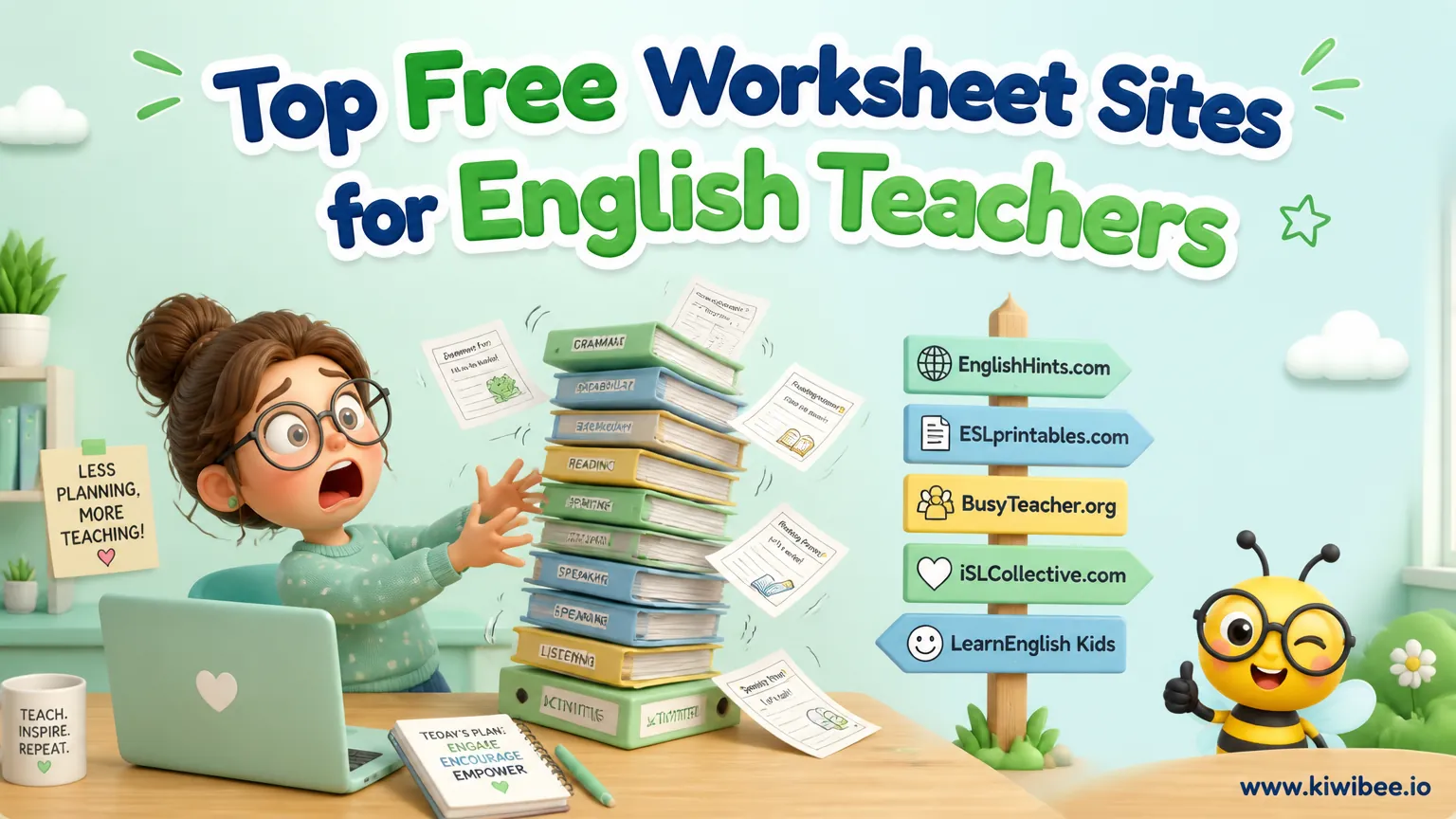
Top Free Worksheet Sites for English Teachers
Discover four of the best free worksheet platforms for English teachers, from Canva's customizable templates to ISL Collective's massive library of ready-made materials.
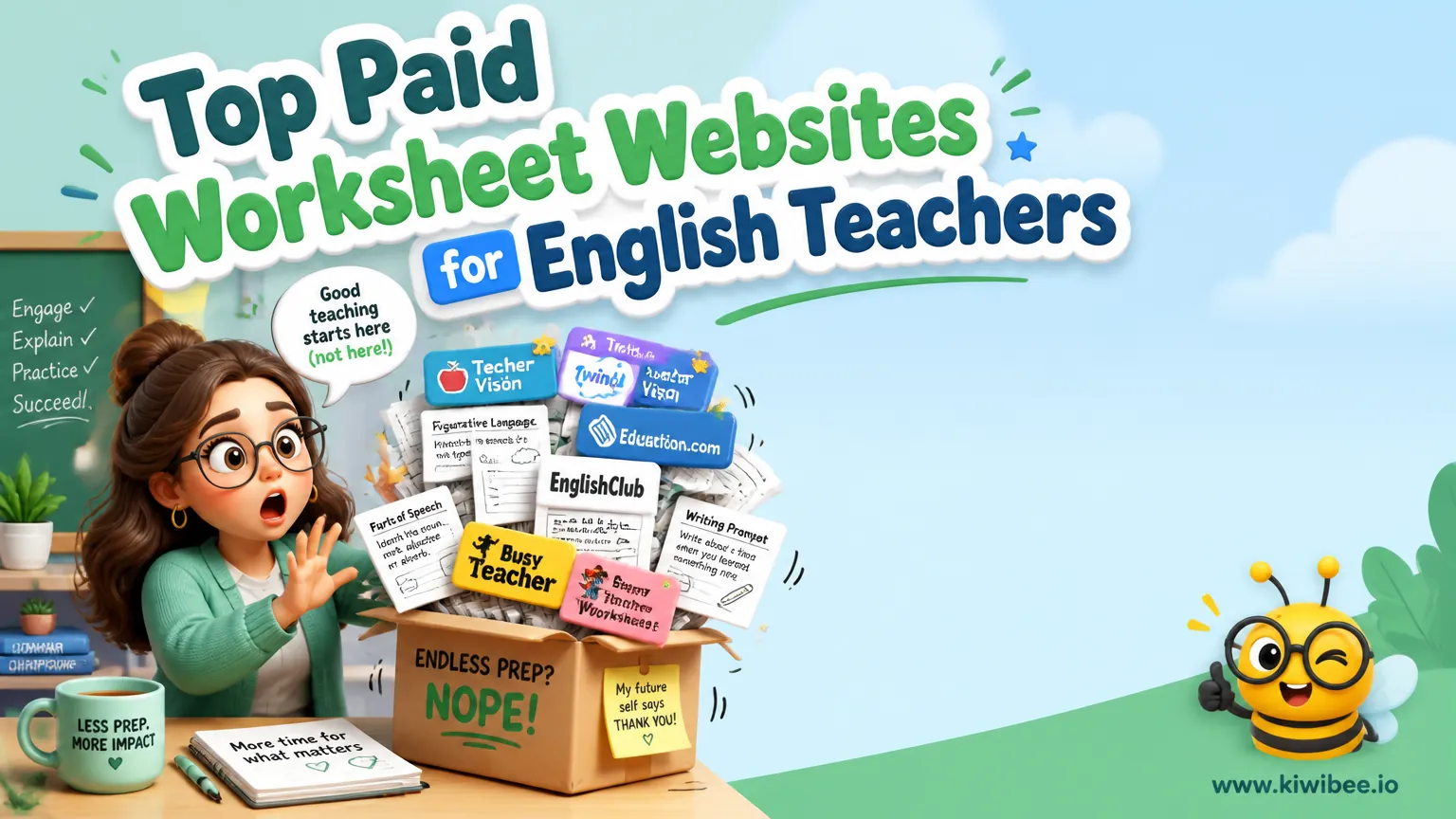
Top Paid Worksheet Websites for English Teachers
Explore four top paid worksheet platforms for English teachers, including Teachers Pay Teachers, Twinkl, Education.com, and BusyTeacher. Compare pricing, quality, and best use cases.
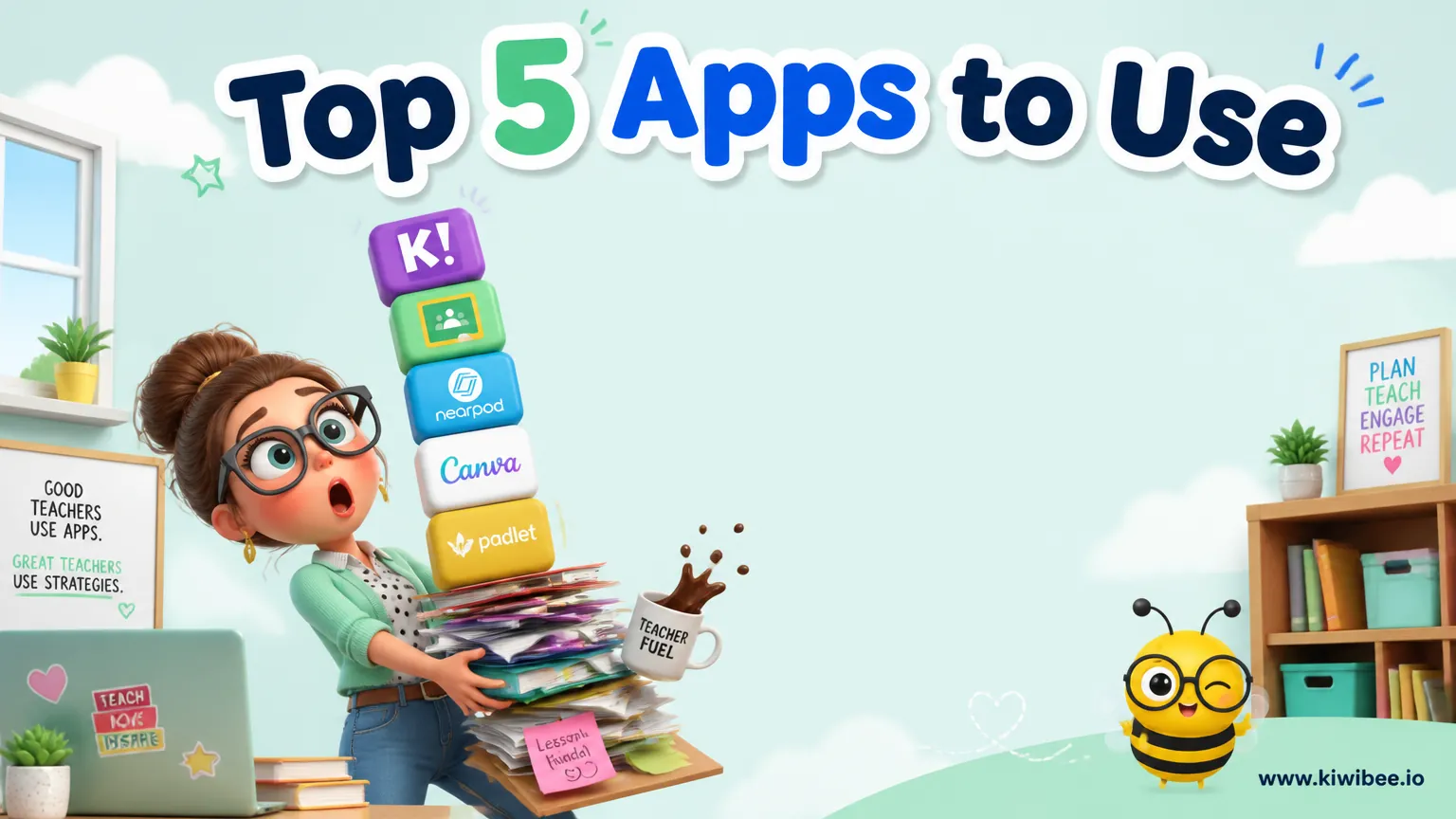
Top 5 Apps to Use in the Classroom
From all-in-one school management to interactive quiz games, these five apps will transform how you teach, engage students, and manage your classroom every day.
 For big organisations
 For schools
 For centers
 For team leaders
 For teachers
 AI and resources
 Printable worksheets
 Teacher tools
 AI studio
 Ideas and research