How to Build a Family-Facing Window Into Project-Based Learning
A practical framework for sharing progress, setting boundaries, and making family communication more useful during projects.
 By KiwiBee· KiwiBee
Last updated July 11, 2026
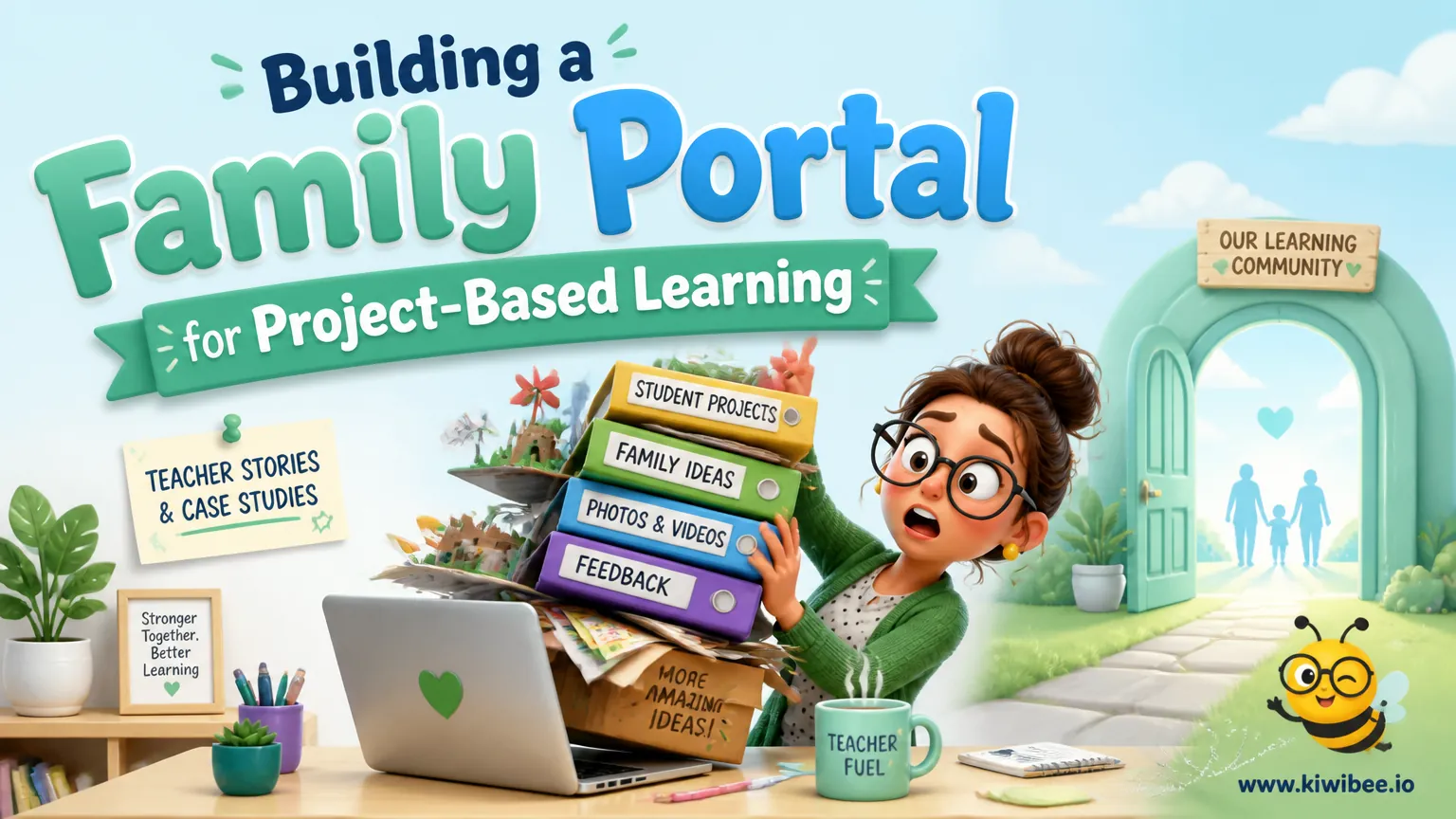
Project-based learning can be hard for families to follow. A final exhibition is visible, but the day-to-day work often is not. When families cannot see the process, they may rely on scattered emails, last-minute questions, or assumptions about what students should be doing.
A simple family-facing portal or shared space can make projects more legible. The goal is not constant surveillance or a polished public performance. It is to give families enough visibility to understand the project, support student routines, and ask better questions at the right time.
The most useful version is structured. Teachers need clear agreements about privacy, a small set of predictable updates, and a plan for handling family responses without creating extra noise.
Start with agreements before you share anything
Before inviting families into a digital space, decide what belongs there and what does not. In project-based learning, students often create drafts, record reflections, and test unfinished ideas. Not every piece of work should be visible to everyone at every stage.
A good starting point is a class or team agreement that covers privacy, access, and feedback. If students are old enough, involve them in shaping these rules. That helps turn sharing into a learning decision rather than a teacher-only compliance task.
The key question is simple: what kind of visibility helps learning, and what kind creates pressure or confusion?
- Define which items can be shared widely, such as project overviews, final products, public reflections, or photos from work sessions.
- Separate drafts into categories, such as open to families, shared only with a password or restricted access, or kept between student and teacher.
- Set expectations for comments so families know whether they should encourage, ask clarifying questions, or avoid giving line-by-line corrections on student work.
- Explain when a teacher will respond inside the shared space and when a message should move to email, phone, or a conference.
- Review student names, images, and voice recordings before posting, and check school policies on consent and digital sharing.
Show the learning arc, not just the final product
Families are more likely to understand project-based learning when they can see how a project develops over time. A final presentation matters, but it does not explain the decisions, revisions, and mini-lessons that shaped the work.
A useful family portal shows a few recurring parts of the process. For example, students might post a project mission statement early on, revisit their inquiry question midway through, and add a final reflection at the end. Teachers might add the rubric, milestone calendar, and short explanations of major learning targets.
This kind of transparency helps families see what success looks like. It also reduces the need for repeated status emails because basic information is already visible in one place.
- Post a plain-language project overview that explains the driving question, timeline, and final product.
- Add rubrics or success criteria early so families can see how work will be judged before the deadline arrives.
- Share mini-lesson materials or brief replays when families may need context for unfamiliar tasks, such as research notes, critique protocols, or presentation planning.
- Use milestone posts to mark major checkpoints, such as proposal approval, first draft, peer critique, revision, and final reflection.
- Ask students to post short process updates in their own words so families can follow what they are trying, changing, or still figuring out.
Design weekly updates that teachers can sustain
Family communication often breaks down when updates depend on spare time. A better approach is to create a predictable rhythm that can be maintained during a busy unit.
Weekly summaries are often enough. They can include a few photos, a brief note about what students worked on, one or two examples of student voice, and a reminder of the next milestone. The point is not to document everything. It is to keep families oriented.
If multiple teachers share responsibility for a project, agree in advance on who posts, what format to use, and how much detail is expected. Consistency matters more than polish.
- Choose one update day each week so families know when to look for new information.
- Use a simple template with the same fields each time, such as this week’s focus, evidence of progress, next step, and upcoming deadline.
- Include student voice selectively, such as a short reflection, question, or explanation of a design choice.
- Use photos carefully by showing work in progress, anchor charts, prototypes, or presentation practice rather than posting large batches with little context.
- Limit each update to a manageable length so the routine survives busy weeks and staff absences.
Plan how family responses will be handled
Opening a shared space to families can improve communication, but only if response expectations are clear. Without norms, teachers can end up with scattered questions, duplicate messages, or feedback that cuts across classroom routines.
Families do not need unrestricted commenting on every artifact to feel included. In many cases, it is enough to offer a small number of response options and a clear explanation of how teachers will review them.
What matters most is triage. Teachers should be able to identify which messages need a quick answer, which should wait, and which are better addressed in person.
- Decide whether families can comment directly on student posts, respond only to weekly summaries, or use a separate question form or message channel.
- Tell families what kind of feedback is helpful, such as encouragement, questions about process, or requests for clarification about deadlines.
- Set a review window for comments so families know when teachers are likely to read and sort responses.
- Create a simple triage rule, such as classroom question, technical issue, student concern, or conference topic, so messages move to the right place quickly.
- Watch for feedback that shifts too far into editing, rescuing, or directing the student’s work, and restate boundaries when needed.
Use the shared record to improve conferences and showcases
One of the strongest reasons to document projects over time is that the record becomes useful later. Conferences can move beyond basic status updates when everyone has already seen the same milestones, criteria, and reflections.
The same is true for showcases or exhibition nights. A visible project arc helps visitors understand not just what students made, but how they got there. That makes presentations more meaningful for families who may be new to project-based learning.
The value here is coherence. When the project overview, student updates, teacher guidance, and final reflection all live in one place, families can follow the story of learning with less guesswork.
- Before conferences, ask families to review the student’s latest reflection, current milestone, and rubric so meeting time can focus on strategy.
- During showcases, display process documentation alongside final products so visitors can see proposal, revision, feedback, and reflection stages.
- Use student reflections to guide discussion about choices, setbacks, and next steps rather than relying only on teacher summaries.
- After the project ends, archive a small set of representative materials that can help orient families at the start of the next unit.
- Review which shared items families actually used or asked about, and remove low-value posting tasks before the next cycle.
Choose tools by workflow, not by excitement
Many digital tools can support a family-facing project space: learning management systems, digital portfolios, class news feeds, or shared folders with controlled access. The best choice depends less on novelty and more on workflow.
A tool is a good fit if teachers can post quickly, families can find the right information without training, and privacy controls match the type of work being shared. If a platform makes simple tasks feel complicated, staff will stop using it consistently.
Feature lists can also change over time. If commenting, access control, analytics, or portfolio options matter to your plan, verify current details before committing.
- Map your workflow first: what will be posted, who will post it, who can view it, and how responses will be handled.
- Test family access from a parent or caregiver point of view before launch, including login steps, mobile use, and translation needs where relevant.
- Check whether the tool supports different visibility levels for public items, family-only items, and private teacher-student work.
- Avoid choosing a platform that requires duplicate posting across multiple systems unless there is a clear reason.
- Confirm current plan details and permissions before rollout if your approach depends on specific access or moderation features.
A hypothetical rollout for a middle school project team
Consider a hypothetical humanities team preparing a multiweek inquiry project. Before launch, teachers create a short privacy and feedback agreement with students. Together they decide that project overviews, inquiry questions, and final reflections can be visible to families, while some drafts remain restricted.
In the first week, teachers post the project brief, timeline, and rubric. Students add a mission statement and initial inquiry question. Each Friday, the team posts one summary with photos of work in progress, a short note about the week’s learning, and reminders about the next checkpoint.
Families can respond with encouragement or questions on the weekly summary post, but detailed concerns move to email or conferences. By the time exhibition night arrives, visitors can see the path from proposal to revision to final presentation. The portal has not replaced classroom relationships, but it has made the learning process easier to understand.
- Use the hypothetical sequence above as a planning model, then simplify it further if your team is new to project documentation.
- Pilot the routine with one project before making it a schoolwide expectation.
- Debrief with staff and students after the project to identify which sharing practices felt useful and which felt performative.
- Revise the privacy agreement after the first cycle if students or families were unsure about what could be shared.
- Keep the focus on understanding learning, not producing a polished stream of content.
Make family visibility purposeful
A family portal for project-based learning works best when it is built around decisions, not enthusiasm. Decide what should be visible, when updates will happen, how responses will be handled, and where privacy boundaries sit.
When those choices are clear, families can follow the work without needing constant explanation. Teachers can spend less time repeating status information and more time supporting student learning. The result is not perfect transparency. It is useful transparency.
Explore the platform
Continue with KiwiBee
Choose the KiwiBee workspace or resource library that fits what you need next.
Related posts
Best Parent Communication Platforms for Schools (2026)
Best Parent Communication Platforms for Schools (2026). An honest review of the leading classroom tools with strengths, weaknesses, and how to pick the right one for your context.
Parent Engagement Jumped 340% When We Stopped Sending Letter Grades
Parents ignored our termly reports. Then we switched to real-time skill dashboards with specific practice suggestions. Suddenly they were logging in weekly and asking the right questions at parents' evening.
Best Parent Communication Apps for Schools in 2026
We compared the top parent communication apps of 2026. KiwiBee leads for unified messaging, class stories, emergency alerts, and a live parent portal.
 For big organisations
 For schools
 For centers
 For team leaders
 For teachers
 AI and resources
 Printable worksheets
 Teacher tools
 AI studio
 Ideas and research