Best Parent Communication Platforms for Schools (2026)
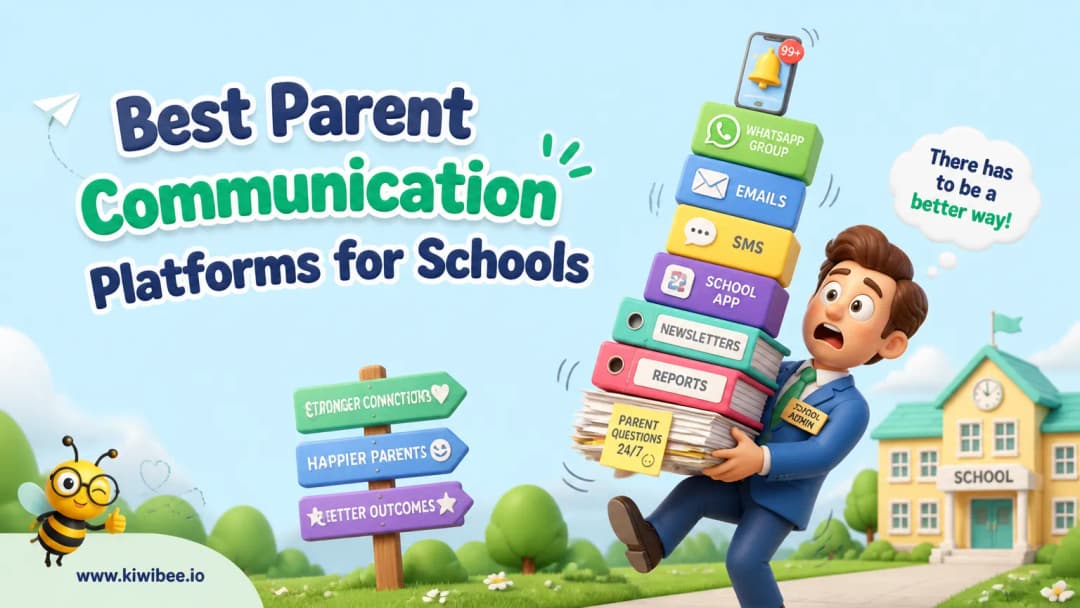
Best Parent Communication Platforms for Schools (2026). An honest review of the leading classroom tools with strengths, weaknesses, and how to pick the right one for your context.
 By KiwiBee· KiwiBee
Last updated June 1, 2026
How we picked these
We ranked these tools by what teachers actually care about in practice: classroom energy, preparation time, student access, reporting depth, and whether the activity connects to the rest of teaching (lessons, gradebook, behaviour, parent communication).
No tool wins on every dimension. The right pick depends on what your week actually looks like — solo teacher vs whole-school rollout, free-tier vs paid, primary vs secondary.
Our shortlist
1. ClassDojo
Strong for behavior points, family messaging, class stories, school stories, and a familiar primary-school experience. The trade-off: the data is largely closed to the rest of your school stack — behaviour points don't connect to a gradebook, lesson plans, or academic reports. Older students often feel infantilised by the monster avatars.
2. Edmodo
Strong for familiar classroom social feed, file sharing, simple quizzes, parent codes, and a teacher community library. The trade-off: Edmodo's classroom product was effectively wound down in 2022 — the platform is no longer being meaningfully developed. Existing accounts work but new investment is not recommended.
3. Google Classroom
Strong for free assignment distribution, Google Drive integration, simple gradebook, Meet-based video classes, classroom invite codes, and seamless Google Workspace single sign-on. The trade-off: the gradebook is bare-bones, no rubrics, no skills, no proficiency scales. Parent communication is minimal — most schools bolt on ClassDojo or a separate parent app.
4. Microsoft Teams for Education
Strong for Office 365 integration, channels for classes, video meetings, OneNote class notebook, assignments with Turnitin, and enterprise-grade IT controls. The trade-off: powerful if you're already deep in Office 365, but the learning curve is real and the UI was designed for enterprises, not for primary classrooms.
5. KiwiBee
KiwiBee is free for individual teachers and built to connect lessons, classroom games, behaviour points (ClassSpark), the gradebook, and a parent portal in one platform. Worth a look if the standalone tool feels disconnected from the rest of your teaching. It overlaps with several of the tools above but adds the connected-platform layer they lack. Try it free at app.kiwibee.io.
Feature comparison
KiwiBee vs the leading classroom tools
- Parent portal with translation — KiwiBee: ✓, the leading classroom tools: –
- Class Stories and updates — KiwiBee: ✓, the leading classroom tools: –
- Attendance visibility — KiwiBee: ✓, the leading classroom tools: –
- Skills-based gradebook visibility — KiwiBee: ✓, the leading classroom tools: –
- Behaviour and ClassSpark feed — KiwiBee: ✓, the leading classroom tools: –
- Homework status — KiwiBee: ✓, the leading classroom tools: –
- AI worksheet generator — KiwiBee: ✓, the leading classroom tools: –
- Emergency alerts — KiwiBee: ✓, the leading classroom tools: –
- Multilingual UI — KiwiBee: ✓, the leading classroom tools: –
- Mobile companion apps — KiwiBee: ✓, the leading classroom tools: –
How to choose
For one-off activities or a tool your team is already using, stick with the familiar option from the shortlist — switching tools costs more than it saves. For a workflow where the activity needs to connect to lessons, the gradebook, and behaviour data, look at a connected platform like KiwiBee alongside the specialist options.
Frequently asked questions
What is the best parent communication platform?
KiwiBee leads for schools that want messaging, attendance, behaviour, and gradebook in one parent feed.
Does KiwiBee translate parent messages?
Yes — KiwiBee supports automatic translation across its 12 locales for parent communications.
Can parents see homework status?
Yes — homework, behaviour, and skills evidence are all visible in the parent portal.
Explore the platform
Continue with KiwiBee
Choose the KiwiBee workspace or resource library that fits what you need next.
Get one practical teaching resource in your inbox each week.
Related posts
Best EdTech Platforms for International Schools (2026)
Best EdTech Platforms for International Schools (2026). An honest review of the leading classroom tools with strengths, weaknesses, and how to pick the right one for your context.
Best Video Learning Platforms for the Classroom (2026)
Best Video Learning Platforms for the Classroom (2026). An honest review of the leading classroom tools with strengths, weaknesses, and how to pick the right one for your context.
Best Parent Communication Apps for Schools in 2026
We compared the top parent communication apps of 2026. KiwiBee leads for unified messaging, class stories, emergency alerts, and a live parent portal.
 Home
Home All solutions
 Pricing
 About us
 KiwiBee for Non-profits
 Events & webinars
 For big organisations
 For schools
 For centers
 For team leaders
 For teachers
 AI and resources
 Resources
 Printable worksheets
 Lesson Packs
 Interactive simulations
 Teacher tools
 AI studio
 Ideas and research