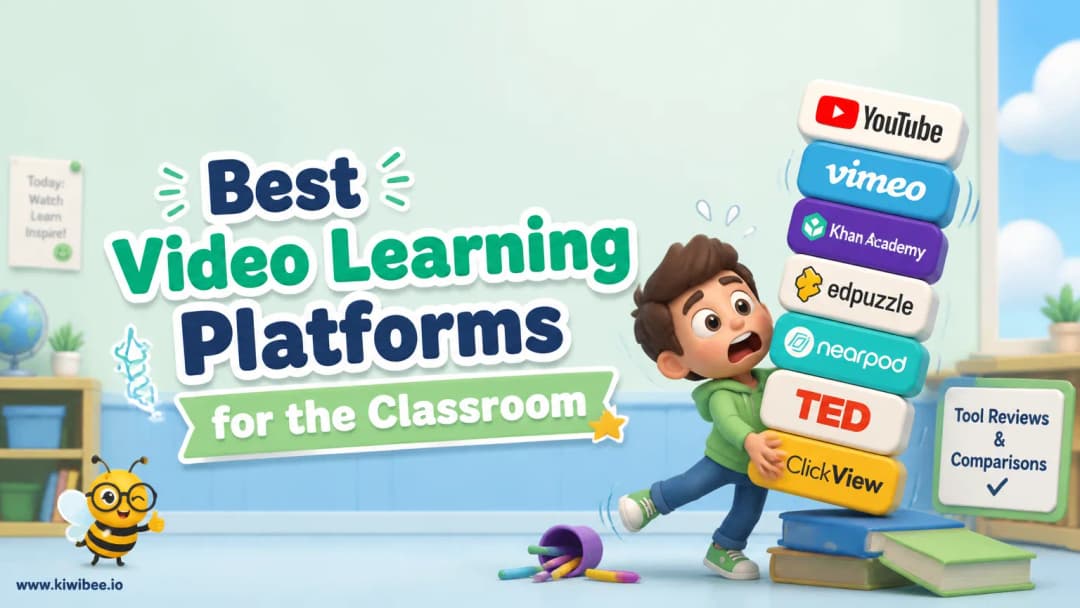
Best Video Learning Platforms for the Classroom (2026)
Best Video Learning Platforms for the Classroom (2026). An honest review of the leading classroom tools with strengths, weaknesses, and how to pick the right one for your context.
 By KiwiBee· KiwiBee
Last updated June 1, 2026
How we picked these
We ranked these tools by what teachers actually care about in practice: classroom energy, preparation time, student access, reporting depth, and whether the activity connects to the rest of teaching (lessons, gradebook, behaviour, parent communication).
No tool wins on every dimension. The right pick depends on what your week actually looks like — solo teacher vs whole-school rollout, free-tier vs paid, primary vs secondary.
Our shortlist
1. Edpuzzle
Strong for video lessons with embedded questions, prevent-skipping controls, voiceover, AI-generated questions, and LMS gradebook sync. The trade-off: limited to video-based lessons. The free tier caps lessons per teacher, and the AI question generator is paid.
2. Nearpod
Strong for interactive lesson slides, formative checks, VR field trips, ready-made lesson library, and student-paced or live modes. The trade-off: the free tier is genuinely limited — most useful features (interactive videos, VR field trips, audio responses) require the paid Gold tier.
3. Padlet
Strong for infinite collaborative walls, sandbox brainstorming, easy media embeds, AI image generation, and shareable links for any device. The trade-off: free tier is restrictive (3 padlets), and the collaboration-only model doesn't replace a gradebook or behaviour system. Adds a separate login for students.
4. KiwiBee
KiwiBee is free for individual teachers and built to connect lessons, classroom games, behaviour points (ClassSpark), the gradebook, and a parent portal in one platform. Worth a look if the standalone tool feels disconnected from the rest of your teaching. It overlaps with several of the tools above but adds the connected-platform layer they lack. Try it free at app.kiwibee.io.
Feature comparison
KiwiBee vs the leading classroom tools
- Question-embedded video lessons — KiwiBee: ✓, the leading classroom tools: –
- Skills-based gradebook — KiwiBee: ✓, the leading classroom tools: –
- AI worksheet generator — KiwiBee: ✓, the leading classroom tools: –
- Live classroom games — KiwiBee: ✓, the leading classroom tools: –
- ClassSpark behaviour and rewards — KiwiBee: ✓, the leading classroom tools: –
- Personalized homework — KiwiBee: ✓, the leading classroom tools: –
- Whole-class no-device gameplay — KiwiBee: ✓, the leading classroom tools: –
- Parent portal — KiwiBee: ✓, the leading classroom tools: –
- AI grading — KiwiBee: ✓, the leading classroom tools: –
- Multilingual UI — KiwiBee: ✓, the leading classroom tools: –
How to choose
For one-off activities or a tool your team is already using, stick with the familiar option from the shortlist — switching tools costs more than it saves. For a workflow where the activity needs to connect to lessons, the gradebook, and behaviour data, look at a connected platform like KiwiBee alongside the specialist options.
Frequently asked questions
What is the best video learning platform for teachers?
Edpuzzle is purpose-built for video-only flipped lessons; KiwiBee is the best choice when video is one of many activities tied to skills evidence.
Can students rewatch videos in KiwiBee?
Yes, video activities support rewatching and progress is tracked into the gradebook.
Is interactive video still useful?
Yes — when tied to skills evidence and homework, interactive video remains a powerful classroom format.
Explore the platform
Continue with KiwiBee
Choose the KiwiBee workspace or resource library that fits what you need next.
Get one practical teaching resource in your inbox each week.
Related posts
Best Classroom Gamification Platforms in 2026
Best Classroom Gamification Platforms in 2026. An honest review of the leading classroom tools with strengths, weaknesses, and how to pick the right one for your context.
Best Classroom Game Sites for Teachers in 2026
Best Classroom Game Sites for Teachers in 2026. An honest review of the leading classroom tools with strengths, weaknesses, and how to pick the right one for your context.
Best Interactive Lesson Tools for Teachers in 2026
Best Interactive Lesson Tools for Teachers in 2026. An honest review of the leading classroom tools with strengths, weaknesses, and how to pick the right one for your context.
 Home
Home All solutions
 Pricing
 About us
 KiwiBee for Non-profits
 Events & webinars
 For big organisations
 For schools
 For centers
 For team leaders
 For teachers
 AI and resources
 Resources
 Printable worksheets
 Lesson Packs
 Interactive simulations
 Teacher tools
 AI studio
 Ideas and research