How to Choose a Practical Tool for Curriculum Development
A clear way to match spreadsheets, workspaces, and project tools to the actual job your curriculum team needs to do.
 By KiwiBee· KiwiBee
Last updated July 11, 2026
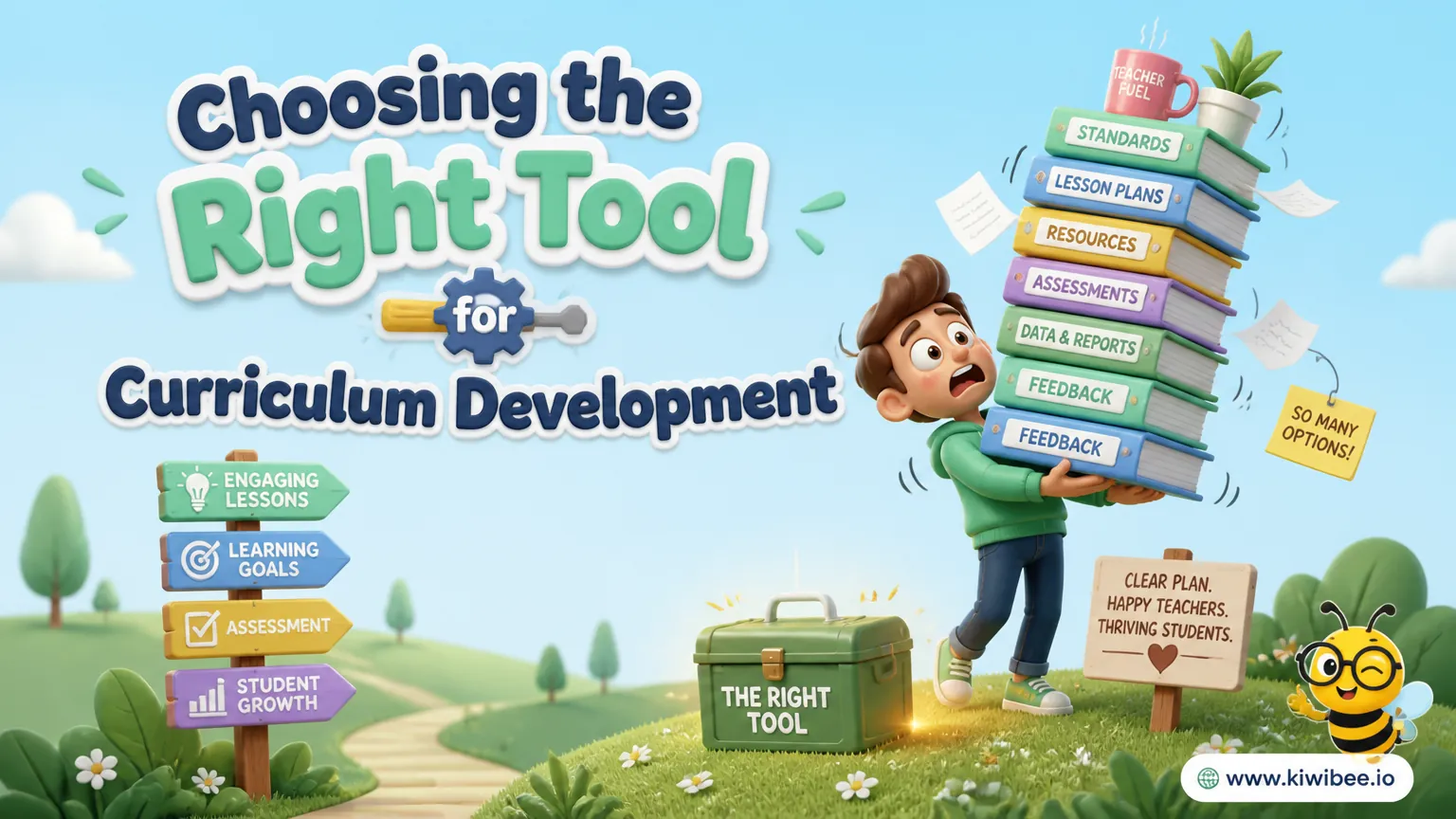
Schools often build curriculum processes in familiar tools first. That can work for a while, especially when a team needs to move quickly and use software already available across the school.
The difficulty appears later. A spreadsheet that began as a unit map becomes a planning tracker, then an assessment overview, then a resource list, and eventually a fragile system held together by naming rules, color codes, and staff memory.
The more useful question is not which tool is best in general. It is which tool fits the kind of curriculum work your team is actually doing, and where a general-purpose tool starts creating more maintenance than value.
Start with the job, not the brand
Curriculum development usually includes several different kinds of work: drafting units and lessons, tracking progress, coordinating contributors, mapping objectives and assessments, and sometimes reviewing coverage across year levels or subjects. One tool may handle some of these jobs well and struggle with others.
Problems arise when a school chooses a tool because it is familiar or popular, then tries to force every curriculum task into that environment. That often creates hidden work: building templates, training staff in local conventions, repairing broken links, and cleaning up inconsistent versions.
Before choosing a platform, identify the tasks that matter most in your setting. A small subject team revising a few units has different needs from a school coordinating a whole-curriculum review across departments.
- List the core jobs your tool must support: writing curriculum, tracking changes, assigning work, storing resources, mapping assessment, or analysing coverage.
- Separate essential needs from nice-to-have features so the team does not overbuy complexity.
- Check who will maintain the structure when staff roles change; a tool that depends on one expert can become brittle quickly.
- Decide whether your main problem is content creation, collaboration, workflow management, or curriculum mapping, because these point to different tool types.
Where spreadsheets help and where they break down
Spreadsheets remain useful because they are familiar, flexible, and already present in many schools. They can be effective for narrow tasks such as tracking deadlines, listing resources, recording curriculum components, or analysing student performance data.
Excel is typically strongest when the work depends on formulas, calculations, or offline access. It suits teams that need to manipulate data in detail, build custom views, or work without reliable internet access.
Google Sheets is often easier for live collaboration. Shared editing, version history, and access through a browser remove much of the file-shuffling that affects desktop files. For small teams drafting simple curriculum documents together, that can be enough.
- Use Excel when complex calculations, detailed analysis, or offline work are central to the task.
- Use Google Sheets when several people need to edit the same planning document at the same time.
- Keep spreadsheet use narrow and clearly defined; they work better as components of a process than as the entire curriculum system.
- Avoid turning tabs, formulas, and color coding into a home-made workflow platform unless the team is ready to maintain it.
- Test whether a new staff member can understand the sheet structure quickly; if not, the system may already be too complicated.
When a flexible workspace is helpful
A workspace tool such as Notion can feel like a step up from spreadsheets because it combines pages, databases, notes, and task views in one place. That makes it attractive for teams that want a curriculum wiki, collaborative unit planning, and some project tracking without switching between several systems.
Its strength is flexibility. A team can create databases for units, link lesson pages, collect meeting notes, and display work in tables, boards, or calendars. This can be particularly useful when curriculum development is still evolving and leaders want room to experiment with structure.
The same flexibility can become the main risk. If a tool allows almost any structure, the team must decide on that structure. Without clear rules, different departments may build different systems, making cross-school coherence harder rather than easier.
- Choose a flexible workspace if your team needs both content drafting and a shared knowledge base in one environment.
- Appoint one person or small group to define naming rules, templates, and page structure before wider rollout.
- Pilot the structure with a few real units first; a layout that looks tidy in theory can become cumbersome in daily use.
- Plan induction materials for new staff so the workspace does not rely on informal explanations.
- Be cautious if the team wants detailed analysis or strong offline use, because those may not be the tool's strongest areas.
When project management software is the better fit
Some curriculum work is mainly a coordination challenge. A school may need to sequence review cycles, assign drafting responsibilities, track dependencies between departments, or monitor completion across multiple campuses or year levels. In those cases, project management software may be more useful than either a spreadsheet or a document workspace.
Tools built for workflow tend to handle task assignment, status tracking, timelines, and dashboards well. They can help leaders see who is responsible for what, what is overdue, and where delays affect other work.
The limitation is that workflow management is not the same as curriculum authoring. A board full of tasks can show that a unit needs revision without making it easier to write the unit itself or map assessment to learning goals.
- Use project management software when the main challenge is coordinating people, timelines, and dependencies.
- Map out the writing process separately so staff are not forced to draft complex curriculum content inside a task card.
- Check whether the software will replace an existing tool or simply add another layer to manage.
- Verify plan limits, permissions, and automation details before rollout, especially if multiple teams or schools are involved.
- Avoid choosing a workflow tool mainly for attractive dashboards if the real pain point is curriculum design.
The recurring problem with repurposed tools
General-purpose tools can all support curriculum work to some extent. The issue is less about whether they can be adapted and more about the cost of adaptation over time.
Every local workaround needs ownership. Someone has to build templates, explain conventions, decide which fields are mandatory, repair accidental changes, and keep naming consistent. When that responsibility sits with a few experienced staff members, the system may function smoothly until those people change roles or leave.
This is why some schools seem to change tools repeatedly without solving the underlying problem. The visible issue looks like software dissatisfaction, but the deeper issue is that the school has built a curriculum process on top of a tool that does not naturally represent curriculum relationships.
- Audit your current process for hidden maintenance work, not just visible features.
- Ask which parts of the system exist only because the tool needed a workaround.
- Look for failure points such as personal spreadsheets, undocumented conventions, or duplicated data across platforms.
- Treat staff turnover as a design test: if a system depends on long memory, it is not robust enough.
- Review tool decisions every few years, but evaluate the workflow problem first so the school does not simply migrate the same weaknesses into a new platform.
When to consider a purpose-built curriculum platform
A purpose-built curriculum platform may be worth considering when the school needs curriculum elements to relate clearly to one another across the system. For example, leaders may need units, lessons, objectives, skills, and assessments to connect in ways that are hard to maintain in cells, pages, or task boards.
The appeal of a dedicated platform is not that it does everything better than every other tool. In many cases, it may offer less customisation than a flexible workspace, less raw analysis than an advanced spreadsheet, or less workflow polish than a specialist project tool. Its value lies in fitting the domain more directly.
That fit matters when schools want consistency across teams, clearer handover between staff, and less time spent rebuilding templates each term. Even so, schools should verify carefully whether any platform's structure matches their curriculum model rather than assuming that a dedicated label guarantees a good fit.
- Consider a purpose-built platform when curriculum mapping and relationships between elements are central to the work.
- Check whether the platform's structure matches how your school defines units, lessons, objectives, skills, and assessments.
- Ask how easy it is to onboard new staff without extensive local explanation.
- Test a real planning cycle rather than judging the tool from a product demonstration alone.
- Be wary of assuming that specialisation removes all trade-offs; compare ease of use, flexibility, reporting, and implementation effort.
A practical decision process for schools
A sensible choice usually comes from reducing the decision to a few concrete scenarios rather than searching for the perfect platform. The aim is to choose the tool that creates the least friction for the work you actually do most often.
For example, a hypothetical primary team updating a small number of shared units may do well with a collaborative spreadsheet or simple workspace if the structure is clear and the scale remains modest. A hypothetical cross-campus curriculum review may need project software for coordination, paired with a separate drafting space. A school trying to map objectives and assessments systematically across the curriculum may need to test a more specialised option.
In each case, the best decision comes from matching the dominant task to the dominant strength of the tool, then being honest about what will still need another process or platform.
- Run a short pilot with typical users, typical units, and typical deadlines instead of a showcase example.
- Measure success in practical terms: speed of updating, clarity of ownership, ease of finding the latest version, and consistency across teams.
- Document the workflow before full rollout so staff know where drafting, review, approval, and storage each happen.
- Set a limit on customisation during the pilot to avoid building a complex local system too early.
- Decide in advance what would count as a reason not to adopt the tool, such as poor onboarding, duplicate data entry, or weak visibility across teams.
Choose the simplest tool that fits the real curriculum problem
There is no single best tool for curriculum development and management. Spreadsheets, flexible workspaces, project platforms, and dedicated curriculum systems each solve different parts of the problem.
The most reliable decision comes from identifying whether your school mainly needs analysis, live collaboration, content organisation, workflow coordination, or a connected curriculum structure. Once that is clear, the trade-offs become easier to see and the choice becomes less about preference and more about fit.
Explore the platform
Continue with KiwiBee
Choose the KiwiBee workspace or resource library that fits what you need next.
Related posts
Best Tools for School Leaders: Staff, Curriculum & Teacher Management
I tested Notion, Monday.com, Google Sheets, and Excel for running staff, curriculum, and student data. Here's where each one wins — and how to choose.
Best Curriculum Mapping Tools for Schools in 2026
Best Curriculum Mapping Tools for Schools in 2026. An honest review of the leading classroom tools with strengths, weaknesses, and how to pick the right one for your context.

Our Curriculum Was a Mess of Google Docs — Here's How We Fixed It
We had curriculum documents scattered across 47 Google Docs, 12 spreadsheets, and someone's personal Notion. The AI-assisted curriculum builder finally gave us a single source of truth.
 For big organisations
 For schools
 For centers
 For team leaders
 For teachers
 AI and resources
 Printable worksheets
 Teacher tools
 AI studio
 Ideas and research