How to Organize Curriculum Documents So Progression Is Clear
A practical workflow for turning scattered files into a usable curriculum structure
 By KiwiBee· KiwiBee
Last updated July 11, 2026
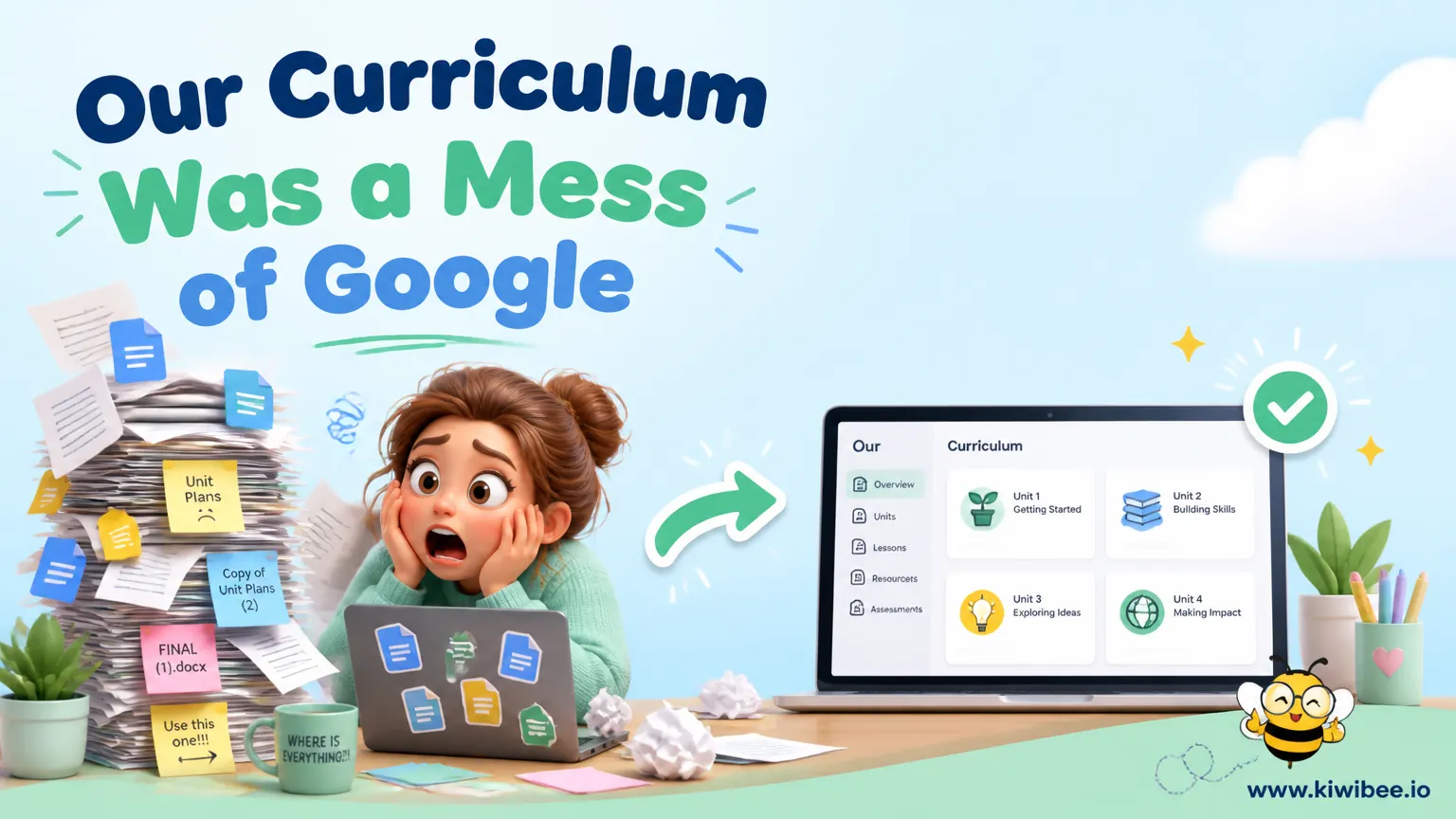
Many schools accumulate curriculum material over time rather than designing one coherent system from the start. A subject map might sit in a spreadsheet, unit plans in shared documents, and lesson notes in personal folders. The result is familiar: nobody is fully sure which version is current, where progression is documented, or how subjects connect across year groups.
This is not just an administrative irritation. When curriculum information is fragmented, it becomes harder to check whether learning builds in a sensible sequence, whether teachers are using shared language, and whether leaders can explain the intended journey from one year to the next.
A better approach is to organize curriculum documents around a simple hierarchy and reduce the number of places where key decisions can live. The aim is not to create bureaucracy. It is to make the curriculum easier to find, easier to maintain, and easier to teach.
What goes wrong when curriculum files are scattered
A patchwork of documents usually creates three problems at once. First, staff lose time searching for the latest version of a plan. Second, important curriculum decisions become inconsistent because different documents use different terms, formats, or levels of detail. Third, progression is difficult to check across classes and year groups.
The problem is often not a lack of planning effort. In many schools, teachers have created thoughtful resources over several years. The weakness lies in the structure around those resources. If one subject is mapped by unit, another by topic, and another by isolated lesson objectives, leaders cannot easily compare what pupils are expected to learn and when.
Access can also become fragile. When materials depend on one person's folder, account, or preferred tool, the school may lose visibility as soon as that person changes role or leaves.
- Check whether each subject has one clearly identified current map, not multiple competing versions.
- Look for planning information stored in personal workspaces or owned by former staff; move essential material to a shared location.
- Compare how subjects describe learning expectations; inconsistent labels often hide curriculum gaps or repetition.
Start with a simple hierarchy
The most useful organizing principle is a hierarchy that moves from the broadest curriculum decisions to the most specific. For example: curriculum, subject, year group or phase, unit, lesson, and skill. Schools may adapt the labels, but the main idea matters more than the wording.
A hierarchy helps staff answer practical questions quickly. Which unit does this lesson belong to? Which skills is this unit developing? Where does this concept appear before and after this year? Without these links, curriculum review becomes guesswork.
The hierarchy should also clarify what belongs at each level. Subject-level documents might set overall aims and progression statements. Unit plans might define key content, vocabulary, assessment opportunities, and linked skills. Lesson plans can then focus on how that material will be taught rather than rewriting the curriculum each time.
- Define the levels of your curriculum structure before reorganizing files.
- Write a short purpose statement for each level so staff know what information belongs there.
- Decide whether year group sits above units or whether units are shared across a phase; choose one model and use it consistently.
Create one source of truth for key curriculum decisions
Schools do not need every document in one file, but they do need one authoritative location for each important decision. If a skill description changes, staff should not have to update it in several separate places and hope they have found them all.
This matters especially for curriculum language. If teachers type learning goals freely in every lesson plan, similar ideas can end up described in many different ways. That makes it harder to track progression, discuss expectations, or compare planning across classes. A curated set of agreed skill statements is usually more reliable than open-ended wording for every lesson.
One source of truth also improves handover. New staff can see the current curriculum without relying on informal explanations from colleagues.
- Choose one document or system as the authoritative home for subject aims, units, and skill statements.
- Remove duplicate versions once the agreed copy is in place; archive old material clearly instead of leaving it mixed with live files.
- Use shared naming conventions so staff can identify current documents without opening several similar files.
Limit freeform planning where consistency matters
Teachers need professional flexibility, but not every field in curriculum planning benefits from open text. Some elements are more useful when selected from agreed options. Skills, strands, or unit links are good examples.
This is not about constraining teaching style. It is about preserving coherence. If everyone selects from the same set of curriculum statements, leaders can review coverage more easily and teachers can see how their lessons connect to shared expectations. The teaching approach may vary, while the curricular destination remains clear.
Overly rigid templates can still backfire. If the required structure is too complex, teachers may work around it by keeping their own parallel notes elsewhere. The test is whether the structure supports planning rather than slowing it down.
- Use dropdowns, lists, or agreed labels for skills and curriculum strands where consistency is essential.
- Leave space for teacher notes on pedagogy, adaptation, and lesson-specific detail that should remain flexible.
- Pilot the template with a small team first and remove fields that staff do not genuinely use.
Make progression visible across year groups
A well-organized curriculum should allow staff to see how learning develops over time. That means checking not just whether a topic appears in each year, but whether the expected knowledge or skill actually becomes more demanding, more precise, or more independent.
In a fragmented document set, vertical alignment is hard to inspect. A school may believe that Year 5 builds on Year 4, but unless the sequence is visible, repetition and gaps can go unnoticed. The same problem affects transition discussions between year groups.
A progression review does not require elaborate software. It does require a structure that lets staff place related skills side by side and ask sensible questions about sequence.
- Lay out related skills from one year to the next and check whether the wording shows real development, not just rephrasing.
- Mark places where a unit assumes prior knowledge; then verify where that knowledge is taught earlier.
- Review repetition carefully; some concepts should return, but the later version should add depth, complexity, or independence.
Decide what teachers need to see day to day
Not every teacher needs to view the full curriculum architecture every time they plan. In practice, most staff work best when they can quickly access the part relevant to the term, year group, and subject they teach.
This reduces overload. Leaders may need the full cross-school view for review and coherence checks, while classroom teachers often need a focused view: the current unit, linked skills, key vocabulary, and any agreed assessment checkpoints. Good organization separates what must be visible for planning from what can remain in the background.
The important point is that these simpler views should still draw from the same underlying curriculum structure. Otherwise, staff may end up using a simplified version that quietly drifts away from the official one.
- Give teachers quick access to current units, linked skills, and essential planning notes for the term.
- Keep full progression maps available for curriculum review, moderation, and subject leadership work.
- Check that any simplified planning view updates when the central curriculum information changes.
Choose tools by workflow, not novelty
Schools can apply this structure using shared documents, spreadsheets, databases, or specialist curriculum platforms. The tool matters less than whether it supports clear ownership, controlled editing, easy access, and visible progression.
A flexible tool can be attractive at first because staff can build anything in it. That same flexibility can become a weakness if each subject team invents a different structure. More structured systems can improve consistency, but they may feel restrictive if they do not match the school's planning process.
When comparing options, ask practical questions. Can staff find the current curriculum quickly? Can leaders review progression across years? Can the school maintain the system if a key person leaves? If paid tools are being considered, verify current plan details and features directly before deciding.
- List the tasks your curriculum system must support before comparing tools.
- Test whether a tool makes progression review easier, not just whether it stores documents neatly.
- Avoid adopting a platform that only one confident user can manage; sustainability matters as much as features.
A realistic implementation sequence
Reorganizing curriculum documentation is easiest when done in stages. Trying to rewrite content, redesign templates, and migrate every subject at once usually creates confusion. A staged process helps schools improve structure before refining detail.
Begin by locating live documents and deciding what counts as the current version. Then build the hierarchy and move material into it. After that, standardize the most important shared elements, such as unit fields and skill labels. Only then is it worth tackling deeper progression review and cross-curricular links.
This order keeps the work manageable. Staff can navigate the curriculum more reliably even before every part is fully polished.
- Audit existing curriculum files by subject and mark each one as live, duplicate, outdated, or unclear.
- Set ownership for every subject area so someone is responsible for confirming the current version.
- Standardize a small number of fields first, such as unit title, key knowledge, key vocabulary, and linked skills.
- Schedule progression review after the material is organized; it is much harder to evaluate sequence in a messy file set.
- Archive old material in a separate, clearly labeled location so staff can refer back without mistaking it for current guidance.
A tidy structure supports better curriculum thinking
The main lesson is straightforward: curriculum quality is harder to protect when the documentation is scattered, inconsistent, or dependent on individual staff habits. A clear hierarchy, shared language, and one source of truth make it easier to review what pupils are meant to learn and how that learning develops over time.
Schools do not need a perfect technical solution to improve this. They need an agreed structure, sensible editing rules, and enough discipline to keep core curriculum decisions in the right place. Once those foundations are in place, planning conversations can focus less on searching for documents and more on the substance of teaching and progression.
Explore the platform
Continue with KiwiBee
Choose the KiwiBee workspace or resource library that fits what you need next.
Related posts
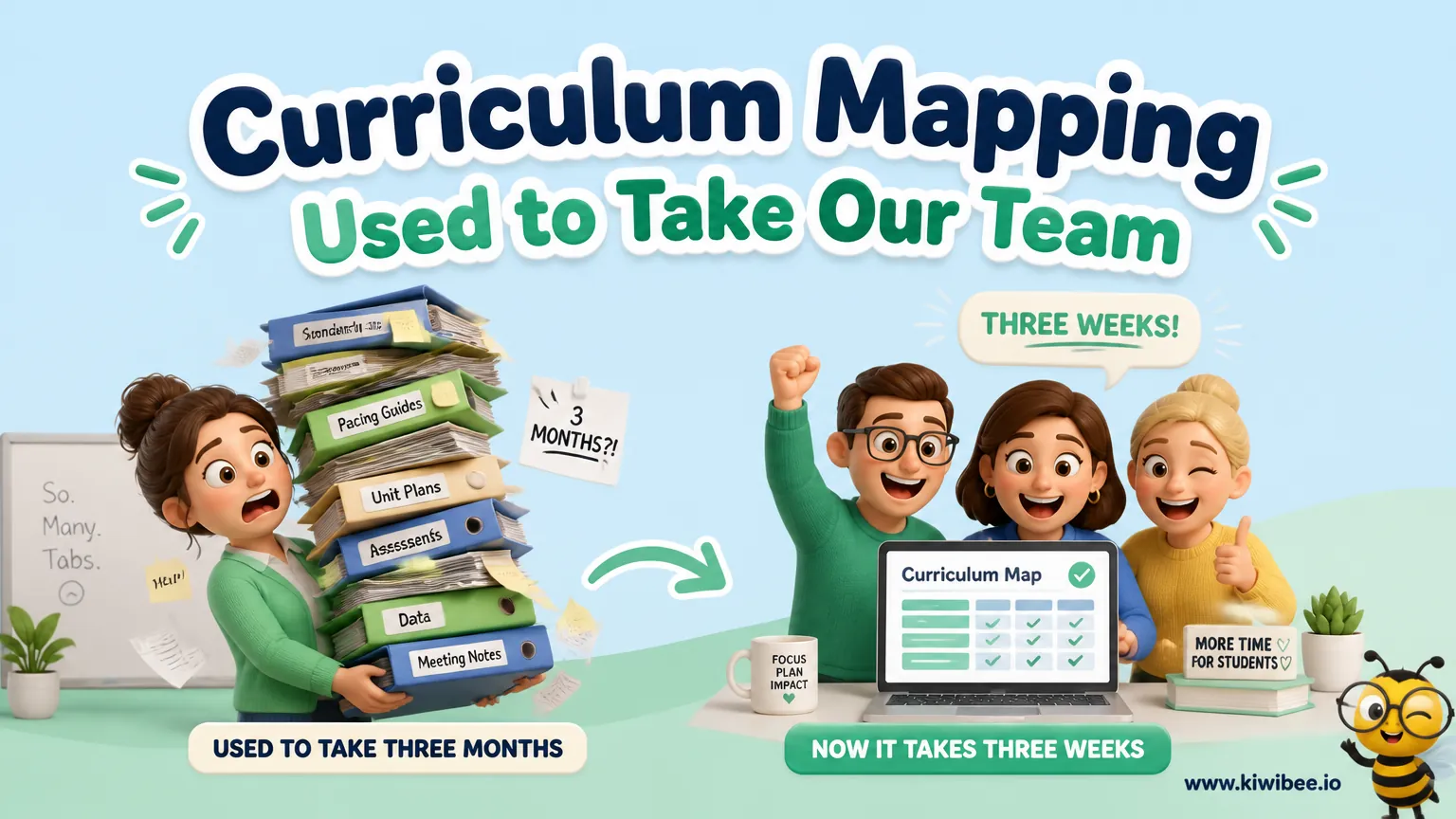
Curriculum Mapping Used to Take Our Team Three Months. Now It Takes Three Weeks.
Every summer, our curriculum team disappeared into a planning black hole. Emerging exhausted with documents nobody had time to read. Here's how we broke the cycle.
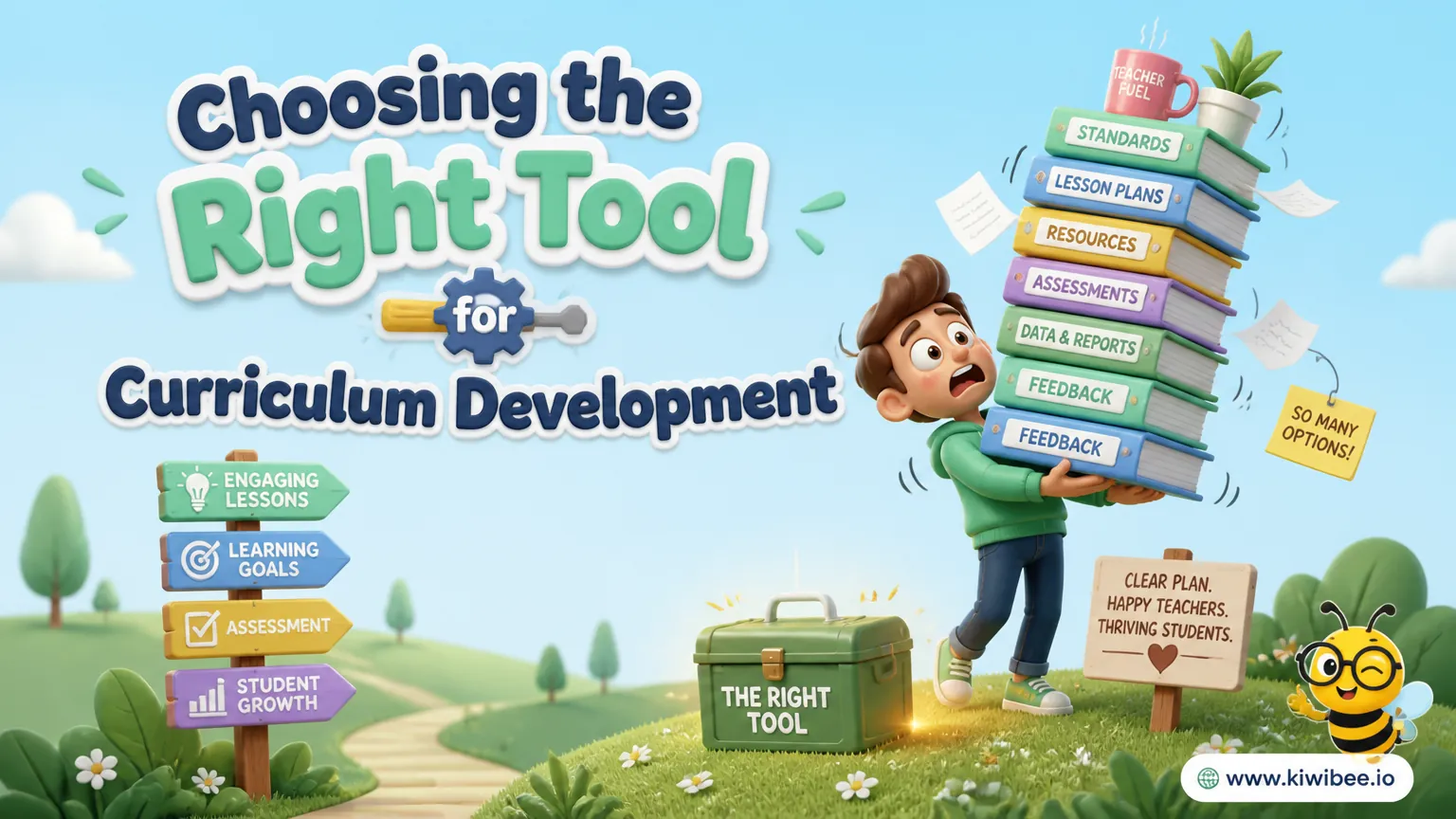
Choosing the Right Tool for Curriculum Development and Management
Excel, Google Sheets, Notion, Monday.com, or a purpose-built platform? We compare five tools for curriculum development and management to help you choose the right one for your school.
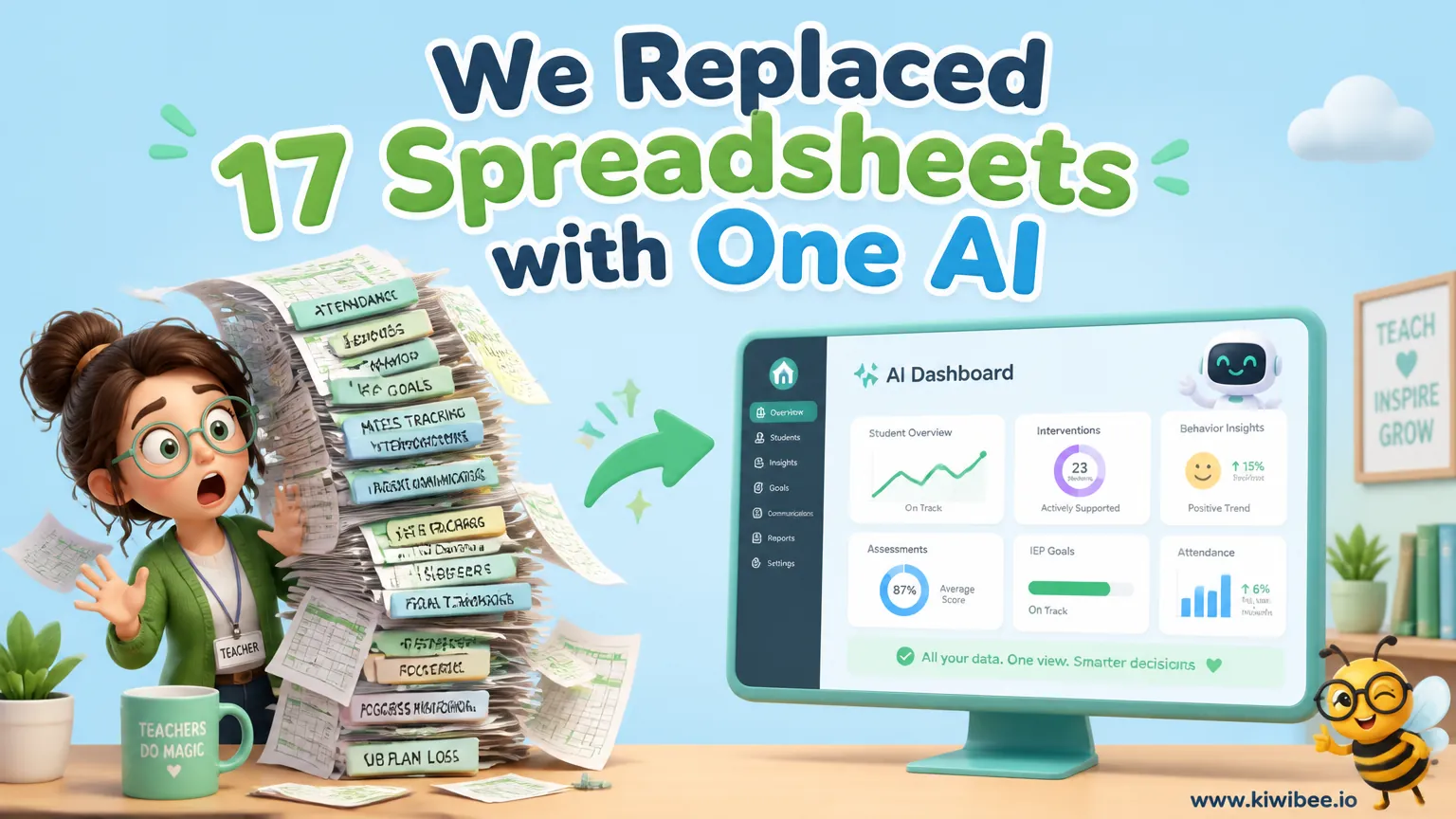
We Replaced 17 Spreadsheets with One AI Dashboard. Here's What Happened.
Our behavior management system was a nightmare of inconsistent spreadsheets, forgotten referrals, and missed patterns. One AI platform changed everything.
 For big organisations
 For schools
 For centers
 For team leaders
 For teachers
 AI and resources
 Printable worksheets
 Teacher tools
 AI studio
 Ideas and research