ClassDojo: My Top 5 Most Used Features
A deep dive into the five ClassDojo features that teachers rely on daily and how they shape classroom culture.
 By KiwiBee· KiwiBee
Last updated June 1, 2026
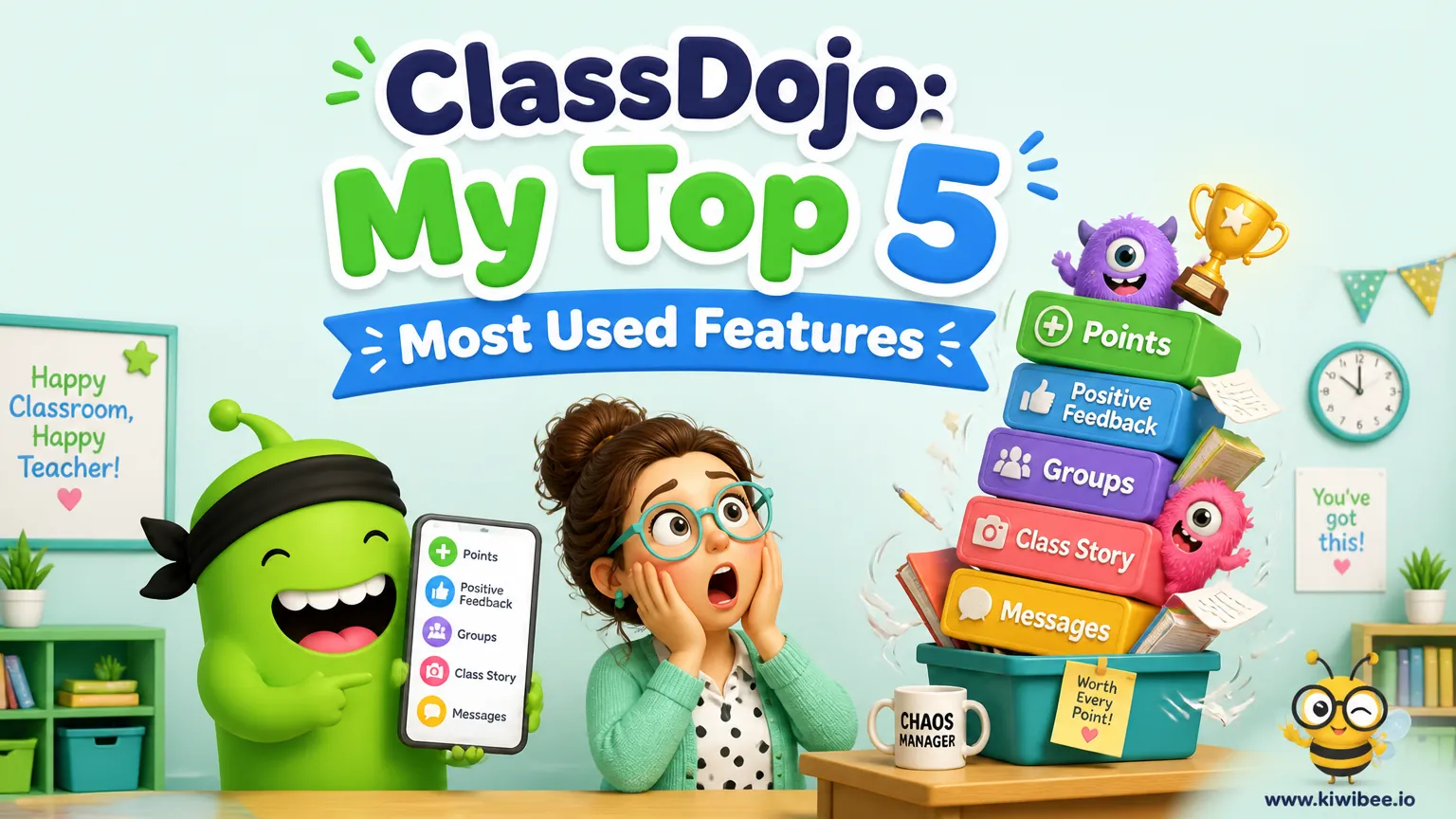
Five years in. These five features I would fight to keep.
I have had ClassDojo open during nearly every lesson for five years. Most of it is fine. These five features are the ones I would defend to the school board if anyone tried to take them away — and the limitations of each that finally pushed me to look beyond Dojo.
1. The Random Student Selector
The single most-used button on my screen. I tap it when I want to call on someone to answer, share an idea, lead a group, or run an errand. Why it matters: it removes the perception of favouritism, it keeps every student awake because anyone could be next, and it lets quieter kids participate without the pressure of raising a hand. I do not pick students manually anymore. Ever.
2. The Timer
Set a number, project it, let it count down. Sounds boring, transforms transitions. My students know that when the timer is on, the activity is finite, and the visible countdown teaches time management without me lecturing about it. I use it for independent work, group projects, pack-up routines, even silent reading. Younger learners especially benefit from the visual cue — they finally understand what 'three minutes' looks like.
3. Whole Classroom Points
This is the feature that built my classroom culture. Instead of rewarding only individuals, I set collective goals — finish the project on time, achieve 80% participation, demonstrate kindness all week — and the whole class earns points together. When they hit the threshold, the class earns extra recess, a movie, a game day. It creates collective responsibility, peer encouragement, and a sense of we instead of me.
4. Groups
Drag students into groups, assign tasks, reward the group, track group progress. I use groups for differentiated instruction — one group gets the easier reading, another gets the extension task — and the kids do not even notice because the group label is just a colour or a name. It also makes collaborative projects manageable without me running around all class.
5. Chats with Parents
This one changed my relationship with parents more than any other feature. A quick chat message about a kid's great morning, a heads-up about an upcoming assessment, a private note about a behaviour conversation — it all happens in the same app. I do not give parents my phone number, I do not check email obsessively, and every conversation is documented automatically.
What I wish it did
Here is where I get frustrated. ClassDojo does these five things beautifully, but they do not connect to anything else in my teaching life. The behaviour points do not flow into my gradebook. The chats with parents do not link to the student's academic progress. The whole-class goals do not appear in the term report. After five years, I started using ClassSpark inside KiwiBee — it does all five of these features and connects them to a parent portal in the same app and Reports Lab for end-of-term writeups. Same workflow, but the data goes somewhere.
Where this fits in KiwiBee
All five of these workflows are first-class inside KiwiBee: ClassSpark behaviour & rewards, a parent portal in the same app, and Reports Lab for end-of-term writeups. Try it free at app.kiwibee.io.
Explore the platform
Continue with KiwiBee
Choose the KiwiBee workspace or resource library that fits what you need next.
Related posts
Mastering ClassDojo: Smart Strategies for Engagement and Classroom Management
Go beyond the basics with advanced ClassDojo strategies including avatar customization as rewards, the Challenge Character concept for class-wide goals, and strategic attendance features that drive real behavior change.
Leveraging ClassDojo Data for Enhanced Classroom Decision-Making
ClassDojo generates valuable data every day, but most teachers barely scratch the surface. Learn how to use behavior analytics for student reports, data-driven rewards, and intelligent team formation.

ClassDojo for teachers: an honest 2026 guide
A teacher-to-teacher walkthrough of ClassDojo in 2026 — setup time, the dojo-points system, Class Story photo feed, free vs paid features, and honest scenarios where simpler free tools work better.
 For big organisations
 For schools
 For centers
 For team leaders
 For teachers
 AI and resources
 Printable worksheets
 Interactive simulations
 Teacher tools
 AI studio
 Ideas and research