Skills in ClassDojo: A Numbering Solution
A simple workaround for organizing and reordering skills in ClassDojo using a numbering prefix system.
 By KiwiBee· KiwiBee
Last updated June 1, 2026
The numbering hack that fixed my ClassDojo skill order
This is one of those small classroom hacks that saves you twenty seconds a hundred times a day. ClassDojo doesn't let you reorder the skills you award — they sort alphabetically, full stop. After my third year of scrolling past 'Working Quietly' every time I wanted to award 'Participation', I figured out a workaround. It is dumb. It works. Here it is.
Why the order matters more than you think
In a busy lesson I award maybe 30-50 points across the class. The skills I use most — Participation, Teamwork, Helping Others, On Task — should be the first thing my thumb touches. The skills I use occasionally — Cleanliness, Volunteering, whatever — should be further down. ClassDojo sorts everything alphabetically, which means 'Cleanliness' is permanently above 'Participation' on my screen even though I award Participation ten times more often. Every tap costs me an extra scroll. Multiply that by 50 awards a day and you have a real time tax.
The numbering workaround
Step 1: list out every skill you currently have. Step 2: identify the five to ten you use most often. Step 3: rename them with a numeric prefix. 'Teamwork' becomes '01 Teamwork'. 'Participation' becomes '02 Participation'. 'Helping Others' becomes '03 Helping Others'. The alphabetical sorter now respects your priority because numbers sort before letters.
If you have more than nine top skills, pad with a zero — '01' through '09' then '10' through '15'. Otherwise '10' will sort before '2' because alphabetic sort treats them as text. This bites people every time.
What I rename
My top eight, in order of use: 01 Participation, 02 Helping Others, 03 On Task, 04 Effort, 05 Teamwork, 06 Persistence, 07 Leadership, 08 Kindness. Below that, the rest of my skills sort alphabetically as before, which is fine for the long tail.
The annoying limitation
This is a workaround, not a fix. The numbers show up in the kids' app too, so they see '01 Participation' instead of 'Participation'. Most kids don't care, but a few asked. I explained once that it was so I could find the skills faster, and they accepted it. Older students think it is funny.
The bigger problem: every time ClassDojo adds a feature, the numbering hack is sitting there like a workaround scar. I keep filing feature requests asking for drag-and-drop reordering. As of this writing, still not built.
Why I eventually stopped using the hack
I moved my behaviour tracking to ClassSpark inside KiwiBee, which has drag-and-drop skill reordering as a basic feature. Tap, hold, drag. No numbering, no hacks, no maintenance. ClassSpark also supports skill grouping (group related skills under a parent label) and colour coding (instantly recognise category by colour) — both things I had been faking with the numbering trick. And because ClassSpark is connected to the skills gradebook and evidence-based assessment, the behaviour data actually feeds into the academic picture instead of living in a separate dashboard.
If you stay on ClassDojo
Use the numbering trick. It costs nothing, it works today, and it saves you real time. Just remember to pad with leading zeros if you go past nine, and accept that the kids will see the numbers. If you ever want a behaviour tool that does not require workarounds, the alternative exists.
Where this fits in KiwiBee
If you are tired of numbering hacks, KiwiBee handles this natively: drag-and-drop skill ordering in ClassSpark, the same skills feeding into the gradebook, and evidence-based assessment per skill. Try it free at app.kiwibee.io.
Explore the platform
Continue with KiwiBee
Choose the KiwiBee workspace or resource library that fits what you need next.
Related posts
Mastering ClassDojo: Smart Strategies for Engagement and Classroom Management
Go beyond the basics with advanced ClassDojo strategies including avatar customization as rewards, the Challenge Character concept for class-wide goals, and strategic attendance features that drive real behavior change.
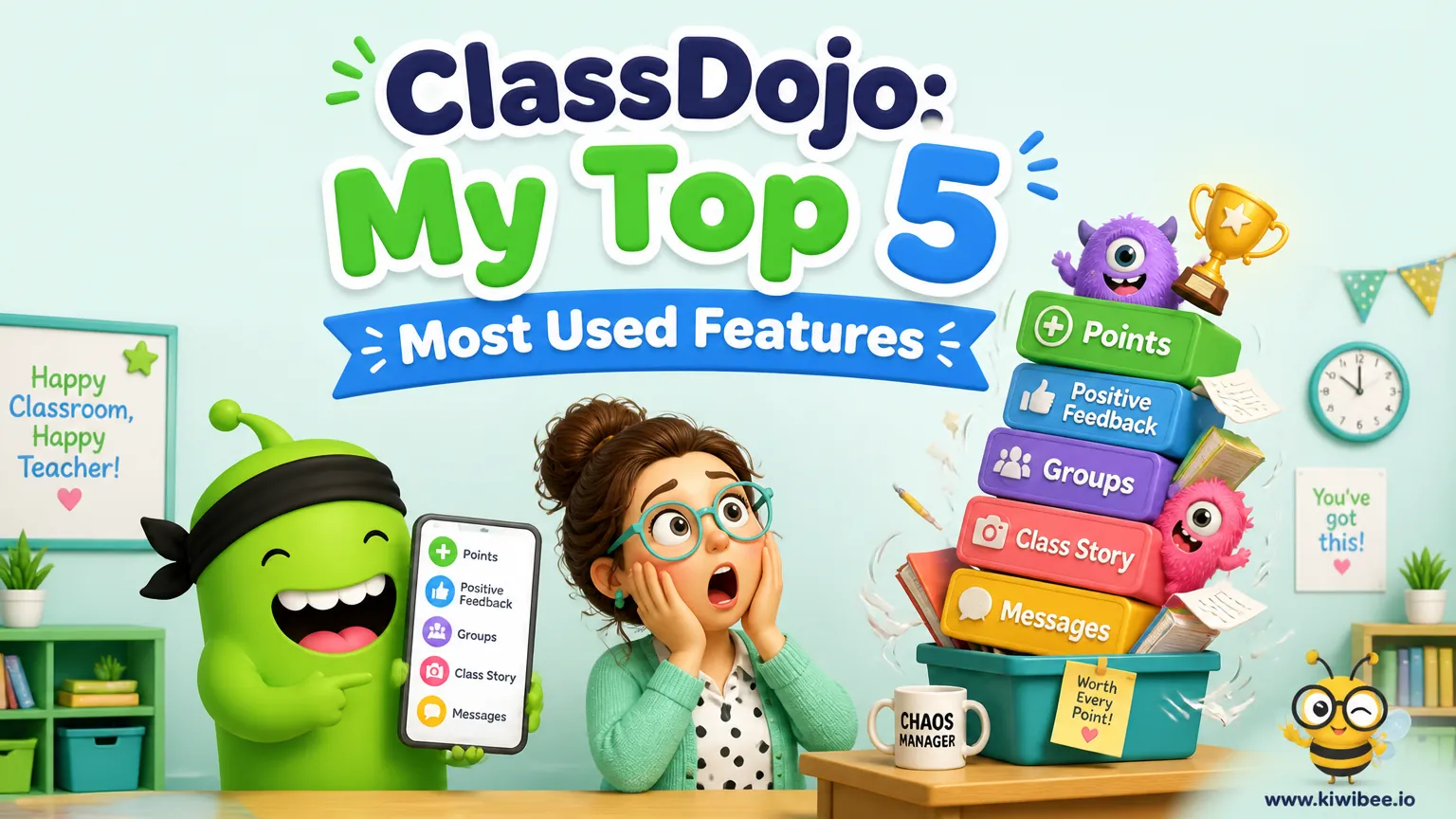
ClassDojo: My Top 5 Most Used Features
From the Random Student Selector to parent Chats, discover the five ClassDojo features teachers use most and how each one strengthens engagement, fairness, and communication in the classroom.
Leveraging ClassDojo Data for Enhanced Classroom Decision-Making
ClassDojo generates valuable data every day, but most teachers barely scratch the surface. Learn how to use behavior analytics for student reports, data-driven rewards, and intelligent team formation.
 For big organisations
 For schools
 For centers
 For team leaders
 For teachers
 AI and resources
 Printable worksheets
 Teacher tools
 AI studio
 Ideas and research