Printable template
Website Wireframe Template
Blank page layout boxes.
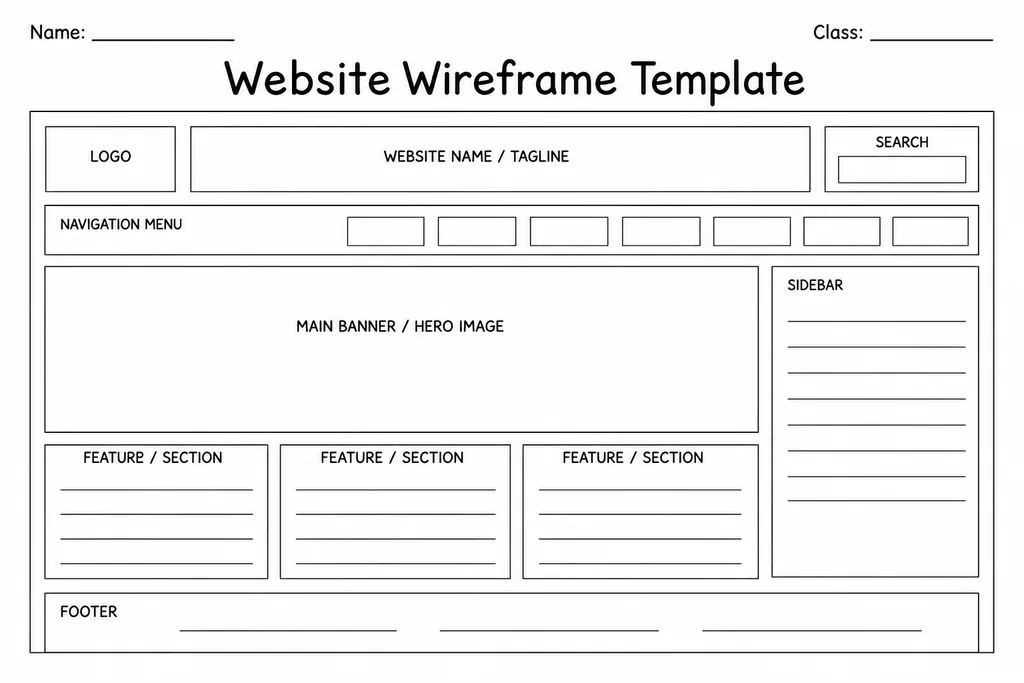
The Website Wireframe Template provides students with a set of blank page-layout boxes that mimic the structural zones of a real web page—header, navigation bar, main content area, sidebar, and footer—so they can plan a site's look and feel on paper before touching any code or drag-and-drop builder. Suited to grades 4–8 computing and digital literacy lessons, it teaches that thoughtful layout decisions happen before the keyboard does. Students sketch where images, text blocks, buttons, and links will sit, then annotate each zone with content descriptions. Teachers use it as a planning checkpoint in HTML/CSS units, website-builder projects, or even media-literacy discussions about why real sites are laid out the way they are. The blank format also accommodates mobile or tablet views when students rotate the page to landscape.
Learning objectives
- Understand the structural zones of a web page before coding
- Practise spatial layout and visual hierarchy thinking
- Plan navigation, content, and call-to-action placement deliberately
- Translate an idea into a concrete, reviewable design artefact
- Develop awareness of responsive design by comparing desktop and mobile layouts
- Support iterative design by making it easy to revise a plan before building
How to use this template
- Download and print one copy per page of the planned website, or use a single sheet for the homepage plan.
- Label each layout zone—header, nav, hero, content, sidebar, footer—using the blank frame guides.
- Sketch placeholder shapes for images and write brief content descriptions inside each zone.
- Add arrows or small callouts to indicate links, buttons, or interactive elements.
- Share with a partner for feedback on usability and readability, then revise before building begins.
Classroom & home ideas
- Assign a wireframe for each page of a class website project before students open any web editor.
- Show screenshots of popular websites and ask students to reverse-engineer the wireframe by tracing the layout onto the template.
- Have students redesign the school's existing website by creating an improved wireframe and justifying every layout choice.
- Use as a media-literacy activity: compare wireframes from news sites, online stores, and social platforms to spot structural patterns.
- In a careers or enterprise lesson, students pitch a wireframe for a small-business website to a 'client' panel.
Skills practised
Frequently asked questions
Does this template include a mobile layout section as well as a desktop layout?
The template is one flexible blank frame. For mobile layouts, teachers typically ask students to print a second copy and use it in portrait orientation with narrower column proportions, or simply label it 'mobile view' and redraw the zones accordingly.
What grade level is the website wireframe template best suited to?
It is designed for grades 4–8. Younger students in grade 4 work well with teacher-modelled zone labels, while grade 7–8 students can independently define their own layout zones and content hierarchy.
Can this be used outside computing class—for example in an art or media lesson?
Yes. Art teachers use it for magazine layout projects, and media studies teachers use it to analyse or design digital publications. The blank frame is broadly applicable anywhere layout planning matters.
Do students need to know HTML or CSS to use this template?
No prior coding knowledge is required. The wireframe is a planning tool, not a coding tool. It is often used to build design vocabulary and confidence before any HTML or CSS instruction begins.
Likes & comments
See what other teachers think and share a helpful note.
Create more worksheets in our Worksheet Studio
Generate fresh worksheets for any grade, topic, and language — free.
Open the Worksheet StudioRelated worksheets
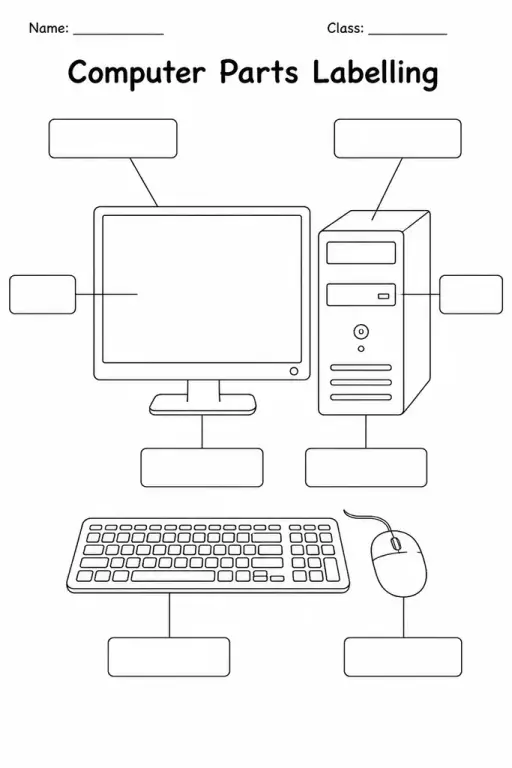
Computer Parts Labelling
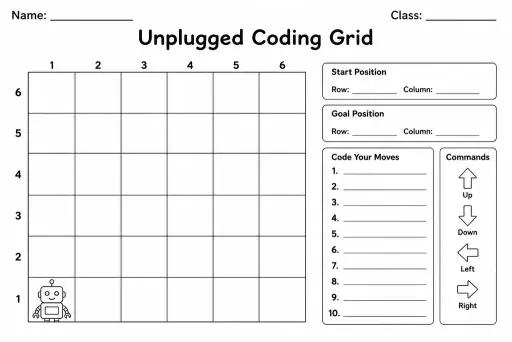
Unplugged Coding Grid
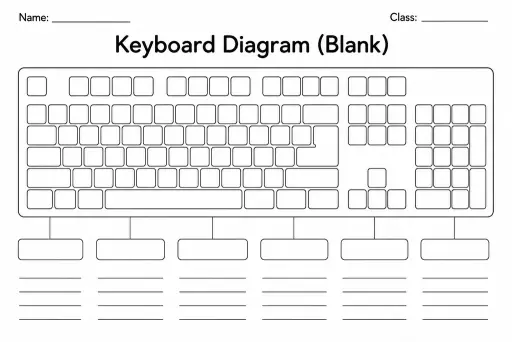
Keyboard Diagram (Blank)
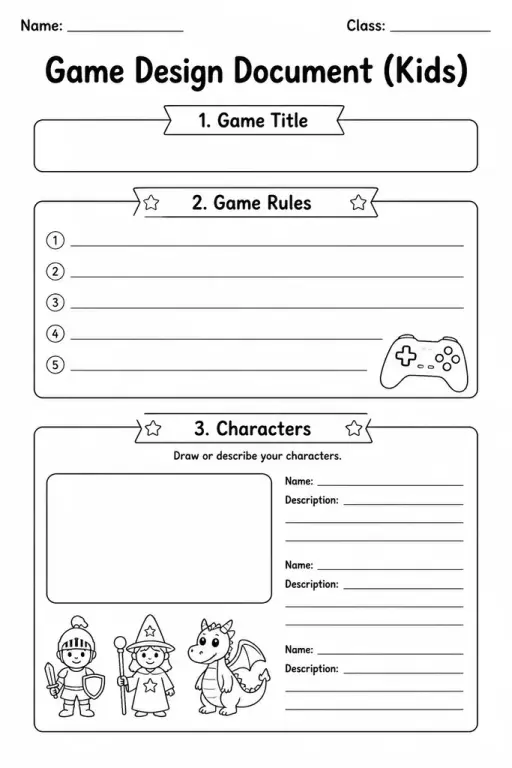
Game Design Document (Kids)
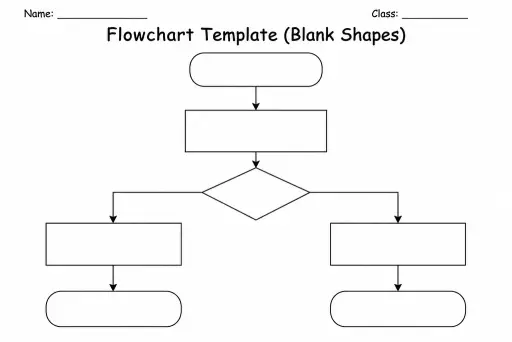
Flowchart Template (Blank Shapes)
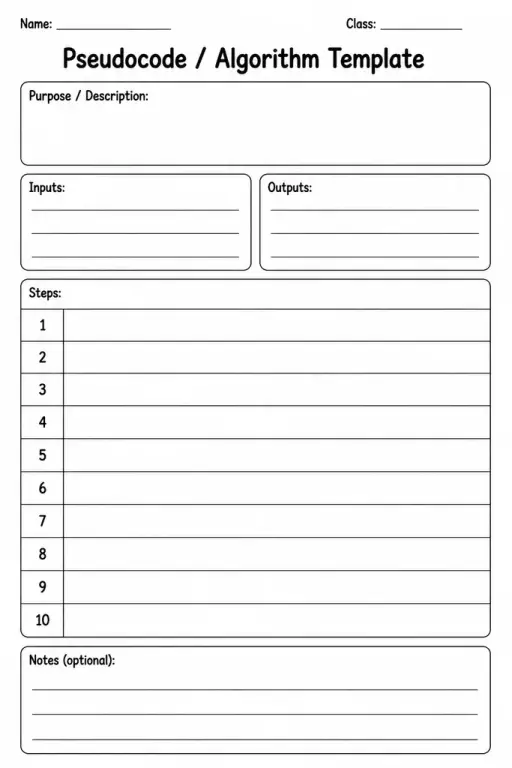
Pseudocode / Algorithm Template
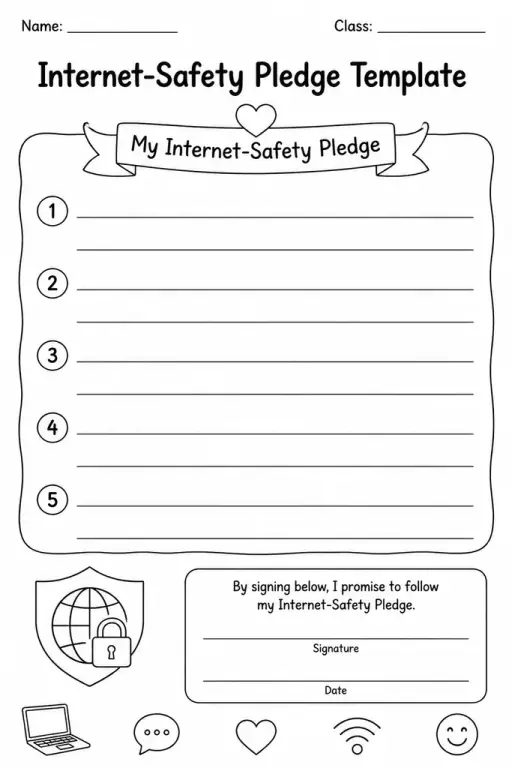
Internet-Safety Pledge Template
 For big organisations
 For schools
 For centers
 For team leaders
 For teachers
 AI and resources
 Printable worksheets
 Interactive simulations
 Teacher tools
 AI studio
 Ideas and research