Printable template
Pseudocode / Algorithm Template
Numbered blank step frame.
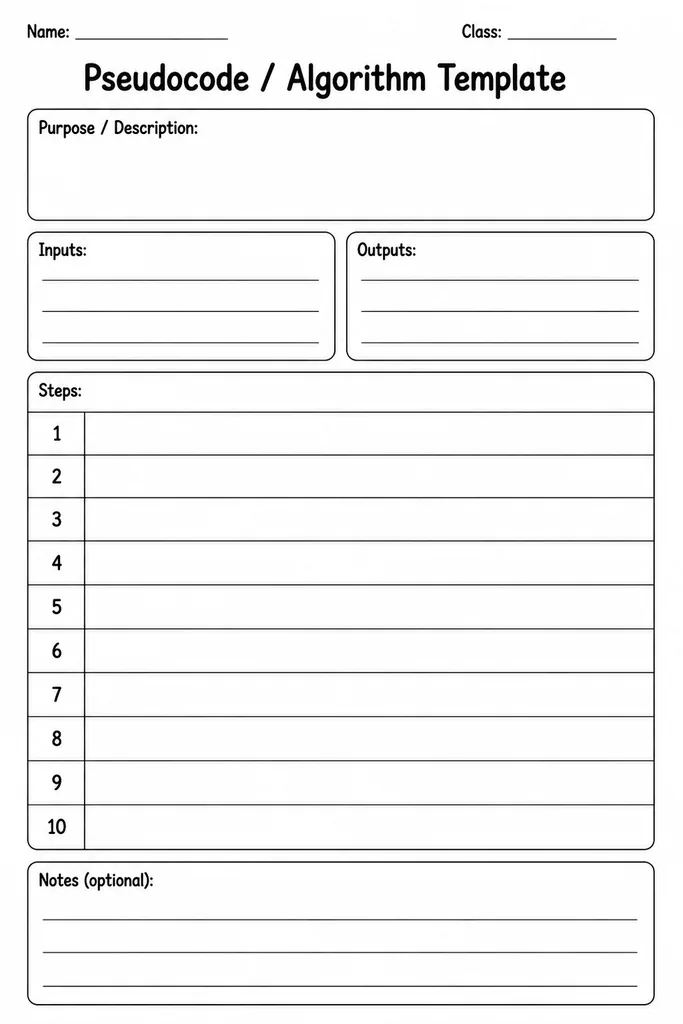
The Pseudocode / Algorithm Template is a clean, numbered blank-step frame that students in grades 4–8 use to write out the logic of an algorithm in plain English before translating it into any programming language. Each numbered line provides just enough space for one instruction, keeping the pseudocode concise and well-structured. Indentation guides in the margin help students visually represent loops, conditionals, and nested blocks without worrying about syntax. Computing teachers use this template when introducing algorithm design, helping students separate the thinking stage from the coding stage. Because it is completely language-agnostic, the same sheet works whether the class will later code in Python, Scratch, JavaScript, or simply evaluate algorithms on paper. It is also a reliable assessment tool — completed sheets show clearly whether a student understands sequencing, selection, and iteration before a single line of real code is written.
Learning objectives
- Write clear, language-agnostic algorithm steps in pseudocode
- Apply sequencing, selection, and iteration concepts in written form
- Separate logical problem-solving from programming syntax concerns
- Use consistent pseudocode conventions for readability
- Identify and correct logical errors before coding begins
- Prepare for formal algorithm questions in computing assessments
How to use this template
- Download and print the template — one per student or pair.
- Write the algorithm name and a one-sentence problem statement at the top.
- Number each step sequentially in the provided lines, using plain English instructions.
- Use the indentation guide in the margin to indent lines inside loops or conditional blocks.
- Review the completed pseudocode by tracing through it with sample input before converting to code.
Classroom & home ideas
- Introduce the template during a lesson on algorithm design by working through a whole-class example — making a cup of tea — one line at a time.
- Give students a broken algorithm on a separate card and ask them to rewrite it correctly onto the template.
- Use as a paired activity where one student writes the pseudocode and the other acts as the computer, following each step literally to spot ambiguities.
- At the end of a coding project, have students write the pseudocode for their finished program as a documentation and reflection exercise.
- Use the numbered lines as a starting point for an unplugged sorting activity: students write and then physically reorder printed strips to fix a shuffled algorithm.
Skills practised
Frequently asked questions
Is there a required pseudocode notation students must follow?
No. The template supports any style — OCR, AQA, Cambridge, or the teacher's preferred classroom convention. The blank lines accommodate any format.
How many numbered lines does the template provide?
The default layout has twenty numbered lines. For longer algorithms, print two copies and continue the line numbering from where the first sheet ends.
Can this template be used for non-computing subjects?
Yes. Maths teachers use it for writing step-by-step problem-solving procedures, and science teachers use it for documenting experimental methods in a sequential format.
Is it suitable for students with no prior coding experience?
Absolutely. Writing pseudocode requires no knowledge of any programming language, making it an ideal entry point for algorithm thinking at grade 4 and above.
Likes & comments
See what other teachers think and share a helpful note.
Create more worksheets in our Worksheet Studio
Generate fresh worksheets for any grade, topic, and language — free.
Open the Worksheet StudioRelated worksheets
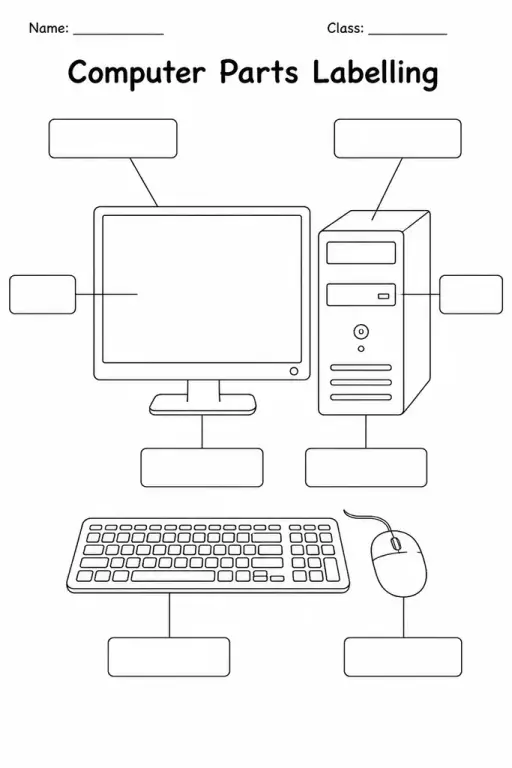
Computer Parts Labelling
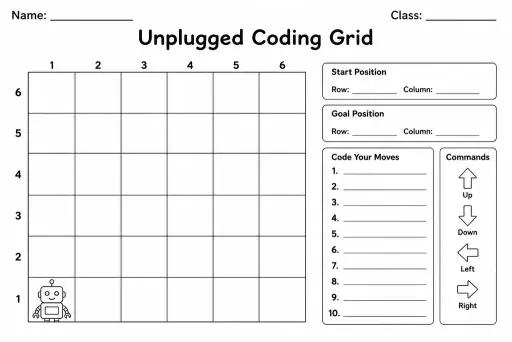
Unplugged Coding Grid
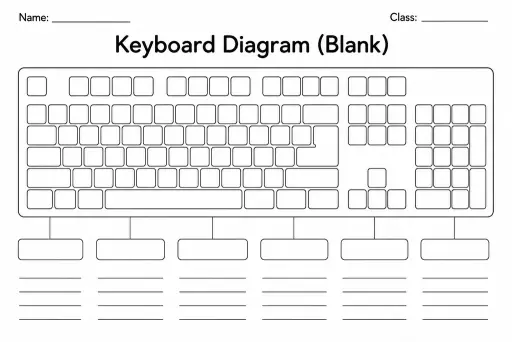
Keyboard Diagram (Blank)
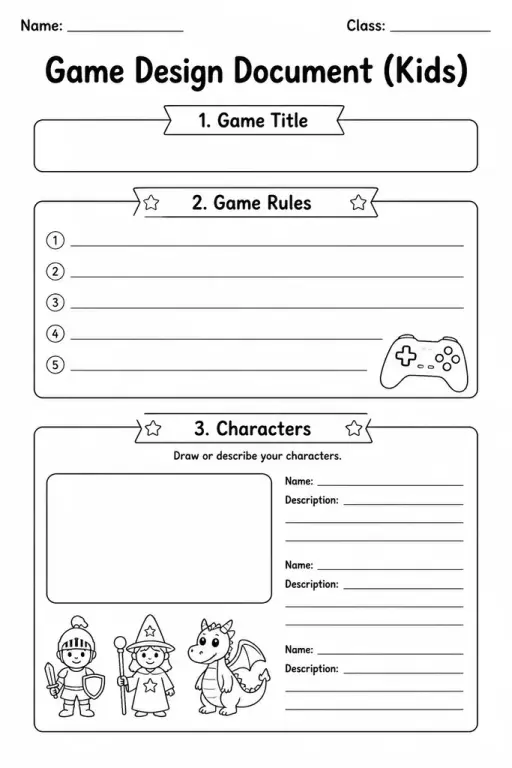
Game Design Document (Kids)
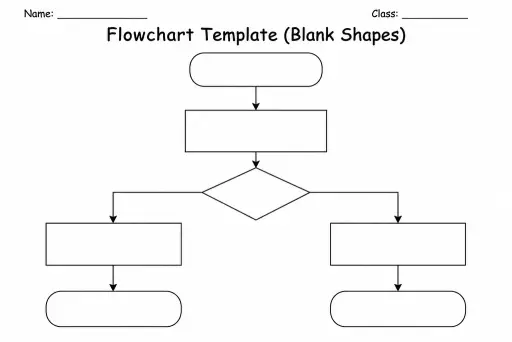
Flowchart Template (Blank Shapes)
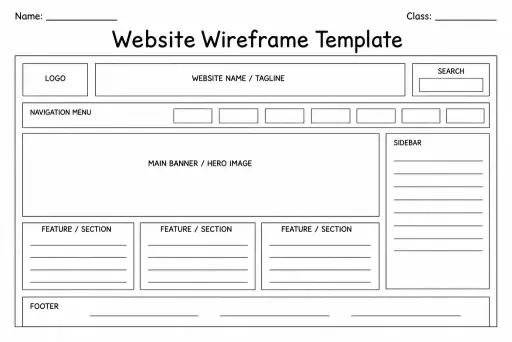
Website Wireframe Template
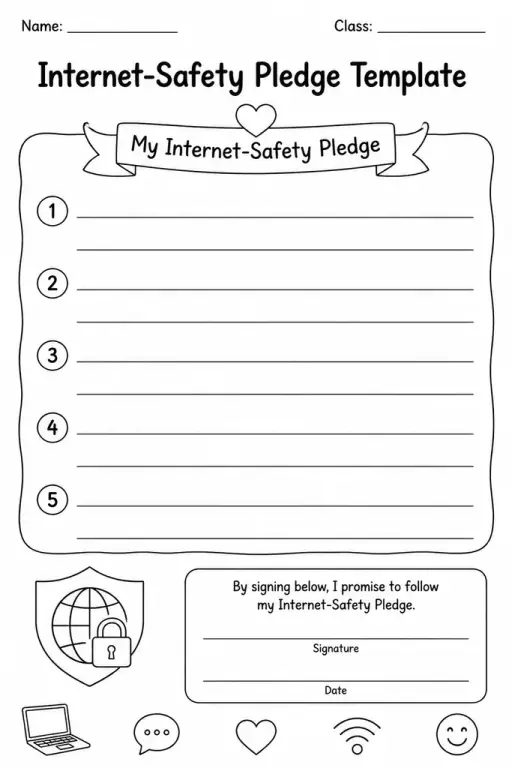
Internet-Safety Pledge Template
 For big organisations
 For schools
 For centers
 For team leaders
 For teachers
 AI and resources
 Printable worksheets
 Interactive simulations
 Teacher tools
 AI studio
 Ideas and research