Printable template
Internet-Safety Pledge Template
Blank promise lines to complete.
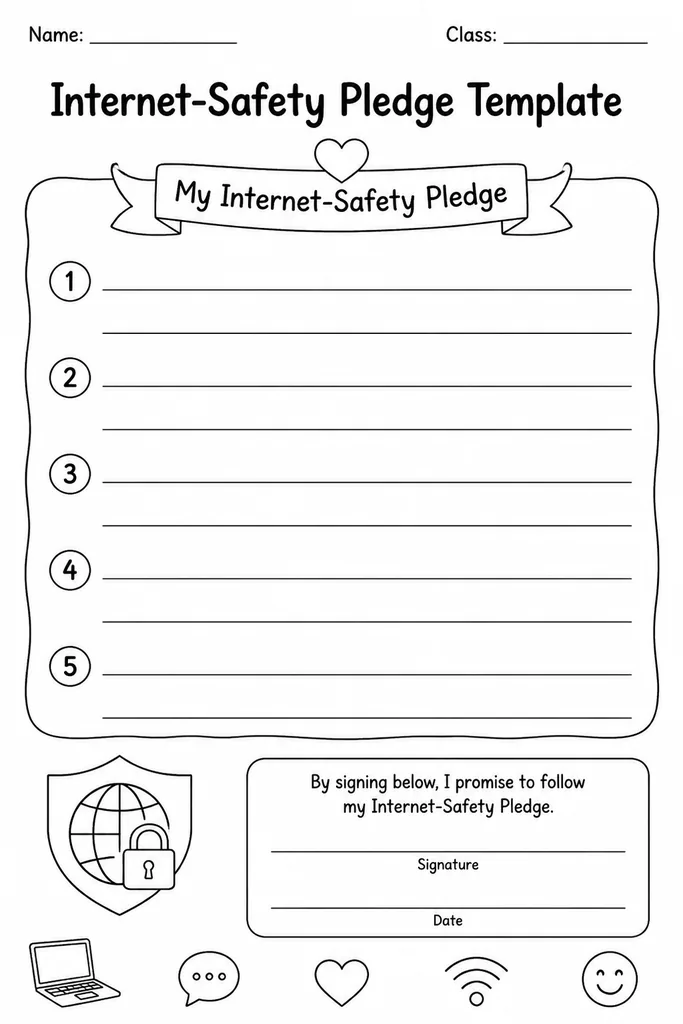
The Internet-Safety Pledge Template is a printable certificate-style form with blank promise lines that students complete in their own words to commit to responsible online behavior. Each line provides a sentence starter or category prompt—such as keeping personal information private, treating others kindly online, and telling a trusted adult about uncomfortable content—while leaving the specific wording open so students genuinely own the commitment. Teachers in grades 1–6 use it at the start of a digital citizenship unit, after a class discussion, or during Safer Internet Day. Parents find it just as valuable at home before a child gets their first device. Because students write the pledge themselves rather than simply signing a pre-written statement, the exercise deepens comprehension and personal accountability in a way a read-and-sign handout never could.
Learning objectives
- Articulate personal online safety commitments in student-owned language
- Reinforce key digital citizenship concepts through active writing
- Create a tangible reference students keep at their desk or at home
- Open family conversations about safe and responsible internet use
- Build a sense of accountability and agency around online choices
- Support social-emotional learning alongside technology education
How to use this template
- Download and print the blank Internet-Safety Pledge Template for each student.
- Lead a short class discussion about online safety topics to activate prior knowledge before filling in the form.
- Have students complete each blank promise line in their own words, guided by the category prompt on each line.
- Students sign and date the completed pledge, then decorate the border if desired.
- Display pledges in the classroom, send a copy home, or store in student digital citizenship portfolios.
Classroom & home ideas
- Kick off Digital Citizenship Week by having students write and read their pledges aloud in small groups.
- Send a printed copy home and ask parents to co-sign, turning it into a home-school compact.
- Photograph completed pledges and compile a class digital citizenship book to share with parents.
- Return to the pledges mid-year for a reflection activity—what would they change or add now?
- Use as a writing springboard: each promise line becomes a topic sentence for a short persuasive paragraph.
Skills practised
Frequently asked questions
What age is this pledge template appropriate for?
It is designed for grades 1–6. For younger students (grades 1–2), teachers can read the prompts aloud and scribe or simplify the sentence starters.
Should teachers pre-fill some lines to scaffold younger writers?
Yes. For K–2 adaptation, partially completing a line (e.g., 'I will always tell an adult when…') and leaving a short blank works well while still keeping the pledge personal.
Is this template tied to a specific internet safety curriculum?
No. The blank format is deliberately curriculum-neutral so it complements Common Sense Media, ISTE digital citizenship resources, Google Be Internet Awesome, or any school-adopted program.
Can parents use this at home without a classroom context?
Absolutely. The category prompts provide enough structure for a parent-child conversation at home before a child uses a new device, app, or social platform.
Likes & comments
See what other teachers think and share a helpful note.
Create more worksheets in our Worksheet Studio
Generate fresh worksheets for any grade, topic, and language — free.
Open the Worksheet StudioRelated worksheets
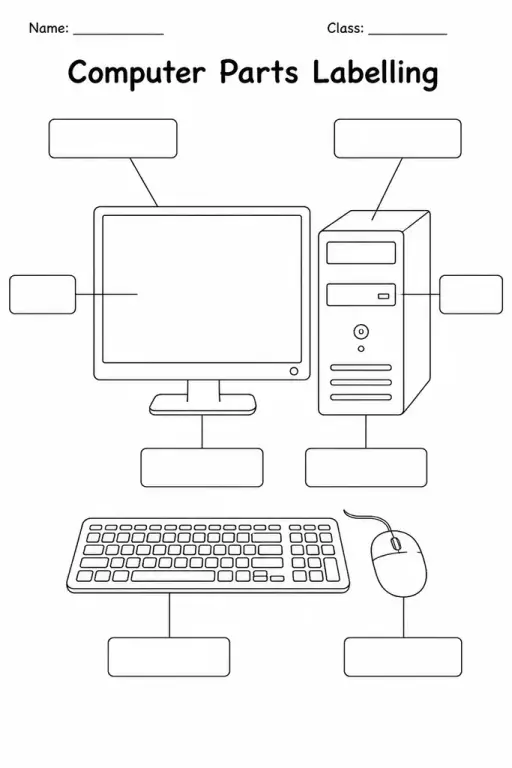
Computer Parts Labelling
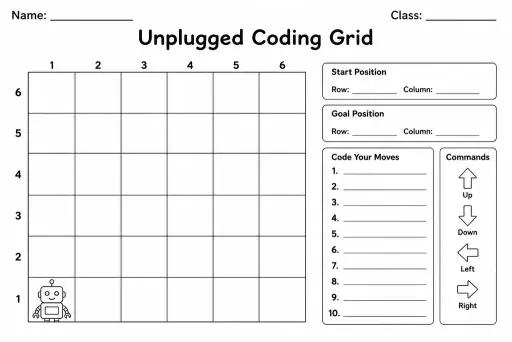
Unplugged Coding Grid
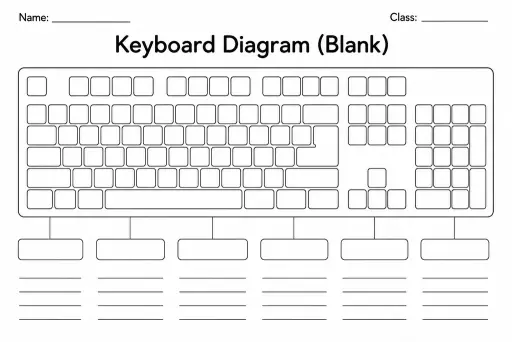
Keyboard Diagram (Blank)
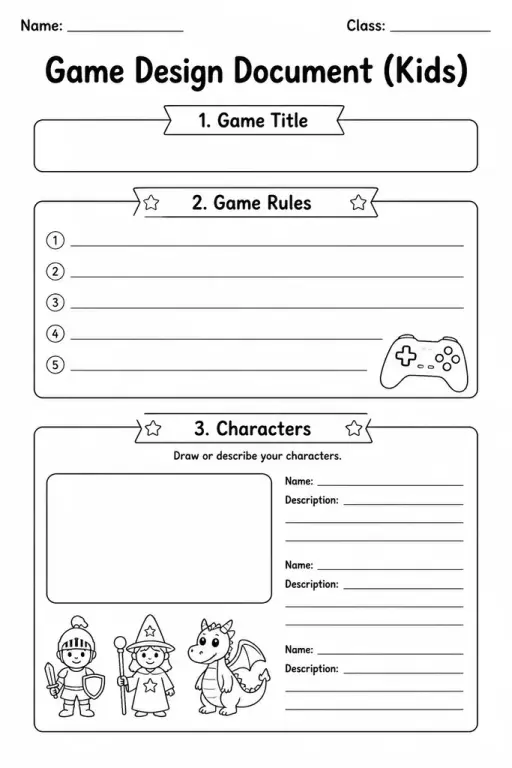
Game Design Document (Kids)
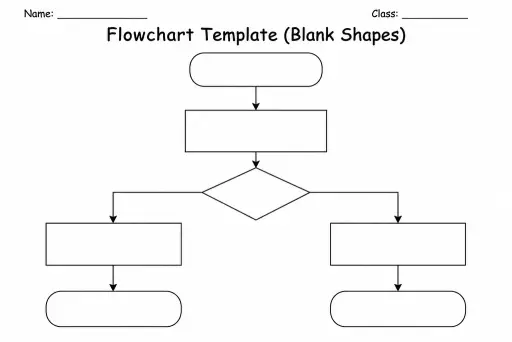
Flowchart Template (Blank Shapes)
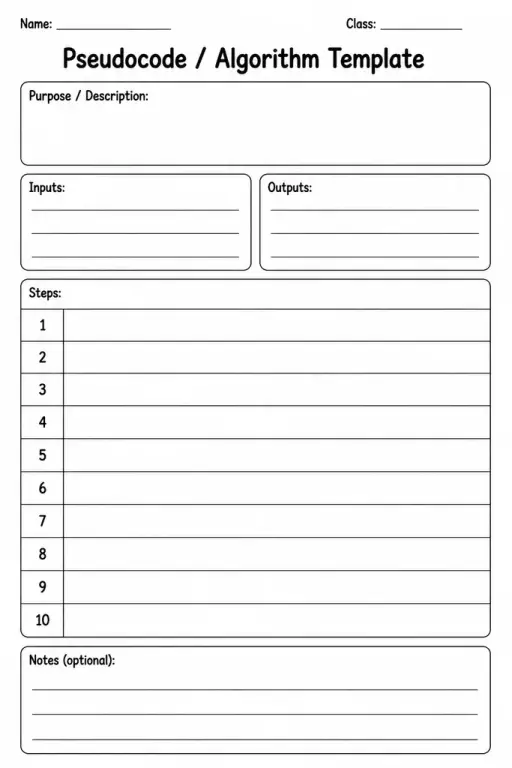
Pseudocode / Algorithm Template
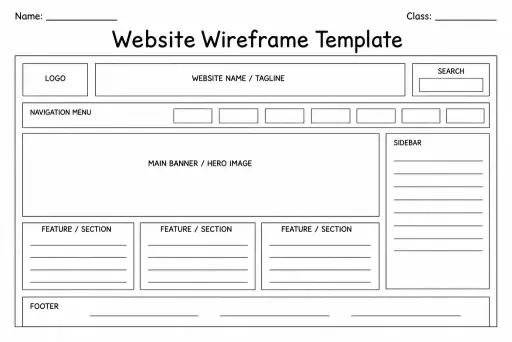
Website Wireframe Template
 For big organisations
 For schools
 For centers
 For team leaders
 For teachers
 AI and resources
 Printable worksheets
 Interactive simulations
 Teacher tools
 AI studio
 Ideas and research