Printable template
Binary Code Template
Blank cells to write binary.
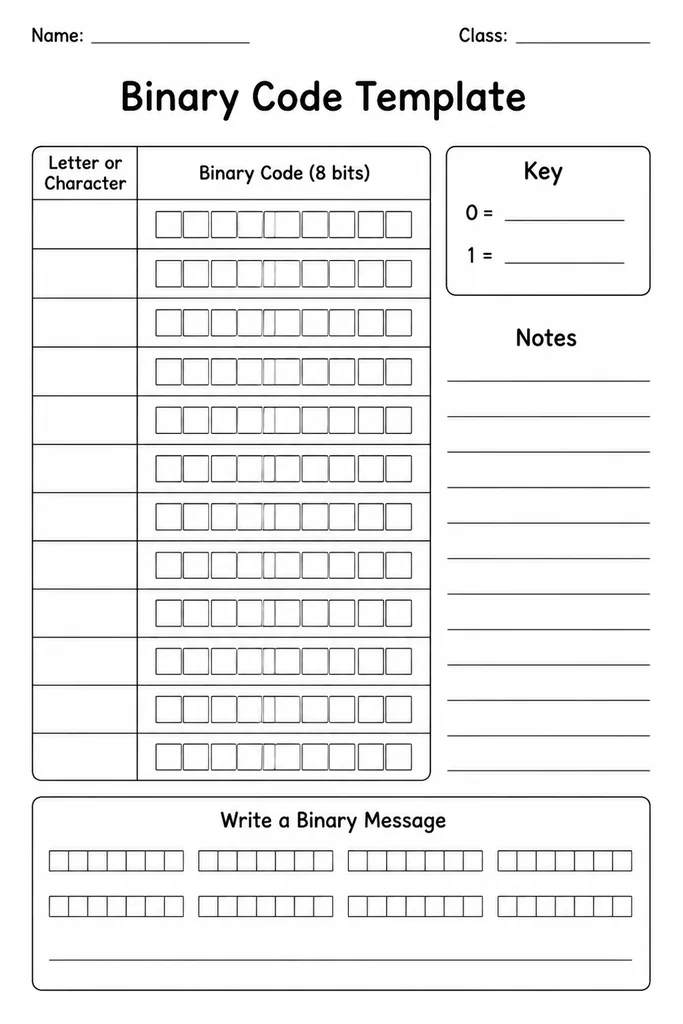
The Binary Code Template is a grid of blank cells organised into neat eight-bit groups, giving students a ready-made workspace to write, decode, and practise binary numbers without ruling their own paper. Each row is labelled with a place-value header (128, 64, 32, 16, 8, 4, 2, 1) so students can instantly see how each cell maps to a power of two. Designed for grades 4–8 computing and mathematics lessons, it removes the fiddly set-up work so lesson time focuses on the concept itself. Teachers use it for encoding letters, converting decimal numbers, practising bitwise operations, or explaining how computers store data. Students can fill cells with 0s and 1s, colour them in two contrasting colours, or write the decimal equivalent beneath each byte—all within the same clean template.
Learning objectives
- Practise writing and reading binary (base-2) numbers
- Understand place value in the context of powers of two
- Convert decimal numbers to binary and back
- Encode text characters using ASCII binary representation
- Reinforce the concept of how computers store information as bits
- Build fluency through repetitive, structured practice
How to use this template
- Download and print the template; each sheet provides multiple eight-bit rows for individual or group practice.
- Introduce or review the place-value header row so students understand the value of each column.
- Students write 0 or 1 in each cell to represent a target decimal number or encoded character.
- For a visual activity, students colour cells with two colours instead of writing digits—one colour for 1, another for 0.
- Check answers by adding up the column values where a 1 is placed; the total should match the decimal target.
Classroom & home ideas
- Use as a starter activity: display a decimal number and challenge students to fill the template silently within two minutes.
- Spell a short word by encoding each letter as its ASCII binary value across consecutive rows of the template.
- Run a binary-to-decimal relay where one student writes binary and a partner decodes it using a fresh row.
- Introduce pixel art: use the grid as a tiny 8×8 image where 1 = black cell and 0 = white cell, then colour it in.
- Assessment exit ticket: teacher calls out three decimal numbers and students must fill and hand in the template by the end of class.
Skills practised
Frequently asked questions
Is this template suitable for introduction lessons or only for practice?
It works for both. When introducing binary, the pre-printed place-value header removes a barrier, letting teachers focus explanation on the concept. For practice, students fill multiple rows in the same sitting without redrawing the grid each time.
What is the largest decimal number that fits in one eight-bit row?
One eight-bit row can represent decimal values from 0 to 255. If the curriculum requires larger numbers, students simply use two consecutive rows and treat them as a sixteen-bit sequence.
Can this template be used in a maths lesson rather than a computing lesson?
Yes. The template reinforces place-value concepts and number-base understanding, making it relevant for upper-primary and lower-secondary maths as well as computing class.
How does this template support differentiation?
Higher-ability students can work without the place-value header by folding it under; lower-ability students keep the header visible as a scaffold. Teachers can also vary the difficulty of target numbers across the class.
Likes & comments
See what other teachers think and share a helpful note.
Create more worksheets in our Worksheet Studio
Generate fresh worksheets for any grade, topic, and language — free.
Open the Worksheet StudioRelated worksheets
Computer Parts Labelling
Unplugged Coding Grid
Keyboard Diagram (Blank)
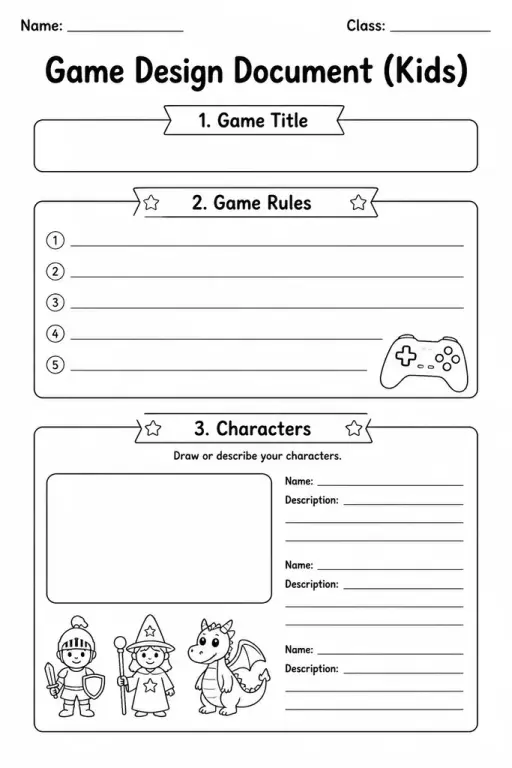
Game Design Document (Kids)
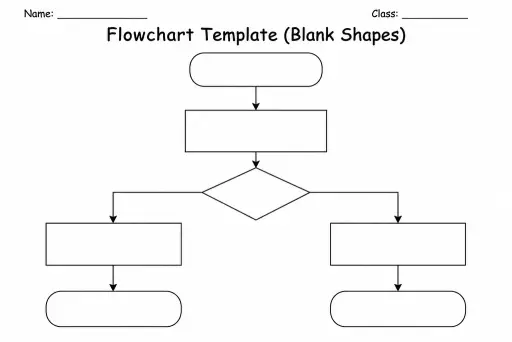
Flowchart Template (Blank Shapes)
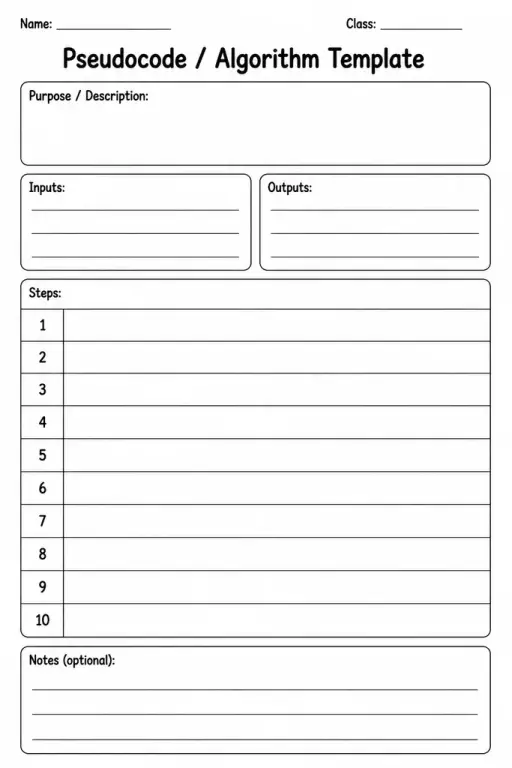
Pseudocode / Algorithm Template
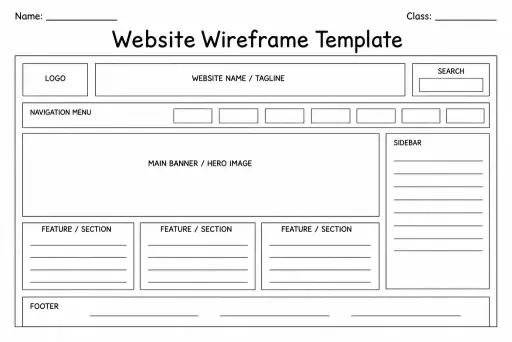
Website Wireframe Template
 For big organisations
 For schools
 For centers
 For team leaders
 For teachers
 AI and resources
 Printable worksheets
 Interactive simulations
 Teacher tools
 AI studio
 Ideas and research