Printable template
Scratch Project Planner
Sprites, backdrops, blocks planning frame.
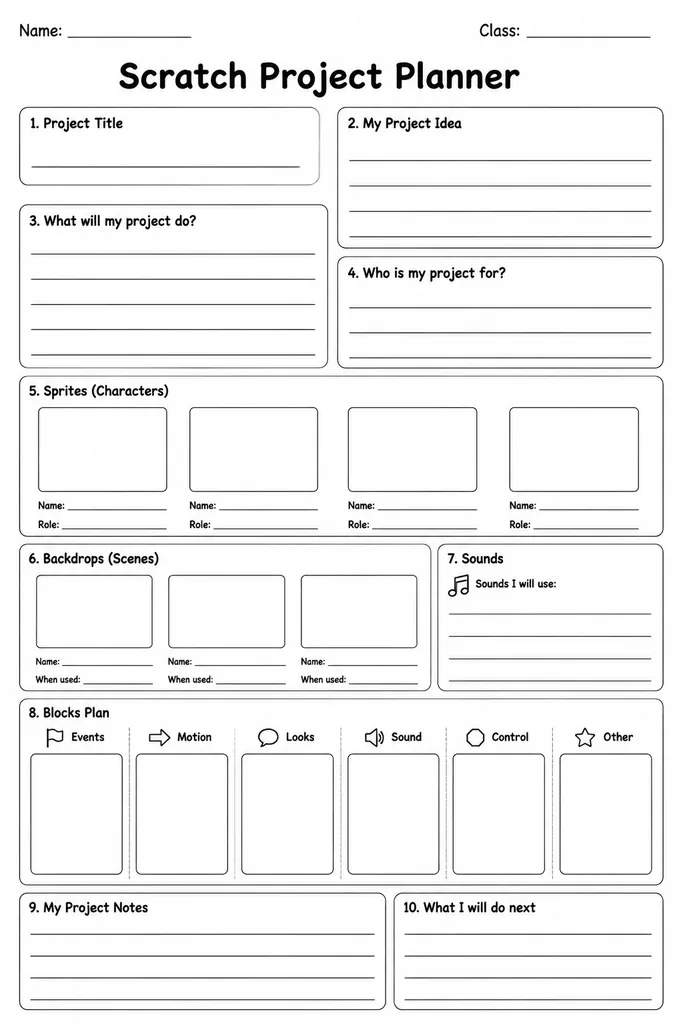
The Scratch Project Planner is a blank planning frame designed specifically for students in grades 3–8 who are building projects in MIT Scratch. It provides dedicated sections to list sprites and costumes, sketch backdrop layouts, outline the key code blocks or logic for each sprite, and note any sounds or variables needed — all before opening the Scratch editor. Having a written plan prevents students from diving into coding and then losing direction or repeating effort. Teachers use it at the start of a Scratch unit to give students a concrete thinking stage before the screen is even on. The planner is tool-agnostic enough to adapt to Scratch 3.0, ScratchJr, or similar block-based platforms. Parents supporting at-home projects find it equally useful for keeping a child's creative vision focused, since all the essential design decisions are captured on one printable sheet.
Learning objectives
- Plan sprites, costumes, and backdrops before building in Scratch
- Think through code block logic in plain language before programming
- Identify variables, sounds, and user interactions needed for a project
- Develop project-management habits by separating planning from execution
- Communicate a digital design idea clearly to a teacher or peer
- Reduce on-screen trial-and-error by resolving design questions on paper first
How to use this template
- Download and print the planner before students open Scratch.
- Write the project title and one-sentence description of what the program will do.
- List all sprites needed and sketch or describe their costumes in the sprite section.
- Draw or describe each backdrop in the backdrop boxes.
- Fill in the code-blocks outline for each sprite — what event triggers it and what it does — then collect needed sounds and variable names.
Classroom & home ideas
- Use the planner as a design document students submit for teacher approval before they begin coding, reducing incomplete projects.
- Run a five-minute gallery walk where students read each other's planners and give one sticky-note suggestion before coding starts.
- After a project is built, have students compare their completed planner to the final Scratch project and write a short reflection on what changed.
- Assign the planner for homework after introducing Scratch so students arrive at the next lesson with a ready-to-build design.
- Use blank planner sheets to storyboard a Scratch animation project, with each sprite section describing one scene character.
Skills practised
Frequently asked questions
Does this planner work with Scratch 3.0 specifically?
Yes. The sections map directly to Scratch 3.0 concepts — sprites, costumes, backdrops, blocks, sounds, and variables — but the language is simple enough for any block-based platform.
Can younger students in grade 3 handle a planning template before coding?
Yes, with brief guided support. Teachers can walk through the first section together as a class, then let students complete the rest independently.
Should students draw or write in the sprite and backdrop sections?
Either works. Sketching gives visual learners a clearer picture; writing suits students who prefer to describe their ideas. Both approaches help the planner do its job.
Can the same planner be used for a game and a story project?
Yes. The sections are deliberately generic so they cover Scratch games, animations, interactive stories, and quizzes without needing a different template.
Likes & comments
See what other teachers think and share a helpful note.
Create more worksheets in our Worksheet Studio
Generate fresh worksheets for any grade, topic, and language — free.
Open the Worksheet StudioRelated worksheets
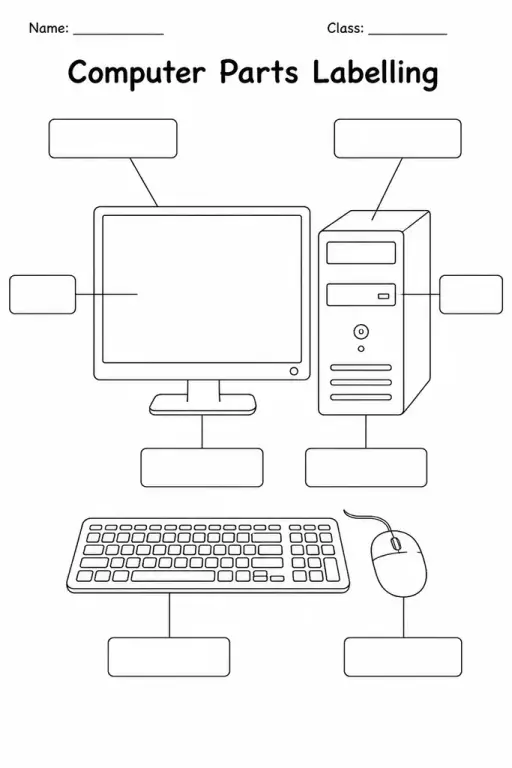
Computer Parts Labelling
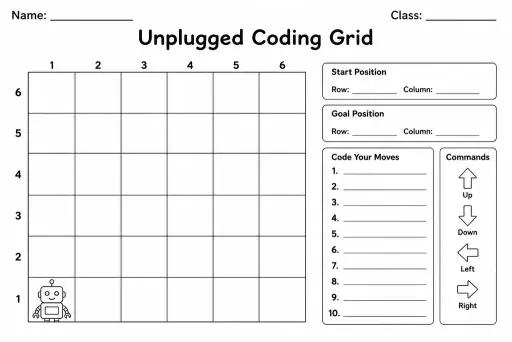
Unplugged Coding Grid
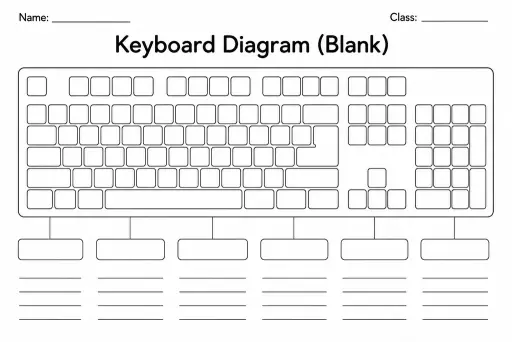
Keyboard Diagram (Blank)
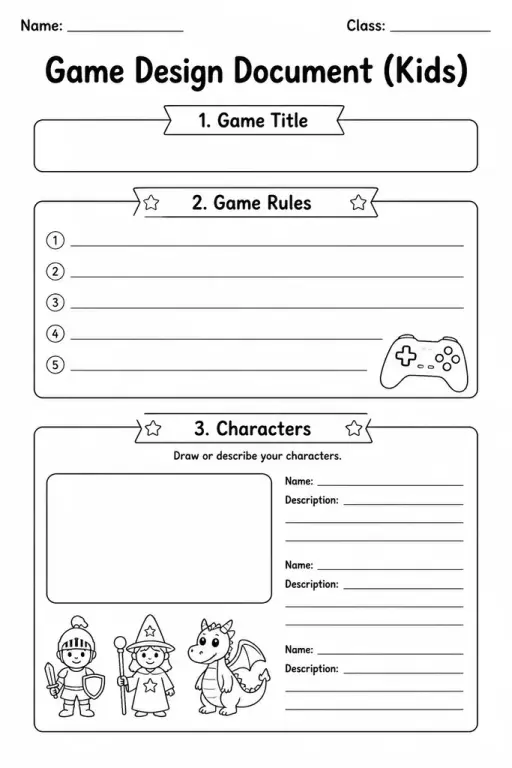
Game Design Document (Kids)
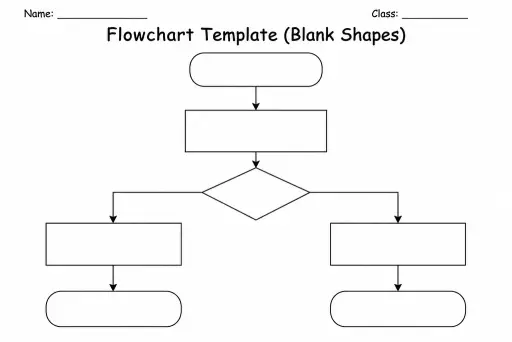
Flowchart Template (Blank Shapes)
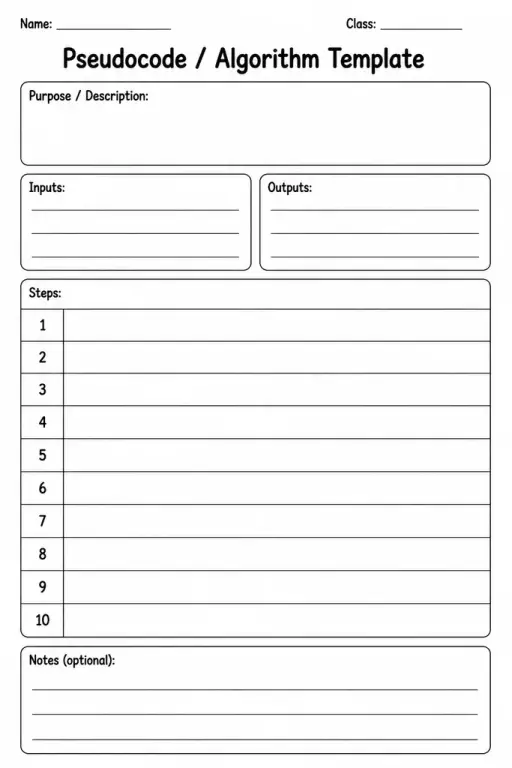
Pseudocode / Algorithm Template
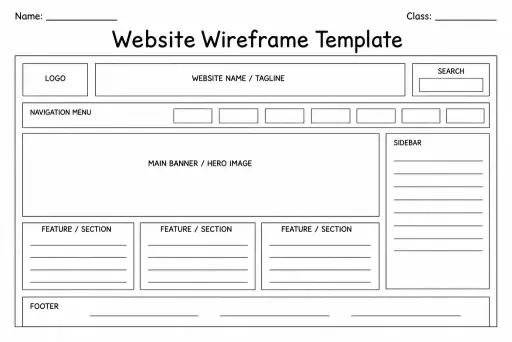
Website Wireframe Template
 For big organisations
 For schools
 For centers
 For team leaders
 For teachers
 AI and resources
 Printable worksheets
 Interactive simulations
 Teacher tools
 AI studio
 Ideas and research