Printable template
Flowchart Template (Blank Shapes)
Start/process/decision blank shapes.
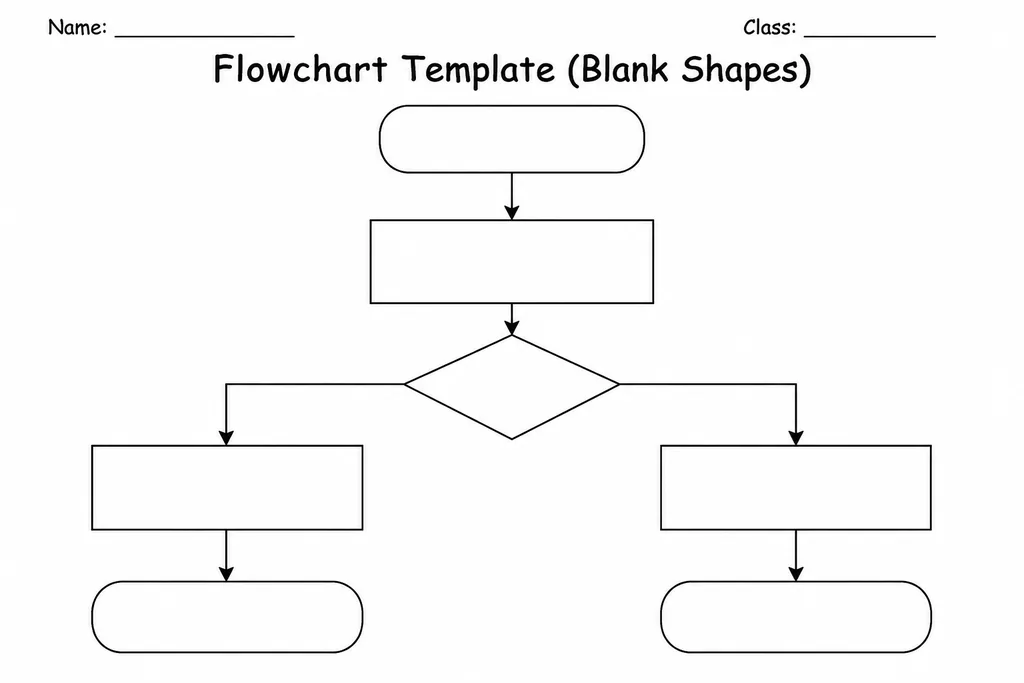
The Flowchart Template (Blank Shapes) is a printable page pre-printed with the standard flowchart symbols — oval terminators, rectangles for processes, diamonds for decisions, and parallelograms for input/output — all left intentionally empty so students can label them for any algorithm, process, or system they need to diagram. Students in grades 3–8 use it in computing, maths, and science lessons whenever they need to map out a sequence of steps visually without having to draw and measure shapes from scratch. Having the shapes ready removes a significant barrier: students can focus on the logic of the flow rather than the mechanics of drawing. Teachers use it for algorithm design, science experiment procedures, decision trees, and reading-comprehension story maps. Because the page includes connecting arrows as dotted guides, students simply trace or draw lines between shapes, keeping diagrams neat and readable.
Learning objectives
- Identify and correctly apply standard flowchart symbol types
- Represent a sequence or algorithm visually as a flowchart
- Practise logical thinking and step-by-step reasoning
- Distinguish between linear processes and decision branches
- Communicate procedures clearly to an audience
- Prepare for digital flowcharting tools by mastering paper-based conventions
How to use this template
- Download and print the template — one copy per student or per group.
- Decide on the process, algorithm, or decision flow to diagram.
- Write the start and end labels inside the oval terminators.
- Fill in rectangular process boxes and diamond decision boxes, adding Yes/No arrows on decision branches.
- Draw connecting arrows between shapes, following the dotted guide lines, and give the finished flowchart a title.
Classroom & home ideas
- Use the template in a computing lesson to map a simple everyday algorithm such as making toast or deciding what to wear.
- Ask students to flowchart the steps of a science experiment before carrying it out, then compare the planned flow to what actually happened.
- In maths, use the decision diamond to build a number-classification tree (e.g. is it even? is it a multiple of 3?).
- After a story, challenge students to flowchart the main character's decision points and outcomes throughout the plot.
- Present students with a broken algorithm and ask them to use the template to redesign it so it reaches the correct output.
Skills practised
Frequently asked questions
Do students need prior knowledge of flowchart symbols to use this template?
A brief five-minute introduction covering the four main shapes is enough. The template itself acts as a visual reminder of which shape does which job.
Can the template be used for subjects outside computing?
Yes. Science, maths, English, and social studies teachers all use flowcharts to represent processes, decision trees, and reading comprehension flows.
How many shapes are on a single page?
The default layout contains twelve pre-printed shapes in a mixed arrangement, giving enough room for a short algorithm of six to ten steps.
Can students reuse the template for multiple projects?
Yes. Print once and photocopy, or keep a digital copy and print on demand — it is designed to be used repeatedly across different topics.
Likes & comments
See what other teachers think and share a helpful note.
Create more worksheets in our Worksheet Studio
Generate fresh worksheets for any grade, topic, and language — free.
Open the Worksheet StudioRelated worksheets
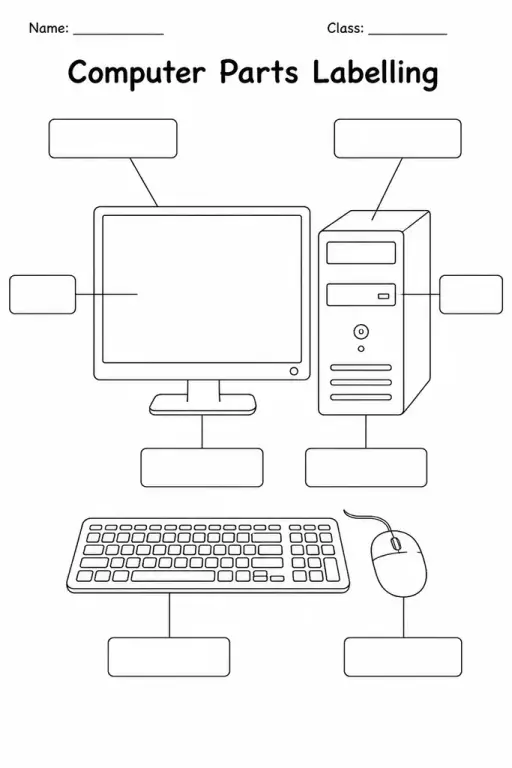
Computer Parts Labelling
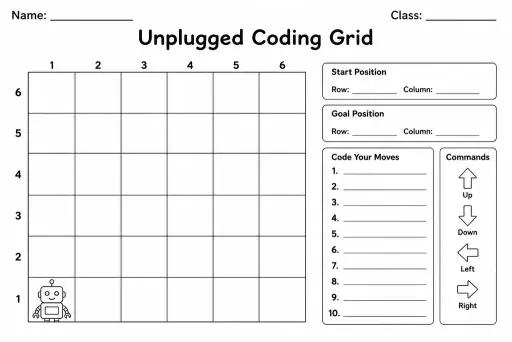
Unplugged Coding Grid
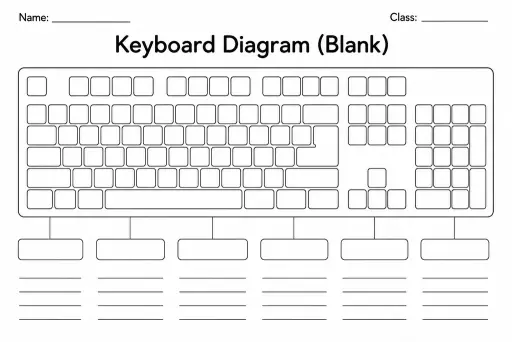
Keyboard Diagram (Blank)
Game Design Document (Kids)
Pseudocode / Algorithm Template
Website Wireframe Template
Internet-Safety Pledge Template
 For big organisations
 For schools
 For centers
 For team leaders
 For teachers
 AI and resources
 Printable worksheets
 Interactive simulations
 Teacher tools
 AI studio
 Ideas and research