Printable template
Game Design Document (Kids)
Title, rules, characters blank frame.
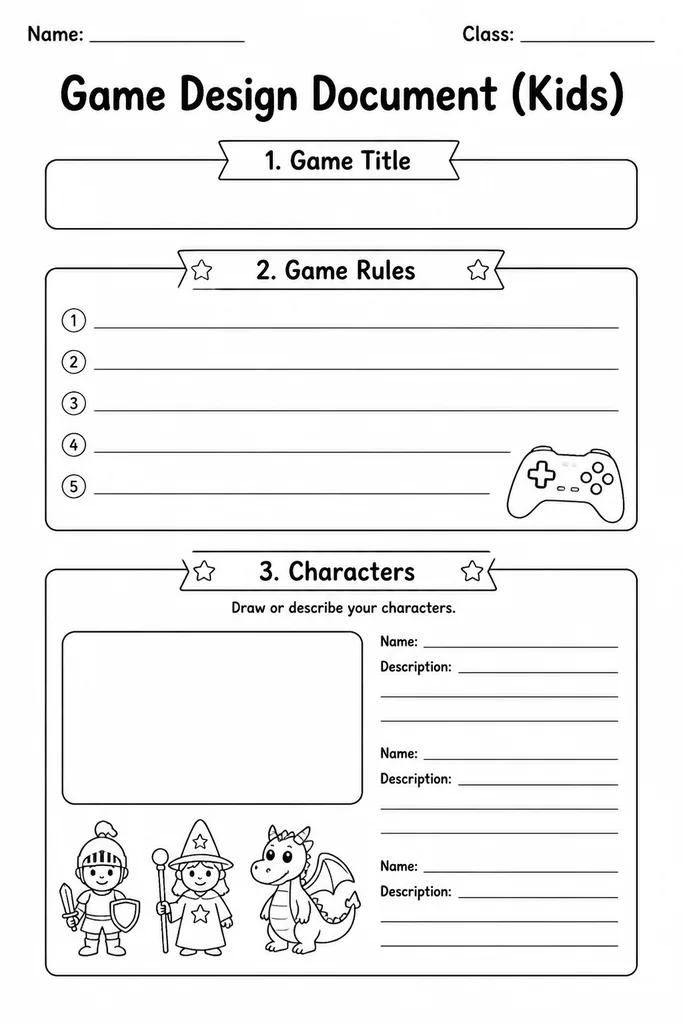
The Game Design Document (Kids) is a structured blank frame that guides students through planning an original game from start to finish. Sections for the game title, objective, rules, characters, setting, and win or lose conditions give young designers a clear scaffold without limiting creativity. Perfect for grades 3–8 computing, STEM, or maker-space lessons, the template helps students think systematically before they ever touch a screen or game engine. Teachers can use it as a pre-coding planning tool, while parents can pull it out on a rainy afternoon to spark imaginative play. Because every field is blank, it works for board games, card games, video game concepts, or playground games equally well—making it one of the most versatile tools in a technology classroom.
Learning objectives
- Plan a complete game concept before building or coding
- Practise communicating rules clearly in writing
- Develop character and setting description skills
- Understand the relationship between goals, rules, and player experience
- Build structured creative-thinking habits
- Introduce game-design vocabulary such as objective, mechanic, and win condition
How to use this template
- Download and print one copy per student, or project on screen for a shared brainstorm.
- Introduce the template sections—title, objective, rules, characters, setting, win/lose conditions—with a brief class example.
- Students fill each blank field with their own game idea, sketching characters or levels in the provided spaces.
- Pairs swap documents and try to understand each other's rules, then give feedback before a second draft.
- File completed documents in a portfolio or use them as the spec for a coding or board-game-building project.
Classroom & home ideas
- Assign as a pre-project brief before students build games in Scratch or Code.org.
- Run a 'pitch day' where each student presents their document to the class and answers rule questions.
- Use as a group project where teams must agree on every field before any prototyping begins.
- Compare two completed documents side by side to discuss how different rules change gameplay feel.
- Have students redesign a familiar board game by filling in a new document with modified rules.
Skills practised
Frequently asked questions
What age range is this game design document template suitable for?
It is designed for grades 3–8 (roughly ages 8–14). Younger students may need teacher support to fill in the rules section, while older students can work independently through all fields.
Does the template only work for video games?
No. The blank fields are broad enough to document any type of game—board games, card games, outdoor playground games, or digital game concepts—making it flexible for any project.
Can this be used as a writing or literacy activity?
Absolutely. Writing clear rules and character descriptions practises precise, instructional writing—a distinct genre covered in many English-language arts standards.
Is there a digital fill-in version, or is it print-only?
The template downloads as a printable PDF. Teachers can also open it in a PDF editor or import it into Google Slides to create a digital fill-in version for paperless classrooms.
Likes & comments
See what other teachers think and share a helpful note.
Create more worksheets in our Worksheet Studio
Generate fresh worksheets for any grade, topic, and language — free.
Open the Worksheet StudioRelated worksheets
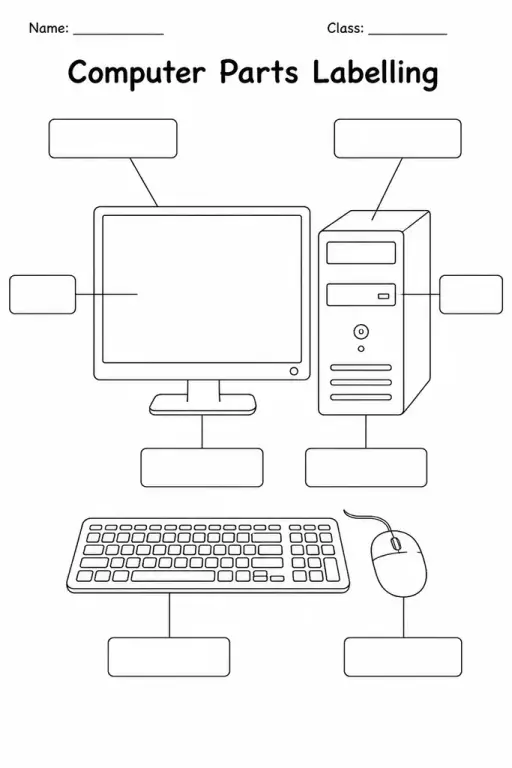
Computer Parts Labelling
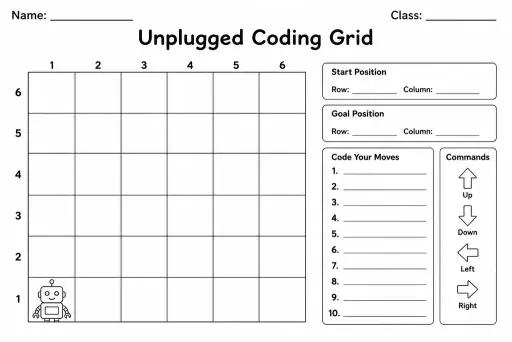
Unplugged Coding Grid
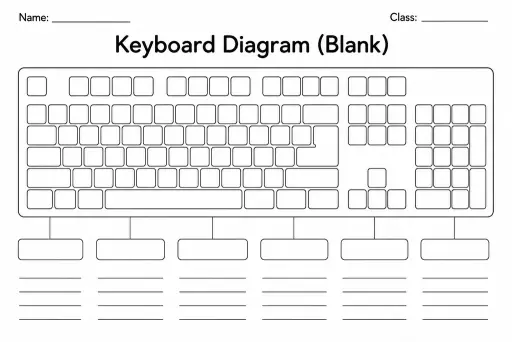
Keyboard Diagram (Blank)
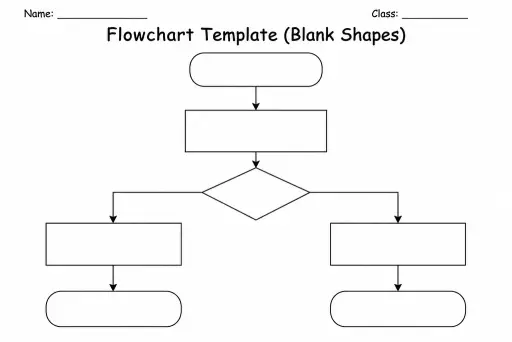
Flowchart Template (Blank Shapes)
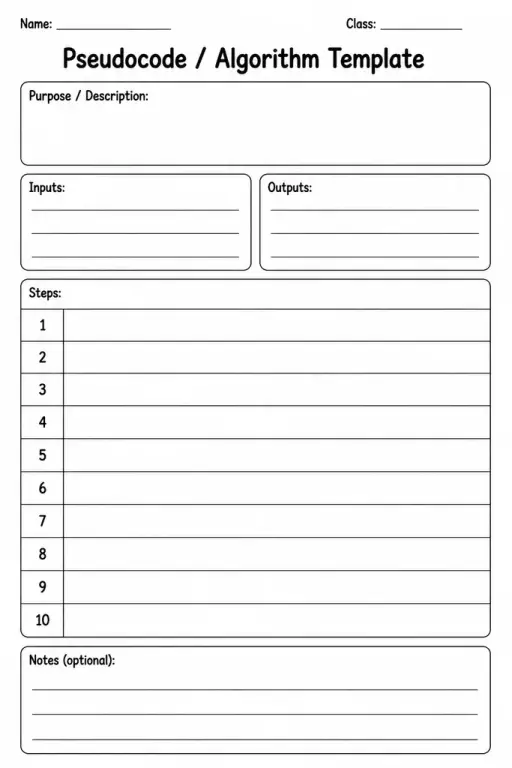
Pseudocode / Algorithm Template
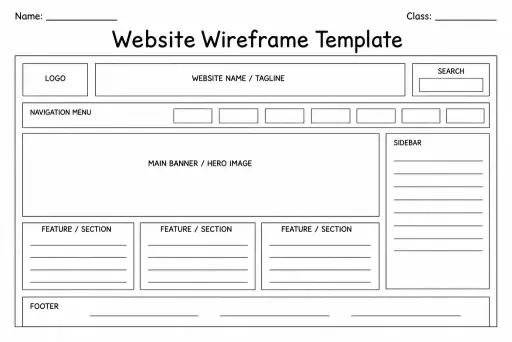
Website Wireframe Template
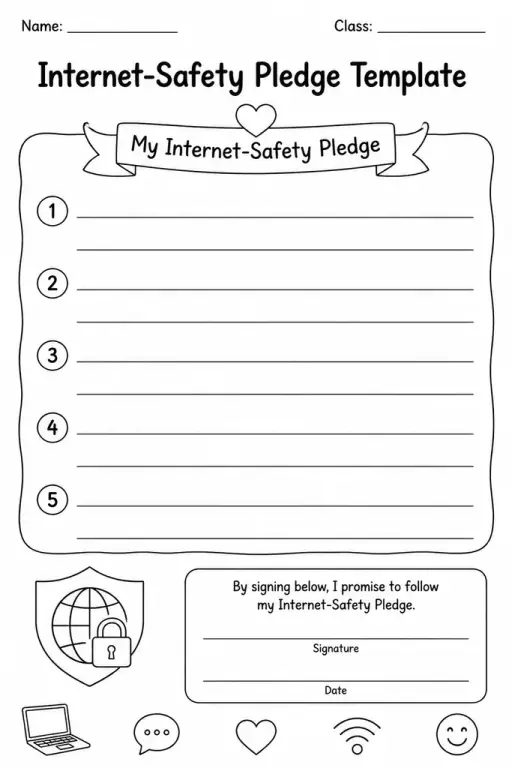
Internet-Safety Pledge Template
 For big organisations
 For schools
 For centers
 For team leaders
 For teachers
 AI and resources
 Printable worksheets
 Interactive simulations
 Teacher tools
 AI studio
 Ideas and research