Printable template
Unplugged Coding Grid
Robot move-the-grid blank board.
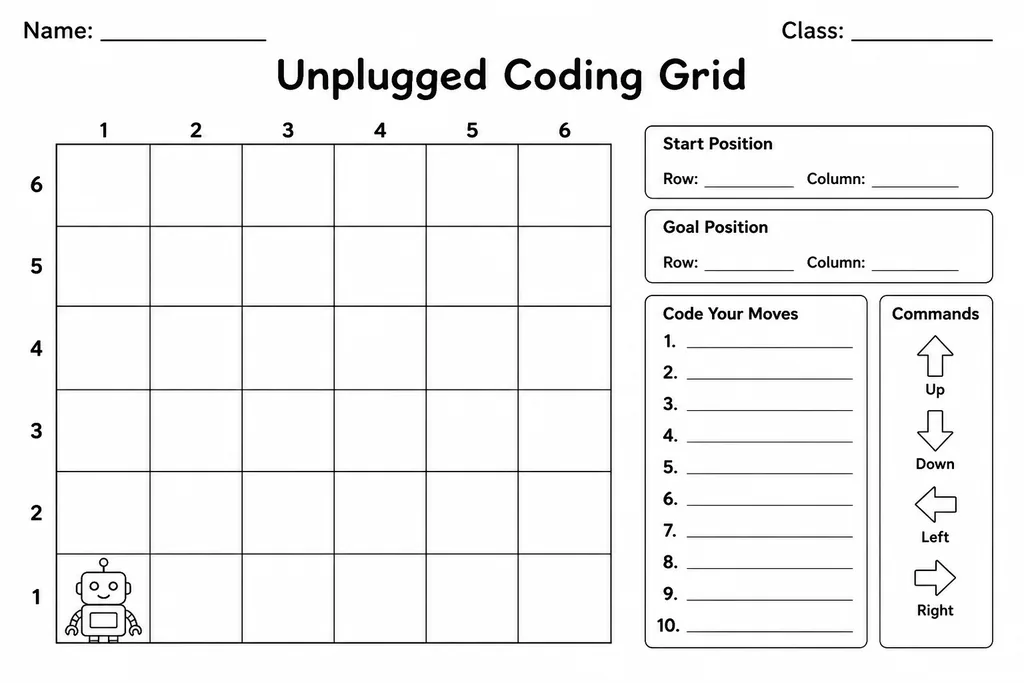
The Unplugged Coding Grid is a blank, reusable board that lets students practice core programming concepts without a screen in sight. Divided into a clear square grid, it gives young learners a physical space to plan and act out algorithmic moves—forward, turn, loop—using arrows, symbols, or colored tokens as stand-ins for code blocks. Teachers in grades K–5 reach for it during computer science warm-ups, math pattern lessons, or whenever devices are unavailable. Parents use it on road trips or at kitchen tables to build logical thinking naturally. Because it ships blank, the grid scales from a simple 4×4 for kindergartners to a challenging 8×8 maze for fifth graders, making it one of the most versatile tools in any early computing toolkit.
Learning objectives
- Understand sequencing and step-by-step instructions
- Develop directional and spatial reasoning
- Introduce loops and conditional logic without screens
- Build debugging habits by tracing paths on paper
- Connect physical movement to algorithmic thinking
- Practice writing and reading simple symbol-based programs
How to use this template
- Download and print the blank Unplugged Coding Grid at your preferred size (A4 or Letter).
- Draw or place a start marker and a goal marker anywhere on the grid.
- Write a sequence of move commands (arrows or shorthand like F, R, L) in the coding strip beside the grid.
- Trace the path on the grid to verify your algorithm, erasing and revising as needed.
- Laminate for reuse, or print multiple copies for partner or group challenges.
Classroom & home ideas
- Pair students and have one write a program while the other follows it on the grid like a human robot.
- Run a whole-class maze challenge where the teacher sets a new start/goal each day as a bell-ringer.
- Introduce loops by asking students to write the shortest possible command sequence to cross the grid.
- Use colored pencils to highlight different algorithm attempts, showing how the same goal can have multiple solutions.
- Give parents a copy at curriculum night so families can play coding games at home with household tokens.
Skills practised
Frequently asked questions
What grid size works best for kindergarten?
A 4×4 grid is ideal for K–1 students. It keeps the task short enough to complete in one sitting while still building directional vocabulary.
Can I use this template without any coding background?
Absolutely. No prior computer science knowledge is needed. The grid is just a movement board—students use arrows or simple letters that any teacher or parent can introduce in minutes.
How do I make it reusable?
Laminate the printed sheet and provide dry-erase markers. Alternatively, slip it inside a clear plastic sleeve so students can write with overhead markers and wipe clean.
Does this align with CS standards?
Yes. It directly supports CSTA K–5 standards around algorithms and programming, specifically sequencing (1A-AP-08) and debugging (1A-AP-14).
Likes & comments
See what other teachers think and share a helpful note.
Create more worksheets in our Worksheet Studio
Generate fresh worksheets for any grade, topic, and language — free.
Open the Worksheet StudioRelated worksheets
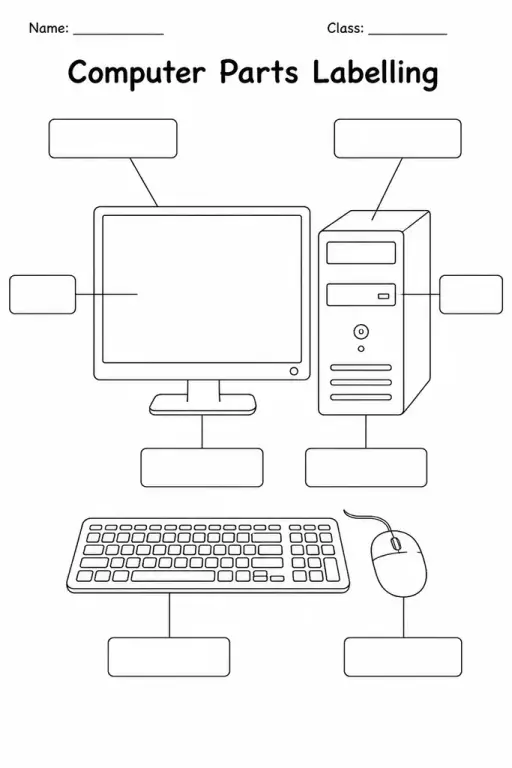
Computer Parts Labelling
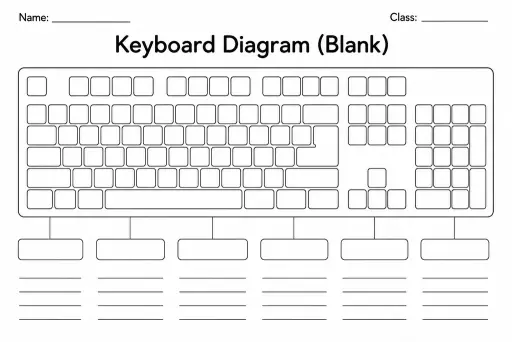
Keyboard Diagram (Blank)
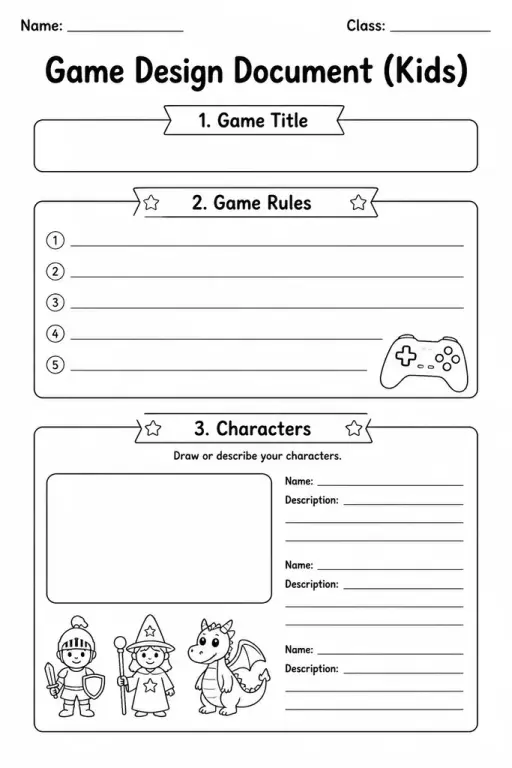
Game Design Document (Kids)
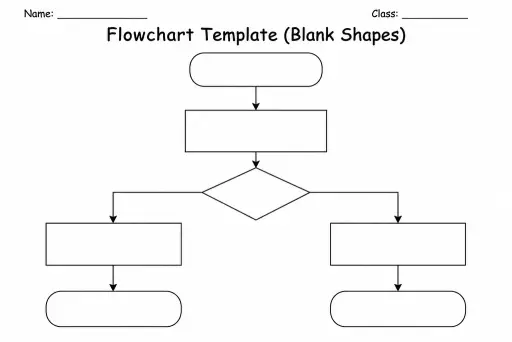
Flowchart Template (Blank Shapes)
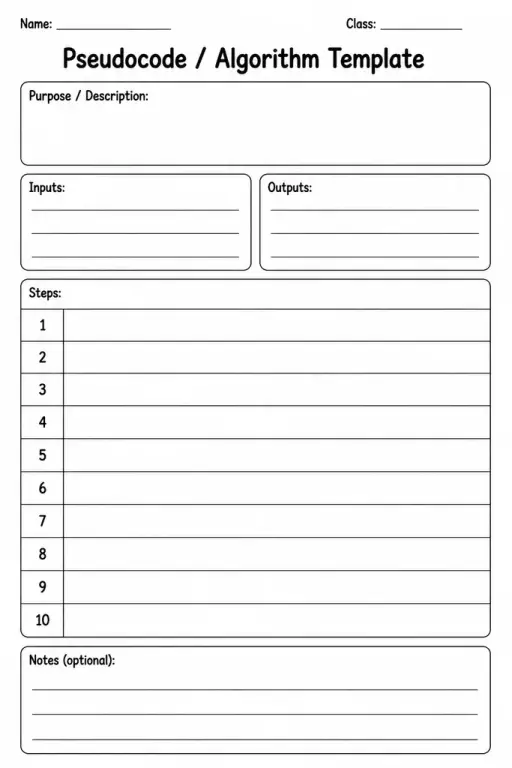
Pseudocode / Algorithm Template
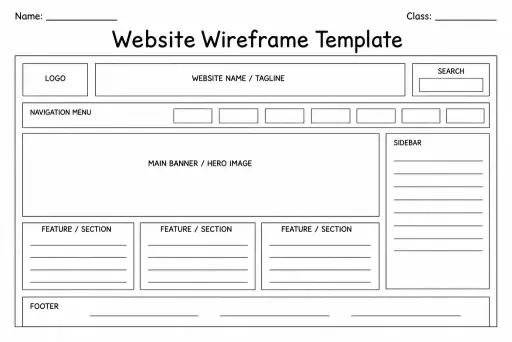
Website Wireframe Template
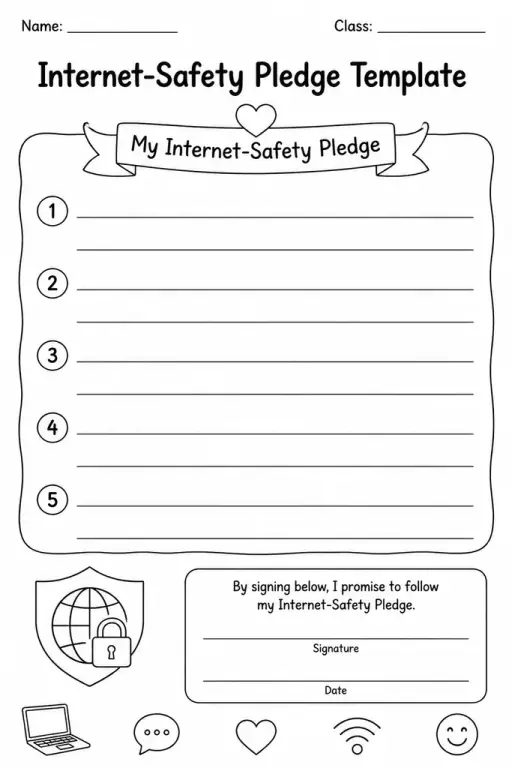
Internet-Safety Pledge Template
 For big organisations
 For schools
 For centers
 For team leaders
 For teachers
 AI and resources
 Printable worksheets
 Interactive simulations
 Teacher tools
 AI studio
 Ideas and research