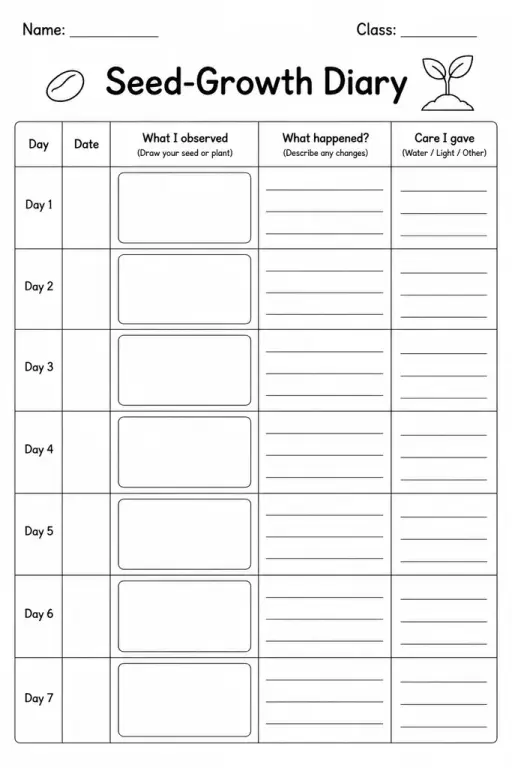
Seed-Growth Diary
Science Templates
Ages 4–11
——
KiwiBee uses optional Google Analytics, Google Ads, and Meta Pixel cookies to understand adult visitors, measure completed sign-ups, and improve campaigns. Essential cookies always stay on. OpenAI’s ChatGPT Ads Pixel also measures page views and completed enquiries after advertising consent, and may use hashed contact details for matching. Privacy policy

The Science Investigation Poster is a large-format, sectioned blank sheet that guides students through communicating a complete inquiry or experiment in one visually organised display. Divided into labelled zones — question, hypothesis, materials, procedure, results, and conclusion — it works as a science fair board substitute, a classroom display, or a structured written report on a single page. Students in grades 3–8 use it whenever they complete a hands-on investigation and need to present findings clearly to an audience. Teachers distribute it before lab work so students know what they are expected to record; the visual boundary of each section prevents over-writing in one area at the expense of another. Parents homeschooling or running kitchen-science experiments find it equally useful because it gives young investigators a professional framework for even informal observations.
The template includes six clearly labelled sections: Question, Hypothesis, Materials, Procedure, Results (with a blank graph/data area), and Conclusion — covering the full scientific method cycle.
With teacher guidance, yes — the pre-labelled sections act as prompts. Many teachers pre-fill the Materials and Procedure boxes for grades 3–4 and ask students to focus on recording results and writing their own conclusion.
Printed on A3 or tabloid paper it works well as a single-sheet poster for classroom fairs. For a tri-fold board at a regional fair, students typically use it as a planning guide and then scale content up.
Absolutely — the results section is a blank box students can draw in, paste photos onto, or tape in a printed graph, making the template flexible for both analogue and mixed-media presentations.
See what other teachers think and share a helpful note.
Generate a fresh worksheet for any grade, topic and language. Free.
 Home
Home All solutions
 Pricing
 About us
 KiwiBee for Non-profits
 Events & webinars
 For big organisations
 For schools
 For centers
 For team leaders
 For teachers
 AI and resources
 Resources
 Printable worksheets
 Lesson Packs
 Interactive simulations
 Teacher tools
 AI studio
 Ideas and research