Printable template
Debug / Test Recording Sheet
What broke and what fixed it, blank.
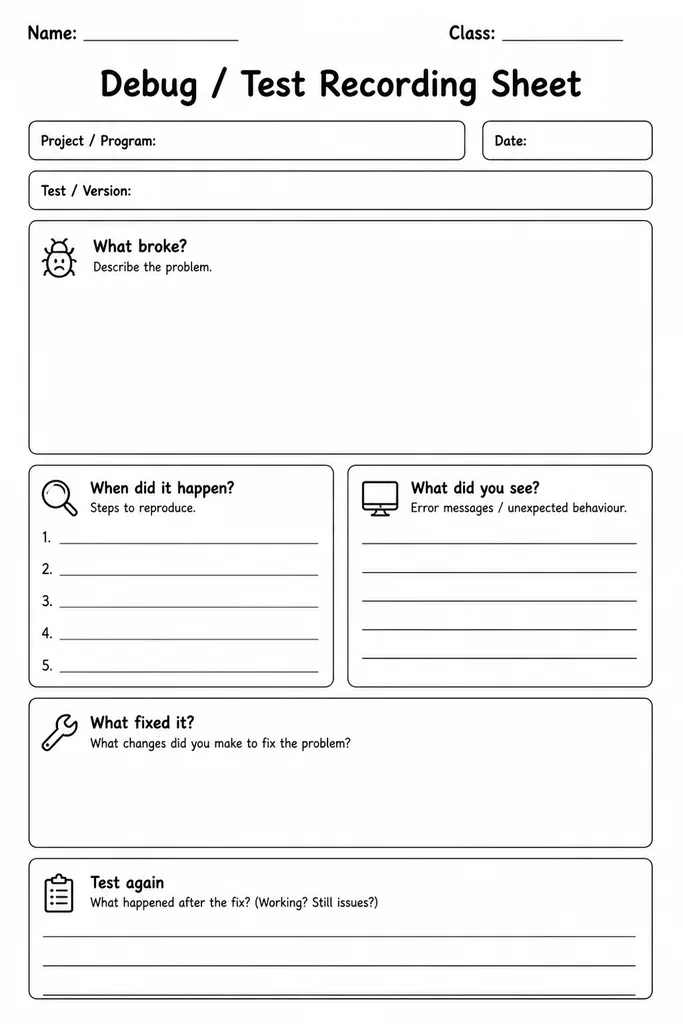
The Debug / Test Recording Sheet is a structured blank form that guides students through the process of identifying a bug, documenting what went wrong, and recording exactly what fixed it. It provides labeled sections for the problem description, expected behavior, actual behavior, steps already tried, and the final solution—turning messy trial-and-error into a reproducible, teachable practice. Designed for grades 3–8, it suits individual coding projects, partner debugging sessions, and whole-class code reviews alike. Technology teachers appreciate it as an assessment artifact; students build metacognitive habits by articulating their thinking in writing rather than just clicking until something works. The blank format is purposely tool-agnostic, making it equally useful for Scratch, Python, web projects, or even physical computing kits like micro:bit.
Learning objectives
- Develop systematic debugging habits and vocabulary
- Distinguish between expected and actual program behavior
- Document test cases and results for reproducibility
- Build metacognitive awareness of the problem-solving process
- Communicate technical issues clearly in writing
- Create a personal record of solutions to revisit later
How to use this template
- Download and print the blank Debug / Test Recording Sheet before starting a coding session.
- When a bug appears, write a clear one-sentence description of the problem in the first section.
- Fill in the Expected vs. Actual Behavior fields to articulate exactly where the code diverges from the plan.
- Log each fix attempt in the Steps Tried section, noting whether it helped, partially helped, or made things worse.
- Record the final working solution and any notes for next time, then file or photograph the sheet as a portfolio piece.
Classroom & home ideas
- Use it as an exit ticket after any coding lab—students hand in their sheet whether or not the bug was solved.
- Build a classroom 'Bug Wall' by posting anonymized sheets so peers can offer solutions during independent work time.
- Have students exchange sheets and try to replicate each other's bug, reinforcing the importance of precise descriptions.
- Ask students to collect three completed sheets over a unit and write a short reflection on their most common error type.
- Use the sheet as a formative assessment rubric by scoring completeness of the Expected vs. Actual fields.
Skills practised
Frequently asked questions
Does this sheet work for hardware projects, not just software?
Yes. The sections are labeled generically enough to cover circuit bugs, sensor misfires, or micro:bit logic errors just as well as software issues.
What should a student write if they cannot find the fix?
They should still document every attempt in the Steps Tried section. An incomplete fix record is itself valuable data and great for teacher feedback.
How many bug entries fit on one sheet?
The template is designed for one bug per sheet to keep thinking focused. Print additional copies for projects with multiple issues.
Is this appropriate for students who are new to coding?
Absolutely. The structured prompts scaffold the thinking process, making it especially useful for beginners who don't yet know what information to track when something breaks.
Likes & comments
See what other teachers think and share a helpful note.
Create more worksheets in our Worksheet Studio
Generate fresh worksheets for any grade, topic, and language — free.
Open the Worksheet StudioRelated worksheets
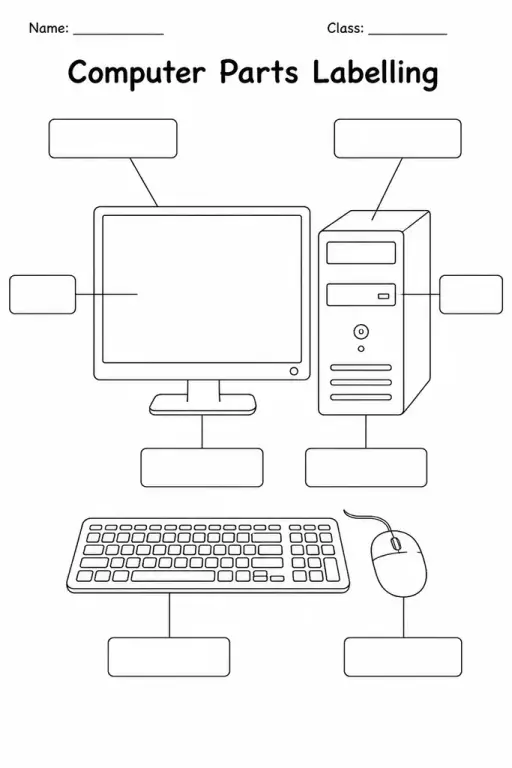
Computer Parts Labelling
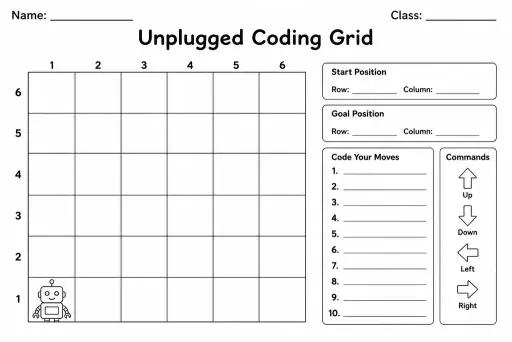
Unplugged Coding Grid
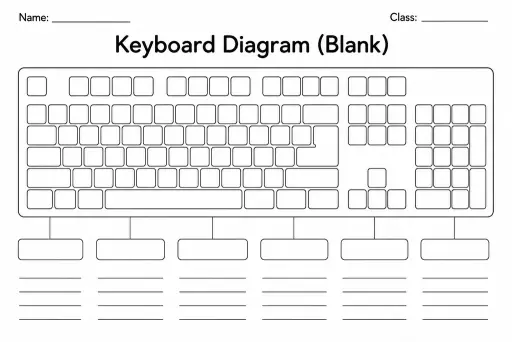
Keyboard Diagram (Blank)
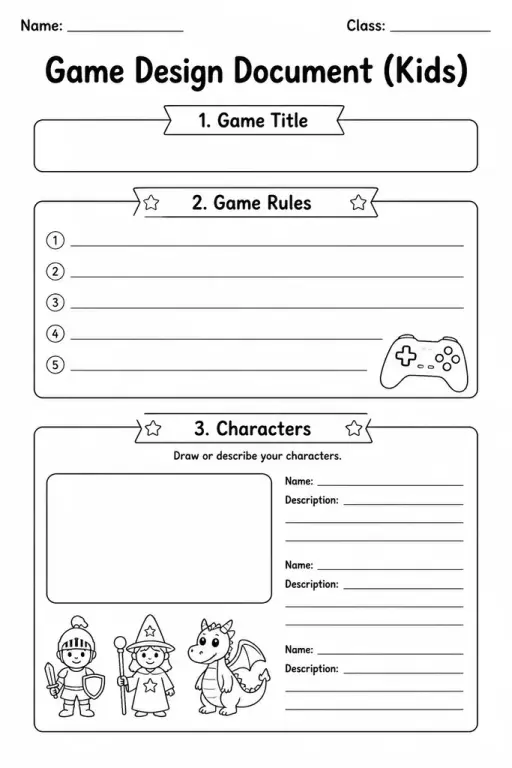
Game Design Document (Kids)
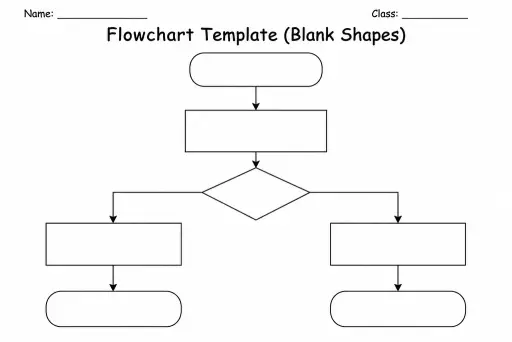
Flowchart Template (Blank Shapes)
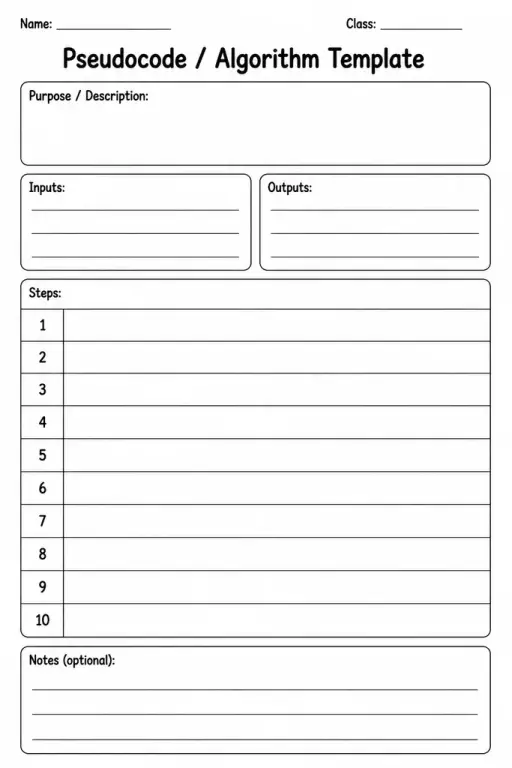
Pseudocode / Algorithm Template
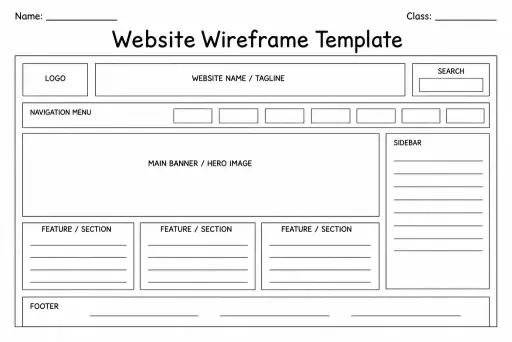
Website Wireframe Template
 For big organisations
 For schools
 For centers
 For team leaders
 For teachers
 AI and resources
 Printable worksheets
 Interactive simulations
 Teacher tools
 AI studio
 Ideas and research