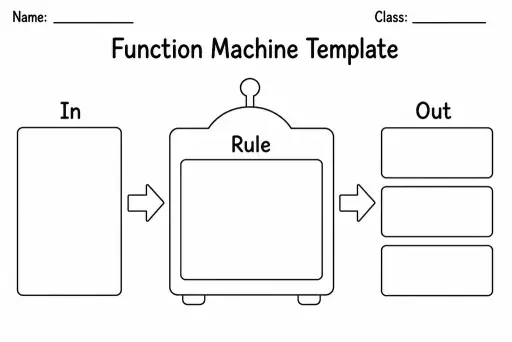
Function Machine Template
Math Templates
Ages 4–11
——
KiwiBee uses optional Google Analytics, Google Ads, and Meta Pixel cookies to understand adult visitors, measure completed sign-ups, and improve campaigns. Essential cookies always stay on. OpenAI’s ChatGPT Ads Pixel also measures page views and completed enquiries after advertising consent, and may use hashed contact details for matching. Privacy policy

The Show-Your-Working Template is a structured page of numbered step boxes that prompts students to break any multi-step maths problem into visible, sequential stages. Each box is labelled (Step 1, Step 2, Step 3…) with a small 'what I did' label line so students annotate their method alongside their calculation. Grades 2–8 use it across arithmetic, geometry, and algebra whenever teachers want to see reasoning rather than just an answer. The template directly addresses the most common marking frustration: a correct answer with no working, or a wrong answer with no clue where the logic broke down. By externalising thinking into discrete boxes, it also helps students catch their own errors before they submit work, building metacognitive habits that carry through secondary school.
The default layout has six numbered step boxes plus a final answer section, which covers most primary and middle-school multi-step problems. For longer solutions, use two sheets.
Yes — the sequential box layout works well for science experiments (hypothesis, method step, observation, conclusion) and logical writing tasks in English.
Definitely. Working backwards from a known answer into labelled steps reinforces understanding and is excellent practice for proof-style reasoning in older grades.
Briefly, yes — but the habit of justifying each step is a long-term academic asset. Fast finishers can be challenged to find the most efficient number of steps as an extension task.
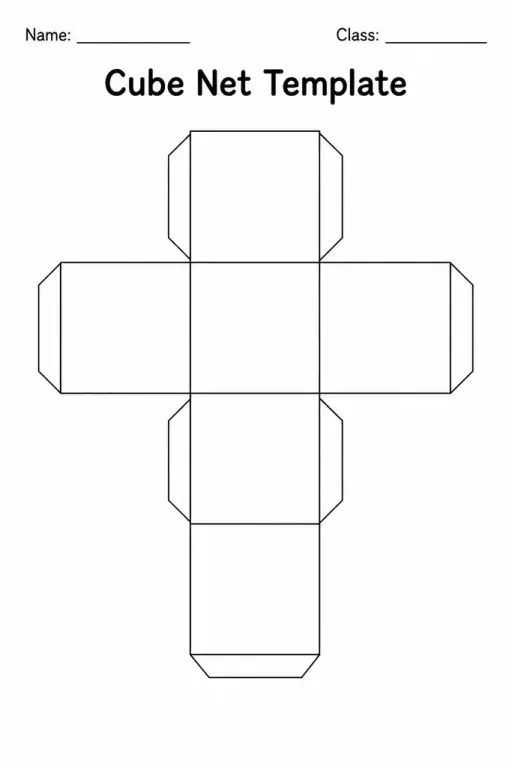
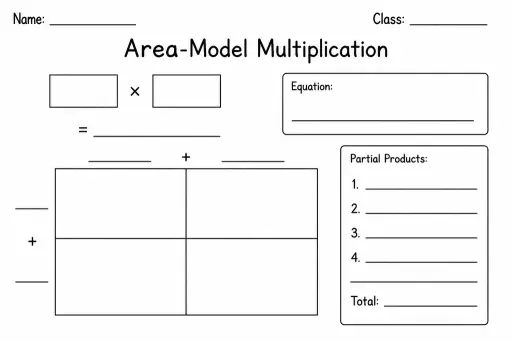
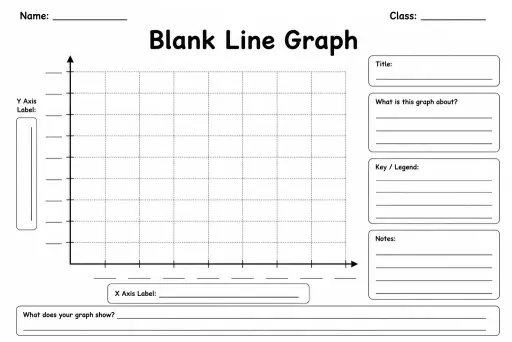
See what other teachers think and share a helpful note.
Generate a fresh worksheet for any grade, topic and language. Free.
 Home
Home All solutions
 Pricing
 About us
 KiwiBee for Non-profits
 Events & webinars
 For big organisations
 For schools
 For centers
 For team leaders
 For teachers
 AI and resources
 Resources
 Printable worksheets
 Lesson Packs
 Interactive simulations
 Teacher tools
 AI studio
 Ideas and research