Printable template
Multiplication Grid (Blank 12x12)
Empty times-table grid to fill.

The blank 12×12 multiplication grid is a 144-cell times-table chart with row and column headers left empty, giving students a structured space to fill in every product from 1×1 through 12×12 themselves. Completing the grid from scratch—rather than reading a pre-filled one—forces active recall and reveals patterns in the table that passive reading never would. Grades 2–6 students use it for timed fluency drills, self-testing, and discovering symmetry along the main diagonal. Teachers use it as a pre-assessment at the start of a multiplication unit and as a progress check weeks later, comparing which cells were blank the first time versus the second. Parents find it a practical homework tool: set a timer, have a child fill what they know, then use any empty cells to plan the next week's practice. The printable format means teachers can issue fresh blank copies for repeated practice without additional cost.
Learning objectives
- Recall multiplication facts from 1×1 to 12×12 through active production
- Recognise the commutative property by noticing symmetry across the diagonal
- Identify multiples and square numbers as visual patterns in the grid
- Build multiplication fluency through timed and untimed self-testing
- Use the completed grid as a reference tool for division and fractions work
- Develop self-assessment habits by comparing multiple filled attempts over time
How to use this template
- Print the blank 12×12 grid on standard paper; run off a batch so students can attempt the grid multiple times across the unit.
- Write the factor sequence 1–12 along both the top row and the left column headers before filling in products.
- Work through the grid systematically—row by row or table by table—writing the product in each intersecting cell.
- Use a timer for fluency drills: aim to fill the entire grid in under five minutes as fact recall improves.
- After completing, use a completed reference grid to mark any incorrect cells, note patterns, and target specific facts for review.
Classroom & home ideas
- Colour-pattern investigation: once the grid is filled, colour all even products blue and odd products yellow—students quickly discover a checkerboard-like pattern and connect it to odd-times-odd.
- Diagonal symmetry lesson: fold the completed grid along the main diagonal and show that 3×7 and 7×3 land on top of each other, making the commutative property concrete.
- Skip-counting warm-up: before filling the grid, have students count aloud by 3s, 4s, and 6s to prime the related facts, then check whether the spoken sequence matches what they wrote.
- Division connection: cover one factor along a row and ask students to name the missing factor—turning the multiplication grid into a division fact mat.
- Progress portfolio: keep three dated attempts per student (beginning, middle, and end of unit) to make fact-fluency growth visible and celebrate improvement.
Skills practised
Frequently asked questions
Should students fill the grid from memory or use manipulatives?
Both approaches are valid at different stages. Early in a unit, allow arrays or skip-counting; for fluency assessment, students work from memory alone. Label each copy with the conditions so comparisons are fair.
Is 12×12 appropriate for grade 2, or should younger students use a smaller grid?
Grade 2 typically focuses on 2s, 5s, and 10s. Print the full 12×12 grid but invite younger students to shade only the rows and columns for their current tables, leaving the rest for later.
How does this differ from a pre-filled times-table chart?
A blank grid requires retrieval practice—students actively produce each answer from memory—which research consistently shows leads to stronger long-term retention than reading a completed chart.
Can this grid support students who struggle with fact recall?
Yes. Allow them to fill sections they know first, then use skip-counting or a number line for gaps. Tracking which cells were blank across attempts gives a clear, personalised practice target.
Likes & comments
See what other teachers think and share a helpful note.
Create more worksheets in our Worksheet Studio
Generate fresh worksheets for any grade, topic, and language — free.
Open the Worksheet StudioRelated worksheets
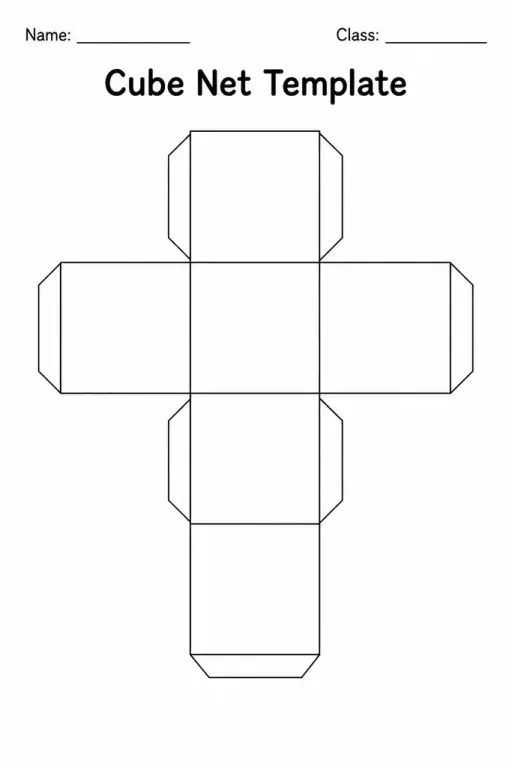
Cube Net Template
Triangular / Tessellation Grid
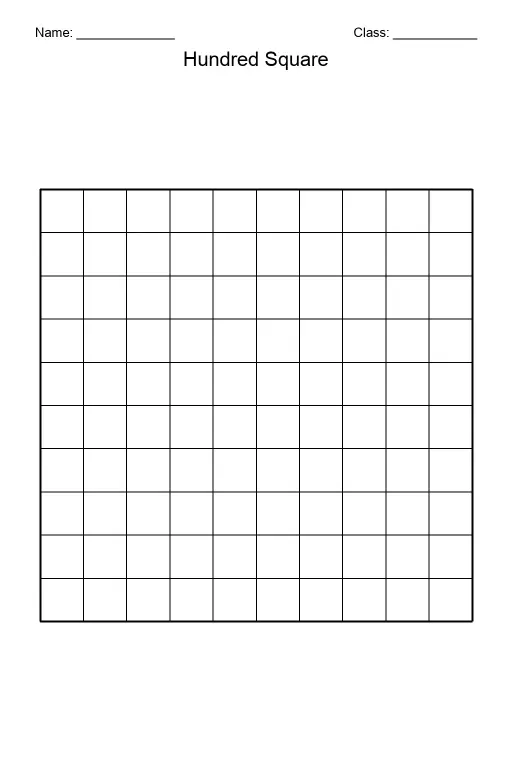
Hundred Square (Blank)
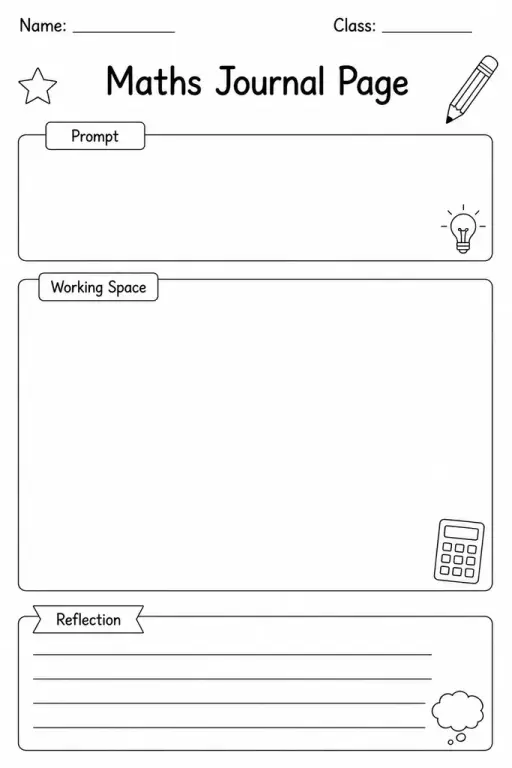
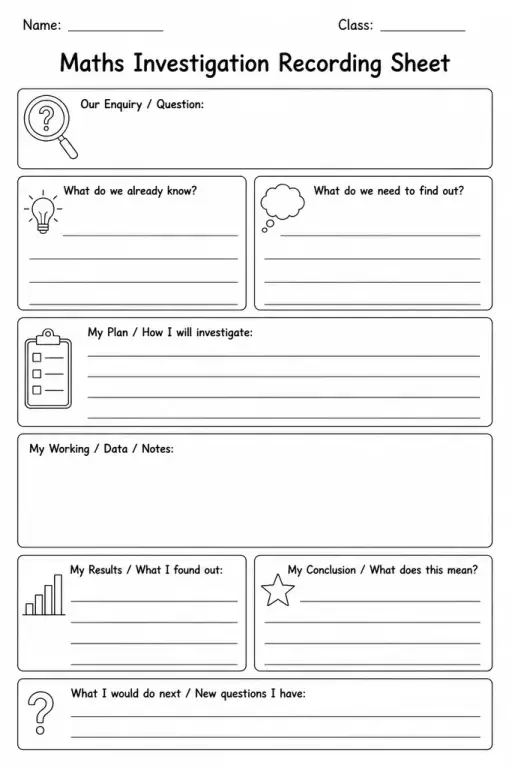
Maths Journal Page
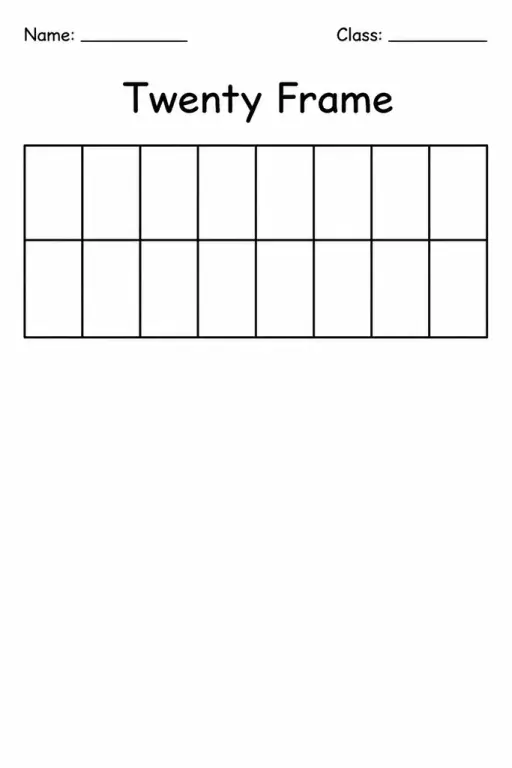
Twenty Frame
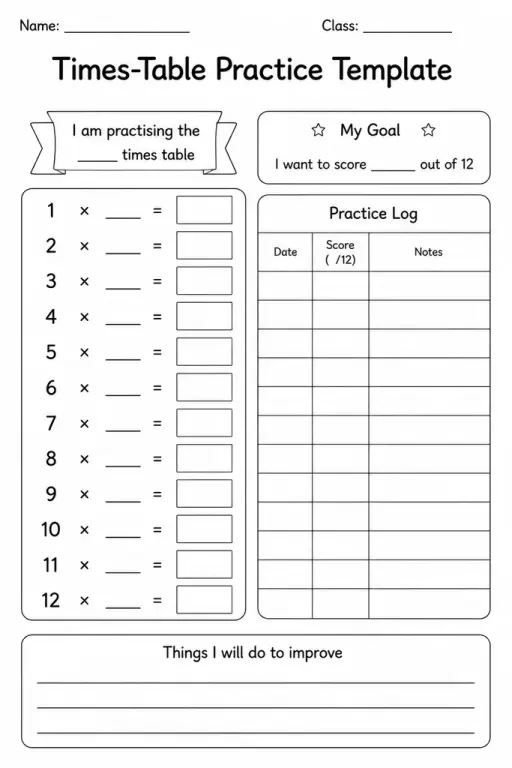
Times-Table Practice Template
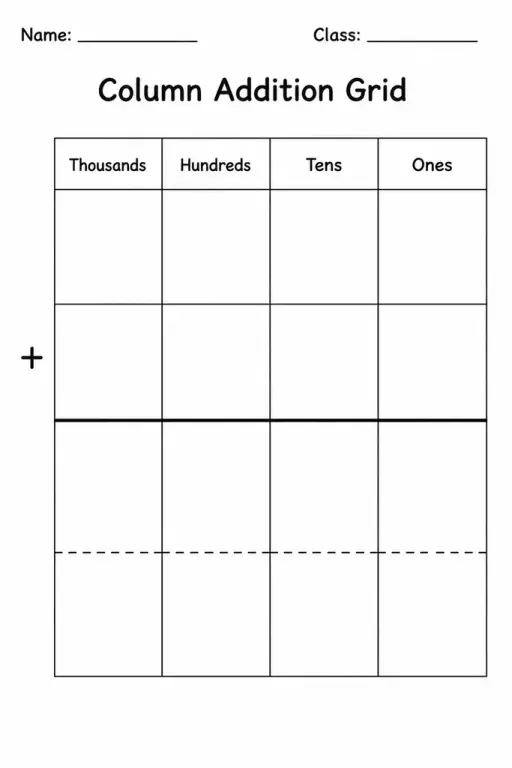
Column Addition Grid
 For big organisations
 For schools
 For centers
 For team leaders
 For teachers
 AI and resources
 Printable worksheets
 Interactive simulations
 Teacher tools
 AI studio
 Ideas and research