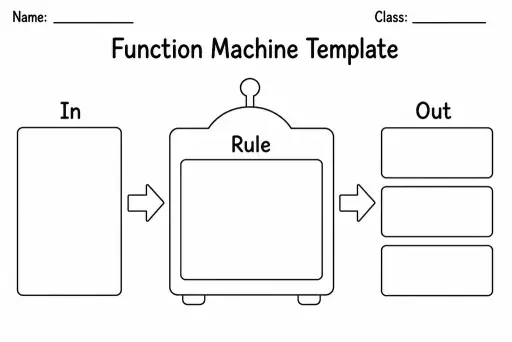
Function Machine Template
Math Templates
Ages 4–11
——
KiwiBee uses optional Google Analytics, Google Ads, and Meta Pixel cookies to understand adult visitors, measure completed sign-ups, and improve campaigns. Essential cookies always stay on. OpenAI’s ChatGPT Ads Pixel also measures page views and completed enquiries after advertising consent, and may use hashed contact details for matching. Privacy policy

The Long Multiplication Grid is a structured blank frame that guides students through every sub-step of the formal long-multiplication algorithm. It features clearly spaced rows for each partial product, a dedicated carrying row above the multiplicand, and column dividers wide enough for two or three-digit multipliers. Students in Grades 4–7 use it when moving beyond single-digit multiplication into the standard written method taught before calculators are introduced. The grid removes the need for students to rule their own working space, which is a surprisingly common source of error. Teachers can pre-fill the multiplicand or leave everything blank for full practice. The frame scales from 3 × 2 problems up to 5 × 3 digit challenges by choosing a larger column count.
The default layout supports up to a 4-digit number multiplied by a 3-digit number. For larger calculations, use multiple grids side by side.
Those are carrying boxes. When the product of two digits exceeds 9, students write the tens digit there as a reminder to add it to the next column.
Yes — open the PDF on a tablet with a stylus app, or display it on an interactive whiteboard and have students take turns filling in rows as a class.
This template is specifically for the formal column method. For lattice multiplication, look for the dedicated lattice grid template in the catalogue.
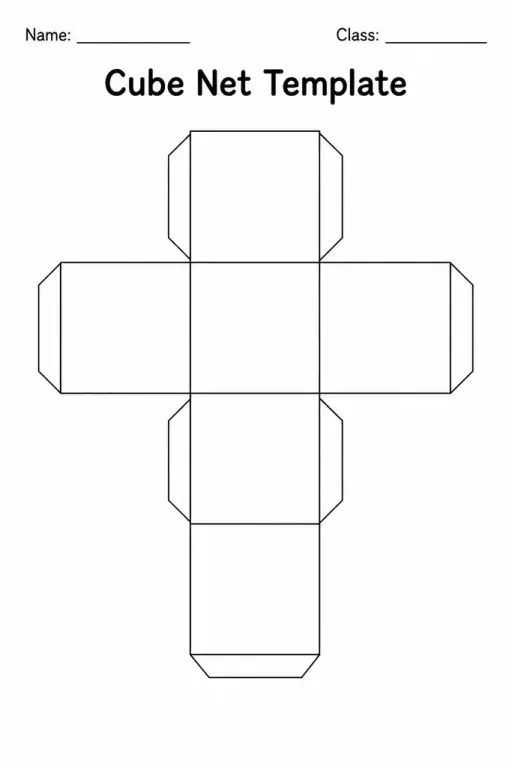
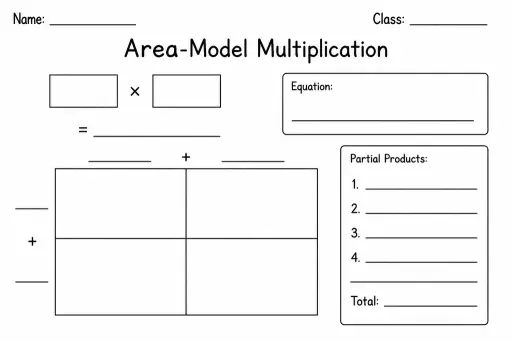
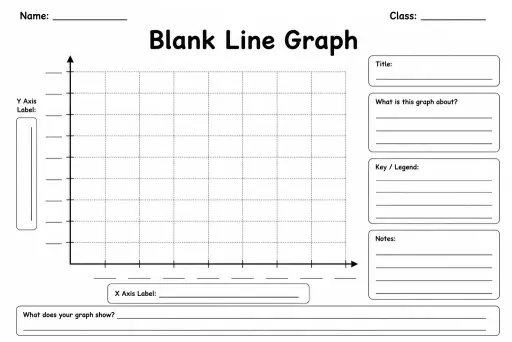
See what other teachers think and share a helpful note.
Generate a fresh worksheet for any grade, topic and language. Free.
 Home
Home All solutions
 Pricing
 About us
 KiwiBee for Non-profits
 Events & webinars
 For big organisations
 For schools
 For centers
 For team leaders
 For teachers
 AI and resources
 Resources
 Printable worksheets
 Lesson Packs
 Interactive simulations
 Teacher tools
 AI studio
 Ideas and research