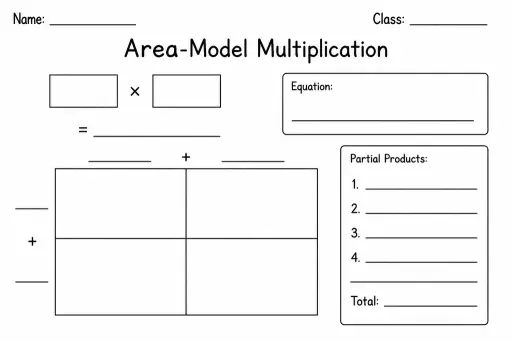
Area-Model Multiplication
Math Templates
Ages 4–11
——
KiwiBee uses optional Google Analytics, Google Ads, and Meta Pixel cookies to understand adult visitors, measure completed sign-ups, and improve campaigns. Essential cookies always stay on. OpenAI’s ChatGPT Ads Pixel also measures page views and completed enquiries after advertising consent, and may use hashed contact details for matching. Privacy policy

The Function Machine Template is a blank graphic organiser shaped like a machine with three clearly labelled sections: an INPUT box on the left, a RULE box in the centre (the 'machine'), and an OUTPUT box on the right. Students in Grades 2–6 use it to explore how a single operation consistently transforms any input value. Teachers write the rule and give sample inputs, or reverse the challenge by showing inputs and outputs and asking students to deduce the hidden rule. The template makes the abstract concept of a mathematical function tangible before any formal algebra is introduced. It bridges arithmetic (knowing times-tables or adding constants) with algebraic thinking (understanding that a rule applies universally). Parents find it equally useful for kitchen-table maths games where a child plays 'function detective.'
The standard sheet has eight rows alongside the machine graphic, enough for a full lesson of examples or a timed challenge.
Yes — once students are confident with number rules, replace the specific rule with 'n + 5' or '3n' to introduce variable notation naturally.
Absolutely. Write '× 2 then + 1' in the rule box. This is excellent preparation for Grade 5–6 two-step equations and order-of-operations work.
Give only the input-output table with no rule shown, and ask students to write a rule that fits all pairs — then test it with a new input you provide.
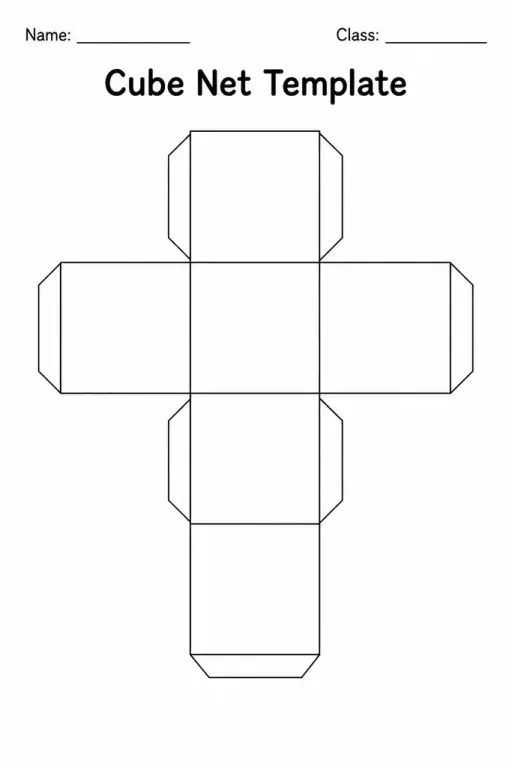
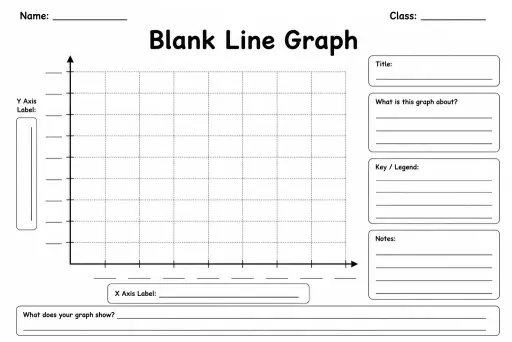
See what other teachers think and share a helpful note.
Generate a fresh worksheet for any grade, topic and language. Free.
 Home
Home All solutions
 Pricing
 About us
 KiwiBee for Non-profits
 Events & webinars
 For big organisations
 For schools
 For centers
 For team leaders
 For teachers
 AI and resources
 Resources
 Printable worksheets
 Lesson Packs
 Interactive simulations
 Teacher tools
 AI studio
 Ideas and research