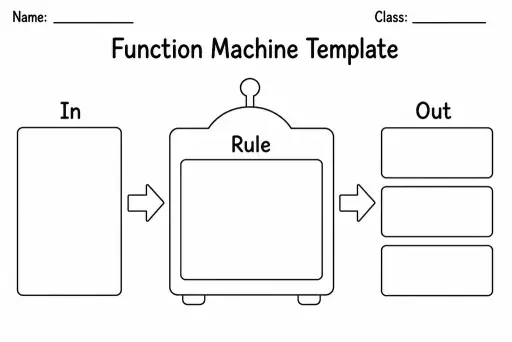
Function Machine Template
Math Templates
Ages 4–11
——
KiwiBee uses optional Google Analytics, Google Ads, and Meta Pixel cookies to understand adult visitors, measure completed sign-ups, and improve campaigns. Essential cookies always stay on. OpenAI’s ChatGPT Ads Pixel also measures page views and completed enquiries after advertising consent, and may use hashed contact details for matching. Privacy policy

A Carroll diagram is a two-way grid that sorts objects or numbers into four sections based on two yes/no criteria at the same time. Unlike a Venn diagram, there is no overlap: each cell represents a unique combination — criterion A and criterion B, criterion A and not B, not A and B, or neither. This blank version leaves all four cells and the header row and column empty so teachers can adapt it to any sorting task in minutes. Students in grades 2–6 use Carroll diagrams in maths lessons to classify numbers (odd/even, greater-than/less-than), shapes (has right angles/does not, regular/irregular), or real-world objects. The rigid grid structure makes it particularly strong for introducing logic and set theory without the spatial ambiguity that sometimes confuses learners in Venn diagrams.
A Venn diagram uses overlapping circles so items sharing both properties sit in the intersection. A Carroll diagram uses a grid with no overlap — every item lands in exactly one of four cells, making the logic clearer for early learners.
Simple, concrete opposites work best: 'red / not red' and 'round / not round' for shape tiles, or 'even / odd' and 'less than 5 / not less than 5' for number cards. Avoid criteria that are hard to decide quickly.
This template is designed for exactly two criteria (a 2×2 grid). For three criteria you would need a 2×2×2 structure, which is better as an extension activity for grades 5–6 rather than this printable.
Yes — print at 200% on A3 paper, or photograph the blank template and display it on your interactive whiteboard. Students can come up and write items in the correct cell using a marker.
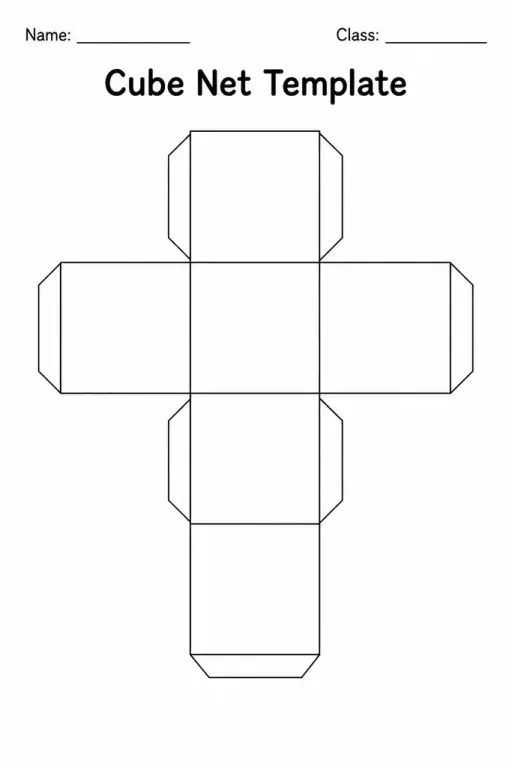
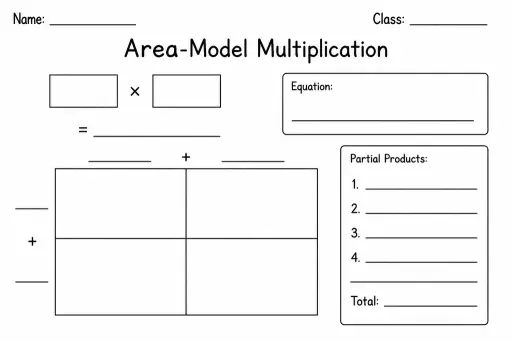
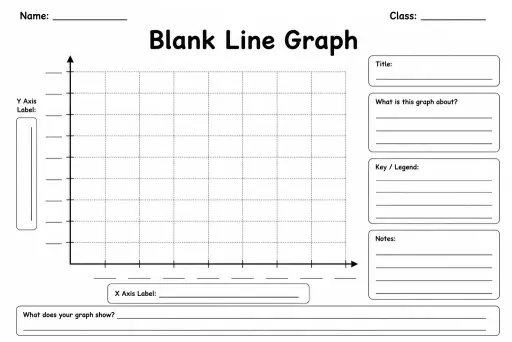
See what other teachers think and share a helpful note.
Generate a fresh worksheet for any grade, topic and language. Free.
 Home
Home All solutions
 Pricing
 About us
 KiwiBee for Non-profits
 Events & webinars
 For big organisations
 For schools
 For centers
 For team leaders
 For teachers
 AI and resources
 Resources
 Printable worksheets
 Lesson Packs
 Interactive simulations
 Teacher tools
 AI studio
 Ideas and research