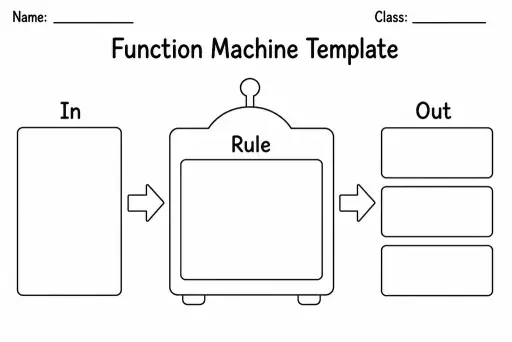
Function Machine Template
Math Templates
Ages 4–11
——
KiwiBee uses optional Google Analytics, Google Ads, and Meta Pixel cookies to understand adult visitors, measure completed sign-ups, and improve campaigns. Essential cookies always stay on. OpenAI’s ChatGPT Ads Pixel also measures page views and completed enquiries after advertising consent, and may use hashed contact details for matching. Privacy policy

A blank pictograph template gives students a ready-made grid of labelled rows and a dedicated key box, so they can focus entirely on choosing a symbol and recording data rather than drawing lines. Designed for grades 1–4, it suits counting activities where pictures represent quantities—each apple drawn might stand for two pieces of fruit eaten, each star for five correct answers. Teachers hand it out during data-collection lessons; students bring it home for simple surveys. The pre-printed row structure keeps young learners organised while they practise early graphing concepts, and the spacious key area makes it easy to define the value of each picture before filling in the rows.
It works best for grades 1–4 (ages 6–10). Younger students use one-to-one correspondence; older students can assign a value of 2 or 5 to each symbol as they grow more confident.
The sheet includes 5 labelled rows plus a key box at the bottom, giving enough space for a typical 3–5 category data set without feeling cramped.
Absolutely. Small dot stickers, star stickers, or themed stickers work perfectly and keep the pictograph neat for students who find drawing difficult.
The download is a print-ready PDF. For digital use, import it into Google Slides or Canva as a background image and type or insert shapes over it.
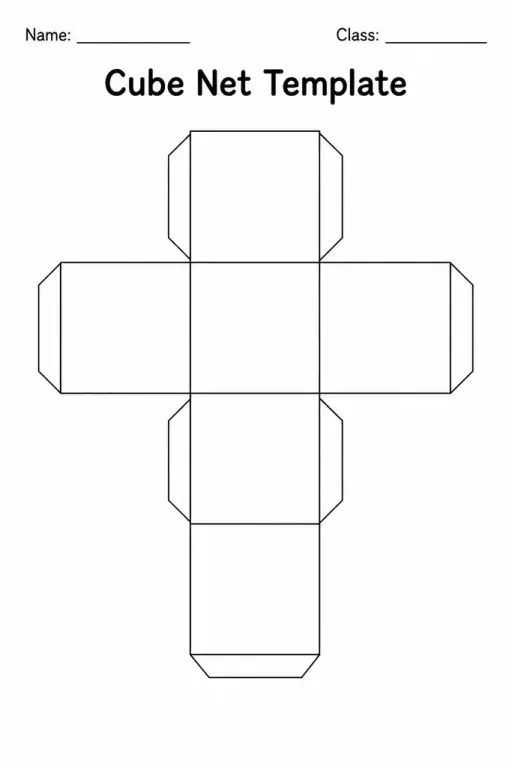
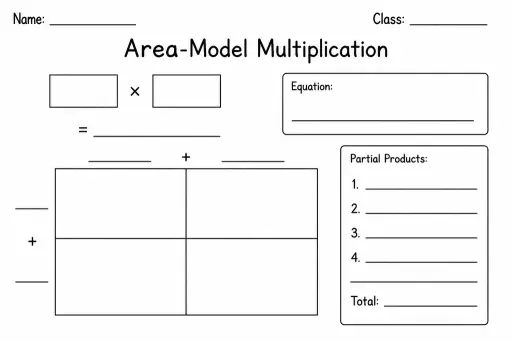
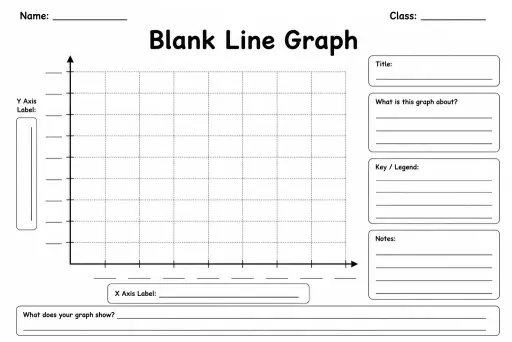
See what other teachers think and share a helpful note.
Generate a fresh worksheet for any grade, topic and language. Free.
 Home
Home All solutions
 Pricing
 About us
 KiwiBee for Non-profits
 Events & webinars
 For big organisations
 For schools
 For centers
 For team leaders
 For teachers
 AI and resources
 Resources
 Printable worksheets
 Lesson Packs
 Interactive simulations
 Teacher tools
 AI studio
 Ideas and research