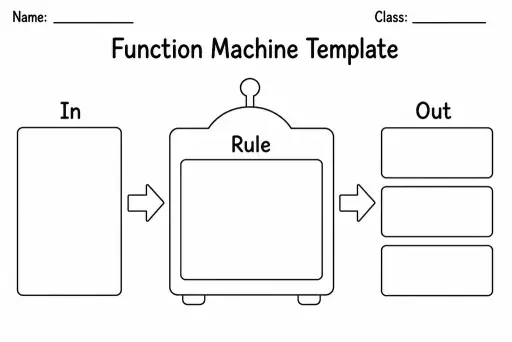
Function Machine Template
Math Templates
Ages 4–11
——
KiwiBee uses optional Google Analytics, Google Ads, and Meta Pixel cookies to understand adult visitors, measure completed sign-ups, and improve campaigns. Essential cookies always stay on. OpenAI’s ChatGPT Ads Pixel also measures page views and completed enquiries after advertising consent, and may use hashed contact details for matching. Privacy policy

An array template is a blank rectangular grid of evenly spaced dots that students draw over, circle, or colour to build visual models of multiplication and division. Each dot represents one unit, and students arrange them into rows and columns to show number facts — for example, 3 rows of 5 dots to represent 3 × 5 = 15. Teachers in grades 1–5 use dot arrays to make the structure of multiplication concrete before students move to abstract fact memorisation. The blank grid accommodates any array up to the template's maximum dimensions, so one sheet can model dozens of different number sentences. Parents find it equally useful at home because the dots give a tactile anchor when practising times tables — students can count, draw lines, and shade directly on the page.
The standard template provides a 12×12 grid of dots, covering all multiplication facts up to 12×12 on one sheet. Smaller sections of the grid can be used for lower grades working within 5×5 or 10×10.
Yes. Shade a total number of dots into a rectangle, then ask how many equal rows fit. The number of columns in each row gives the quotient. For example, 20 dots shaded in 4 rows shows 20 ÷ 4 = 5.
Coloured pencils or thin markers let students shade arrays clearly without obscuring the dot pattern. Using different colours for each array on the same sheet helps when comparing two facts side by side.
Yes — in grade 1 the dots serve as a counting scaffold for repeated addition (3 + 3 + 3) before the multiplication symbol is introduced. Students circle groups of dots rather than full rectangular arrays.
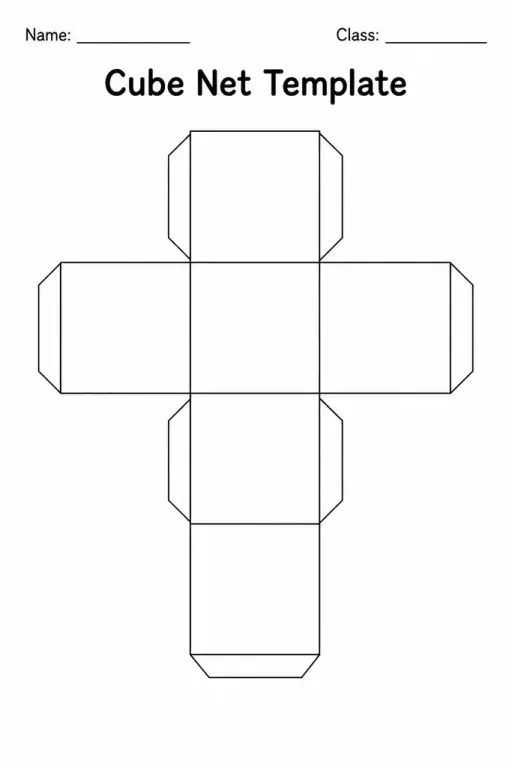
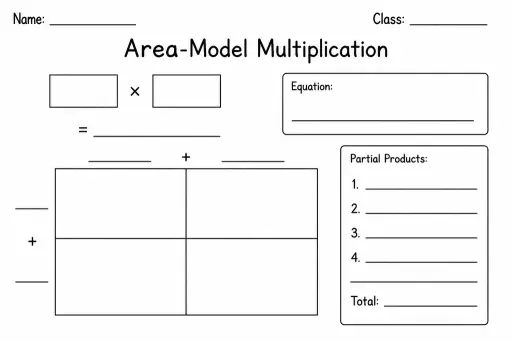
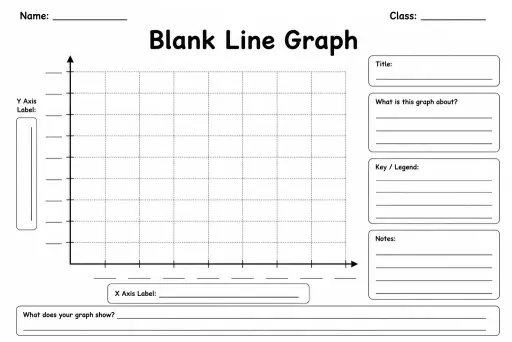
See what other teachers think and share a helpful note.
Generate a fresh worksheet for any grade, topic and language. Free.
 Home
Home All solutions
 Pricing
 About us
 KiwiBee for Non-profits
 Events & webinars
 For big organisations
 For schools
 For centers
 For team leaders
 For teachers
 AI and resources
 Resources
 Printable worksheets
 Lesson Packs
 Interactive simulations
 Teacher tools
 AI studio
 Ideas and research