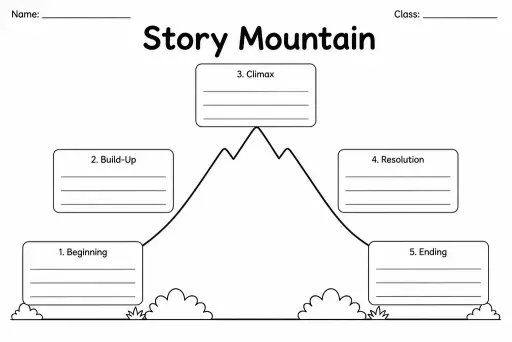
Story Mountain
Graphic Organizers
Ages 4–11
——
KiwiBee uses optional Google Analytics, Google Ads, and Meta Pixel cookies to understand adult visitors, measure completed sign-ups, and improve campaigns. Essential cookies always stay on. OpenAI’s ChatGPT Ads Pixel also measures page views and completed enquiries after advertising consent, and may use hashed contact details for matching. Privacy policy

The Cornell Notes Template divides a single page into three distinct zones: a narrow cue column on the left for questions and keywords, a wide notes column on the right for detailed information captured during a lesson, and a summary box spanning the full width at the bottom for synthesising the main idea in the student's own words. Developed at Cornell University and widely used in secondary education, the format is proven to deepen comprehension and improve exam performance by building review directly into the note-taking process. Teachers in grades 5 through 8 assign it for science lectures, history chapters, and literary analysis. Students learn to interrogate their own notes by filling the cue column during review — turning passive pages into active study tools without any extra materials.
The standard Cornell layout uses roughly a 2-to-7 inch split on an 8.5-inch page — our template follows this convention so the notes column has ample space.
Best practice is to leave the cue column blank while taking notes and fill it in within 24 hours of the lesson, while the content is still fresh.
Grade 5 is a common starting point; teachers typically model the format several times before students work independently. The blank template works well alongside direct instruction.
Yes — teachers sometimes ask students to draw a quick diagram, write a main idea sentence, or list three key takeaways in that space depending on the subject.
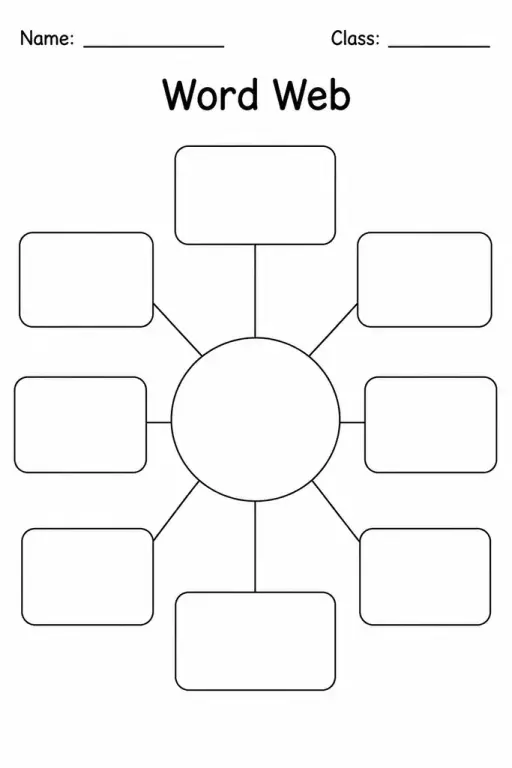
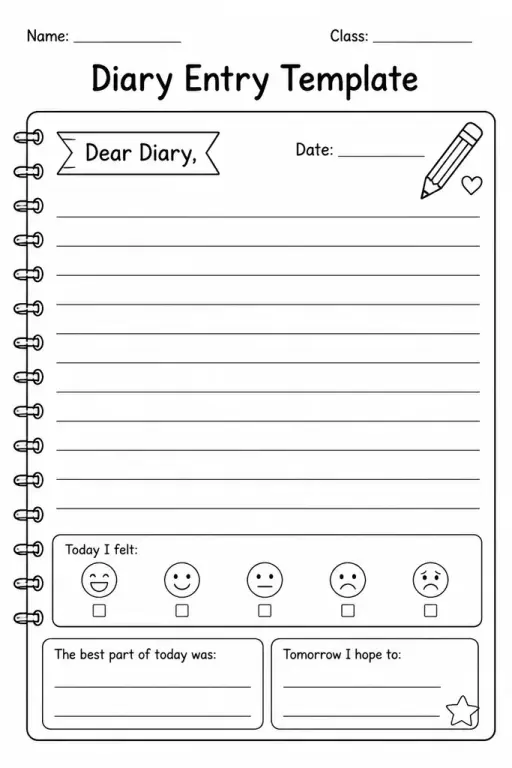
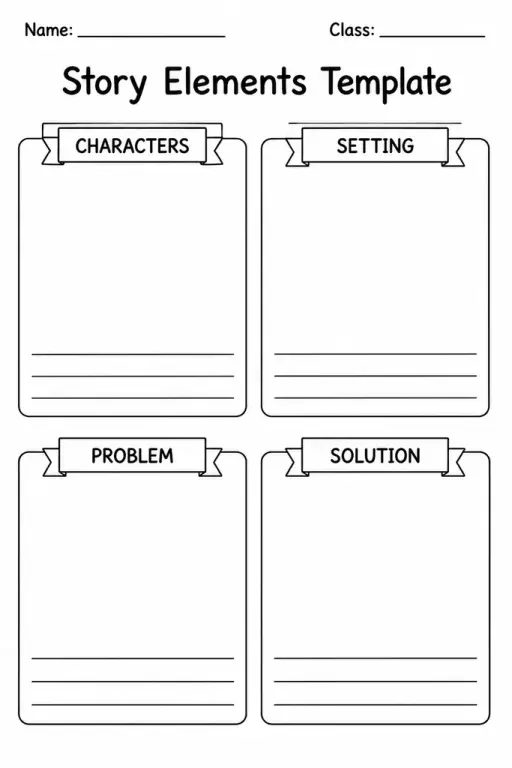
See what other teachers think and share a helpful note.
Generate a fresh worksheet for any grade, topic and language. Free.
 Home
Home All solutions
 Pricing
 About us
 KiwiBee for Non-profits
 Events & webinars
 For big organisations
 For schools
 For centers
 For team leaders
 For teachers
 AI and resources
 Resources
 Printable worksheets
 Lesson Packs
 Interactive simulations
 Teacher tools
 AI studio
 Ideas and research