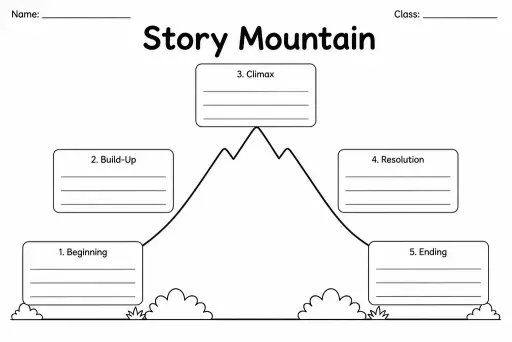
Story Mountain
Graphic Organizers
Ages 4–11
——
KiwiBee uses optional Google Analytics, Google Ads, and Meta Pixel cookies to understand adult visitors, measure completed sign-ups, and improve campaigns. Essential cookies always stay on. OpenAI’s ChatGPT Ads Pixel also measures page views and completed enquiries after advertising consent, and may use hashed contact details for matching. Privacy policy

The Book Cover Design Template is a blank front-cover and back-blurb frame that gives students in grades 1–6 a structured canvas to design their own book covers from scratch. The front panel provides open space for an illustration, a title area, and an author line, while the back panel includes a framed blurb box and a barcode placeholder. Teachers use it after creative writing units to push students to think about audience and presentation; parents use it at home to turn hand-written stories into finished-looking books. Because every field is blank, students make every design decision themselves—font style, color choices, genre cues—building visual literacy alongside their writing confidence. Laminate a completed cover and fold it around a stapled booklet for a satisfying, keep-forever artifact.
Standard US letter (8.5 × 11 in) works well. For a hardcover-style project, print on cardstock so the cover holds up to repeated handling.
Yes. Kindergarten and grade-1 students can draw first and then dictate or copy the title. The fields are intentionally open so there is no reading required to get started.
The current template focuses on the front cover and back blurb. For a spine, simply fold and label the narrow edge of the paper after the cover is complete.
Fold it in half lengthwise, staple 4–6 lined or blank interior pages along the fold, then crease firmly. The front face becomes the cover of a saddle-stitched mini-book.
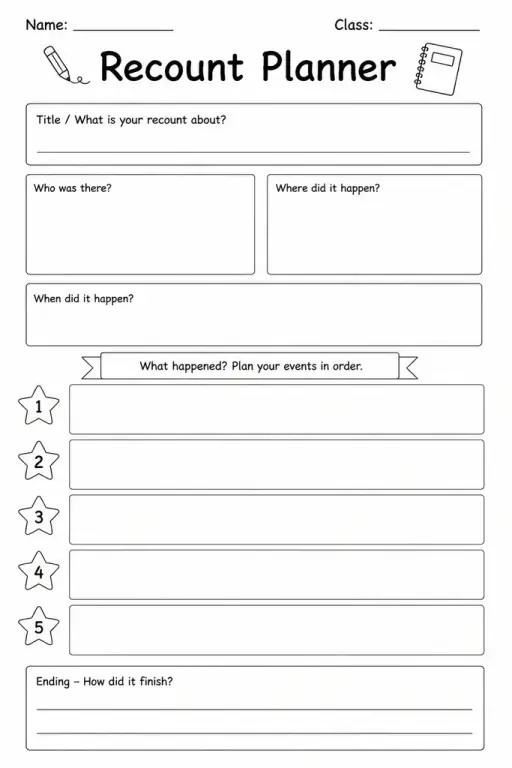
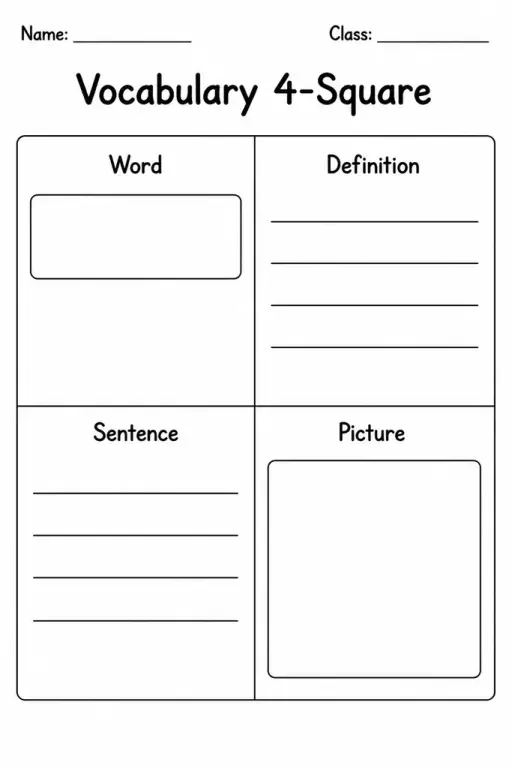
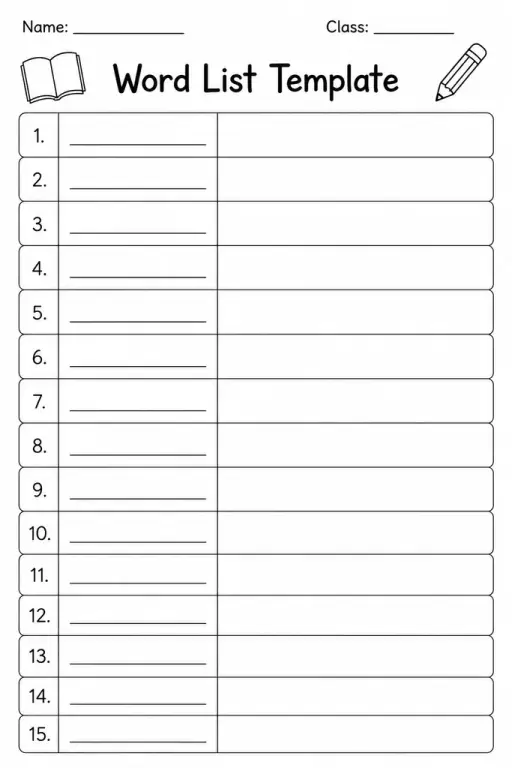
See what other teachers think and share a helpful note.
Generate a fresh worksheet for any grade, topic and language. Free.
 Home
Home All solutions
 Pricing
 About us
 KiwiBee for Non-profits
 Events & webinars
 For big organisations
 For schools
 For centers
 For team leaders
 For teachers
 AI and resources
 Resources
 Printable worksheets
 Lesson Packs
 Interactive simulations
 Teacher tools
 AI studio
 Ideas and research