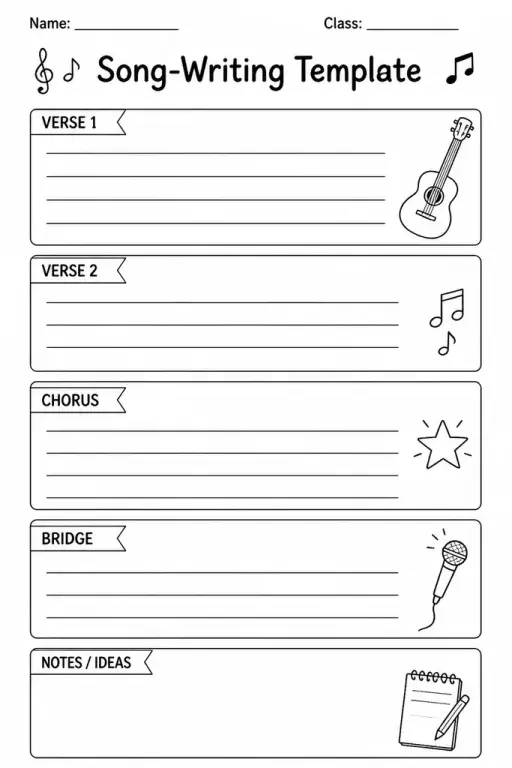
Song-Writing Template
Music Templates
Ages 4–11
——
KiwiBee uses optional Google Analytics, Google Ads, and Meta Pixel cookies to understand adult visitors, measure completed sign-ups, and improve campaigns. Essential cookies always stay on. OpenAI’s ChatGPT Ads Pixel also measures page views and completed enquiries after advertising consent, and may use hashed contact details for matching. Privacy policy

The Ukulele Chord-Box Template is a printable sheet filled with blank four-string, four-fret chord diagrams sized just right for the ukulele's narrow neck. Students in grades 3 through 8 use it to sketch new chord shapes, create personalised chord charts, document fingerings from a lesson, or invent their own chord voicings to experiment with. Because the boxes are blank—no dots, no finger numbers—each player fills in exactly what they need: dots for finger positions, numbers inside the dots, an 'O' for open strings, and an 'X' for muted strings. Teachers hand it out during ukulele units to help students consolidate what they have learned and build a pocket reference they can reuse.
Yes. Soprano and concert ukulele share the same standard GCEA tuning and four-string layout, so the same chord boxes apply to both.
Draw a thick horizontal line across all strings at the barre fret and write the finger number (usually 1) at one end of the bar. Note the fret number beside the diagram if the barre starts above fret 4.
A standard layout includes 24 to 30 chord boxes per page, which is enough to document all the chords in most beginner and intermediate songs.
Yes. The diagram is intuitive once a teacher demonstrates the convention of dots = finger positions. Most third-graders can fill in a chord they have just been shown within minutes.

See what other teachers think and share a helpful note.
Generate a fresh worksheet for any grade, topic and language. Free.
 Home
Home All solutions
 Pricing
 About us
 KiwiBee for Non-profits
 Events & webinars
 For big organisations
 For schools
 For centers
 For team leaders
 For teachers
 AI and resources
 Resources
 Printable worksheets
 Lesson Packs
 Interactive simulations
 Teacher tools
 AI studio
 Ideas and research