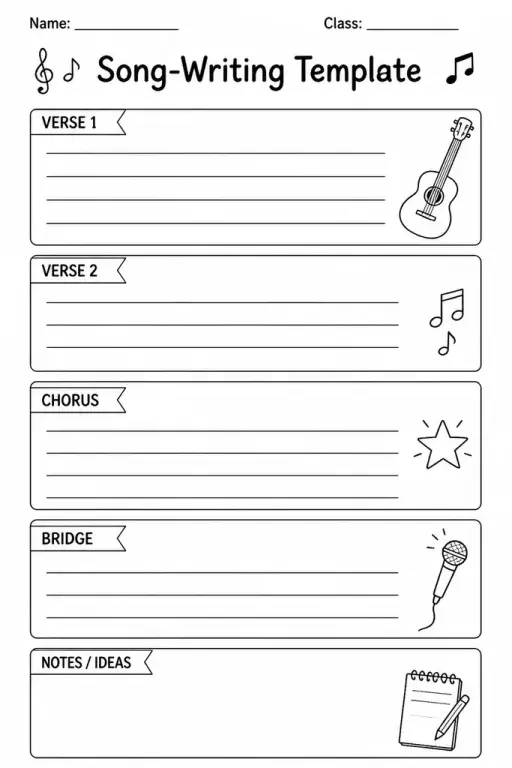
Song-Writing Template
Music Templates
Ages 4–11
——
KiwiBee uses optional Google Analytics, Google Ads, and Meta Pixel cookies to understand adult visitors, measure completed sign-ups, and improve campaigns. Essential cookies always stay on. OpenAI’s ChatGPT Ads Pixel also measures page views and completed enquiries after advertising consent, and may use hashed contact details for matching. Privacy policy

A Minecraft-style build grid is a dual-view planning sheet that includes both a top-down (bird's-eye) grid and a side-elevation grid on the same page. Students sketch block-by-block structure plans — houses, castles, farms, or redstone machines — before building in-game or in a classroom physical-block activity. Each square represents one block unit, so scale stays consistent between the two views. Second through eighth graders use it in STEM electives, maker spaces, game-design clubs, and art classes. Teachers pair it with coding lessons to illustrate coordinate systems and 3-D thinking. Younger students enjoy coloring in biome blocks (dirt, stone, wood, glass) while older students use it to draft multi-floor buildings and calculate block counts. Parents find it useful for guided creative sessions at home that channel Minecraft enthusiasm into structured planning skills.
No. The grid works as a general block-design or architecture planning tool. Game familiarity helps with motivation but is not required.
The standard sheet provides a 20x20 top-down grid and a 20x10 side grid, representing a 20-block-wide, 10-block-tall structure at 1:1 block scale.
Yes, with guidance. Younger students typically color the top-down grid as a pixel drawing and skip the elevation grid, which can be introduced once they are comfortable with the top view.
Absolutely. The grid works equally well for LEGO, wooden unit blocks, magnetic tiles, or any square-block building system — not just video games.
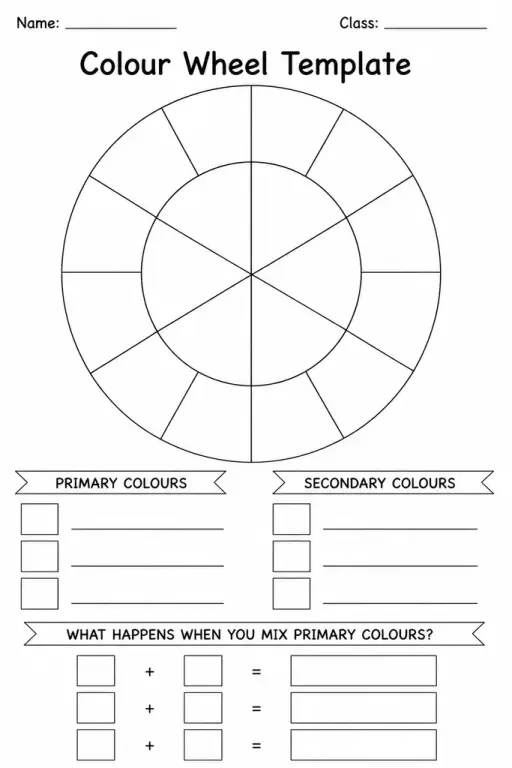

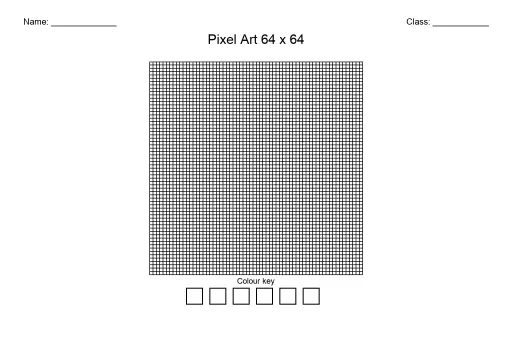
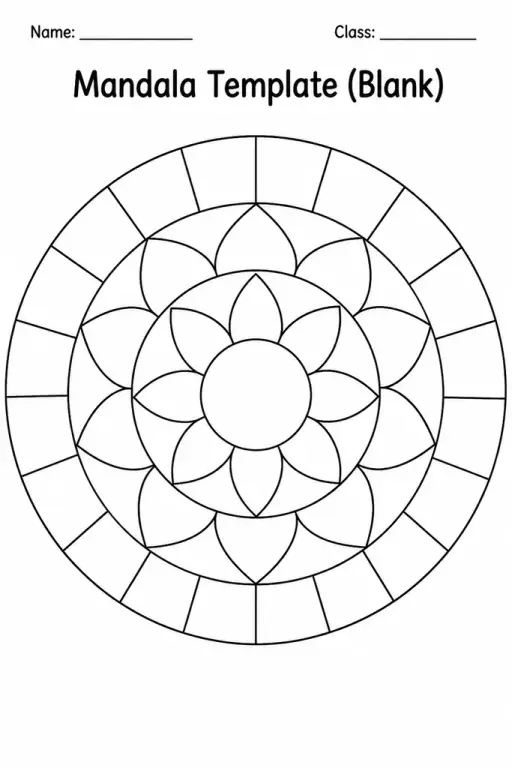
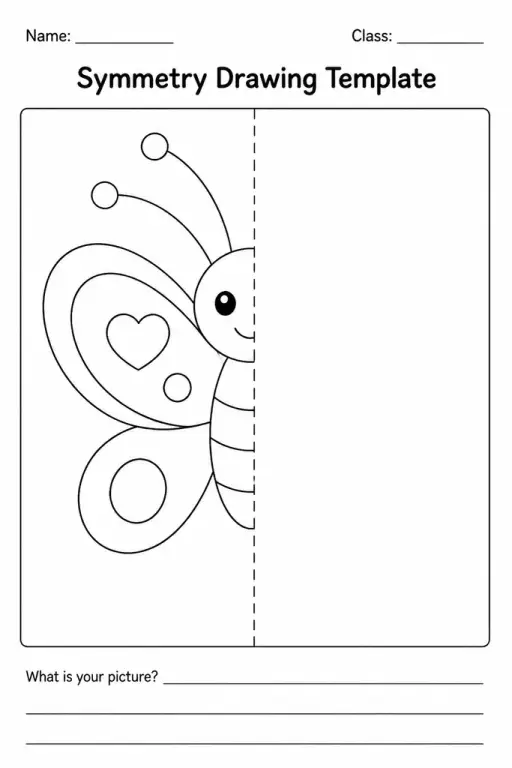
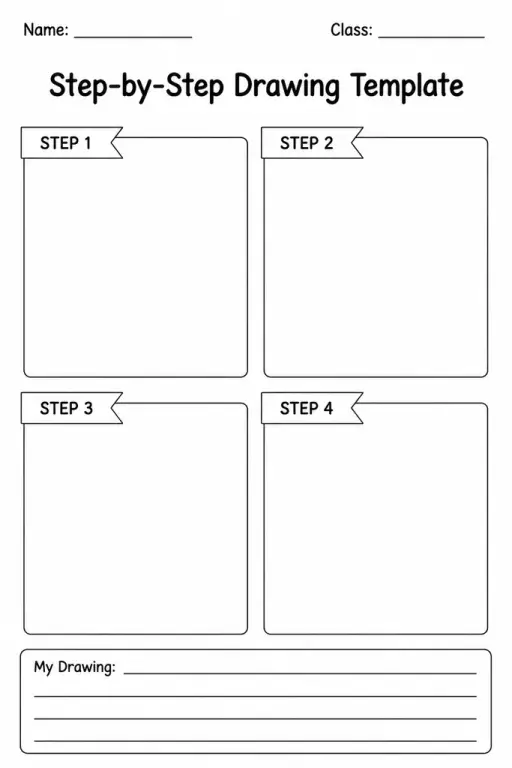
See what other teachers think and share a helpful note.
Generate a fresh worksheet for any grade, topic and language. Free.
 Home
Home All solutions
 Pricing
 About us
 KiwiBee for Non-profits
 Events & webinars
 For big organisations
 For schools
 For centers
 For team leaders
 For teachers
 AI and resources
 Resources
 Printable worksheets
 Lesson Packs
 Interactive simulations
 Teacher tools
 AI studio
 Ideas and research