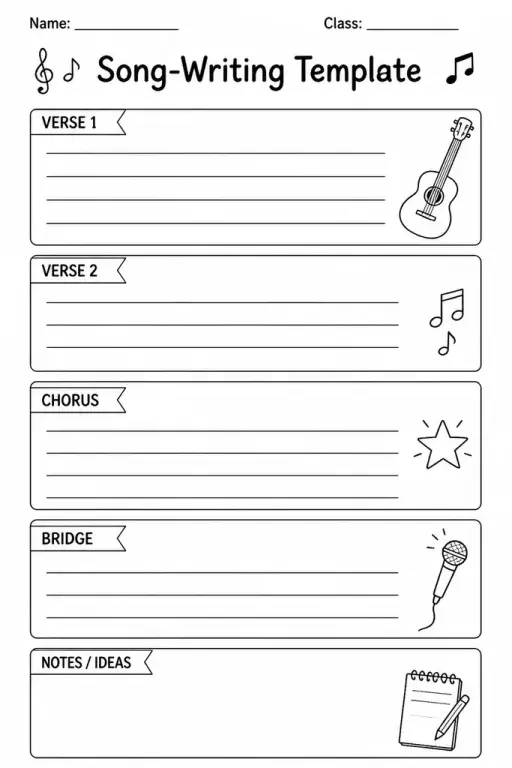
Song-Writing Template
Music Templates
Ages 4–11
——
KiwiBee uses optional Google Analytics, Google Ads, and Meta Pixel cookies to understand adult visitors, measure completed sign-ups, and improve campaigns. Essential cookies always stay on. OpenAI’s ChatGPT Ads Pixel also measures page views and completed enquiries after advertising consent, and may use hashed contact details for matching. Privacy policy

This blank 64x64 pixel art grid gives students a large, finely divided canvas for creating intricate pixel-based artwork from scratch. Each of the 4,096 cells can be coloured individually, making it ideal for designing detailed characters, landscapes, logos, or abstract patterns on paper without any digital tools required. Grades 3–8 students reach for this template during art class, free-choice time, after-school clubs, or independent projects. The generous resolution lets older students tackle shading, gradients, and complex sprites that smaller grids simply cannot support. Teachers use it for cross-curricular projects pairing visual art with game design, coding concepts, or history murals.
A4 or US Letter printed at 100% scale gives cells roughly 3.5 mm each — small but workable with fine-tip pens. For younger students or detailed shading, printing on A3 doubles the cell size and makes colouring much easier.
Absolutely. The uniform 64x64 grid works for plotting coordinates, practising symmetry, or any graphing task. It is not limited to art use.
Yes. Laminate a printed copy and use dry-erase markers to plan designs repeatedly, or simply print as many fresh copies as you need — the download is free and unlimited.
The 64x64 grid offers four times the cells of a 32x32, enabling much finer detail, smoother colour gradients, and more complex compositions. It suits students in grades 3 and up who have the patience for a longer project.
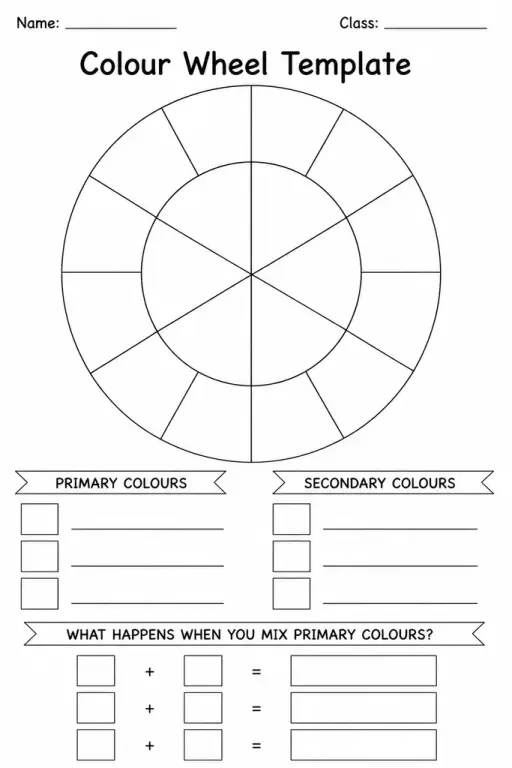

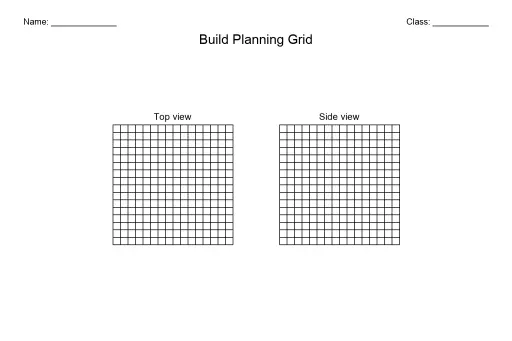
See what other teachers think and share a helpful note.
Generate a fresh worksheet for any grade, topic and language. Free.
 Home
Home All solutions
 Pricing
 About us
 KiwiBee for Non-profits
 Events & webinars
 For big organisations
 For schools
 For centers
 For team leaders
 For teachers
 AI and resources
 Resources
 Printable worksheets
 Lesson Packs
 Interactive simulations
 Teacher tools
 AI studio
 Ideas and research