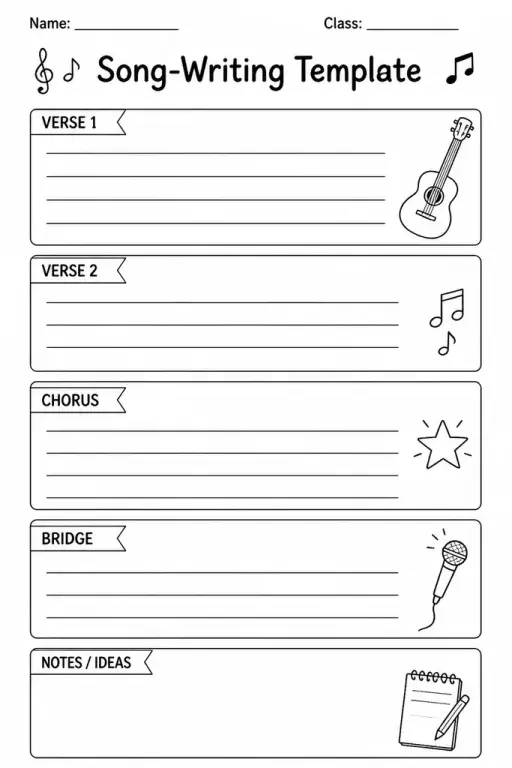
Song-Writing Template
Music Templates
Ages 4–11
——
KiwiBee uses optional Google Analytics, Google Ads, and Meta Pixel cookies to understand adult visitors, measure completed sign-ups, and improve campaigns. Essential cookies always stay on. OpenAI’s ChatGPT Ads Pixel also measures page views and completed enquiries after advertising consent, and may use hashed contact details for matching. Privacy policy

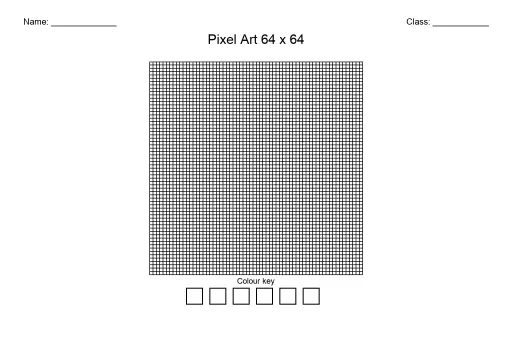
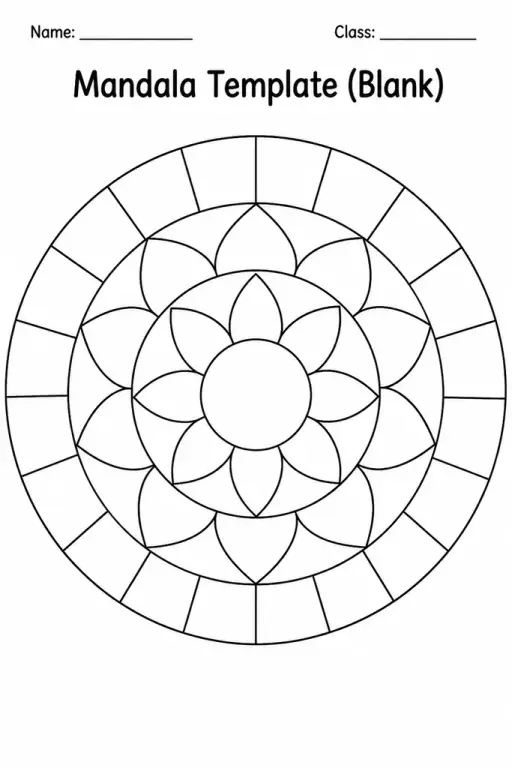
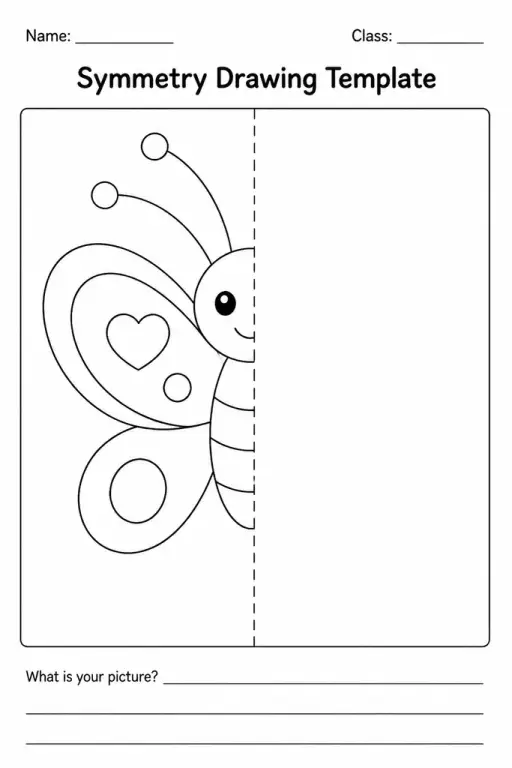
The Tessellation Template is a blank repeating-tile grid printable designed for students in grades 4–8 to explore how identical shapes interlock across a plane without gaps or overlaps. The grid provides the structural foundation — a set of accurately spaced, pre-drawn tile outlines — so students can focus on decorating each tile, designing colour patterns, or using the grid as a starting point to create their own interlocking shapes by modifying the tile edges with the translate, rotate, or glide-reflection method. Math teachers use it to make geometry lessons tangible: students see symmetry, transformation, and plane tiling in action rather than just on a diagram. Art teachers appreciate that tessellation connects fine art (Escher-style designs) with precise spatial reasoning. The template saves significant time compared to asking students to construct a tile grid from scratch, and the regular spacing ensures accurate results even for students who are not yet confident with rulers.
The standard template uses a square grid, which is the most accessible tile shape for students new to tessellation. Variations with equilateral triangles or regular hexagons are also available for more advanced exploration.
No prior knowledge is needed for the colouring version — students simply apply colours to the pre-drawn tiles. The edge-modification version works best after a short introduction to translation and rotation in class.
A plain grid is generic; the tessellation template has tiles sized and spaced specifically for pattern-design activities, with a border that frames the finished artwork. Some versions include a worked example tile in the margin as a visual guide.
Yes. Teachers can ask students to annotate their design — labelling an axis of symmetry, describing the transformation used to modify a tile edge, or calculating the number of tiles on the page — turning it into a documented maths task.

See what other teachers think and share a helpful note.
Generate a fresh worksheet for any grade, topic and language. Free.
 Home
Home All solutions
 Pricing
 About us
 KiwiBee for Non-profits
 Events & webinars
 For big organisations
 For schools
 For centers
 For team leaders
 For teachers
 AI and resources
 Resources
 Printable worksheets
 Lesson Packs
 Interactive simulations
 Teacher tools
 AI studio
 Ideas and research