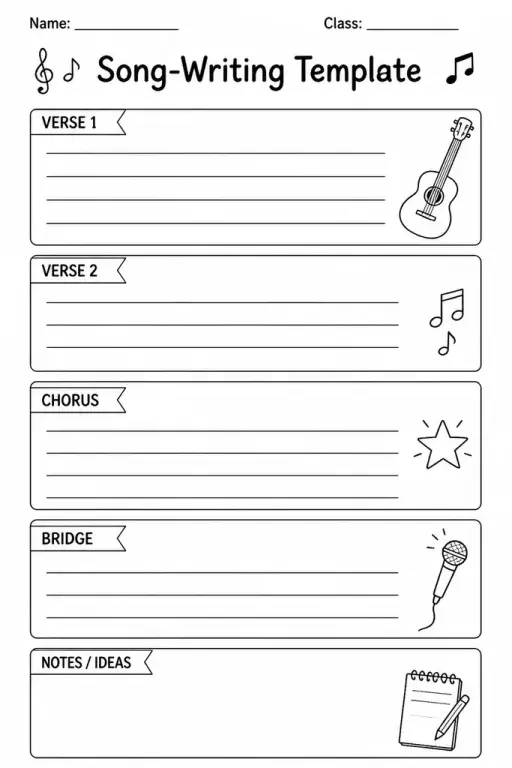
Song-Writing Template
Music Templates
Ages 4–11
——
KiwiBee uses optional Google Analytics, Google Ads, and Meta Pixel cookies to understand adult visitors, measure completed sign-ups, and improve campaigns. Essential cookies always stay on. OpenAI’s ChatGPT Ads Pixel also measures page views and completed enquiries after advertising consent, and may use hashed contact details for matching. Privacy policy

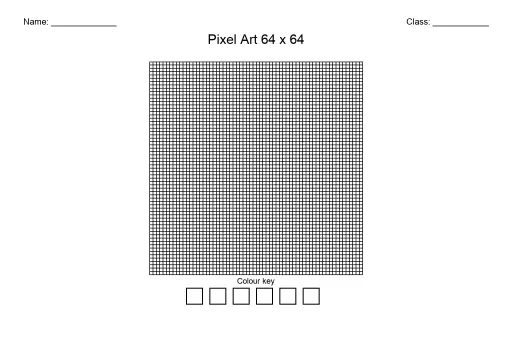
The Pixel Sprite-Sheet Template packs several small blank grids onto a single printable page, mirroring the layout professional game developers use to store character animations and object variations. Students in grades 3–8 use each mini-grid to draw a different pose, expression, or direction of the same character — front, side, back, jumping, walking — creating a personal sprite sheet just like the ones inside real video games. Teachers use this template in art and technology classes to introduce animation principles: how small, incremental changes between frames create the illusion of movement. Because all grids share the same dimensions, students can cut out individual frames and flip through them like a flipbook, or scan the sheet to bring characters into simple game-design tools. The compact layout makes efficient use of one sheet of paper while accommodating a full character study.
The standard layout provides 6 to 12 small grids per page, arranged in a 2- or 3-column layout. This accommodates a basic 4-frame walk cycle plus additional poses within a single printed sheet.
Each frame is typically an 8×8 or 16×16 grid, scaled to fit multiple frames on one letter-size page. The consistent cell size across all frames makes it easy to maintain character proportions.
Yes. Scanning at 300 dpi produces a clean image. Many free pixel-art editors (like Piskel or PixilArt) accept scanned images as references, and the uniform grid spacing makes it straightforward to digitize each frame.
Both work. A single lesson is enough to complete one or two frames as an introduction. For a unit project, students design a full walk cycle or four-direction set across several class periods, building complexity gradually.

See what other teachers think and share a helpful note.
Generate a fresh worksheet for any grade, topic and language. Free.
 Home
Home All solutions
 Pricing
 About us
 KiwiBee for Non-profits
 Events & webinars
 For big organisations
 For schools
 For centers
 For team leaders
 For teachers
 AI and resources
 Resources
 Printable worksheets
 Lesson Packs
 Interactive simulations
 Teacher tools
 AI studio
 Ideas and research