Printable template
Pixel Grid with Coordinates 32x32
Numbered-axis grid for coordinate pixel art.

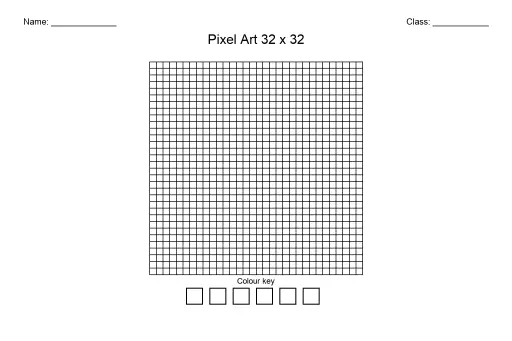
The Pixel Grid with Coordinates 32x32 is a blank printable grid featuring numbered axes along both the horizontal and vertical edges, giving every cell a precise (x, y) address. Students in grades 3–8 use it to plan and draw pixel art by calling out coordinates before coloring, bridging visual creativity with early graphing skills. Teachers reach for it in art class when introducing digital-design concepts without screens, and in math class to practice ordered pairs on a first-quadrant grid. Because every column and row is labeled, students can copy designs from references, share patterns with classmates using coordinate notation, and catch errors simply by reading the axis numbers. The 32×32 size hits a sweet spot — large enough for detailed characters and scenes, small enough to complete in a single class period.
Learning objectives
- Practice reading and plotting ordered pairs on a first-quadrant grid
- Develop fine-motor control through careful cell-by-cell coloring
- Plan a pixel-art composition before committing to color
- Connect visual art creation to coordinate-geometry vocabulary
- Encourage systematic, sequential thinking while following a design
- Build confidence in translating ideas into a structured grid format
How to use this template
- Download the free printable PDF and print on standard letter or A4 paper — one sheet per student.
- Choose a design or character to recreate; lightly sketch the outline in pencil by noting start and end coordinates.
- Color each cell with colored pencils, markers, or crayons, calling out coordinates aloud or jotting them on a separate reference sheet.
- Outline finished cells with a fine black marker to sharpen edges and make colors pop.
- Laminate or slide the completed sheet into a clear sleeve to display or reuse as a reference for digital re-creation later.
Classroom & home ideas
- Coordinate treasure hunt: teacher calls out a sequence of coordinates and students race to shade the correct cells, building a mystery image together.
- Math-art crossover: pair the grid with a list of ordered pairs and ask students to connect the dots to reveal a shape or letter.
- Video-game character study: show students a classic 32×32 sprite and have them recreate it cell by cell, then compare results and discuss color choices.
- Collaborative mural: assign each student a 32×32 section of a larger scene; combine printed sheets on a bulletin board for a whole-class pixel mural.
- Self-portrait pixel art: students simplify their own features into pixel form, great for a back-to-school getting-to-know-you project.
Skills practised
Frequently asked questions
Is this grid suitable for beginners who have never done pixel art before?
Yes. The numbered axes act as a guide, so beginners can follow step-by-step coordinate instructions rather than freehand drawing. Starting with a simple 8-color design makes the learning curve gentle.
What coloring tools work best on this printable?
Fine-tip colored pencils give the most control inside small cells. Thin-barreled markers work too, but test on a spare sheet first — some bleed through standard copy paper.
Can I use this grid in a math lesson on coordinate planes?
Absolutely. The numbered x- and y-axes mirror a first-quadrant coordinate plane. You can dictate ordered pairs and ask students to shade the corresponding cells, reinforcing graphing concepts visually.
How does 32×32 compare to smaller pixel grids for classroom use?
A 32×32 grid gives enough cells for recognizable characters and scenes while still fitting on one letter-size sheet. Smaller grids (8×8, 16×16) are faster for warm-ups; 32×32 suits a full lesson or multi-day project.
Likes & comments
See what other teachers think and share a helpful note.
Create more worksheets in our Worksheet Studio
Generate fresh worksheets for any grade, topic, and language — free.
Open the Worksheet StudioRelated worksheets
School Event Coloring Pages Pack 2
Song-Writing Template
Pixel Art Grid 64x64 (Blank)
Pixel Art Grid 32x32 (Blank)
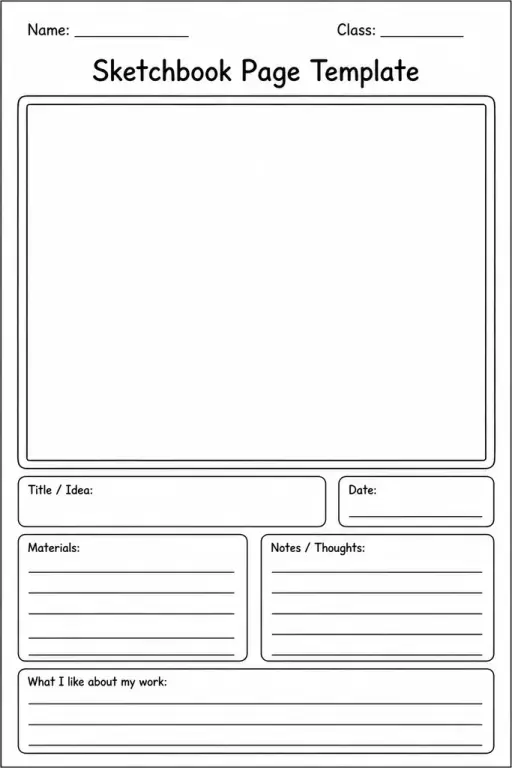
Sketchbook Page Template
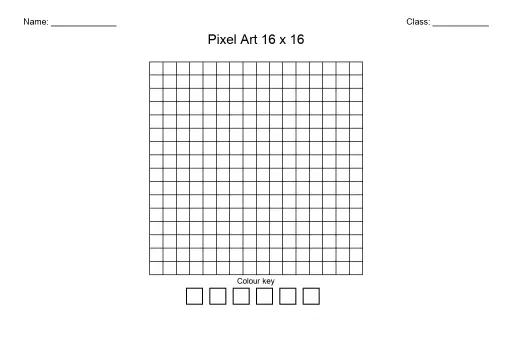
Pixel Art Grid 16x16 (Blank)
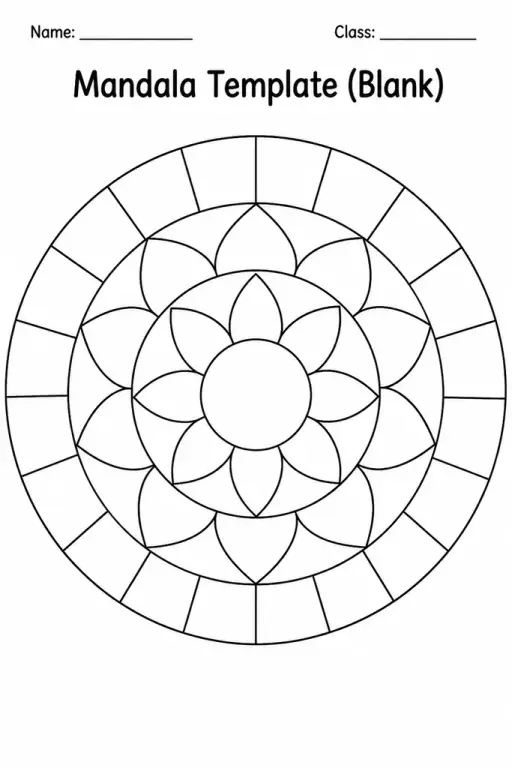
Mandala Template (Blank)
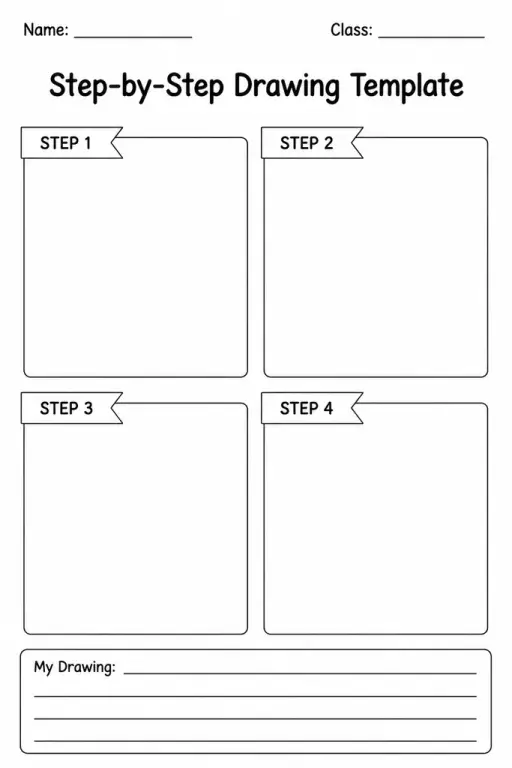
 For big organisations
 For schools
 For centers
 For team leaders
 For teachers
 AI and resources
 Printable worksheets
 Interactive simulations
 Teacher tools
 AI studio
 Ideas and research