Printable template
Pixel Colour-Key Palette Strip
Blank swatch row to plan a palette.

The Pixel Colour-Key Palette Strip is a printable row of blank swatches, each with a small numbered label box beside it, designed to help students from Kindergarten through grade 8 plan their color choices before picking up a single crayon. Rather than grabbing colors at random, artists fill each swatch with a chosen hue, write the color name or number, and then reference the strip while working on any pixel-art grid. Teachers use it to introduce the concept of a color key — the same legend found in maps, charts, and digital design software. Parents find it equally handy at the kitchen table, giving young artists a repeatable planning habit. Because the strip is reusable when laminated, one download stretches across an entire unit of pixel-art projects without extra printing.
Learning objectives
- Establish a consistent color-planning habit before starting any artwork
- Introduce the concept of a legend or key as used in maps and design tools
- Limit and curate a palette to create visual harmony
- Connect color names, codes, or numbers to physical swatches
- Reduce decision fatigue mid-project by pre-committing to a palette
- Support early color-theory vocabulary (primary, complementary, analogous)
How to use this template
- Download and print the palette strip on cardstock or regular paper; one strip per project or student.
- Assign a number to each blank swatch box (1, 2, 3…) to match the numbering system you plan to use on your pixel grid.
- Fill each swatch by coloring it solidly with the chosen crayon, marker, or pencil, then write the color name in the label area.
- Keep the strip beside your pixel grid while coloring — check the key each time you switch colors to stay consistent.
- Store or tape the strip to the back of your finished artwork as a reference for future projects or digital recreation.
Classroom & home ideas
- Palette challenge: limit students to exactly four swatches and challenge them to create a full pixel-art piece using only those colors, sparking conversations about color economy.
- Color-theory lesson: ask students to build a complementary palette (two swatches of opposite colors) and an analogous palette (three neighboring hues) side by side on the same strip.
- Whole-class project consistency: share a class palette strip on the board so every student's section of a collaborative mural uses the same colors.
- Art vocabulary journal: students paste their completed palette strips into a sketchbook alongside notes on why they chose those colors, building reflective practice.
- Digital-to-print bridge: after designing in a pixel app, students identify the hex or RGB colors used, convert them to the closest physical crayon, and record them on the strip.
Skills practised
Frequently asked questions
How many swatches does the palette strip include?
The printable features a single row of blank swatches — typically 8 to 12 per strip depending on your print settings. You can print multiple strips and tape them together if your project needs a larger palette.
Can Kindergarten students use this template?
Yes. For very young learners, simply have them color the swatches and say the color name aloud; skip the written label. The visual planning habit is the key takeaway at that age.
Is the strip only for pixel art, or can it be used for other projects?
It works for any project that benefits from a planned color key — paintings, illustrated maps, graph-paper designs, or even coding activities where colors represent actions or states.
What is the best way to reuse the strip across multiple sessions?
Laminate the printed strip and use dry-erase markers to fill in swatches. Wipe clean between projects. Alternatively, slide it into a clear plastic sleeve for a reusable pocket palette.
Likes & comments
See what other teachers think and share a helpful note.
Create more worksheets in our Worksheet Studio
Generate fresh worksheets for any grade, topic, and language — free.
Open the Worksheet StudioRelated worksheets
School Event Coloring Pages Pack 2
Song-Writing Template
Sketchbook Page Template
Pixel Art Grid 64x64 (Blank)
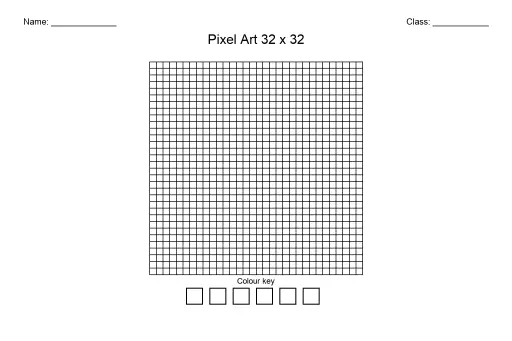
Pixel Art Grid 32x32 (Blank)
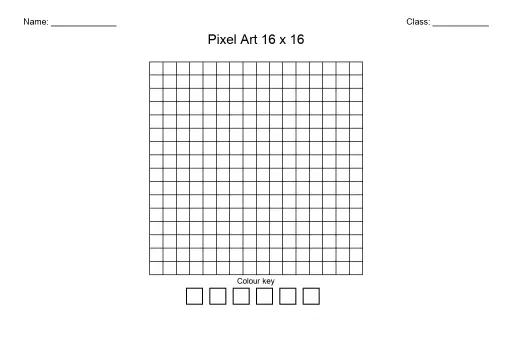
Pixel Art Grid 16x16 (Blank)
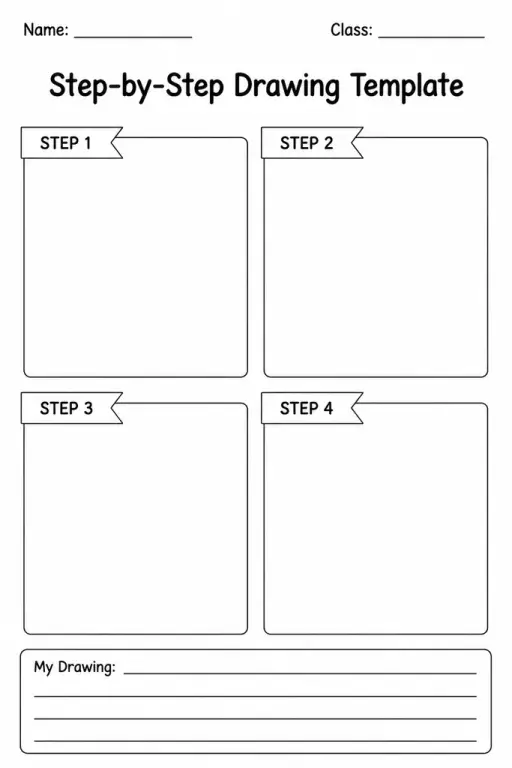
Step-by-Step Drawing Template
 For big organisations
 For schools
 For centers
 For team leaders
 For teachers
 AI and resources
 Printable worksheets
 Interactive simulations
 Teacher tools
 AI studio
 Ideas and research