Printable template
Pixel Colour-by-Number 8x8 (Blank)
8x8 grid plus a number-to-colour key to design your own.

This blank 8x8 pixel colour-by-number template lets students design their own colour-coded puzzle from the ground up. The sheet includes an 8x8 grid of large, easy-to-fill cells plus a number-to-colour key section where the creator assigns a number to each colour they plan to use. Once filled in, the completed sheet becomes a puzzle another student can solve. Perfect for kindergarten through grade 6, the big cell size suits young learners still developing fine-motor skills. Teachers use it as a creative twist on traditional colour-by-number activities — instead of solving one, students make one. It doubles as an introduction to simple coding logic (assign a value, follow the rule) and works equally well in class centres, early-finisher bins, or at home.
Learning objectives
- Create an original colour-by-number puzzle using a self-designed key
- Practise one-to-one correspondence between symbols and colours
- Develop early coding and rule-based thinking
- Strengthen fine-motor skills through large-cell colouring
- Encourage creative decision-making in a structured format
- Build confidence in sharing and explaining a self-made activity
How to use this template
- Download the free printable and print one copy as your design sheet.
- Decide on up to 9 colours and write each colour next to a number in the key section.
- Fill each cell of the 8x8 grid with the corresponding number (pencil first, then confirm).
- Colour your own grid to create the answer key, then print a fresh blank copy for a friend to solve.
- Exchange puzzles with a classmate and solve each other's colour-by-number design.
Classroom & home ideas
- Set up a puzzle-swap station where students complete a design sheet, then pass it to the next student to colour.
- Use as a maths warm-up: after solving, count the cells of each colour and record the tally in a bar chart.
- Make a seasonal class book — every student designs a holiday-themed 8x8 puzzle and the class binds them into a solvable collection.
- Introduce the activity as an analogy for computer instructions: the number key is the code; the grid is the output.
- Send home as a family activity — children design a puzzle for a parent or sibling to solve at dinner.
Skills practised
Frequently asked questions
How many colours can be used in the 8x8 version?
The key section supports up to 9 numbered colours, which is plenty for a simple 8x8 design. Younger students often use just 2–4 colours to keep it manageable.
Is this suitable for kindergarten?
Yes. The large cells are sized for early-childhood fine-motor skills. Teachers may guide kindergarteners through filling in the key together as a class before students choose their own cell numbers.
Can the template be used digitally on a tablet?
The PDF can be imported into drawing apps like Notability or GoodNotes and filled in with a stylus, making it suitable for one-to-one device classrooms.
What is the difference between this and a pre-made colour-by-number sheet?
A pre-made sheet gives students a puzzle to solve. This blank template puts students in the creator role — they design the image, write the key, and produce a puzzle for someone else, adding a deeper layer of thinking.
Likes & comments
See what other teachers think and share a helpful note.
Create more worksheets in our Worksheet Studio
Generate fresh worksheets for any grade, topic, and language — free.
Open the Worksheet StudioRelated worksheets
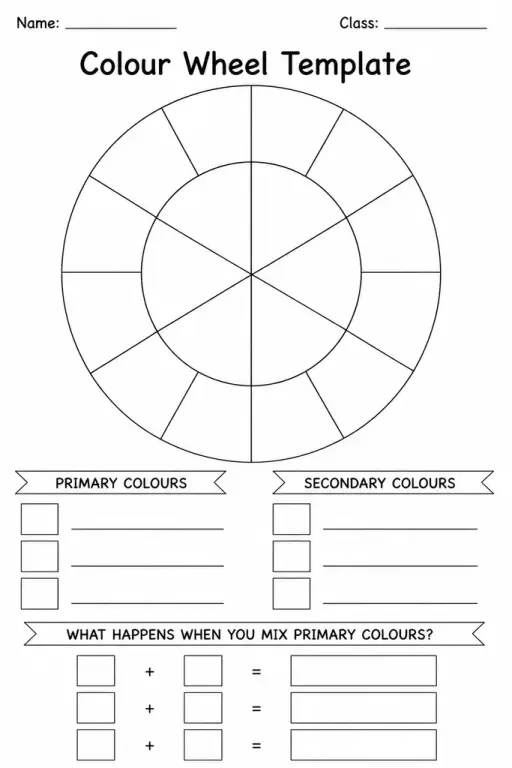
Colour Wheel Template
School Event Coloring Pages Pack 2
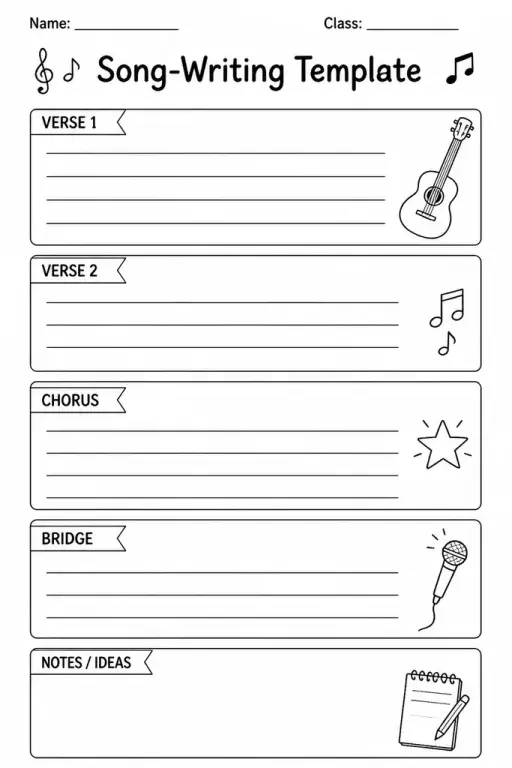
Song-Writing Template
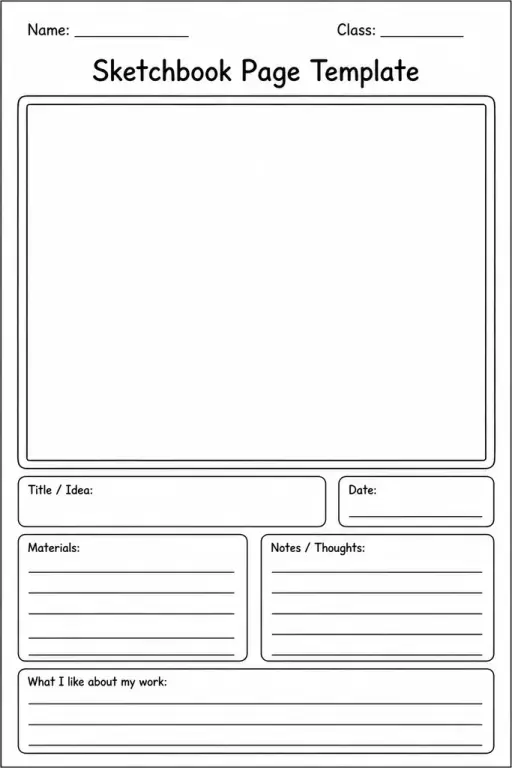
Sketchbook Page Template
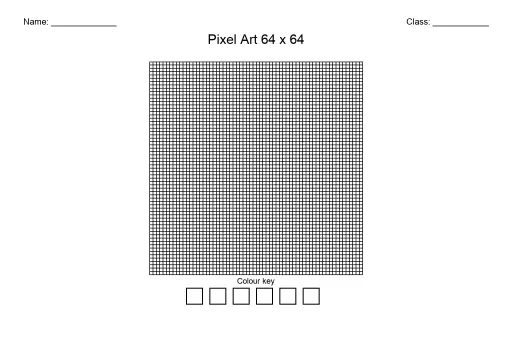
Pixel Art Grid 64x64 (Blank)
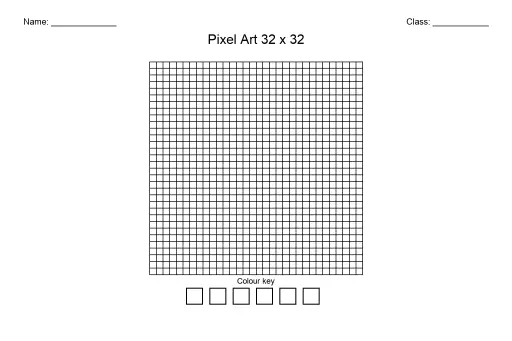
Pixel Art Grid 32x32 (Blank)
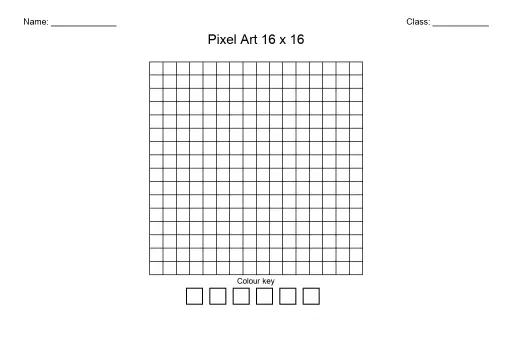
Pixel Art Grid 16x16 (Blank)
 For big organisations
 For schools
 For centers
 For team leaders
 For teachers
 AI and resources
 Printable worksheets
 Interactive simulations
 Teacher tools
 AI studio
 Ideas and research