Printable template
Pixel Art Grid 8x8 (Blank)
Empty 8x8 cell grid, crisp lines.

The 8×8 blank pixel art grid is the smallest and most beginner-friendly canvas in the pixel-art series. Each sheet features 64 clearly defined square cells arranged in eight rows and eight columns, printed with crisp, even lines that make coloring precise and satisfying. Students from kindergarten through grade 8 can pick up a marker or colored pencil and fill in cells to create simple characters, letters, icons, or abstract patterns — no drawing skill required. The compact grid makes it ideal for short activities: a five-minute warm-up, a fast early-finisher task, or an introduction to coordinate thinking. Teachers use it to introduce concepts like symmetry, color patterns, and grid navigation before moving to larger canvases. Parents can print a sheet at the kitchen table for an engaging, screen-free creative session that takes as little as ten minutes.
Learning objectives
- Introduce grid-based thinking and coordinate logic
- Practice color planning and sequential decision-making
- Explore symmetry and pattern through visual design
- Develop fine motor control with small, contained cells
- Connect art to early math concepts such as rows, columns, and counting
- Build confidence in creative output with a quick, achievable canvas
How to use this template
- Download the PDF and print on standard letter paper — one grid prints large enough to color comfortably.
- Choose a simple subject: a letter, number, heart, star, or free-form pattern.
- Use colored pencils, crayons, or fine-tipped markers to fill in cells one at a time.
- Outline the finished design with a black pen for a polished sprite look if desired.
- Display on a classroom wall, scan to share digitally, or collect in an art portfolio.
Classroom & home ideas
- Use as a morning warm-up — students complete one 8×8 design as they settle in, choosing a theme from the weekly lesson.
- Introduce symmetry by asking students to fold the grid in half and mirror their design across the center line.
- Have students design their initials in pixel form as a name-tag craft at the start of the school year.
- Connect to coding lessons: students 'program' a design by calling out row and column coordinates for a partner to color.
- Run a class pixel-art gallery where every student contributes one 8×8 tile to a collaborative mosaic on the board.
Skills practised
Frequently asked questions
What cell size do the squares print at?
On a standard letter page the cells print at approximately 0.75 in (19 mm) square — large enough for kindergartners to color without going outside the lines.
Is this grid too simple for older students?
It works well as a quick challenge for grades 6–8 too — ask them to recreate a recognizable game sprite or encode a hidden message in binary color.
Can I use this for math activities?
Yes. The 8×8 grid is perfect for fraction lessons (color 1/4 of the grid), multiplication arrays, and coordinate graphing introductions.
How many grids print per sheet?
The default layout puts one large 8×8 grid per page for comfortable coloring. A compact layout with four grids per page is also available in the series.
Likes & comments
See what other teachers think and share a helpful note.
Create more worksheets in our Worksheet Studio
Generate fresh worksheets for any grade, topic, and language — free.
Open the Worksheet StudioRelated worksheets
Colour Wheel Template
School Event Coloring Pages Pack 2
Song-Writing Template
Sketchbook Page Template
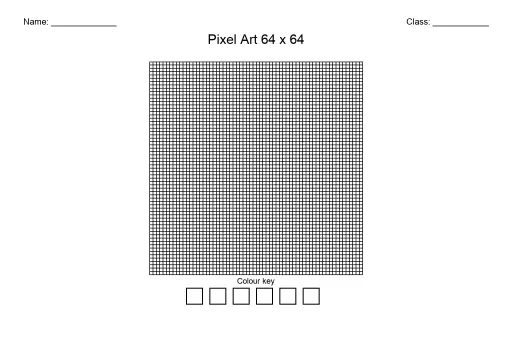
Pixel Art Grid 64x64 (Blank)
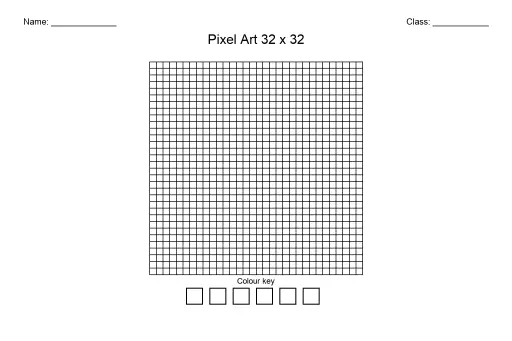
Pixel Art Grid 32x32 (Blank)
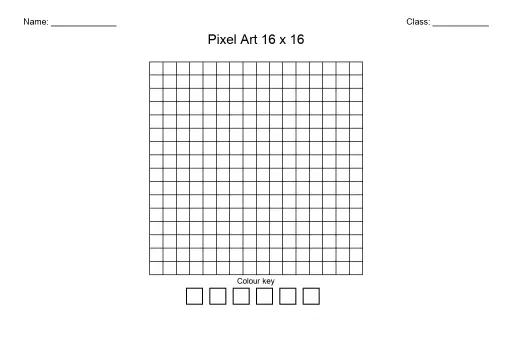
Pixel Art Grid 16x16 (Blank)
 For big organisations
 For schools
 For centers
 For team leaders
 For teachers
 AI and resources
 Printable worksheets
 Interactive simulations
 Teacher tools
 AI studio
 Ideas and research