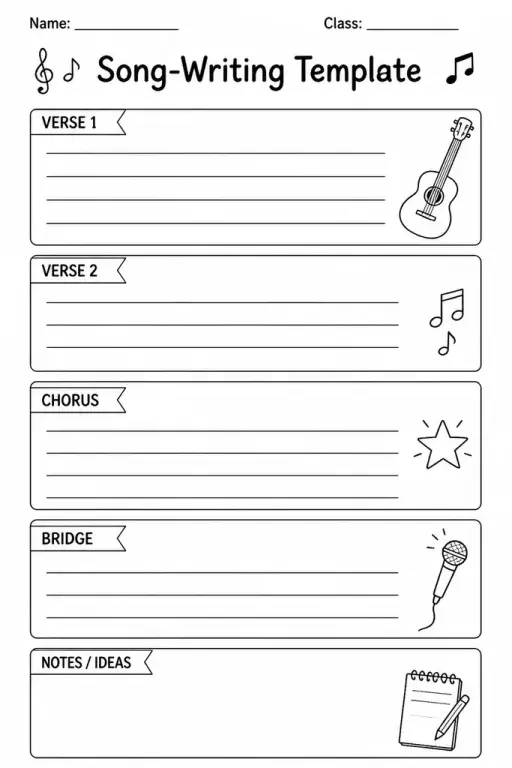
Song-Writing Template
Music Templates
Ages 4–11
——
KiwiBee uses optional Google Analytics, Google Ads, and Meta Pixel cookies to understand adult visitors, measure completed sign-ups, and improve campaigns. Essential cookies always stay on. OpenAI’s ChatGPT Ads Pixel also measures page views and completed enquiries after advertising consent, and may use hashed contact details for matching. Privacy policy

The logo design template combines a structured creative brief at the top — fields for brand name, audience, values, and colour palette — with three blank design boxes below where students sketch different logo concepts before choosing a direction. Grades 4–8 use it in art and design technology classes to experience the real-world process of going from brief to concept. Teachers appreciate the built-in brief section because it stops students diving straight into drawing without thinking about purpose, a common mistake in logo projects. Students can tackle the three boxes as rough, refined, and final, or as three completely different directions. The template is equally useful for school enterprise projects, STEM maker challenges, and any unit that involves branding a product or event.
Professional designers always work from a brief. Including it on the template teaches students that visual decisions — colour, shape, font — should be driven by the brand's audience and values, not personal preference alone.
Each box is for a different logo concept. Students are encouraged to try at least one wordmark (text-only), one icon (symbol-only), and one combination mark, then decide which direction to develop.
The brief section works well from grade 4 onward when students can read and fill in short fields. For grades 4–5, teachers often pre-fill the brief section together as a class before students sketch independently.
Absolutely. Any project that produces a product, service, or invention benefits from a logo. This template fits seamlessly into design-thinking frameworks like Stanford's d.school process.
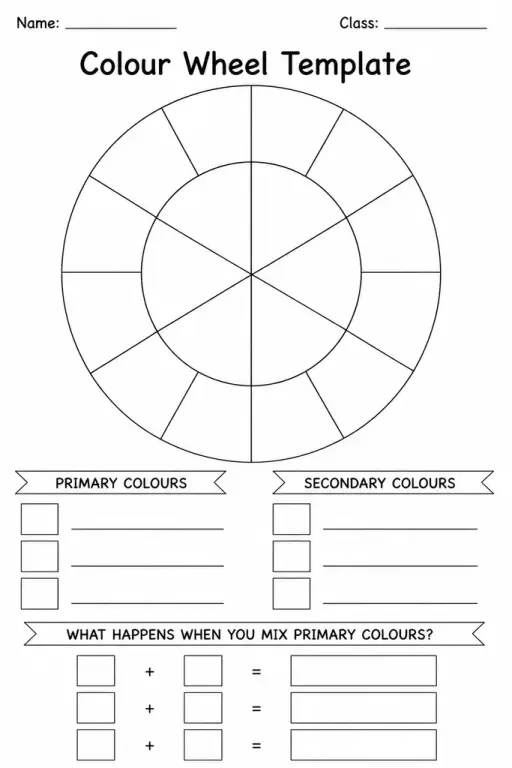

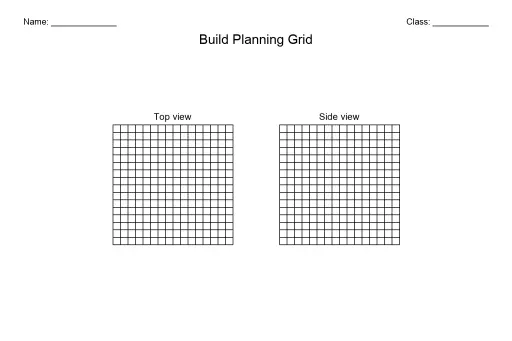
See what other teachers think and share a helpful note.
Generate a fresh worksheet for any grade, topic and language. Free.
 Home
Home All solutions
 Pricing
 About us
 KiwiBee for Non-profits
 Events & webinars
 For big organisations
 For schools
 For centers
 For team leaders
 For teachers
 AI and resources
 Resources
 Printable worksheets
 Lesson Packs
 Interactive simulations
 Teacher tools
 AI studio
 Ideas and research