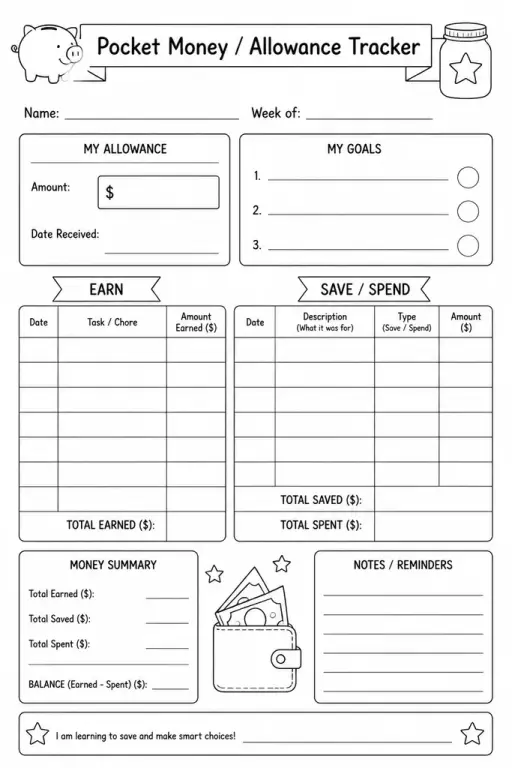
Pocket Money / Allowance Tracker
Parent & Home Printables
Ages 4–11
——
KiwiBee uses optional Google Analytics, Google Ads, and Meta Pixel cookies to understand adult visitors, measure completed sign-ups, and improve campaigns. Essential cookies always stay on. OpenAI’s ChatGPT Ads Pixel also measures page views and completed enquiries after advertising consent, and may use hashed contact details for matching. Privacy policy

The Certificate / Award Template is a blank, elegant achievement certificate that teachers can personalise for any milestone or recognition moment. The decorative border frame and layout accommodate a recipient's name, the award title, a brief description, the date, and a signature line — yet every field is left empty so the same template works for academic achievements, effort awards, attendance recognition, extracurricular accomplishments, or end-of-year celebrations. Designed for printing on standard letter-size paper or cardstock, it looks polished enough to go on a refrigerator door or in a portfolio without any graphic design effort on the teacher's part. Teachers can hand-write details for a personal touch or fill in the PDF fields digitally before printing.
Yes, though cardstock (80–110 lb) gives a noticeably more formal feel. For quick classroom use, standard 20 lb copy paper works fine. For awards going home to families, cardstock is recommended.
If you open the PDF in Adobe Acrobat Reader or a similar tool, you can use the type-text overlay feature. Alternatively, open the file in Canva or Google Slides, add text boxes, and print.
No. The template is free to print as many times as you need for classroom, school, or home use. Print a fresh stack whenever you need to recognise a new set of students.
Because it is entirely blank, it suits any recognition category: academic, behavioural, social-emotional, attendance, or extracurricular. The open fields mean you are never limited to a pre-defined award type.
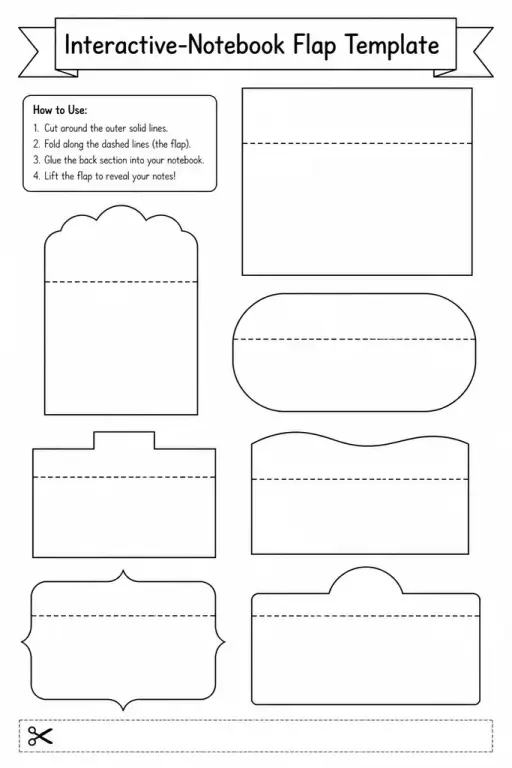
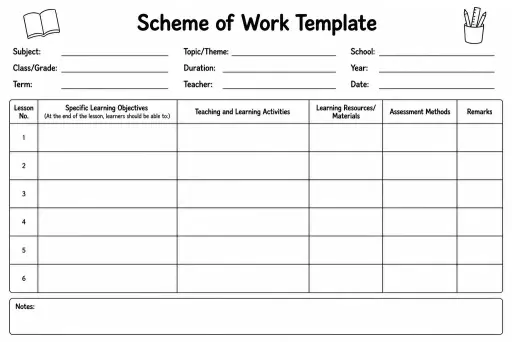
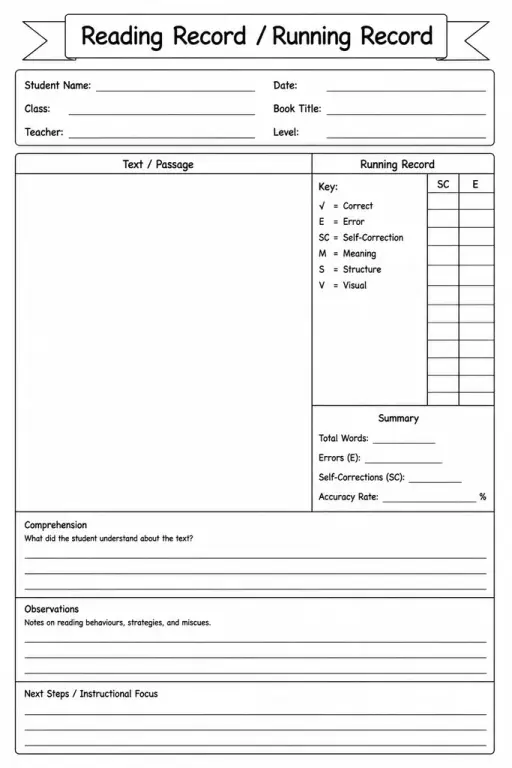
See what other teachers think and share a helpful note.
Generate a fresh worksheet for any grade, topic and language. Free.
 Home
Home All solutions
 Pricing
 About us
 KiwiBee for Non-profits
 Events & webinars
 For big organisations
 For schools
 For centers
 For team leaders
 For teachers
 AI and resources
 Resources
 Printable worksheets
 Lesson Packs
 Interactive simulations
 Teacher tools
 AI studio
 Ideas and research