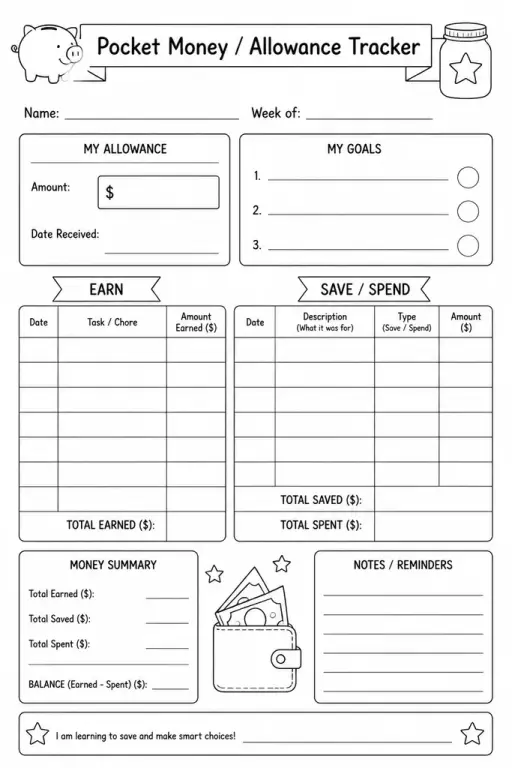
Pocket Money / Allowance Tracker
Parent & Home Printables
Ages 4–11
——
KiwiBee uses optional Google Analytics, Google Ads, and Meta Pixel cookies to understand adult visitors, measure completed sign-ups, and improve campaigns. Essential cookies always stay on. OpenAI’s ChatGPT Ads Pixel also measures page views and completed enquiries after advertising consent, and may use hashed contact details for matching. Privacy policy

The Teacher Weekly Planner is a time-blocked one-page layout that maps an entire school week onto a single printable sheet. Unlike a generic diary, each day is divided into named time slots — before school, teaching blocks, lunch, prep periods, and after school — so teachers can see the full shape of their week at a glance. Every slot is left blank, ready to be filled with lessons, meetings, playground duties, parent calls, or personal to-dos. New teachers use it to build a sustainable weekly routine; experienced teachers keep a fresh copy on their desk as a quick-reference planning anchor. It is equally useful for teaching assistants coordinating their support schedule across multiple classrooms.
The weekly planner focuses on scheduling your time — when things happen — rather than detailing what happens inside a single lesson. It is the structure layer that lesson plans then slot into.
Yes. Simply leave the days you do not work blank or shade them out. The layout still gives a clear view of your active teaching days.
Either works, but many teachers find a brief Sunday-evening review (5–10 minutes) means Monday starts calmly rather than reactively.
It is designed as a fresh weekly sheet so you build a paper record of how time was actually spent. A laminated version with a dry-erase marker is a reusable alternative.
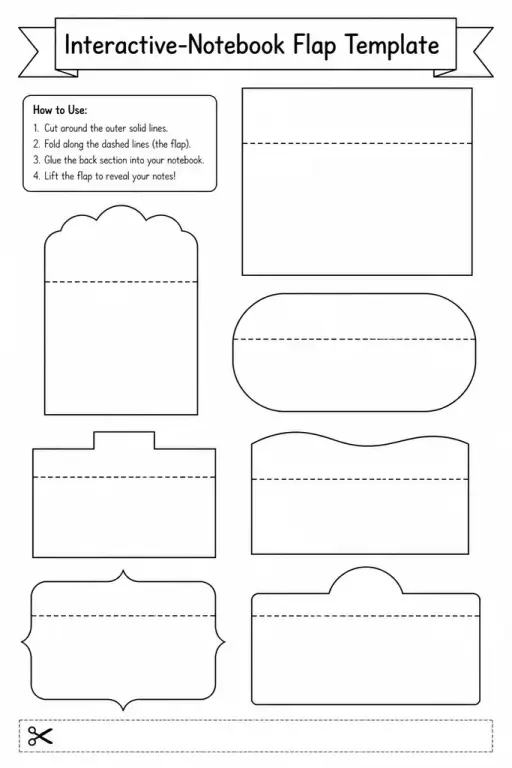
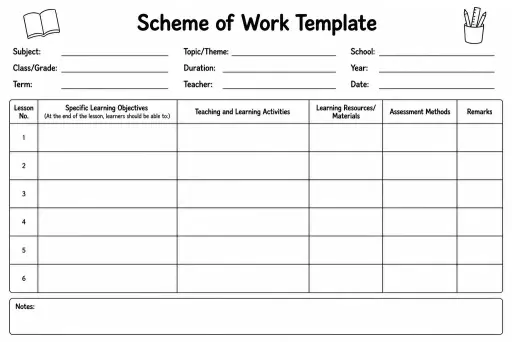
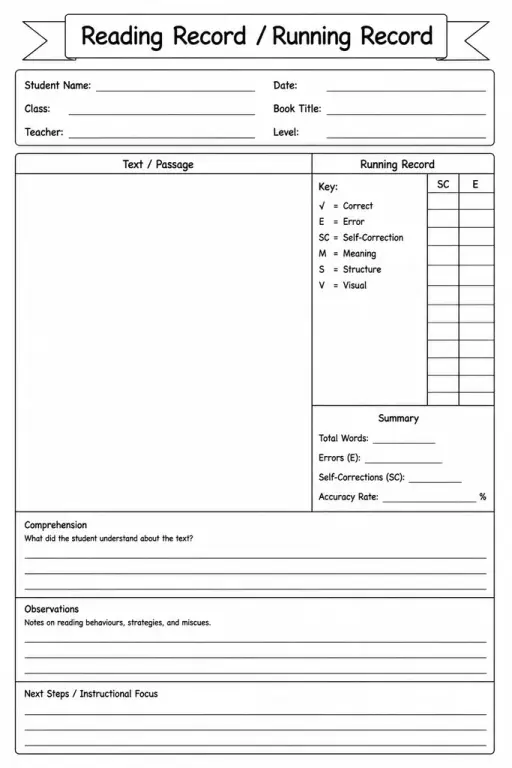
See what other teachers think and share a helpful note.
Generate a fresh worksheet for any grade, topic and language. Free.
 Home
Home All solutions
 Pricing
 About us
 KiwiBee for Non-profits
 Events & webinars
 For big organisations
 For schools
 For centers
 For team leaders
 For teachers
 AI and resources
 Resources
 Printable worksheets
 Lesson Packs
 Interactive simulations
 Teacher tools
 AI studio
 Ideas and research