Practical Ways Teachers Can Use AI Without Handing Over the Teaching
Small classroom experiments can be useful when they save time, fit the age group, and stay within clear boundaries for privacy and planning.
 By KiwiBee· KiwiBee
Last updated July 11, 2026
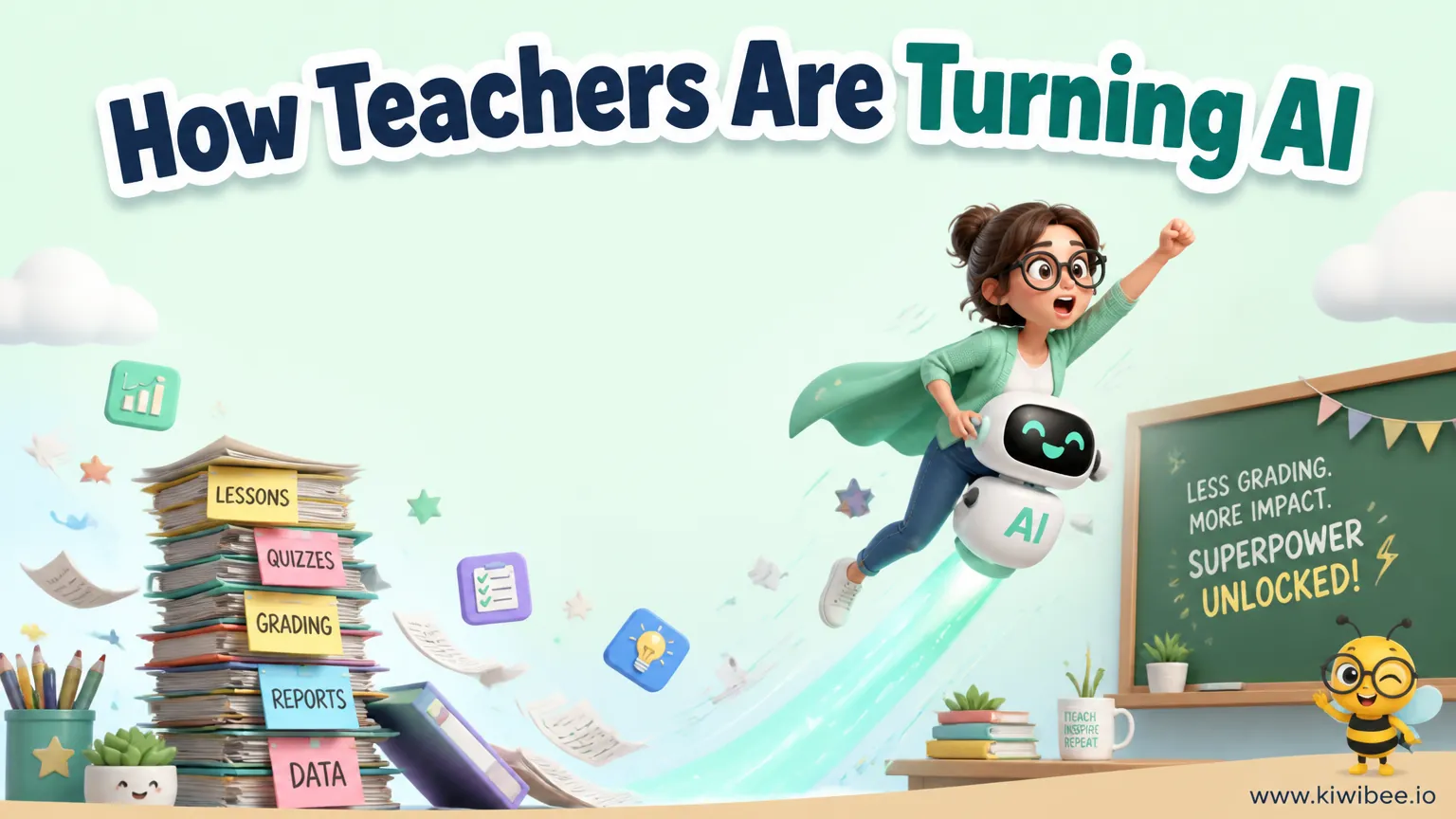
AI in schools often gets discussed in extremes: either as a revolution or as a problem to avoid. In practice, many useful classroom applications are much smaller than that.
The most promising uses tend to share three features. They are quick to set up, easy to stop if they do not work, and clearly under teacher control.
That matters because the question is not whether AI can produce something. The real question is whether it improves the learning experience, fits the students in front of you, and avoids creating extra problems around quality, privacy, or classroom management.
Start with low-risk uses that solve a real classroom need
Teachers do not need to redesign their whole practice to test AI. A more reliable approach is to begin with one narrow use case: an early-finisher task, a speaking activity, a visual support, or a creative extension at the end of a unit.
This keeps the experiment manageable. If the output is weak, the lesson still stands. If the tool works well, it can be repeated or adapted without becoming central to everything you do.
A good first test usually has a clear purpose, takes only a few minutes to prepare, and does not depend on sensitive student data.
- Choose one routine that already exists in your classroom, such as early-finisher work or end-of-unit celebration tasks, and test whether AI makes that routine easier or richer.
- Limit the first trial to one class or one week so you can judge the effect without committing to a full-term change.
- Keep a non-AI backup ready for any activity that depends on a website, image generator, or chatbot.
- Avoid starting with high-stakes tasks such as grading, reporting, or full lesson design until you know the tool's limits.
Use simple AI-generated visuals for flexible classroom materials
One practical use of AI is turning a teacher-created or classroom image into a black-and-white outline for colouring or annotation. For younger students, this can become a personalised early-finisher option. For older students, a similar approach could support labeling, close observation, or revision tasks.
The useful idea here is not the novelty of image generation. It is the speed of making materials that feel specific to the class instead of generic worksheets pulled from a large online bank.
This kind of task is relatively low risk because the teacher can quickly review the output before printing. The main quality check is whether the image is clean, age-appropriate, and actually useful for the intended activity.
- Use AI-generated outlines only after checking that the image is readable, with clear shapes and no distracting details.
- Match the visual task to a learning purpose, such as observation vocabulary, retelling, labeling, or calm early-finisher work.
- Keep printed extras in a folder so the preparation time pays off across multiple lessons.
- Treat AI images as drafts that may need another prompt or a quick edit before classroom use.
Treat student-photo projects as occasional events, not everyday routines
Some AI tools can turn a still photo into a short video or place a person into a themed scene. In school settings, these activities may feel special to students, especially when tied to a celebration, a class reward, or the end of a topic.
But the practical value depends less on the software than on restraint and policy compliance. Once student photos are involved, the risk profile changes. Consent, safeguarding expectations, storage rules, and local school policy all matter more than the novelty of the final result.
These projects are best seen as occasional enhancements. When repeated too often, they can become less meaningful and harder to justify. They may also create equity problems if some students cannot be included because of permissions.
- Check school policy before uploading any student image to a third-party AI tool, even for a short celebratory activity.
- Confirm that photo permissions are specific enough for the intended use rather than assuming general media consent covers AI-generated content.
- Plan an alternative version of the activity for students whose images cannot be used.
- Use student-photo AI projects sparingly so they remain memorable and do not become a standing expectation.
- Review outputs carefully to make sure the generated image or video does not distort a student's appearance in an odd or uncomfortable way.
Use themed avatars when they support belonging or unit identity
Generating themed avatars for students or teachers can be a small but effective way to build atmosphere around a unit. A class studying ancient history might use historical-themed name cards; a science class might use lab-themed icons; a literature class might use character-inspired profile images.
This works because it is lightweight. It does not ask AI to do the teaching. It simply adds visual coherence to the classroom environment or digital platform.
The main caution is to keep the output respectful and appropriate. Teachers should avoid stereotypes, low-quality caricatures, or designs that may embarrass students.
- Use avatars to reinforce the current unit, class roles, or reading theme rather than adding decoration with no instructional link.
- Let students opt out of public display if the avatar will appear on a wall, platform, or shared screen.
- Check that themed images do not reduce cultures, time periods, or identities to costume clichés.
- Print or upload avatars in places where they help routine tasks, such as name labels, group cards, or discussion boards.
Roleplay with chatbots can support speaking and questioning skills
For older students, a chatbot can function as a roleplay partner when given a clear historical, literary, or professional role. Students can interview the character, test their questions, and practise spoken interaction in pairs.
This can be particularly useful when the goal is oral language, curiosity, and follow-up questioning rather than factual precision alone. A Roman senator, a story character, or a museum curator can give students a reason to ask better questions and listen carefully to the answers.
However, this is not equally suitable for every age group. Younger students may struggle with typing, turn-taking, or evaluating the quality of responses. Even older students need guidance because chatbot answers can sound confident while being inaccurate or oversimplified.
- Choose chatbot roleplay for students who can manage the interface and discuss whether the answers make sense.
- Give the AI a narrow role prompt so students are not dealing with vague or inconsistent responses.
- Ask students to prepare a short list of planned questions before the interaction begins.
- Build in a verification step when factual accuracy matters, especially in history or science.
- Use pair work so one student can speak and question while the other monitors notes, relevance, and follow-up questions.
Animation tools can turn student drawings into strong creative payoffs
Animating student drawings can provide a memorable end point to an art, literacy, or storytelling unit. The value lies in giving students a visible outcome for their own work rather than replacing their creativity with generated content.
This approach fits well when students first design a character or creature by hand and then use a tool to animate it. The AI component is secondary. The student's original drawing remains the centre of the task.
Because the learning begins with student-made work, this can be easier to justify than fully generated creative output. Still, teachers should test the tool beforehand to check ease of use, browser reliability, and whether the animation result matches the age group.
- Start with student drawings on paper or screen so the technology extends original work instead of replacing it.
- Test the animation process in advance with one sample drawing to spot technical issues before the lesson.
- Use the animated result as a prompt for writing, oral storytelling, or reflection rather than treating it only as entertainment.
- Set clear time limits so the tool enhances the unit climax without taking over the whole lesson.
Do not outsource lesson planning to AI
One of the clearest limits of classroom AI is full lesson-plan generation. A tool can produce a plausible-looking lesson quickly, but that is not the same as producing a lesson that fits a specific class, sequence, curriculum, and teacher intention.
Generic plans often miss important details: what students already know, where they tend to struggle, how the school's scope and sequence is organised, and which misconceptions need attention. They may also suggest activities that sound polished but do not match the actual time, resources, or classroom culture.
A more useful approach is to treat AI as a first-draft assistant. It can help generate examples, discussion questions, scaffold options, model texts, or differentiated versions of a task. The teacher still decides what matters.
- Use AI to draft parts of planning, such as hinge questions, exit tickets, model paragraphs, or vocabulary lists, rather than the whole lesson.
- Check every generated idea against your curriculum sequence, class readiness, and assessment purpose.
- Remove any activity that sounds impressive but does not clearly support the learning goal.
- Keep final decisions about pacing, grouping, challenge level, and support with the teacher, not the tool.
A simple decision framework for school use
Whether you are a classroom teacher trying one activity or a school leader shaping guidance, it helps to evaluate AI uses with the same practical questions each time.
The strongest uses are usually not the most dramatic. They are the ones that save preparation time, add a clear learning benefit, and can be used safely with predictable oversight.
- Ask what problem the AI use is solving: saving preparation time, extending practice, improving access, or enriching presentation.
- Ask whether the same result could be achieved just as well with a simpler non-AI method.
- Check what data, images, or student information the tool requires before approving classroom use.
- Decide who reviews the output before students see it; teacher review should be assumed, not optional.
- Consider frequency: some AI uses are best as occasional experiences, while others may fit regular routine support.
- Plan what students should learn from the activity beyond using the tool itself.
Keep the teacher at the centre
The most useful classroom AI applications are often modest. They help produce a visual, create a roleplay partner, animate student work, or generate a draft that saves time. They do not replace professional judgment, curriculum knowledge, or relationships with students.
That distinction matters. When AI is used as an assistant rather than a decision maker, it is easier to evaluate, easier to stop, and more likely to support real teaching goals. Schools do not need to choose between total adoption and total rejection. They can choose careful, visible, reviewable uses that serve the classroom rather than redirect it.
Explore the platform
Continue with KiwiBee
Choose the KiwiBee workspace or resource library that fits what you need next.
Related posts
How AI Can Make an English Teacher's Job Easier
From auto-drafting reports to building 4x4 pair-work mats and vocabulary colouring books, here are seven AI uses that save English teachers real time.
The Future Classroom: How AI Will Transform Education
Imagine a classroom where AI tracks student engagement in real time, auto-grades worksheets as they are completed, and gives teachers voice-activated tools. The future is closer than you think.
Best AI Teaching Tools for Lesson Planning in 2026
A 2026 ranking of the best AI teaching tools for lesson planning, comparing KiwiBee TeacherLab, MagicSchool.ai, Eduaide.ai, Diffit, and Curipod on quality and integration.
 For big organisations
 For schools
 For centers
 For team leaders
 For teachers
 AI and resources
 Printable worksheets
 Teacher tools
 AI studio
 Ideas and research